WP Menu spacing problem

Hello,
i have a spacing problem in my WP Menu.
Screen:
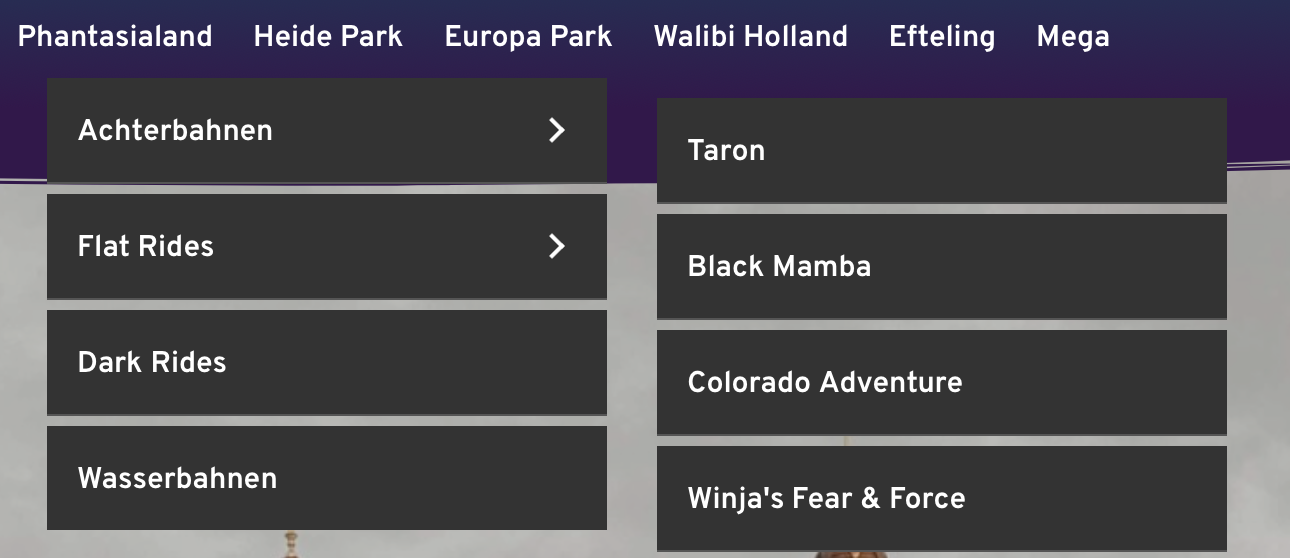
I cant change the spacing... I want that it look clean and good. How can I achieve this?
Greetings from Germany!
-
I dont have any Menu Plugin activated and i use the newest version of Brizy.
1 -

Hi Fabio,
is this a Brizy menu? By default, there is no such space. There is only a bit of space between the sub-menus:
https://jmp.sh/78C6svcSo probably this space is added by an external plugin or you have a custom CSS code. Can you please deactivate all your external plugins and check again? Also, please make sure you have no CSS code for sub-items.
0 -
Hi Alex,
all my external plugins are deactivated and i don't have custom CSS code.
I have changed my theme from "Twenty Twenty" to "Twenty Nineteen" and now it looks like this:
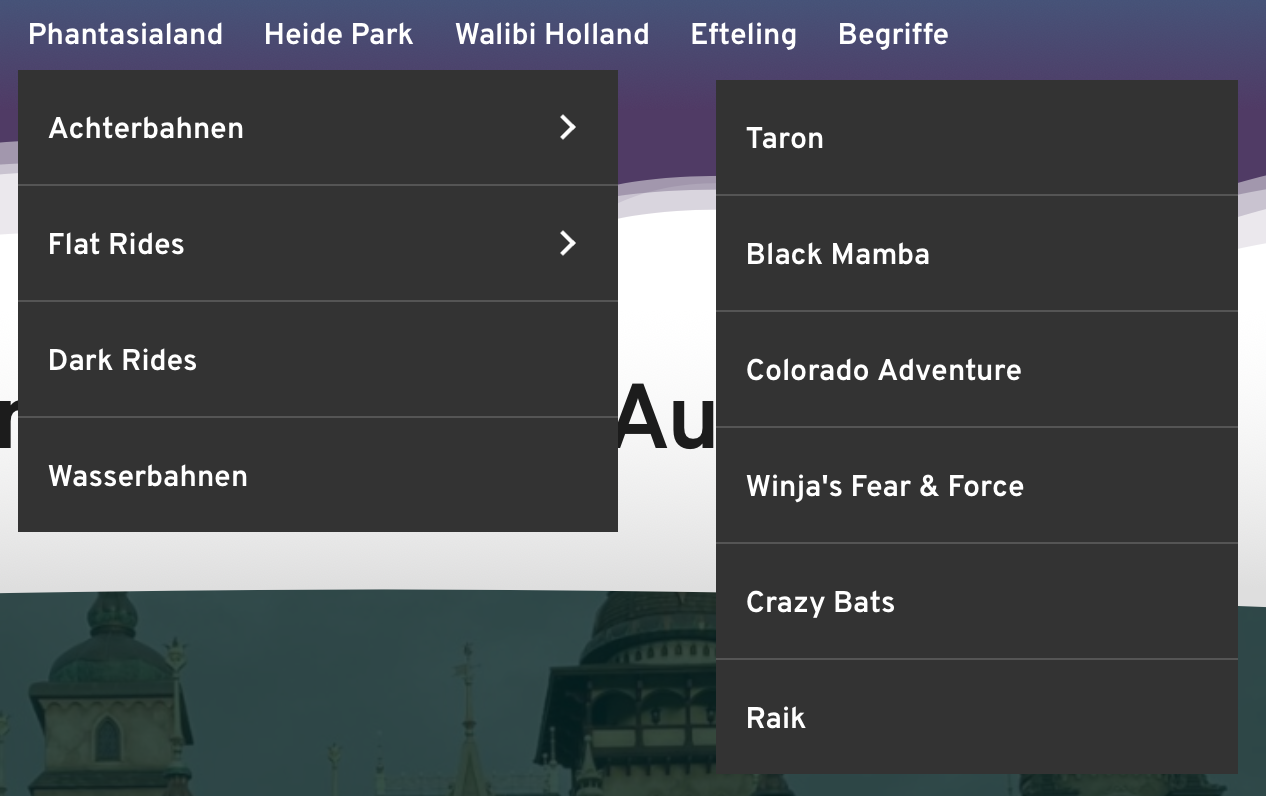
Unfortunately your link (https://jmp.sh/78C6svc) isn't working. I think there will be the space like on my new screenshot.
Can I change the space? Or can you recommend a menu plugin thats working good with brizy?
0 -
Hi,
yes, there is a small space only between sub-menus: https://jumpshare.com/v/HdIwthZIZS2KTHvle6Qn
The space you have is added by the theme you use, so you can reduce it with custom CSS. Here's a hint for you: https://jmp.sh/TMfmNBX
0
Please sign in to leave a comment.
Comments
4 comments