meet : something went wrong

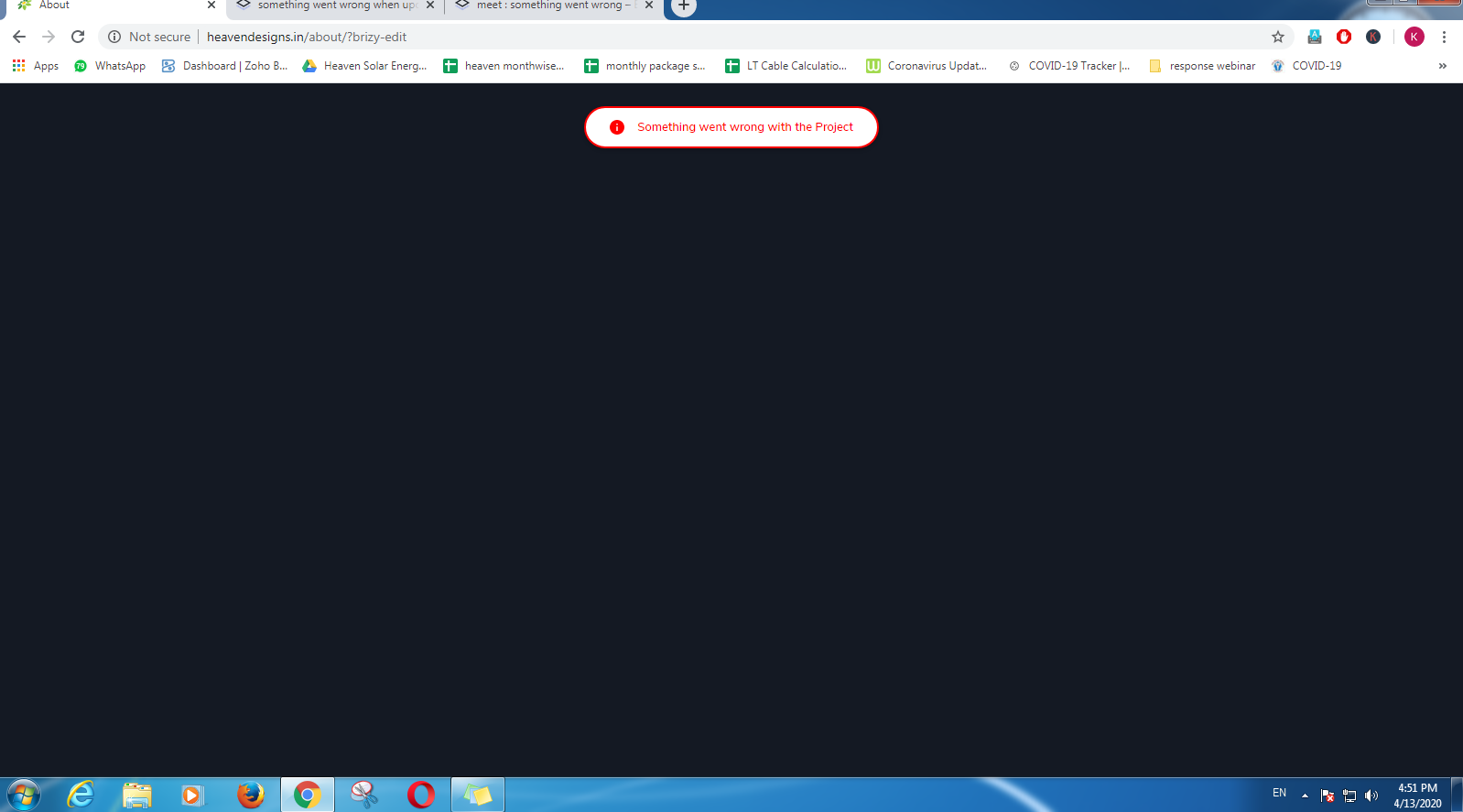
i meet this then i just update to : 1.0.122, and wp version is : 5.4, now same, show this , unable to edit.

-

Hi,
I have created a ticket for you so please send the login details there and we will look into it. Thanks.
0 -

Hello, I have the same issue happening just for the WooCommerce store page.
I have raised a ticket too.
Thanks for your help in advanced.
0 -
Hi,
From what I've seen you already have an answer.
At the moment, you cannot edit WooCommerce pages with Brizy. You can use only a few WooCommerce items on a Brizy page:
0 -

@alex,
Can you please help me? I am facing same problem. I am unable to edit.Thanks
0 -
 0
0 -
Hi @keyur rakholiya,
I have already created a ticket for you. Please provide your login details there and we will look into it. Thanks.
0 -

Hello,
I just updated Brizy to the latest version and WP as well. Then, I have the same issue that "something went wrong" appears.
Could you give me a help on this?
Thank you for your support.
0 -
Hi Risa,
Two other users from this post did not come to us with the login data, so we did not find the cause.
Can you please confirm that the pages you are trying to edit were created from scratch with Brizy? If so, and if you have the latest Brizy versions - Free 1.0.124 and PRO 0.0.4, please send your login details in a private request and we will look into it. Thanks.
0 -

Hello i have the same issue with brizy in my page how to fix it
0 -
Hi,
please confirm you have this issue with the latest Brizy versions - Free 2.1.5 and PRO 2.1.3. Once confirmed, I will create a private ticket for you and we will look into it. Thanks.
0 -
its free version 2.1.5
0 -
I have created a private ticket for you.
0 -

I am having this issue, too. Just did a fresh install of Brizy Free and Brizy Pro and I also tried to use both Neve theme and Blocksy. https://acting.leslielello.com/home/
And when I try to click "Edit with Brizy" I get the blank screen with the spinning wheel of death in the middle and the note at the top that says "something went wrong"
0 -
Hi,
I have created a private ticket for you so please send your login details there and we will look into it. Thanks.
0
Please sign in to leave a comment.
Comments
14 comments