plugin error

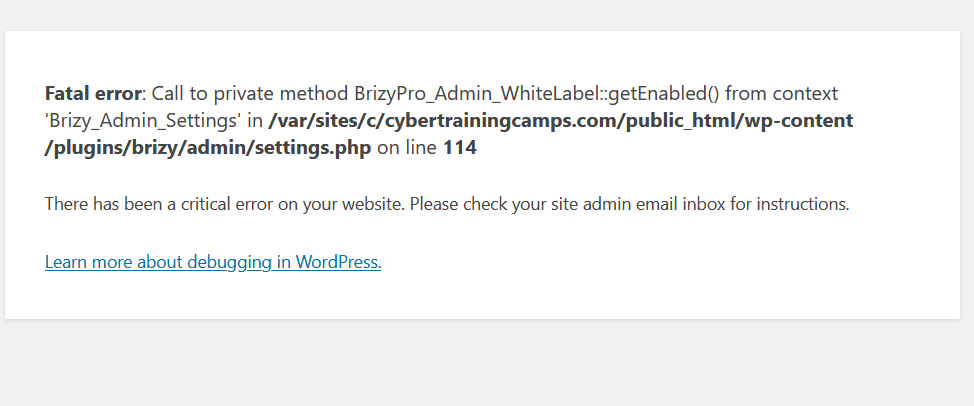
i get this error anytime i try to activate the plugin
-
 0
0 -

Hi,
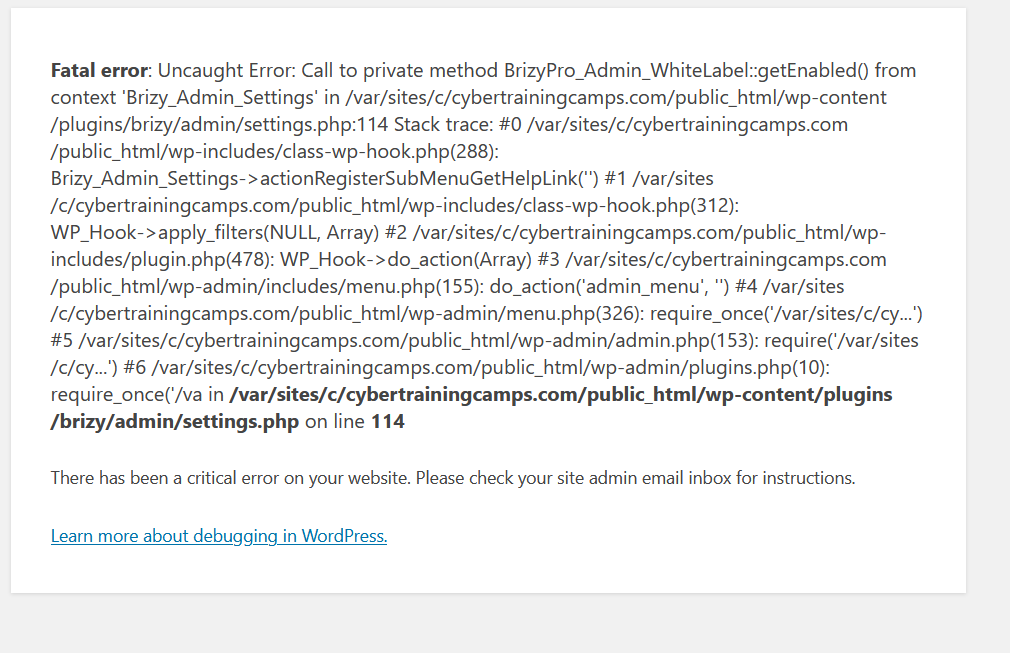
try to delete the Brizy PRO plugin, update the Free plugin to the latest version 1.0.121 and then re-install the Brizy PRO. If you cannot access the dashboard, all you have to do is delete the plugin folder from the File Manager. You can log in via cPanel or FTP. After you have deleted the folder, install the latest version of the Pro plugin manually. This will solve the problem.
0 -
 0
0 -
i did what i said
0 -
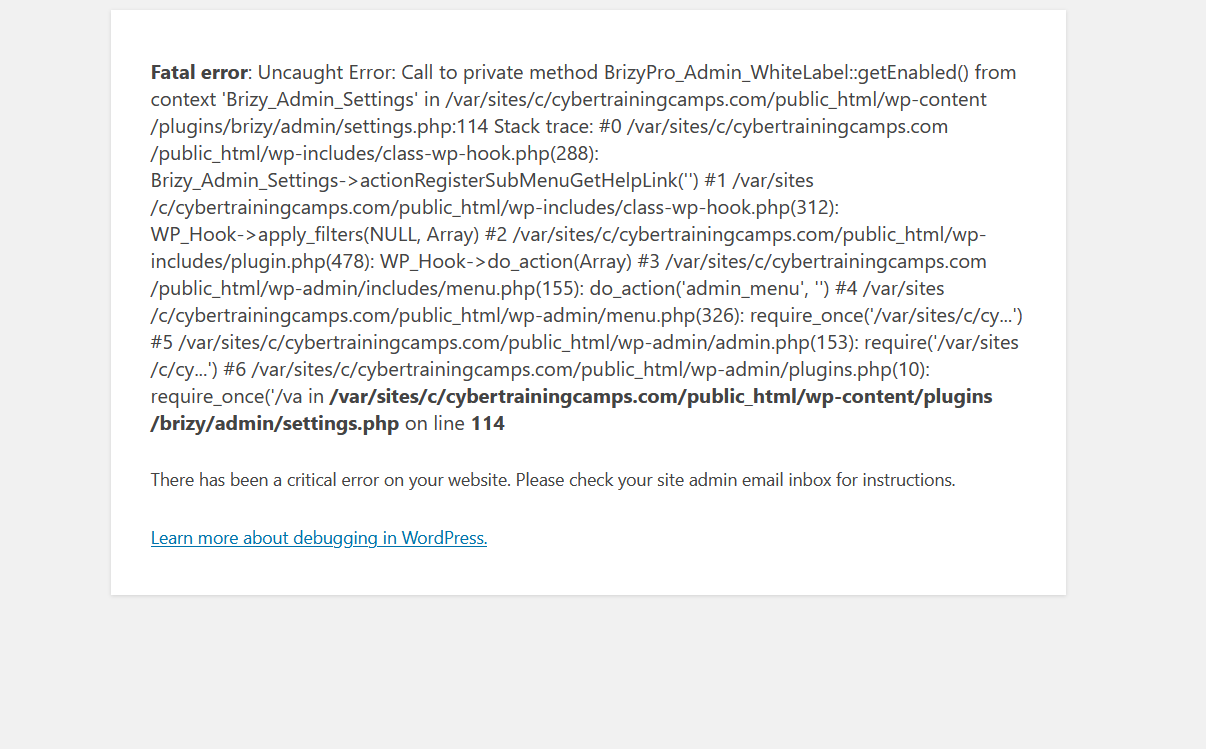
no update , it still crashes the site , new installation
0 -
have you deleted the Brizy file from File manager? If you did this then you should be able to access your dashboard and install Brizy again. You can install Brizy Freee from WordPress library and Brizy PRO from your brizy account.
All these problems would be solved with a manual update of the plugin. But the first thing you need to do is delete the plugin from the File manager. Did you do that?
0 -
i did all that , by the way the free version worked its the pro thats giving me problems and its manual
0 -
there was a temporary problem with the PRO update so I recommend doing it manually. If you will delete the PRO plugin from your site and install the latest version(0.0.39) manually everything should be ok.
If you have this problem after manually updating, please send us the login details in a private request and we will inspect the problem.
0
Please sign in to leave a comment.
Comments
8 comments