Brizy Maintenance Mode

Hi,
Adding an image into the maintenance page does not work... Image shows as broken on the live coming soon or maintenance page.
Thanks
-

Hi,
Which maintenance page do you refer to? Do you have a coming soon plugin or is this a theme feature? Brizy itself has no option to set up a maintenance page.
0 -
The maintenance mode recently added to Brizy in the latest update. Images are still broken when added to this page.
0 -
oh, sorry. My mistake. It was planned for a future update, but I see it has been decided to be added in 1.0.118.
Let's inspect the problem you have. Can you please send the link to your website? Or a screenshot of the problem? I just checked the Maintenance&Coming soon pages and both works well. The images are there.
btw: meanwhile, a few updates have been released with fixes so please update Brizy to the latest versions - Free 1.0.121 and PRO 0.0.38 and check again.
0 -
triplerbars.com
0 -
I can't access the link provided: https://jmp.sh/PbmIT5h
0 -

I'm having the same problem here, the header image does not appear and neither does the popup image. (pipelux.com)
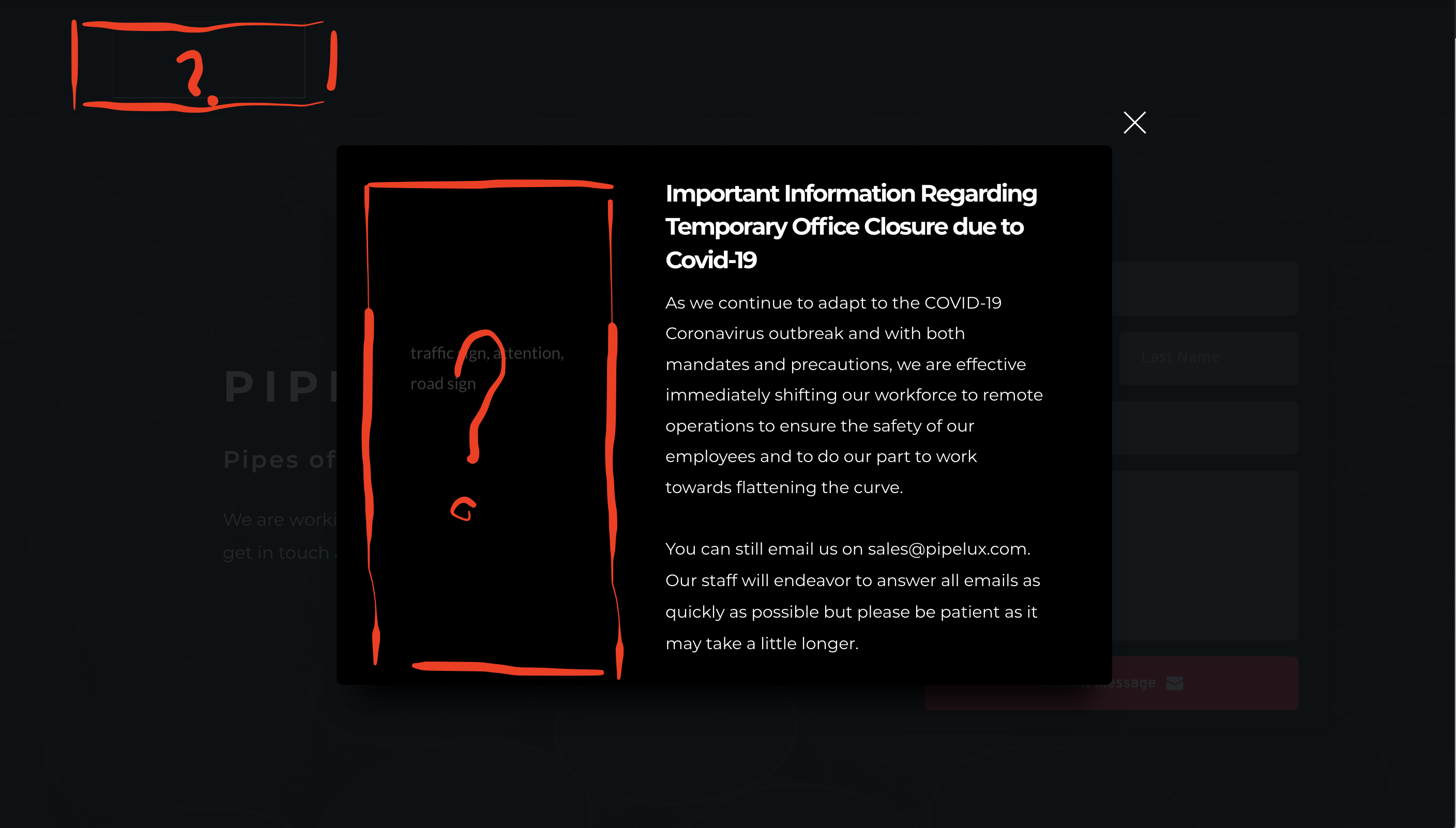 0
0 -
Hi,
I can see the pop-up image but not the logo: https://jumpshare.com/v/6THZ60ngQceXzkJ5ztQ0 Do you have this problem on all pages or just for maintenance mode?
Also, please make sure you have the latest Brizy versions - Free 1.0.124 and PRO 0.0.41
0 -
Thanks now the popup is okay! ... Only happens in the maintanance mode,
0 -
Hi,
I did several tests and I confirm that there are problems with this option. Images do not appear. I have forwarded this to the devs and it will be fixed soon.
What you need to do now to temporarily fix the problem is to create a new page, and then set it in the Brizy settings as the Maintenance page. The idea is not to customize the page after it has been set as the maintenance page. In this case, everything will work fine.
You can use the "Save Block" option to move your sections to a new page: https://jmp.sh/bh73PCo
0 -
Thanks Alex! i´ll try that.
0 -
Thanks for sending this problem to the developers.
0 -
Let me know if the above temporary solution worked for you. The problem should not occur if you do not edit the page after it has been set as the maintenance page.
0
Please sign in to leave a comment.
Comments
12 comments