Brizy editor view is not working

Trying to load brizy page editor, however, when attempting to load the page nothing appears except a blank white screen (no tools, no webpage, no navigation).
Is there a general plugin error at the moment, as we haven't changed anything on our website since updating the plugin and everything was previously working fine?
-

Hi Joshua,
Nothing has been reported in this regard, so it should not be a general problem. I have created a ticket for you so please send the login details there and we will inspect it on your WordPress installation. Thanks.
0 -

Is there any fix? I'm also having this issue!
0 -
Hi Mark,
It was a conflict with one of the external plugins. Can you please confirm that you have the same problem even if you disable all external plugins?
Also, please make sure you have the latest Brizy versions - Free 1.0.123 and PRO 0.0.39.
0 -

Hi,
Im having this issue also. It just keeps loading. I've tried closing the tab and reopening it. Does not work.
What plugin could possibly cause it to stop working?
0 -
Hi,
There is no answer to this question. There are more than 50,000 plugins on WordPress so any of them can create a problem. You need to disable all external plugins and then activate them one by one. If the problem persists even if you disable the plugins, then we will have to inspect this more deeply.
0 -

Hi Guys.
Lately, sometimes I have problems with Brizy editor. I can't edit pages with Brizy. It just loading and show the message "Something went wrong with the Project " in the image
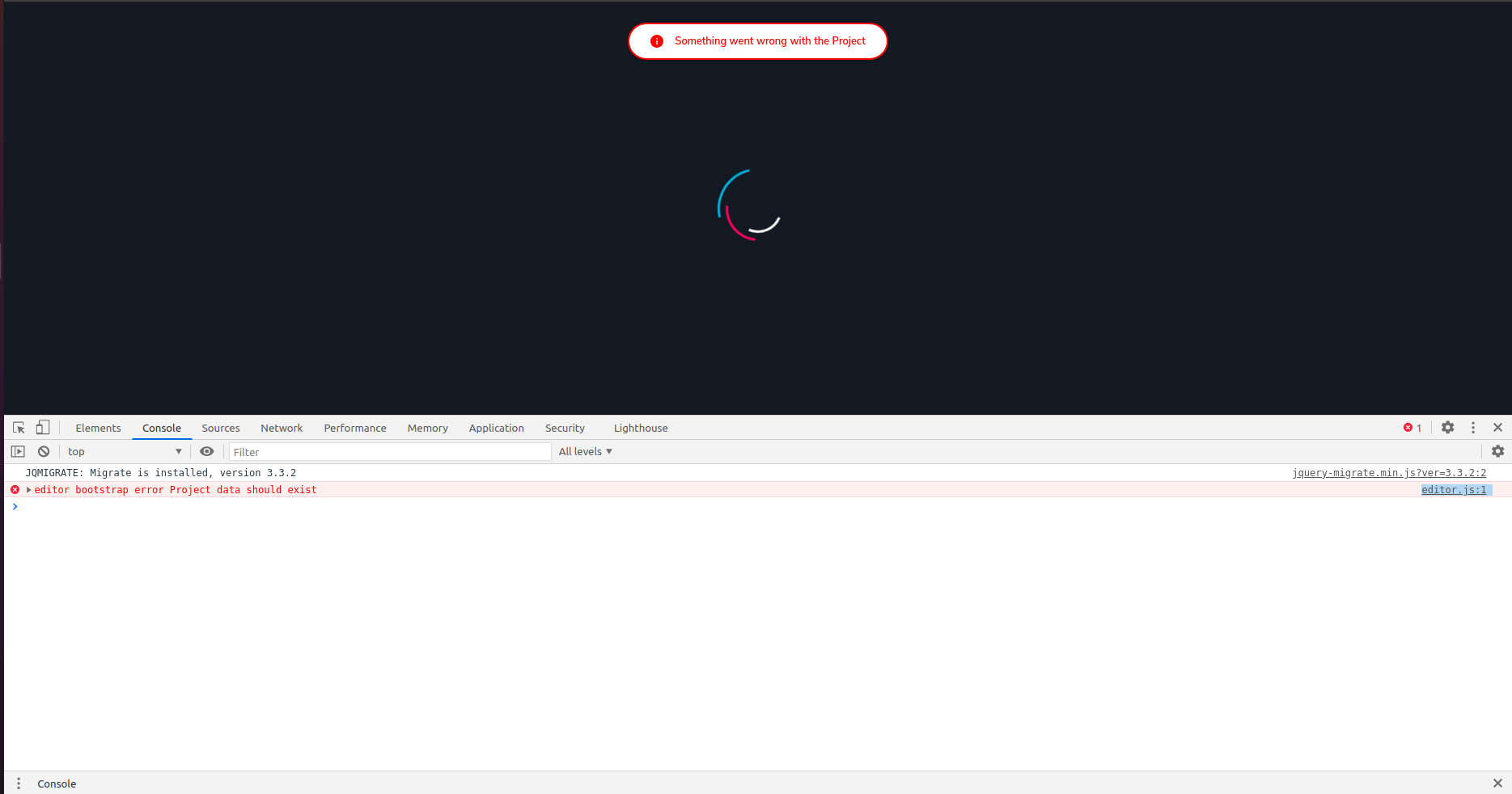
- I tried to fix it in different ways as:
+ Update Brizy and Brizy pro-Plugin
+ Deactivation test some a few plugins: Rank math SEO, Updraft, WP Fastest Cache
+ Restore previous Updraft-Backup, It works. But I think that's not effective. If I implement backup, It takes quite a while to find the correct version to restore.
- I don't know that problem happen. Can you support me with that? I hope I can get help as soon as possible.
Thank you so much.
0 -

Hello!
Thank you for your message.
Unfortunately, I can not share the fix here, in the public forum. This is a "sensitive" kind of issue :) and it should be fixed ONLY by our devs. Therefore I switched your comment to a private message and You should receive a message asking for your wp credentials. Please, give us an admin role
Thanks!
Natalia
0 -

Hi, Experiencing the same problem so I believe this is a general issue. My clients like to edit the website on a mobile device. I reproduced the problem myself and it looks when you publish the page it keeps loading forever, and a referesh breaks the whole site (see attachment)
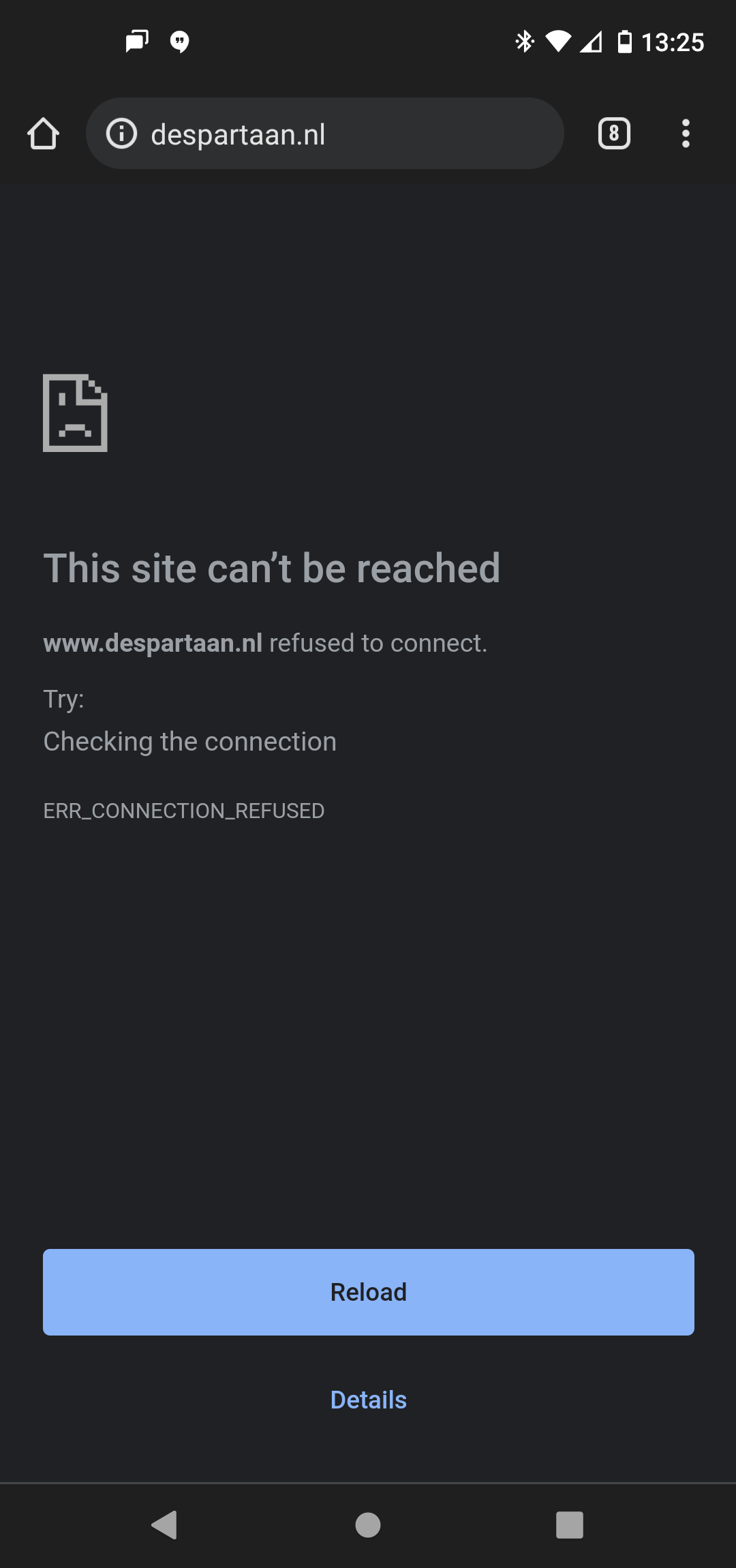 but just on the mobile device, the desktop version is running normaly. Is there a fix for this and can ido something to see the site on my mobile again?0
 -

Hi T. KUPERUS
I checked your site https://www.despartaan.nl/ on a mobile and it seems to load fine at my end.

We do not recommend editing the website on a mobile device. Ideally you should use a widescreen device to design web pages using Brizy
0 -
Thankyou for taking a look but we found out that The security Plugin Wordfence doesn't play nice when you edit a page in Brizy on mobile. Wordfence thinks that is an illegal activity and will block the IP. We removed Wordfence Plugin and do not see the same problem. Do you have a suggestion for another security plugin that works well with the Brizy builder?
0 -
Hi T. Kuperus
A security plugin like Wordfence can interfere with the working of Brizy. However you don't need to get rid of the plugin just because it is incompatible with Brizy. Here is a possible work around.
Wordfence usually interferes only when you are using Brizy to edit files or making some updates. You can keep Wordfence deactivated during the development process and when the site goes live, you can activate it again.
Please also try this. Reverse all the high security settings and go with the default security settings of Wordfence and check if it it conflicts with Brizy. If this helps then use the default security settings during development and revert to high security when the website goes live.
0
Please sign in to leave a comment.
Comments
11 comments