Button Text

Hi,
How do I add more that one row of text on a button?
-

Hi Brian,
Normally you can't do that because the button element doesn't allow that. But, you can use different tricks.
For example, you can add <br> and in the front end it will be treated as an HTML tag: https://jmp.sh/0HXFoZ6 -> https://jmp.sh/oQj3uno
Also, you can create custom buttons(html&css) and add them through the Embed element. To style, a simple link as a button is another solution.
0 -
It Works! Thanks
0 -
I'm happy to help ;)
0 -

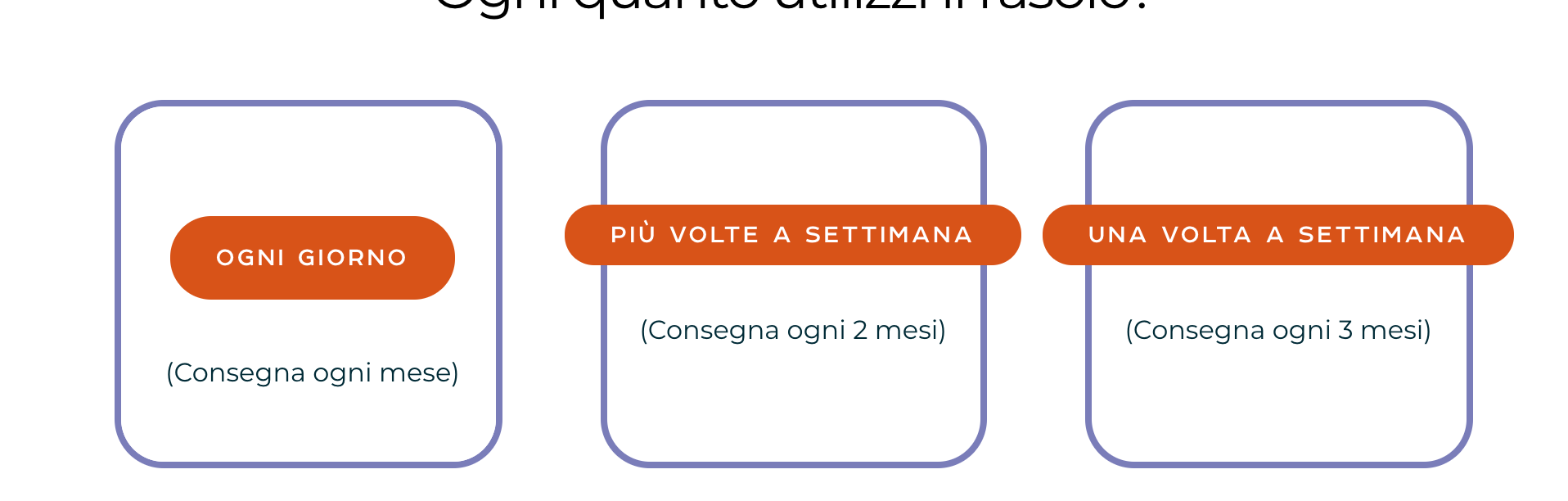
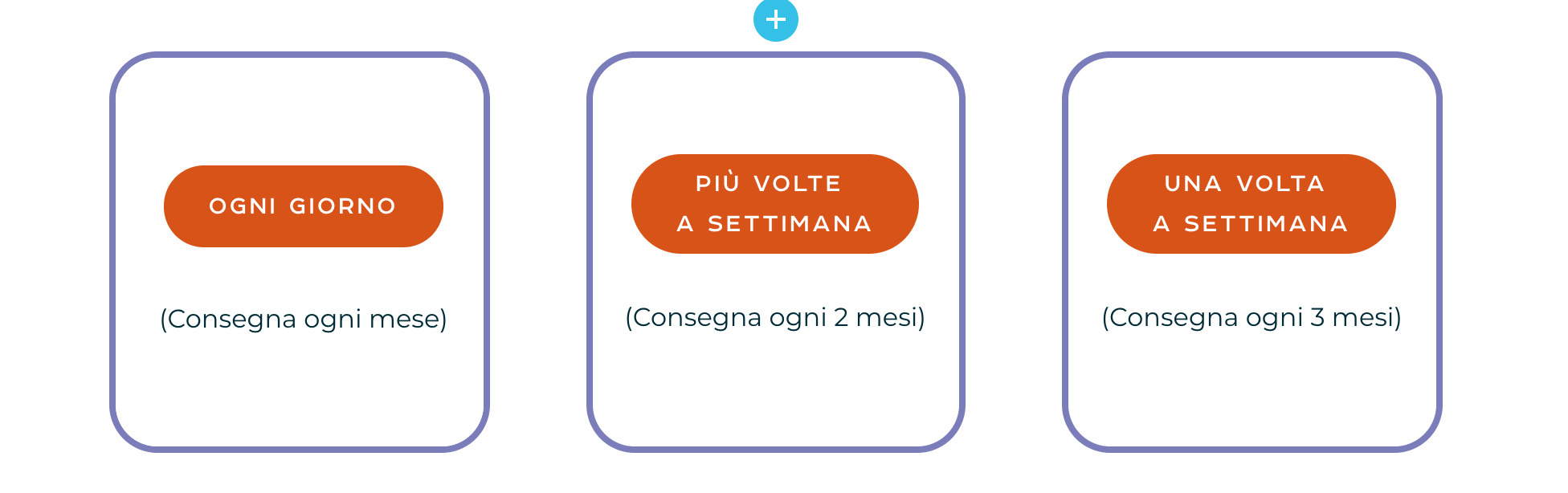
Hello Alex! I've used the <br> trick that you mentioned, and in the editing I see the buttons as i would like them to be (text in 2 rows). However, when I preview the page the buttons don't display correctly.
Please see screenshots attached and let me know. Thanks!
 0
0 -
Hi,
It was a trick offered 10 months ago. I'm not sure if it still works))). Do you have optimization plugins? If you inspect the code in the frontend, do you see <br> in the code?
0
Please sign in to leave a comment.
Comments
5 comments