Menu disconfigured after updating to 1.0.117

Hi,
Attached is the screen shot of how the menu is showing: like a list (vertical) it shoud be horizontal, and it is repeating. And it changed the color too.
I activated the "make it hamburger" option but it doesn't work, the menu doesn't open up, you cannot click it, so you cannot navigate inside the website.
Please let me know what to do.
Daniela C.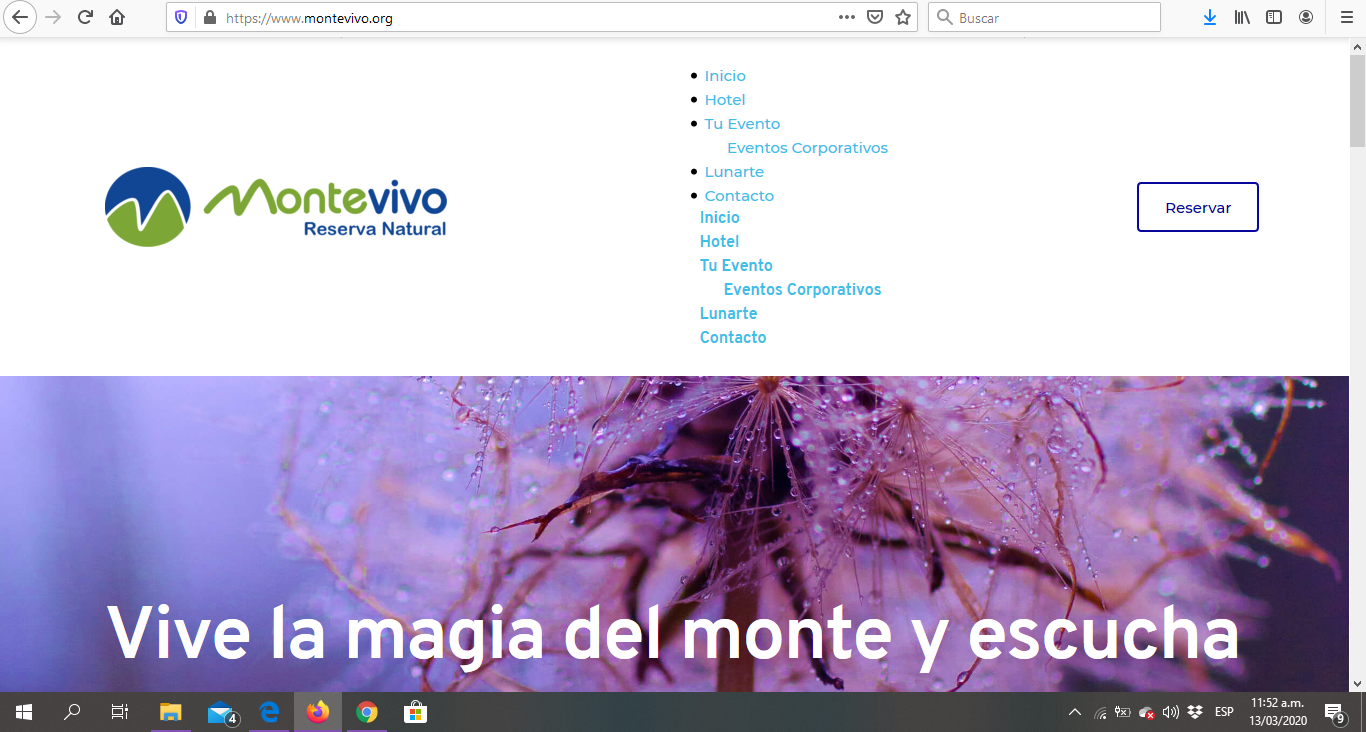
-

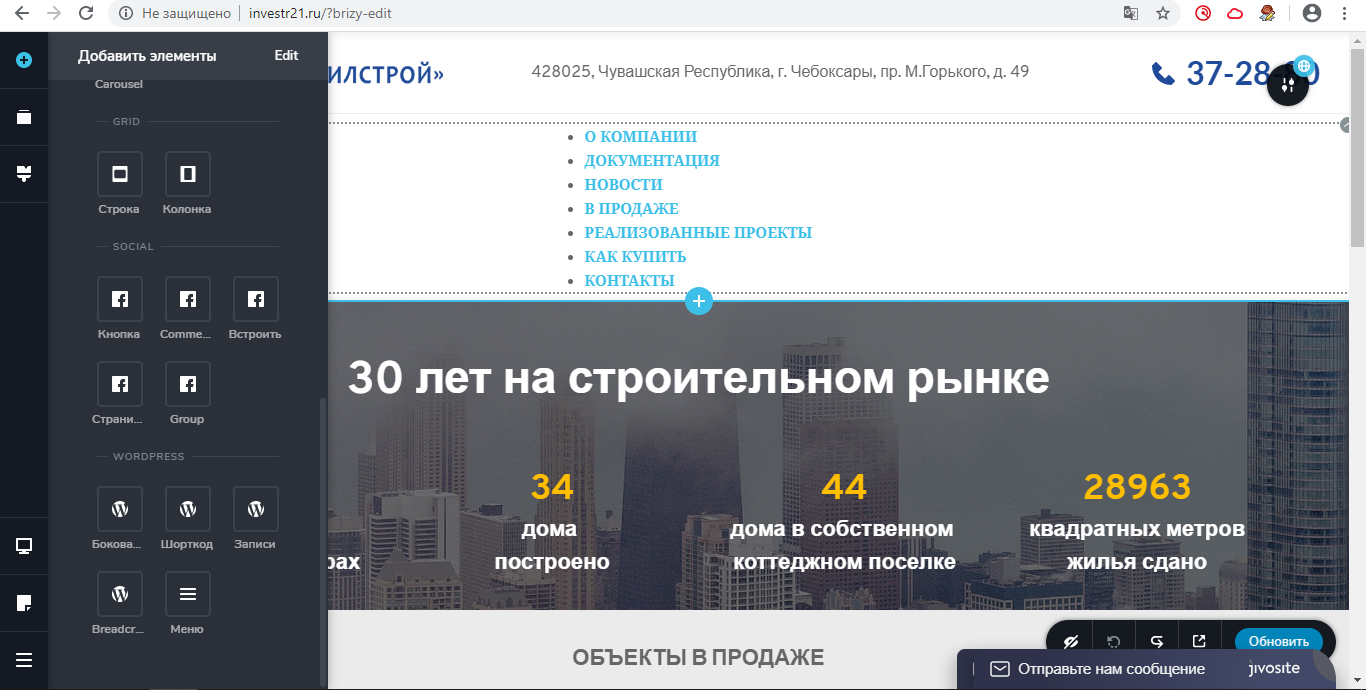
the same thing happened on my site after the update
help me
 0
0 -

Hi,
1.0.117 is the latest version for Brizy Free. What about the PRO? Do you have the latest version: 0.0.36?
0 -
brizy pro 0.0.34 license expired in February 2020. how to downgrade brizy free
0 -
No, I'm only working with Brizy Free because it has everything I need for now. And with the previous version it was working well.
0 -

Hello Daniela,
did you try disabling your other plugins?
0 -

Hello Daniela, we had the same problem, you should update brizy pro to latest version: 0.0.36
0 -
My problem is solved
The license for brizy pro (0.0.34) has expired on 02/12/2020
at that time, the current version of brizy free 1.0.114

After the update on 1.0.117, the problems started by me above started

in order to download the necessary build, I had to manually write the link https://downloads.wordpress.org/plugin/brizy.1.0.114.zip

who needs another build just change to your number


deactivated and brizy free 1.0.117 and deleted

then installed the build I need 1.0.114 and it worked
0 -
Hi,
The menu is a PRO feature so if you want everything to work well you should always have the latest versions of Brizy PRO and Brizy Free.
If the license has expired and you can no longer upgrade PRO, you must stay with the latest version of Brizy Free in which the Menu worked. But, in this case, we will not be able to provide support.
Brizy Free and Pro are interconnected and you cannot have the latest version of Free and an old version of PRO. They both have to be up to date.
0 -

I have the pro unlimited version and when I have updated brizy and brizy pro on a couple of websites, it has broken the look of my menu like the photo above. uninstalling/reinstalling it didn't work. I do not feel secure in using this for websites knowing that it can break so easily. The recommendations above didn't work. Is Brizy working to fix this?
0 -
Hi,
Can you please send the link to your website so we could take a look?
There was a problem with the menu in Brizy PRO once but it was fixed in a few hours so if you install now the Brizy Free 1.0.122 and Brizy PRO 0.0.39 you should have no problem.
0 -
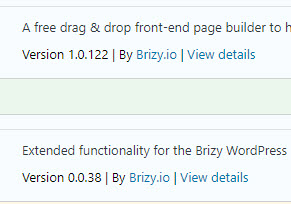
I am using Brizy free 1.0.122 and Brizy pro 0.0.38, it works fine.
Regards
 0
0 -
The Brizy Free 1.0.122 and Brizy PRO 0.0.39 update solved the problem. Thank you for your help.
0 -
I'm glad to hear that. Let us know if you need anything else.
0
Please sign in to leave a comment.
Comments
13 comments