Brizy Template for Archive : Block filled with color not stretched in the front-end page

Hi there,
I'm using the latest version of Brizy and Pro (1.0.116 and Pro 0.0.35)
I've created a Archive-page with the Brizy Template, and noticed that when I colored a block, the result on the front-page is not correct (at the back-end) it's ok.
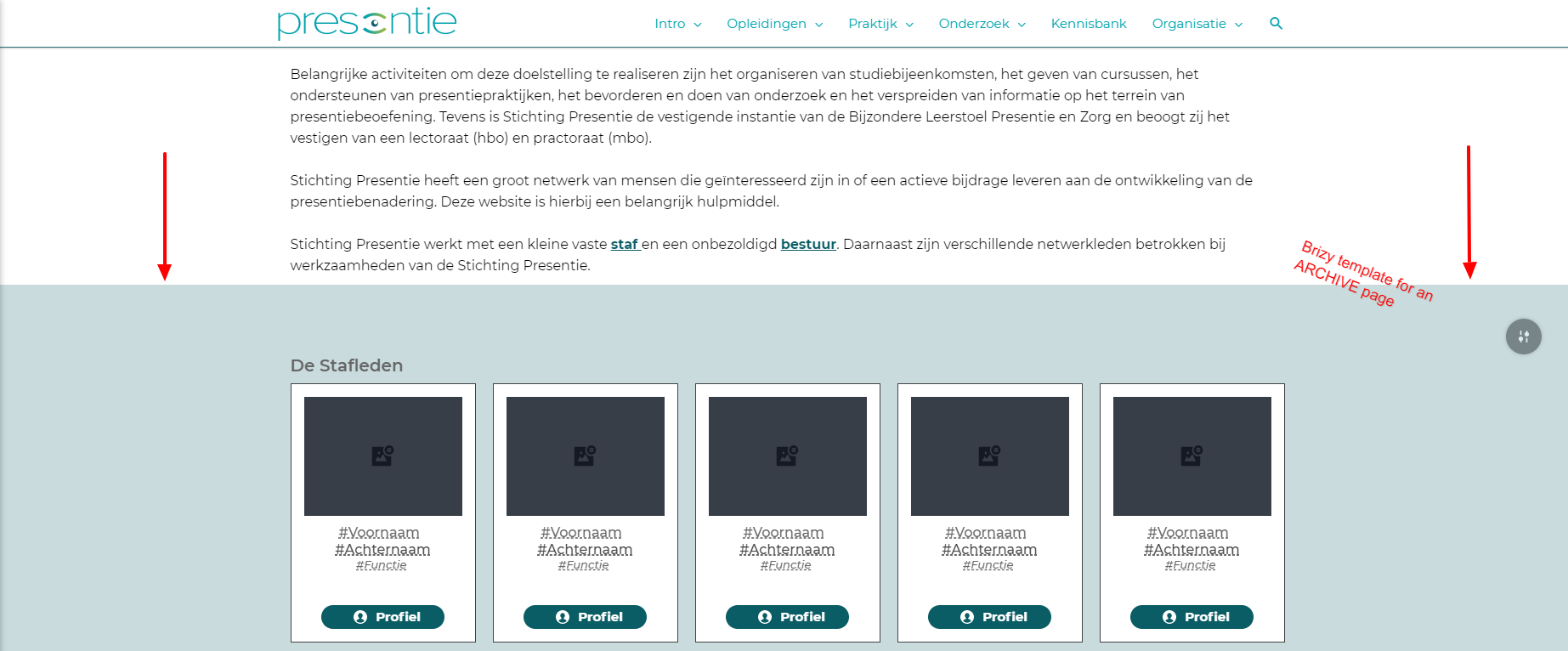
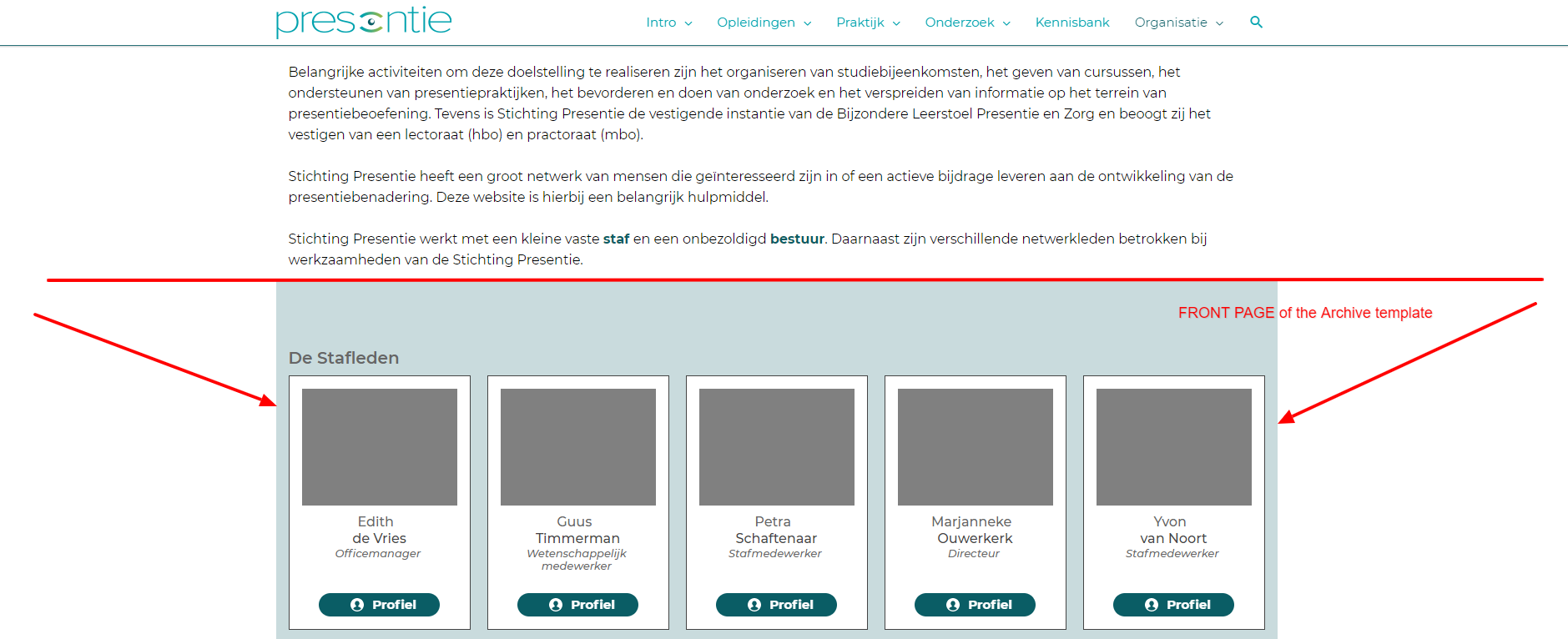
This is ONLY happening on ARCHIVES!, When I do the same trick via template for a Page, the results are fine!.
I'm using Astra Pro, and I've checked every setting for Archives there as well.
Hope to hear soon from you.
TIA,
Rogier
-

Hi Rogie,
We did two updates yesterday. Can you please check with the new versions(1.0.117 and 0.0.36)?
0 -
Hi Alex,
I checked with the new versions 1.0117 and Pro 0.036. But the problem is still there.
As said before; The problem is only visible on an archive template, NOT on a page or post template itself.
Hope to hear from you.
Tia,
Rogier0 -
Oh, and btw, the same thing happens when I place a horizontal line with a width of 100%.
On the front-end it has just the size of the Content Block it self.
Hope this information is also helpfull.0 -
Hi Rogier,
I could not reproduce the problem. It works fine for me. Have you checked this with another theme? I suppose the theme you use has a container for the archive page which limits the Brizy content.
0 -
Hi Alex,
Thank you for your response.
As you couldn't reconstruct the problem, I went in it again, and luckely find my problem.
Allthough I have set all the correct container sizes for Archives etc. I noticed that within the Astra theme, under customizer the blog overview setting was not set on the default but still set on manual at 1200 pixels.So that was the problem, I didn't realize that because I thought Brizy was overrulling the whole Archives pages within the Brizy Theme.
So, this problem is solved.
Thank you for your time.0 -
I'm glad to hear that.
Let us know if you need anything else ( regarding Brizy sure :D )
0
Please sign in to leave a comment.
Comments
6 comments