Pre-made Services Layout's Images Not Showing in Mobile

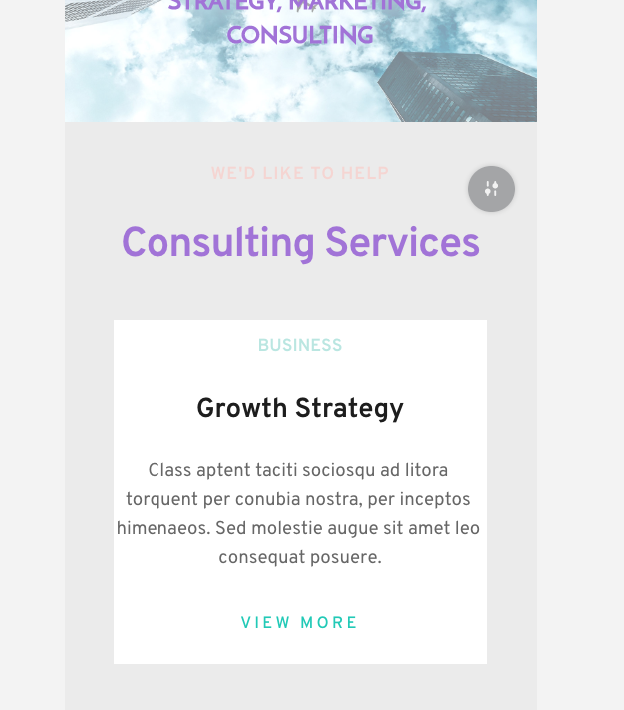
-

Hi,
The image on this layout is hidden for the mobile view. You can see it by clicking the "un-hide" button: https://jmp.sh/3YXVQaP
0 -
Hi Alex,
I saw this hidden aspect in another support thread but I didn't hide the images. The images were not there the very first time I looked at the mobile view.
Where do I click to unhide the images?
Thanks,
Albert
0 -
Hi Albert,
this is a pre-made layout and the images have been hidden for mobile. This is part of the layout settings.
I sent you a screenshot in the previous answer: https://jmp.sh/XeLbfc6
0 -
Hi Alex,
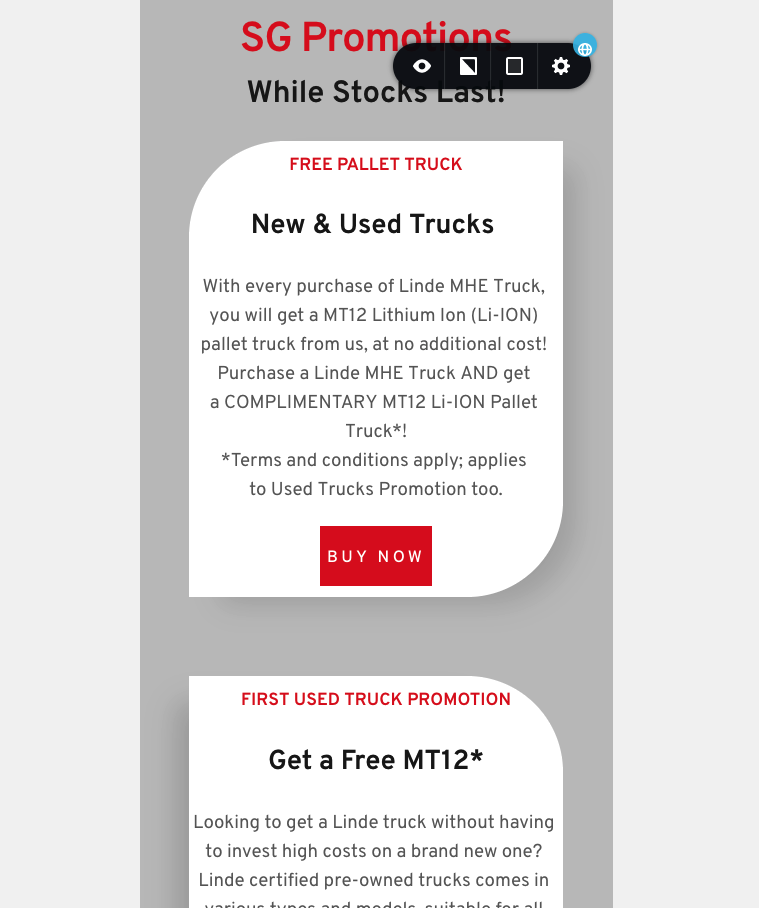
1. I saw your screenshot but I cannot see any option to unhide the images. I can only see and hide the left panel (see below).
2. Request: Please suggest to the dev team NOT to hide the images in the mobile mode (like in the Dt and tablet view). We need both panels and it is easy for us to hide it, if necessary.
Blessings
Albert
 0
0 -
How about this option: https://jmp.sh/eKHTIQx ? Have you enabled it?
0
Please sign in to leave a comment.
Comments
5 comments