Edit in mobile first

I cant add block in mobile view. I want to work onliy in mobile. but i cant drag elements.
-

Hi,
yes, that's right. You can't add new elements on mobile or tablet mode. The responsive in Brizy, works a bit different. Please refer to this video tutorial: https://youtu.be/84xI2uJyu1k
If you want to have different blocks on mobile-only, you can play with the hide/show option: https://youtu.be/l4ayHuEbzaE
Hope this helps.
0 -

I am currently trying Brizy out, and this is a real show stopper.
More than 70% of our traffic come from mobile devices, so we would like to design the website from a mobile first approach. That doesn't really seem to be possible with the way the editor is currently working.I also downloaded the UI kit for Sketch, but that only contains the desktop version of the different blocks. Is there anywhere I can see how the standard blocks look like on mobile, without having to test each of them out manually in the builder?
Thanks in advance2 -
Hi,
Unfortunately, all blocks were created only in the desktop version, so if you want to see the mobile look, you need to import it into the editor and test it.
0 -

I agree with Mathias. Would be fantastic if we might build to mobile first.
0 -

Yes please! In this day and age i think it is important to have mobile-first approach as well. At least 50% of the traffic comes from mobile devices. Could you add this to the Roadmap?
0 -
Hi Philipp,
this needs to be discussed with the whole team. Only things that will definitely be created are added to the roadmap. We will discuss this at the next meeting and if we decide to do this we will add it to the roadmap. In the meantime, you can create separate sections that will appear on mobile only using the "Show on desktop" option: https://jmp.sh/E3mPjjW
0 -

3 years later and has this still not been done?
I'm trying to edit mobile now and having nightmares. I've enjoyed the desktop build on this, but now am doing the mobile version and will have to go back to elementor. At least I can build in the format that most see a website.
Please tell me this has been resolved?0 -

Hi David,
Can you please tell us what exactly you are trying to edit in mobile view? Can you please send the website link and some screenshots of what you want to change?
Best regards,
Nelea.
0 -
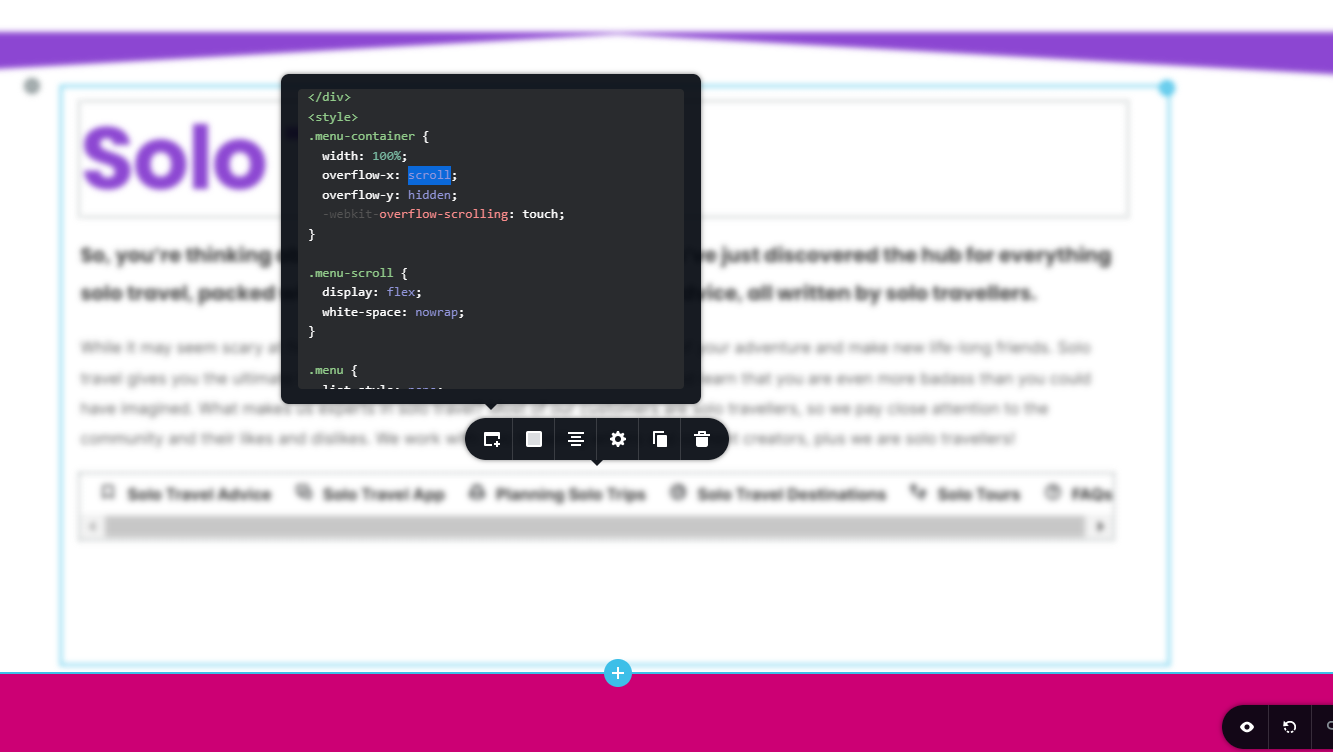 This is me working in the desktop mode to edit something that will only display in mobile. It's convoluted to do that, so I have to skip between displays. You don't need me to show you this, you know yourselves that most traffic is mobile, lots of people highlighted it 3 years ago. You know what I'm frustrated by.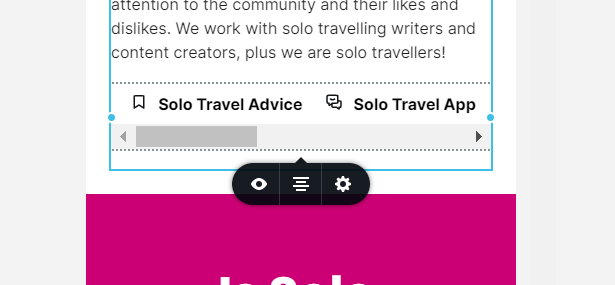
In the mobile version i simply have these options.0 -

Hi David,
Based on your screenshot, looks like this is what you are trying to do.
- You have pasted an external script into the Brizy Embed element
- When switching to the mobile view, you see that it does not display well.
In this specific example, even if you had the mobile first design approach, it would not help. Here is why. When pasting an external embed code, the code you are pasting is responsible for making the design responsive and not Brizy. For example, if you are embedding code from Enfsight, they are responsible to ensure that the code when pasted on an external website will be responsive. Responsive design is built into the embed code. You don't have to do anything in Brizy to make an external code responsive.
For example, I have pasted an embed code from Elfsight into this page in the Desktop design view. https://digital-works.brizy.site/elfsight I did not even check the mobile design view in Brizy; yet, it is responsive in all devices because Elfsight made it responsive.
It this does not work at your end, it means that the code you have pasted is not designed to be responsive.
0
Please sign in to leave a comment.
Comments
10 comments