sites / projects disappeared

I want to jump over to Brizy cloud but this is scary!! 2 sites just disappeared
I can log into my account but there are no sites there.
I have the link to the site (WIP) but I just can't edit it
https://raspberry838423.brizy.site/home?v=1581484822
when I go to my could account I have access but the 2 sites I had been working on are gone
when I check my history for the editing page I get an error
>>>>>>>>>>
https://www.brizy.cloud/projects/838423/editor
Oops! An Error Occurred
The server returned a "404 Not Found".
>>>>>>>>>>>>
In the mean time I had to create a new site on my account. So I can show my client initial layouts. I'd like to keep all my sites.
Realistically is it too early for me to be working on cloud? Should I wait a while until this is a more stable reliable option? or is this just fluke.
-
now I can't even log into my account on brizy cloud!!!
I have just spent 4 hours redoing the site.
HELP!!!!!!
new site . Please tell me you can move this to my account.
https://apple891306.brizy.site/home0 -

Hi,
are you sure you signed in to your account when you created the sites? I suppose you were logged in as a guest and the projects weren't saved in your account and this is the mistake most people make.
1 -
I'm sorry Alex. that didn't help me at all.
1. no I have a lifetime account. I was able to sign in with it a few months ago. I started building a site. and was able to log in and continue working on it time and time again. Then I started building another. then all of a sudden both are gone. Now when I tried to log in it's telling me that my password doesn't work. although when I log in to reply to this it DOES accept my password.
2. I have noticed I'm not the only one this has happened to.
Can you please provide some support to solve this. Why is it that all of a sudden my log in doesn't work anymore on brizy cloud?
I would love to switch over to brizy cloud and leave WP behind. But I can't do that until I know that this is a stable platform. and that the support team cares about it's users.
You simply saying it's my fault really doesn't help one little bit. Which I don't understand . you guys do all this effort to make a new system and then when you have people interested you don't care to solve the issues.
How do I get access to my account again and how can I get the site I have build over to my account. the other two are less important at this stage
this is the site I want to keep
https://apple891306.brizy.site/home
https://www.brizy.cloud/projects/891306/editor
is it possible?
and yes this new 3rd site was build thinking that I was logged in. because I had logged in then opened brizy cloud and it seemed like I was logged in but simply lost the other 2 sites. but because I had told my client about this new system. I thought I'd bite the bullet and rebuild it. It's now further developed than previously . then I noticed that in BRIZY CLOUD I actually was still not logged in. because I saw my icon in the left hand corner I had assumed I was logged in fine. but while in editor mode there is no indication that you are NOT logged in. it's only when you go to the dashboard that you see the profile icon isn't there. even thought I'm logged in the support pages.
please help0 -
when I try to log in using brizy cloud:
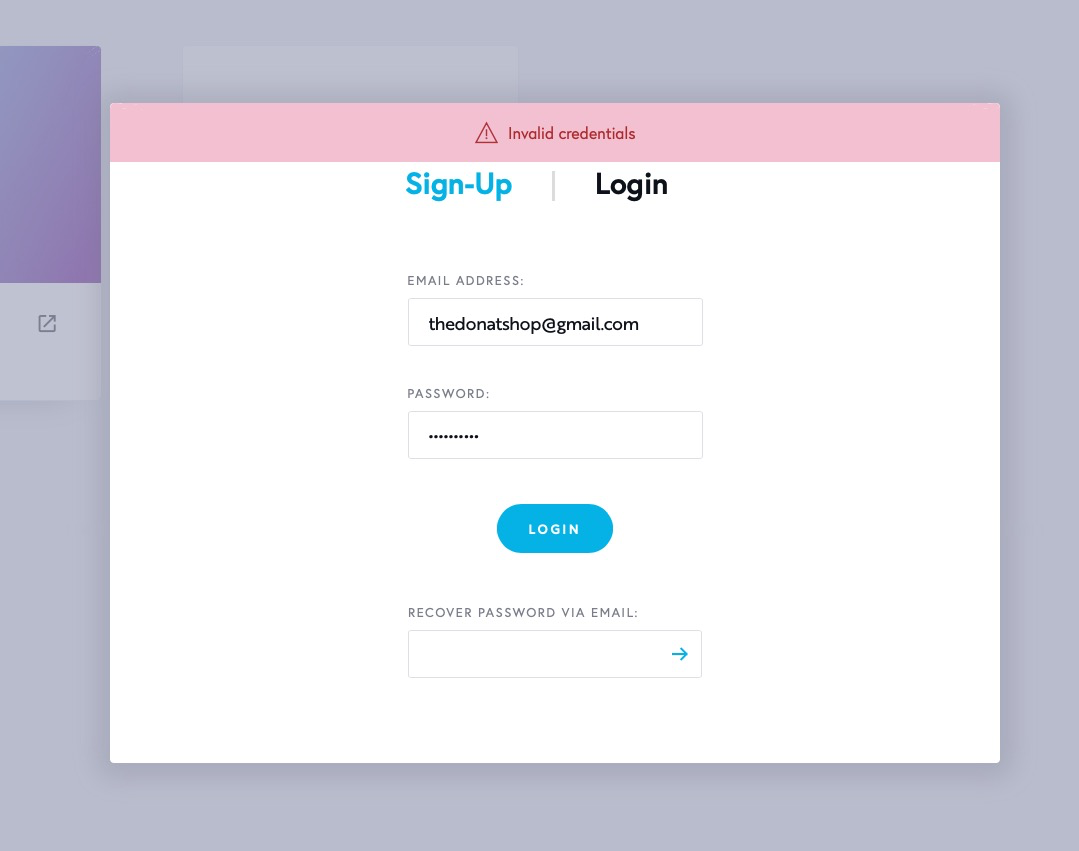
when I am logged in in brizy.io and then click out to brizy cloud I'm logged in fine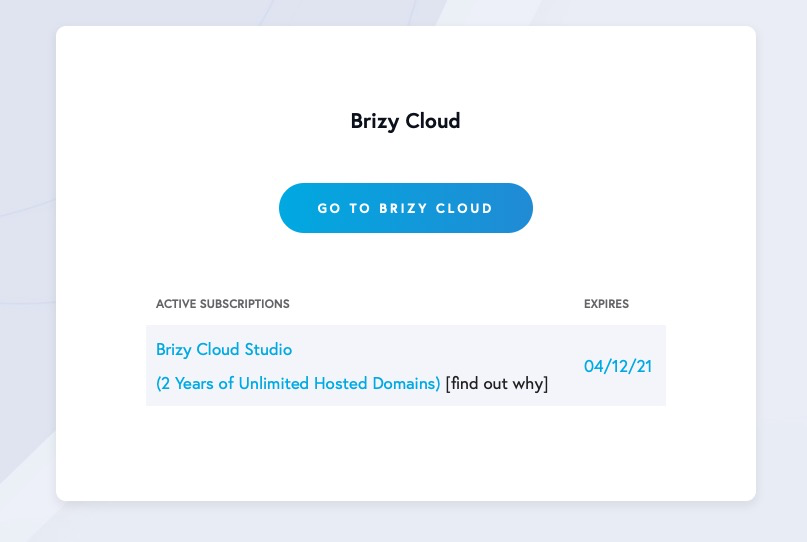
see here:
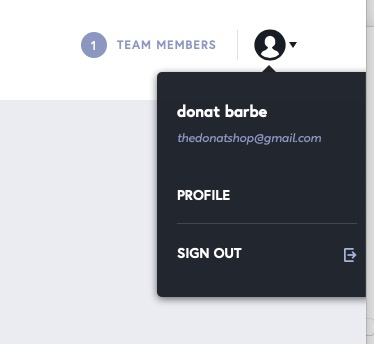
but the websites I made just are not there anymore.
I want this one in my account
https://apple891306.brizy.site/home
https://www.brizy.cloud/projects/891306/editor
please help me.0 -
Hi,
I'm sorry if my answer sounded too vague and without responsibility. As soon as I saw your post, I sent your account for inspection and asked for action logs to see what was going on. In the meantime, I have left a response to a possible cause so you don't continue to create sites without making sure you're logged in(while we inspect the problem).
However, my intention to help you remains valid and I am still waiting for a response from my colleagues on action logs. We will look for apple891306.brizy.site and raspberry838423.brizy.site projects and add them to your account. Also, we will check why the credentials are not working.
I don't have direct access to this information, so it takes a while. I'll get back to you in a few hours.
Thank you for your patience.
0 -
thank you Alex, that really helped to hear you are looking into it. thank you very much. I will hold off on editing sites. I hope to hear back soon . so I can continue. I really do hope brizy cloud because a viable thing. I love using it. thank you again.
0 -
Hi,
I don't know how to ask you to have a little more patience :). It's friday, and our developers didn't have enough time to check your projects. If you follow us on facebook you probably noticed that it was a crazy week for us. On weekends, developers are not available, and what I can really do is insist on your problem, but only on Monday. Sorry about that :/.
*In the meantime, you can create other projects in your account.
0 -
If I make new projects I won't loose them right? I can wait for Monday to have the other project moved. Thank you for your update. I understand about the weekend and respect it. thank you
0 -
hello any news?
0 -
Hi,
Sorry for the delayed response. We checked your account action logs and projects. It looks like they were all created in a guest account. They didn't disappear from your account, they weren't there either :)
Now, we manually added the apple891306.brizy.site to your account. Please check it.
There has been a lot of manual work, so be sure to sign in to your account next time because we won't be able to help you again. In the next update, we will add a notification bar that will notify you that you are not logged in.
0 -
that would be great. and thank you very much for saving my work. that would have been a lot of work lost. thank you for helping!! I look forward to seeing Brizy take off.
I also look forward to seeing
- uppercase in text styling
- being able to display image captions or title in the gallery in lightbox view0 -
Hi,
I'm not sure when we will add an option for Uppercase but in the meantime, you can use the keyboard: Caps Lock will never disappoint you. The same thing will do Shift :).
Also, you can use Custom CSS to make a text uppercase: https://www.w3schools.com/cssref/pr_text_text-transform.asp
Regarding the caption on the gallery lightbox: we have it on the list.
0 -
for a full fledged website of course caps lock doesn't work. So right now CSS is the only option.
It seems like it wouldn't be so hard to add that right next to bold and italic in the styling options.
Not being able to show caption under images will prevent me from switching to brizy cloud. all my clients need it . they have titles and information they need to show for their paintings. is this in the works to come soon or is it still a long way away?
like 1 month or more like 12 months?
cheers0 -
Hi,
I can't tell you when this will be. The problem is not in difficulty. The problem is that there are more things that are more urgent and important than this feature. It is on the list and will be added.
What I can tell you for sure is that it won't be in the next 2 months.
btw: in the last update we added tags for the gallery. So you can use that as an alternative: https://youtu.be/NM9zOffoyHQ?t=416
0
Please sign in to leave a comment.
Comments
14 comments