How do I get a popup to stop overtaking the entire screen?

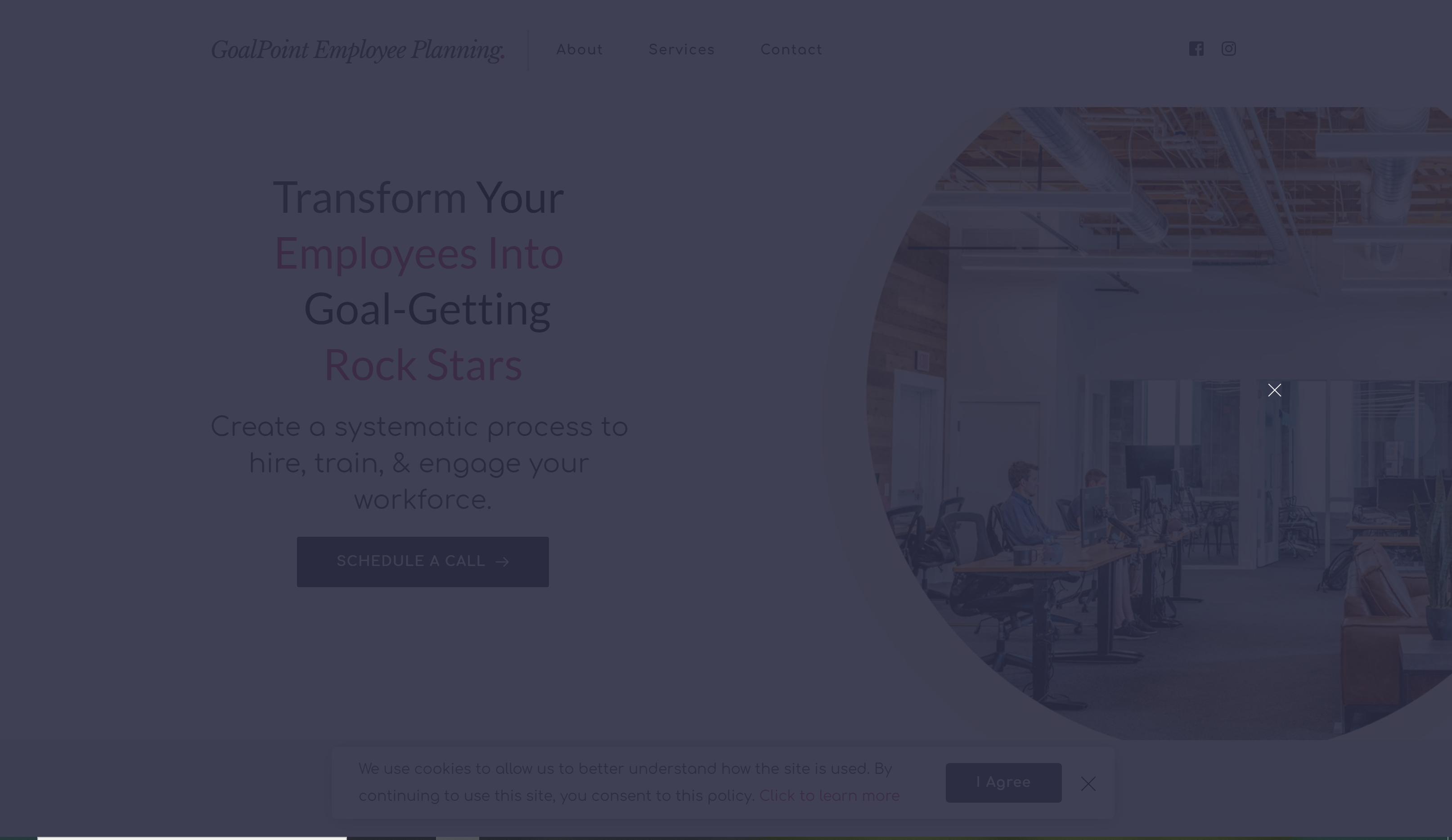
My popup is only supposed to show at the bottom of the page, but it dims the entire screen. How do I fix?
Thank you!
-

Hi,
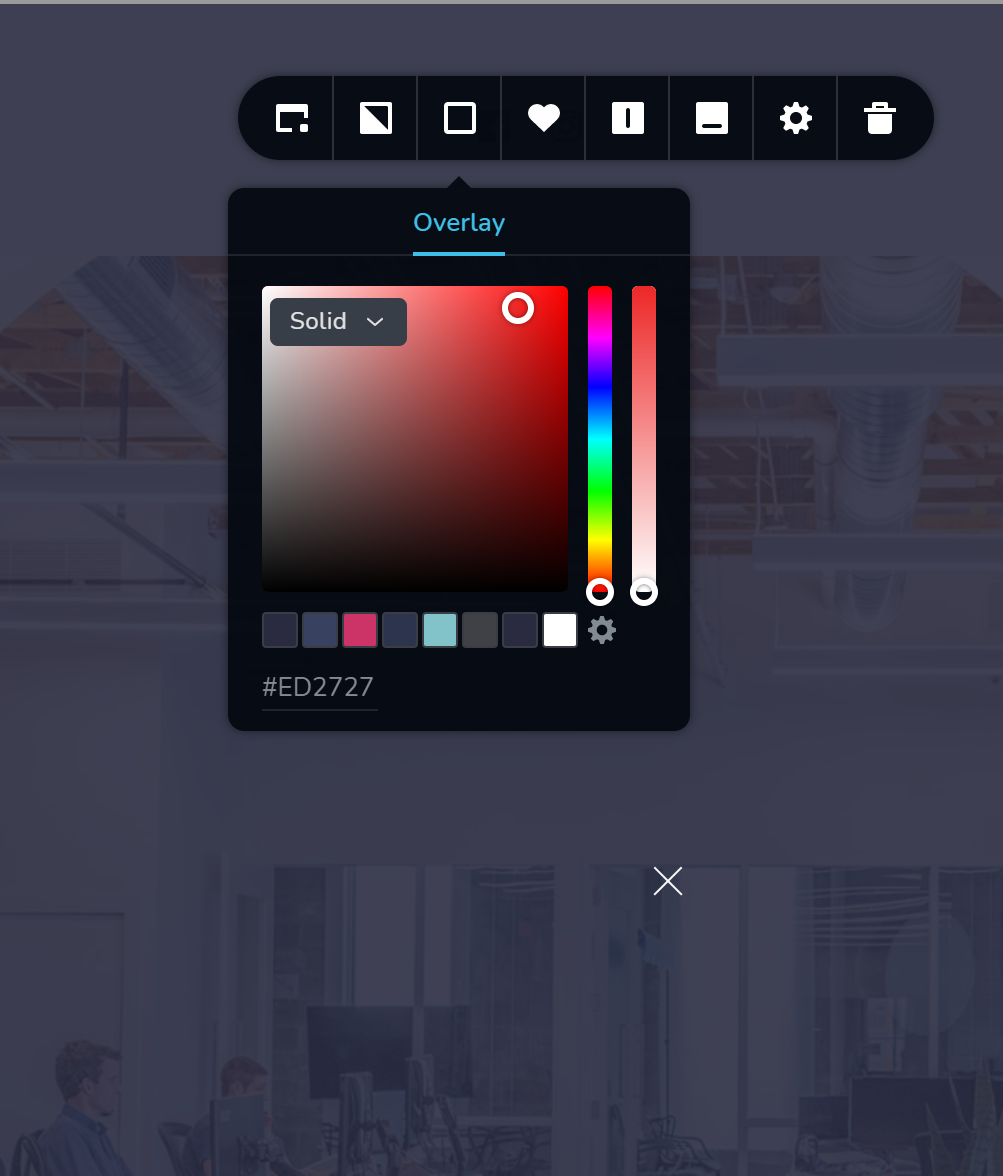
You can set up the opacity of the background to the 0 value and in such a way the pop-up will not be displayed as on full width.
Best regards,
Sandra0 -
It is from what I can tell...
 0
0 -
PS- do you see that X below the overlay image? If I X that out then I only see the popup located at the bottom of the screen. Then, I need to click on the popup as well...
0 -
Hi Chris,
Could you please send us the URL link of the page where you encounter this problem? How did you create the pop-up? Did you attach it to an element? Where we can find it?
Thank you!
Best regards,
Sandra0 -
I created it as an asset: https://www.brizy.cloud/projects/6083905/editor/internal_popup/73119
It's set to only popup one time on all pages, but it pops up every single time.
0 -
PS- I deleted this one and started over. I have the same thing happening, so I deleted that one too. Even after I unpublished the popup, deleted all of the triggers and conditions it still popped up.
0 -
Hi,
Thank you for all these details. Could you please send us the URL of the site you encounter this problem? I opened www.goalpoingplanning.com but it can't be opened.
Best regards,
Sandra0 -
The site works. This is getting super frustrating having to go back and forth. Is there an easier way to communicate than having all of the back and forth forum communication?
As I mentioned earlier...I deleted all of the popups and started over. I had the same issue with the newly created popup. I can't be the only one having these problems...
0 -
Hi,
I'm sorry for the late response! We are investigating the problem you encounter and strive to fix it as soon as possible. When we will receive a notification from our team we will immediately inform you too!
Thank you!
Best regards,
Sandra0 -

Hello Chris,
Natalia here!
The pop-up issue has been fixed. Please, don't forget to clear the browser cache at your end.
If you have any other questions, please let us know.
Thank you!
Natalia
0
Please sign in to leave a comment.
Comments
10 comments