Brizy Template Archive not Pulling Data

Hi,
I have a question regarding the Brizy Templates. I've created successfully the Template for the Post. But now I'm working on the Page where the Featured Post and the Archive are going to be.
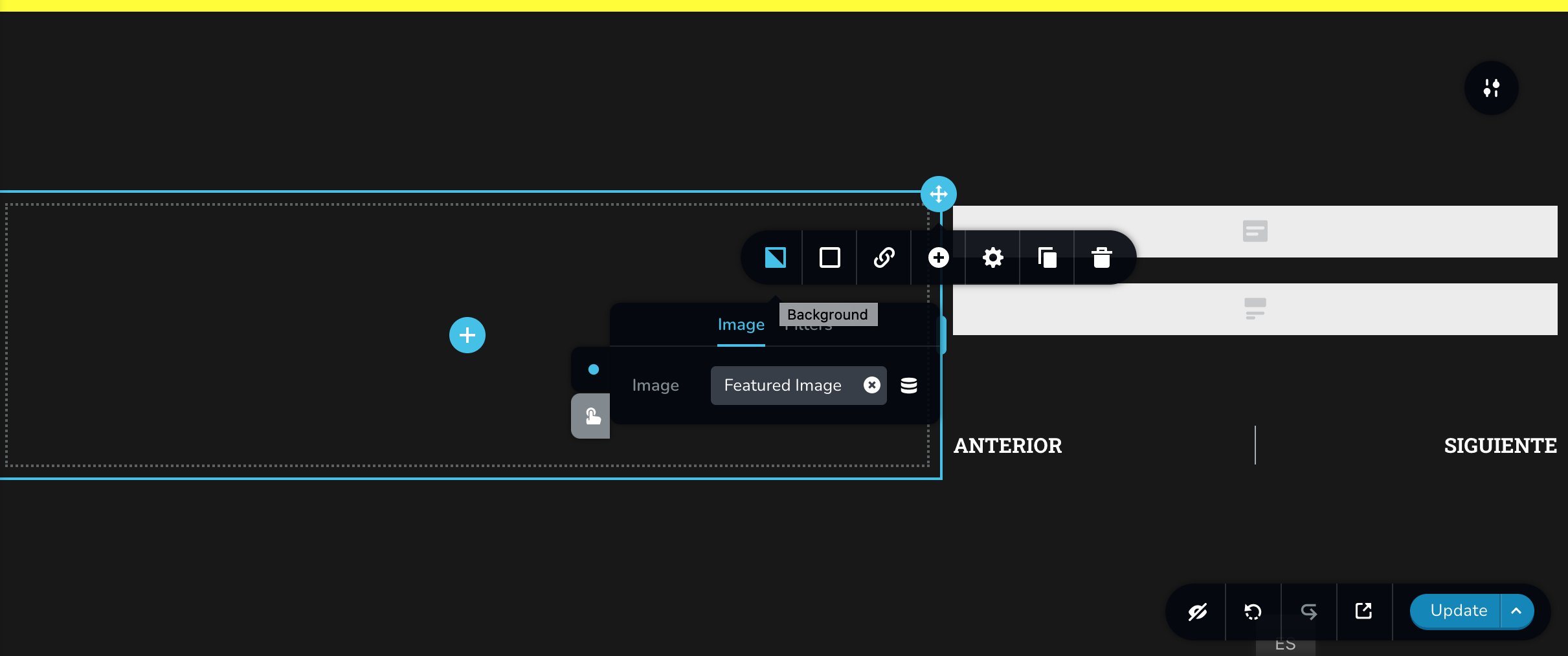
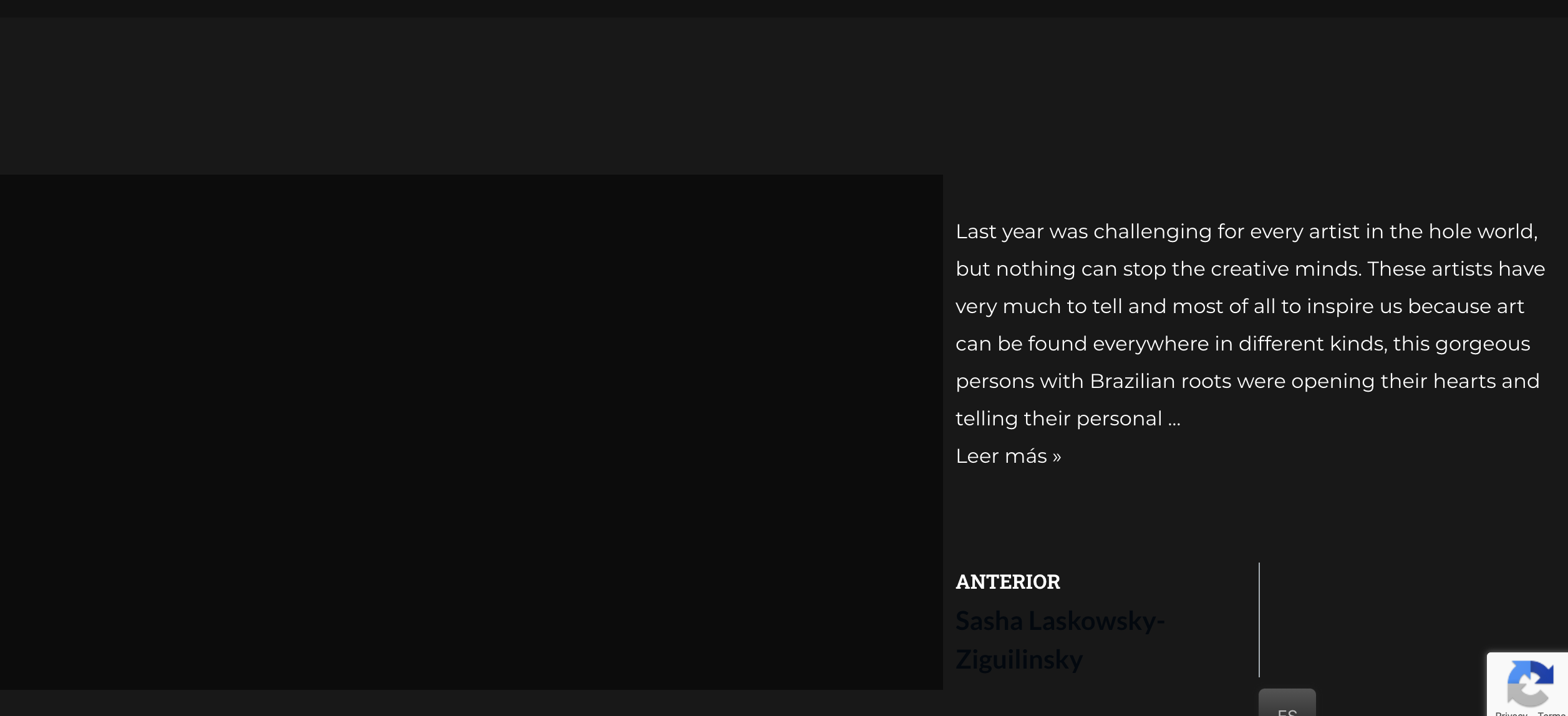
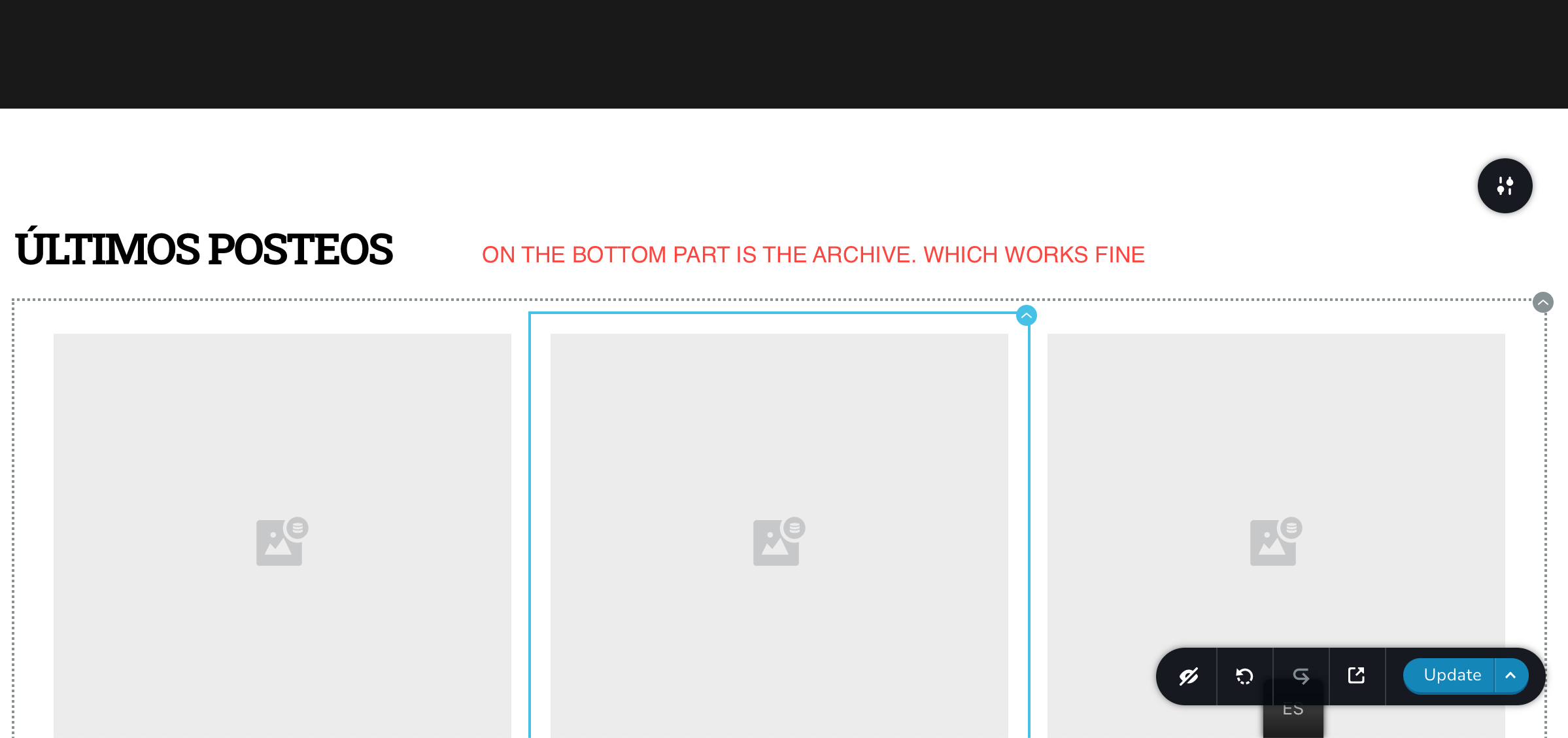
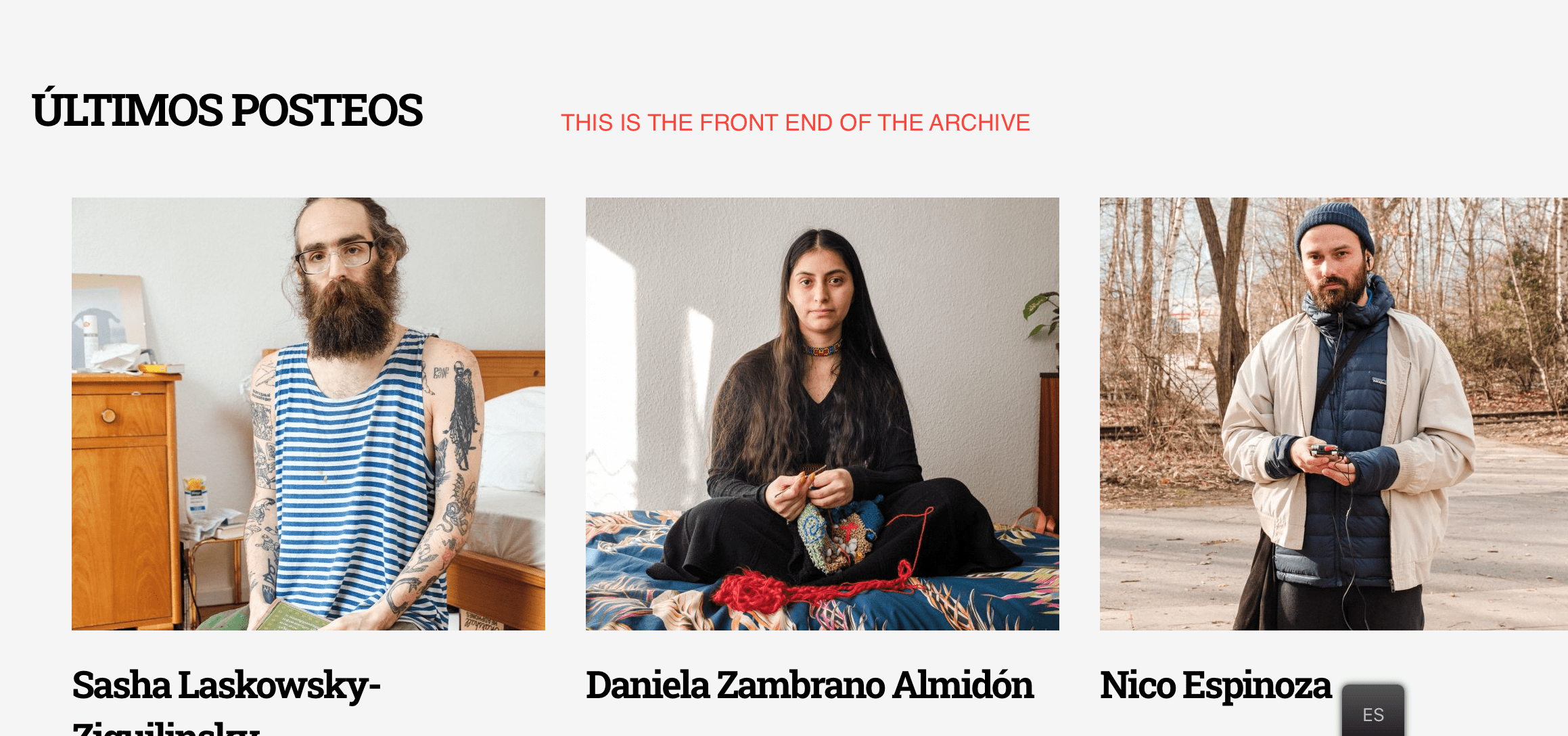
The Archive features are looking good, no problems there. But the Featured Post is not working properly. It displays the "Excerpt" but not the "Post Name" nor the "Featured Image".
Also is important to mention that I have only one post with the category "Blog", so is the only Post that Brizy can pull to show.
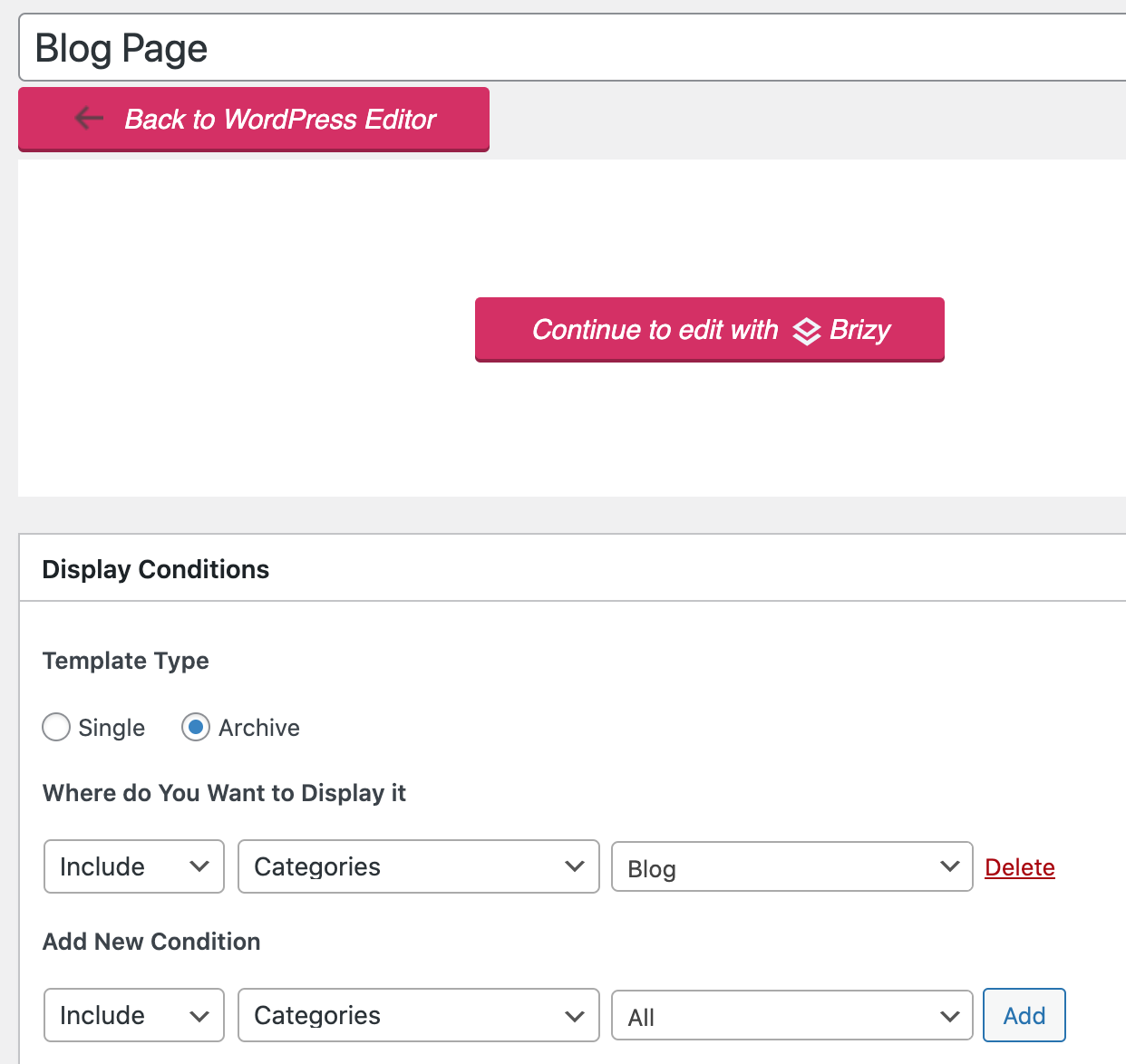
I attach some images of Brizy's back end, the front end, and the Brizy Template settings on WordPress Dashboard.
Hope you can solve this issue for me,
Thanks a lot.
Manuel.
-

Hi,
If you create a template for the Blog Category Archive page, I suggest using the Archive element inside this template. Did you use it?
This element will help you to extract all posts from the Blog category and show you there all their details. Could you try to do this? The meaning of the Archive page, in this case for the Category Blog, is to display all posts from this category.
Best regards,
Sandra0 -
Sandra, thanks for your response.
My issue is not with the Archive element. That works fine. My problem is that In the Blog page that I'm creating I want to have on the upper part a "Featured Post" and in the bottom of the Blog Page the Archive, that in this case is working perfectly.
I'm having an issue with this "Featured Post". As you can see on the images I attached in the previous message. The Featured Image, Title, and Excerpt elements are set but on the Front-End they are not showing.
I tried to add on Brizy Template on WordPress Dashboard a "Display Conditions" such as "Single Post", but is either Single or Archive.
Thanks a lot for your help.
Manuel
0 -
Hi,
Could you please give us more details about how did you create the "Featured Post" part? What element did you use? If you used the "Posts" element, all the details I said about the Archive element in the previous message are available for the "Posts" element too.
Best regards,
Sandra0 -
Hi, yes, I can explain to you further how I did it.
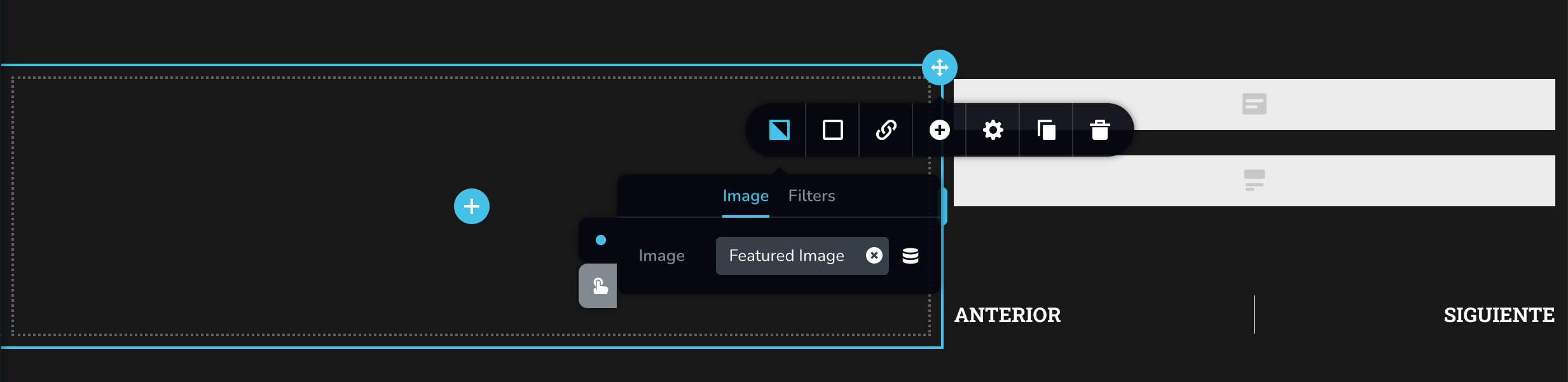
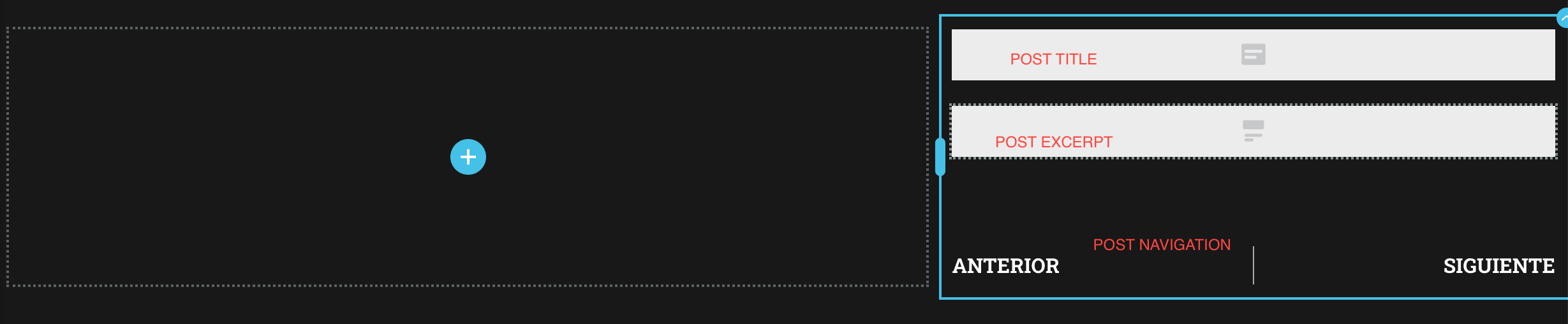
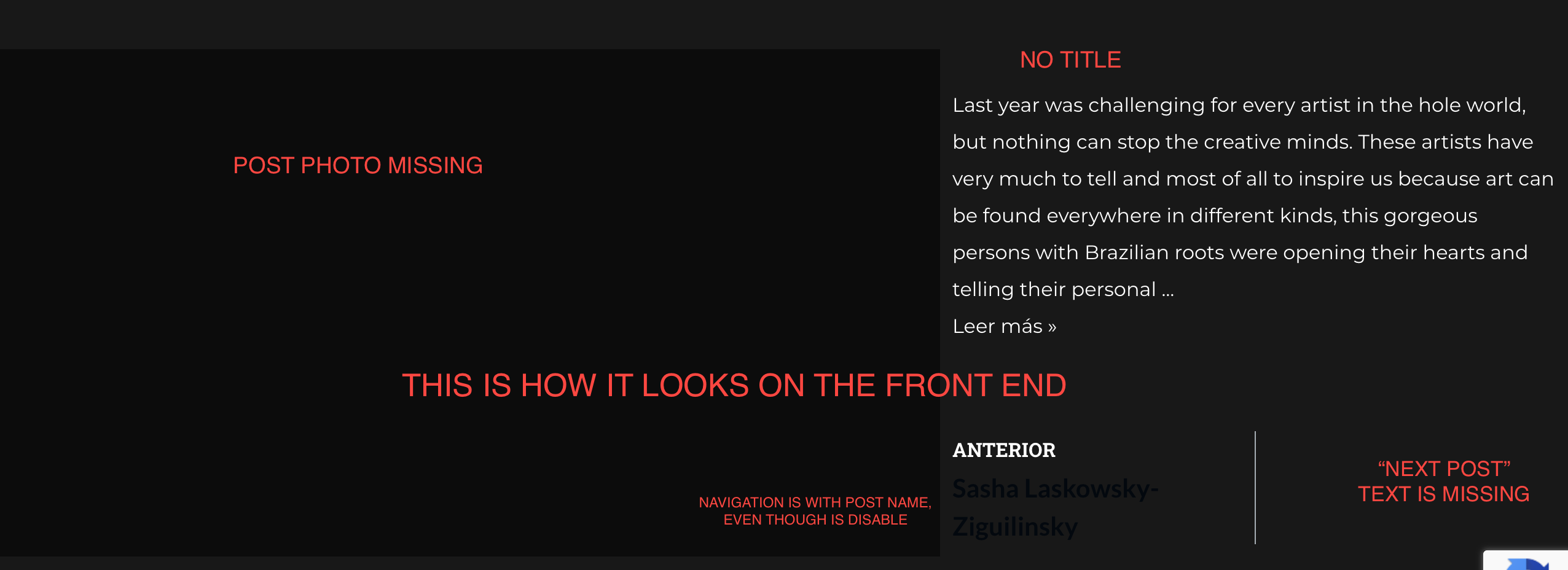
I added 2 columns. On the left one, I set the background image of the column as the Featured Image. On the right column, I added the Post Title element, the Post Excerpt element, and the Post Navigation element.
The issue is on the front end is not showing any of that, except the Post Excerpt.
Down here you'll find images with some explanation.
Thanks a lot.
Manuel
 0
0 -
Hi,
Thank you for all these details. If you have these display conditions, this means you create an archive page for the "Blog" category page. This means, that when you will open the category Blog, you will be able to display all posts from this category.
If you create a section with "Post Title", "Post Excerpt" and "Featured Image", the template will not know what details to extract for the "Post Title" and "Featured Image". This happens because these details are available in the Category edit mode. See here. For the category, you can set the description, parent, slug and name.
For this reason, when you set the "Featured Image" for the background of a column, it doesn't display something. The category page doesn't have the feature image. This option is available for pages and posts.
If you want to display the name of the archive page, it is recommended to add the #Archive title.
Best regards,
Sandra0
Please sign in to leave a comment.
Comments
5 comments