Brizy Pro Woo Commerce Error on Shop Page

I am using Brizy Pro in WordPress and have WooCommerce installed. I have a large list of products and have created a Brizy template for single products (ALL) as per tutorials.
However, when I click to view the Shop I am presented with an error (see attached screenshot) instead of a list of the products.
Any idea what could be causing this to happen?
-

Hi,
Thank you for all these details, however, we didn't receive the screenshot with the error you received. Did you receive the problem when want to open the Shop page?
When you create a template for All products (Single template), you create the sketch for the single product page. When you click to view a product, you will see the design you created in this template.
If you want to design and create a Sop page, please follow all these recommendations:
1 - Set up un the WooCommerce settings what page do you want to set as a Shop page https://jmp.sh/bdxiyGA;
2 - Go to Brizy -> Templates -> Add new and create a template https://jmp.sh/V7gT3G2;
3 - In the template add a suggestive name and most important add the right display condition. For the Shop page, you have to select the Product Archive and from here add the "Include -> Shop page". See here https://jmp.sh/mcF5TiR. Don't forget to click on "Add" and after this on the "Publish" to publish the template;
4 - Inside this template, you have to add the elements you want to display on the Shop page (header, footer, block with Archive element - we suggest adding this element because it will select all products from all category and will display on this page) https://jmp.sh/xMRRb1G.One important tip, on the Shop page from "Pages", you shouldn't have activated the Brizy editor. If for the Shop page you see this https://jmp.sh/b5qtE9p, please deactivate the editor for this page in such a way https://jmp.sh/9a5TgwQ.
Best regards,
Sandra0 -

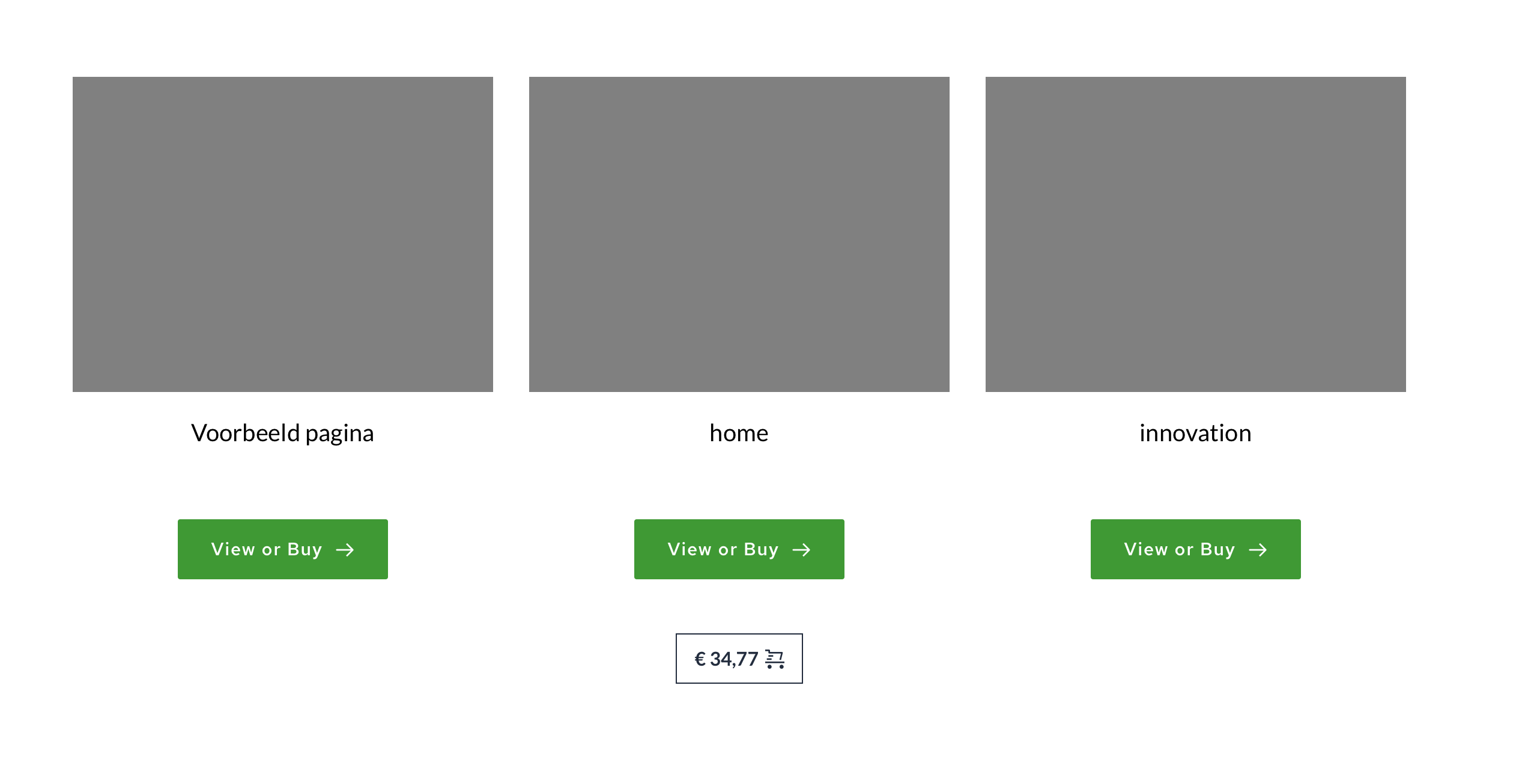
I've got the same problem, I did all these steps but the products are not showing. (and other links, also when I put it normally > in the brizy editor I see the right products but in the view modus they are gone and have other links) Can you help me out?

 0
0 -

Hi Michiel,
Thank you for contacting us.
What Brizy Free and Brizy Pro versions are installed on your website at the moment?
Best regards,
Denis.0 -
the latest versions
0 -
Version 2.3.16 , Pro 2.3.2
1 -
Hi Michiel,
Latest Pro version is 2.3.13. If you do not see update notification for Brizy Pro, go Dashboard > Updates, click "check again". After this you should see that Brizy Pro could be updated. In case, if this doesn't work for you, please, update Brizy Pro manually. Download latest Brizy Pro version from your Brizy account, remove current plugin version and install the new one you downloaded.
After update check if everything is working correctly.
Best regards,
Denis.0 -
Thank you, I thought it was the latest version. I did it now manually and it works. Thank you!
0 -
I'm glad to be helpful.
Have an awesome weekend!
0
Please sign in to leave a comment.
Comments
8 comments