Images failing to optimize

Hi there,
I recently had to restore my website from a backup and when I did my images were no longer available. Here is a screen shot of the Brizy log from my database:
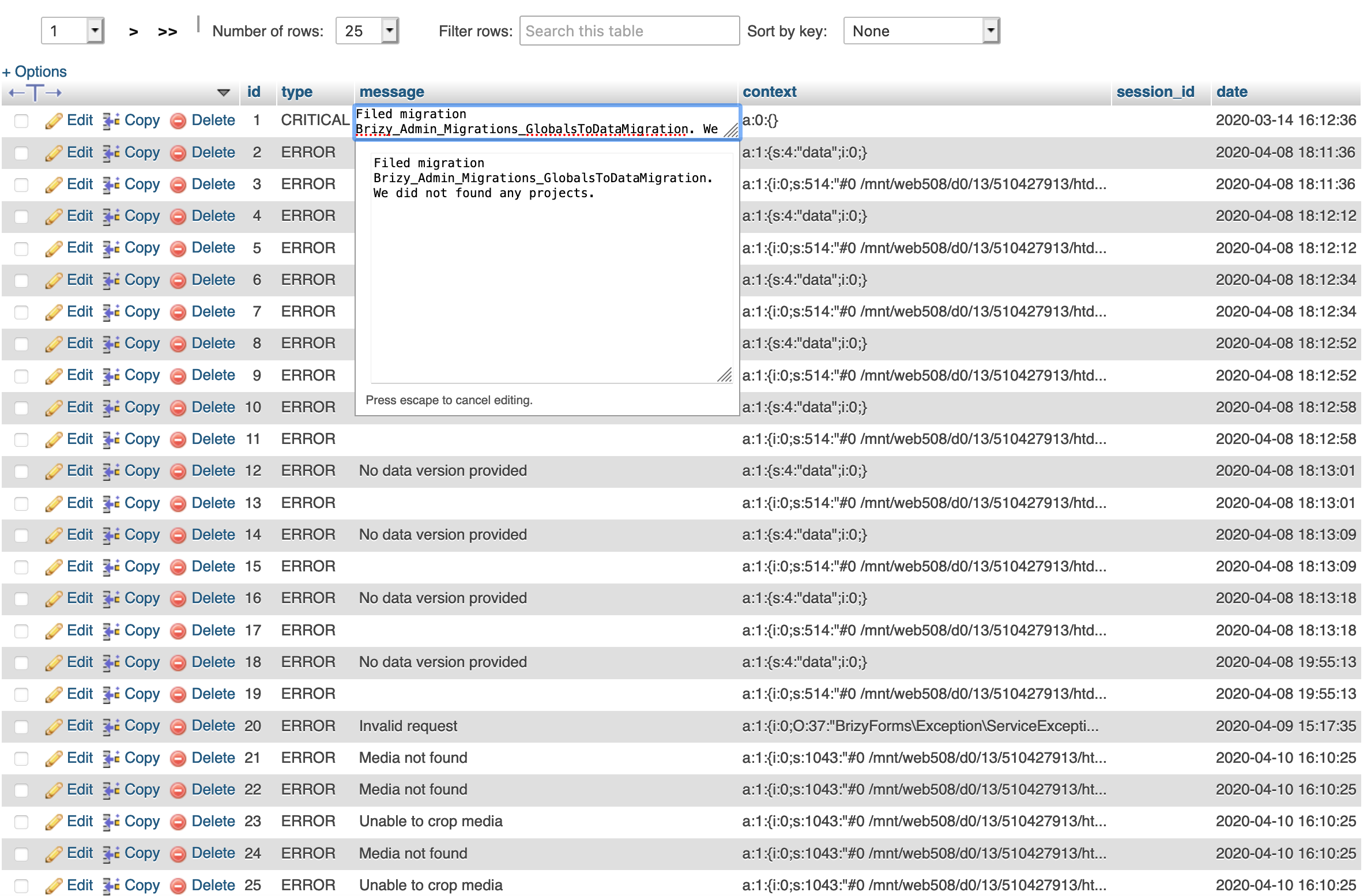
I am uploading (again) my images to the WP site but when I try to optimize through the Brizy builder (Brizy -> optimize images) it doesn't seem to work.
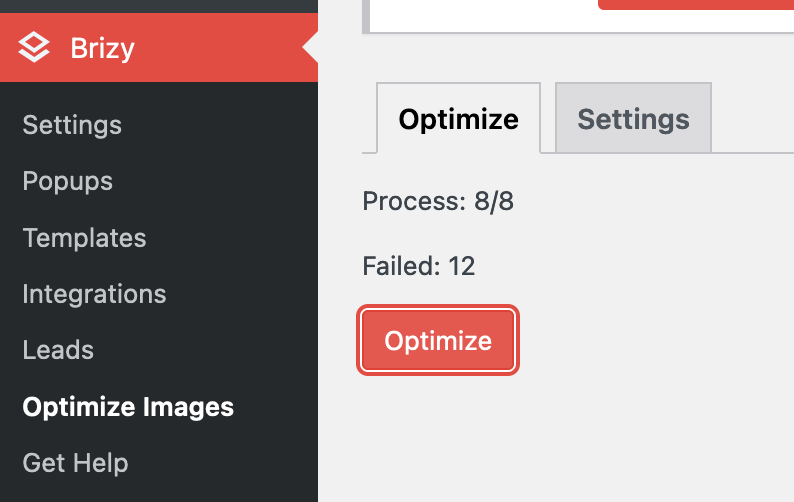
I have been using Autoptimize and Async Javascript to optimize our site since it was so slow to load, clearing cache often.
I know Brizy stores the images on a separate file on your servers so not sure how to get to the root of the problem.
I appreciate your help with this.
-

Hi,
Could you please check if you have the latest Brizy Free 2.2.17 and Brizy Pro 2.2.11 version? When did you encounter this problem? What were your previous actions? Could you please temporary deactivate all external plugins (except Brizy Free and Brizy Pro) and activate a WordPress default theme?
Could you please go to the WP Media Library and select an image used in Brizy builder and try to change it (e.g. rotate or crop it)? Did you receive some problems?
Best regards,
Sandra0 -
Hi Sandra,
Yes, I have the latest versions of Brizy installed.
I was first aware of this issue on Monday evening when I went to make changes on the site and noticed that our current Brizy theme was not active meaning the text was there but the default WP Twenty Seventeen had taken over. I noticed that the Brizy free plugin was also missing which was strange. At first I attempted to install the Brizy Free plugin again but it said that I already had the files for that plugin installed.
So I did a backup from our UpdraftPlus backup which restored the plugins and theme but all images and file uploads were broken links. A shell of each file existed in the media folder but there was no data.
I deleted all old media files and have uploaded them again. As of yesterday evening I was able to optimize about 140 images without error. This morning it says I can optimize 96 images which I did, again, without error.
I have just rotated an image in the Media Library without problem.
Thank you.
0 -
I am working on the site now and just encountered this error as I was trying to insert an svg file as a background picture for our menu bar
 0
0 -
Hi,
Thank you for all these details! We would like to check this problem from your dashboard. Could you please send us the WP credentials for this site?
I have created a private ticket for this request. You had to receive a notification regarding this by email. Could you send us in that private message the WP credentials to this site?Thanks!
Best regards,
Sandra0 -
Done!
Thanks Sandra
0
Please sign in to leave a comment.
Comments
5 comments