Blog post is not showing in carousel

Hi there,
I am adding a carousel of blog posts, but the blog I created doens't want to show in there. I checked for Brizy updates and it is all up to date.. Is there anything else I can do to fix this? :)
Thanks!
Vanja
-

Hi Vanja,
Could you please give us more details about the problem you encounter? How did you set up the Carousel? Did you select a category of posts you want to display in the Carousel https://jmp.sh/pQuWXdh? How did you configure the elements inside the Carousel element?
If you want to activate the Dynamic Content for Carousel to display the Posts, I recommend using the Dynamic Content that has a reference to the Posts. For example, for the button element, select the "Post URL" option https://jmp.sh/YE2G7fl. For, image, you have to select the "Featured Image" https://jmp.sh/CbSDOpp. Also, you can drag and drop the Post Title and Post Excerpt element, to display the title and excerpt of the post.
Best regards,
Sandra0 -
Hi Sandra,
Thank you for your message!
Sorry I didn't create a carousel but used the posts element:
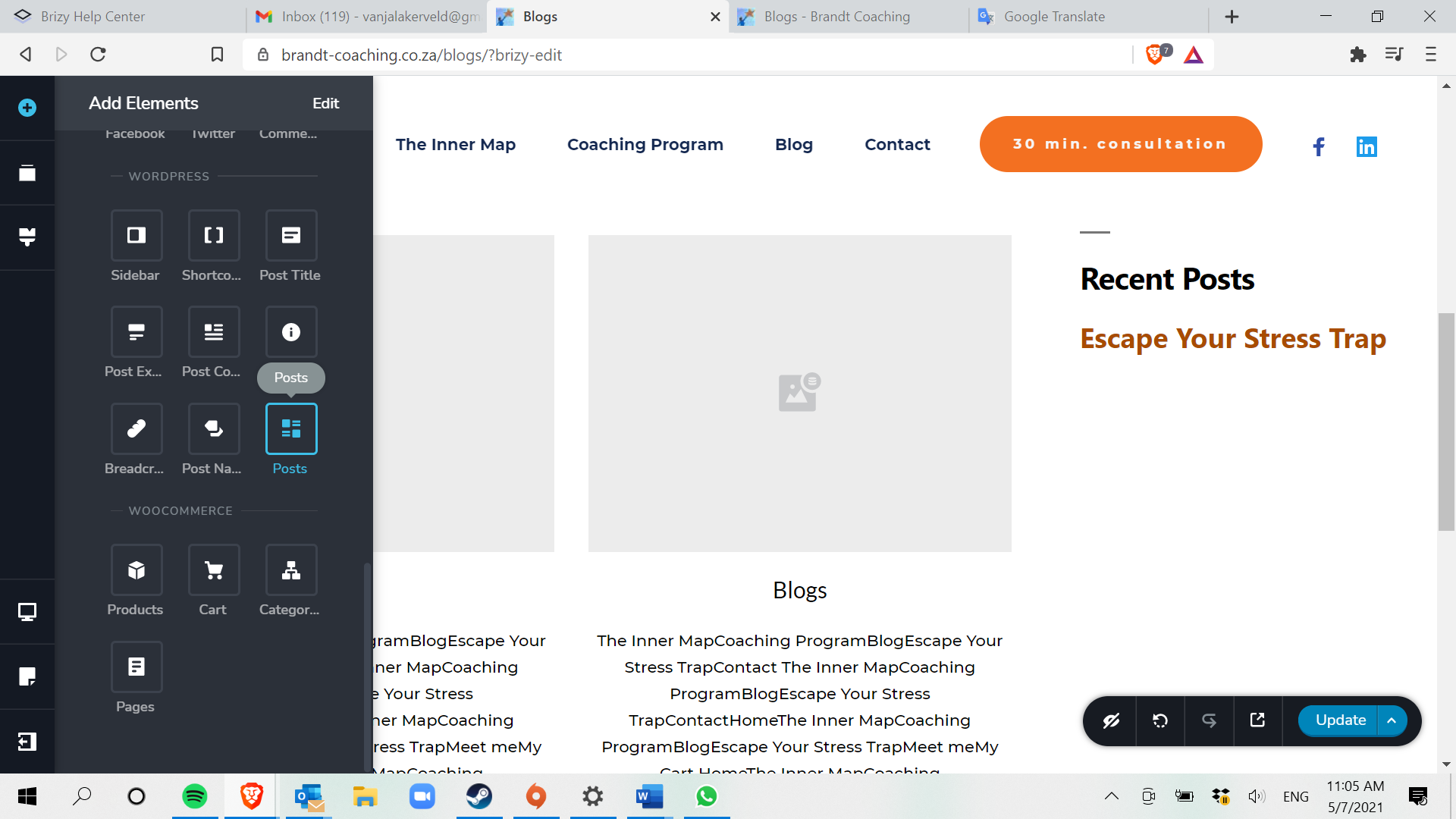
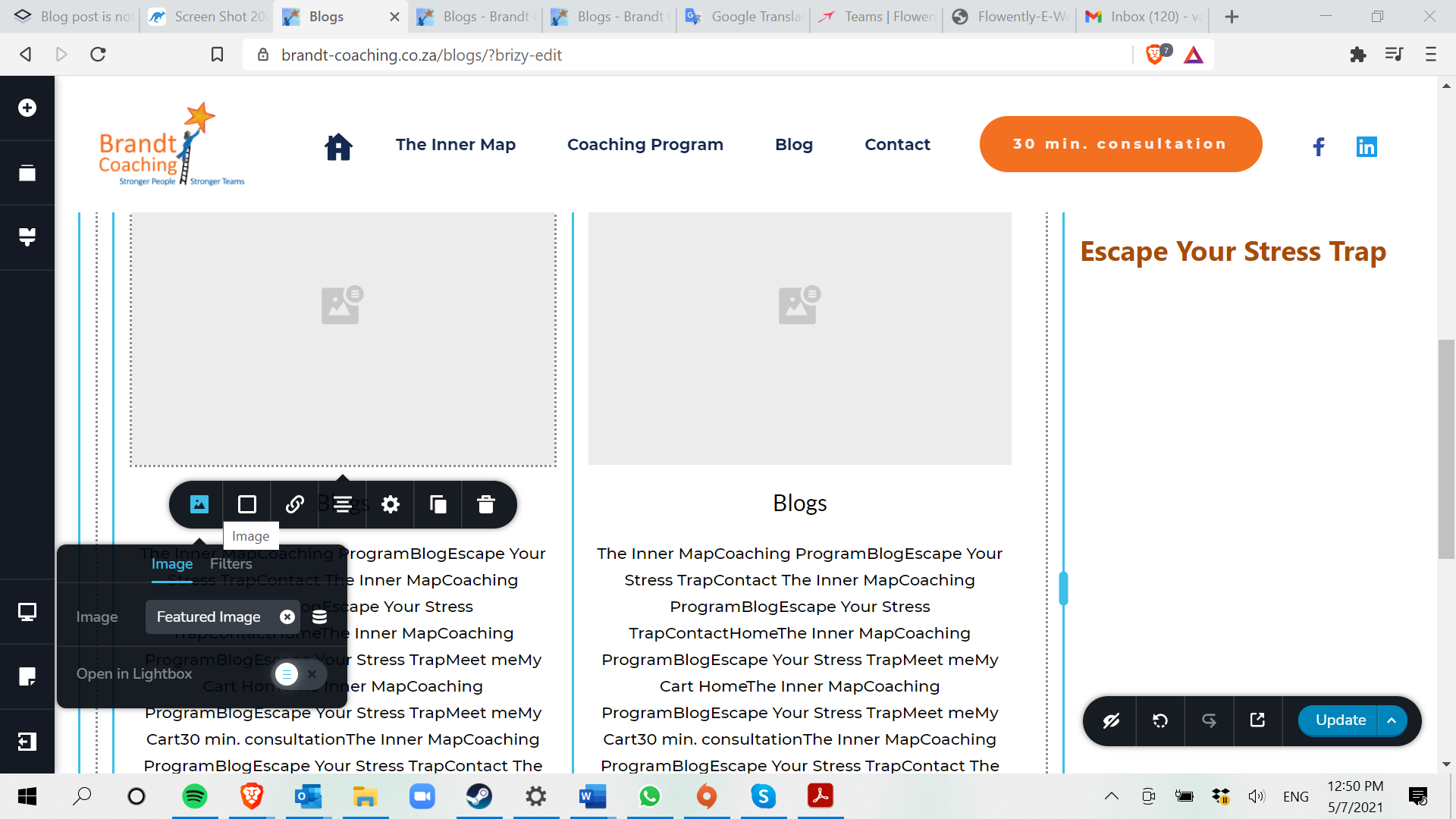
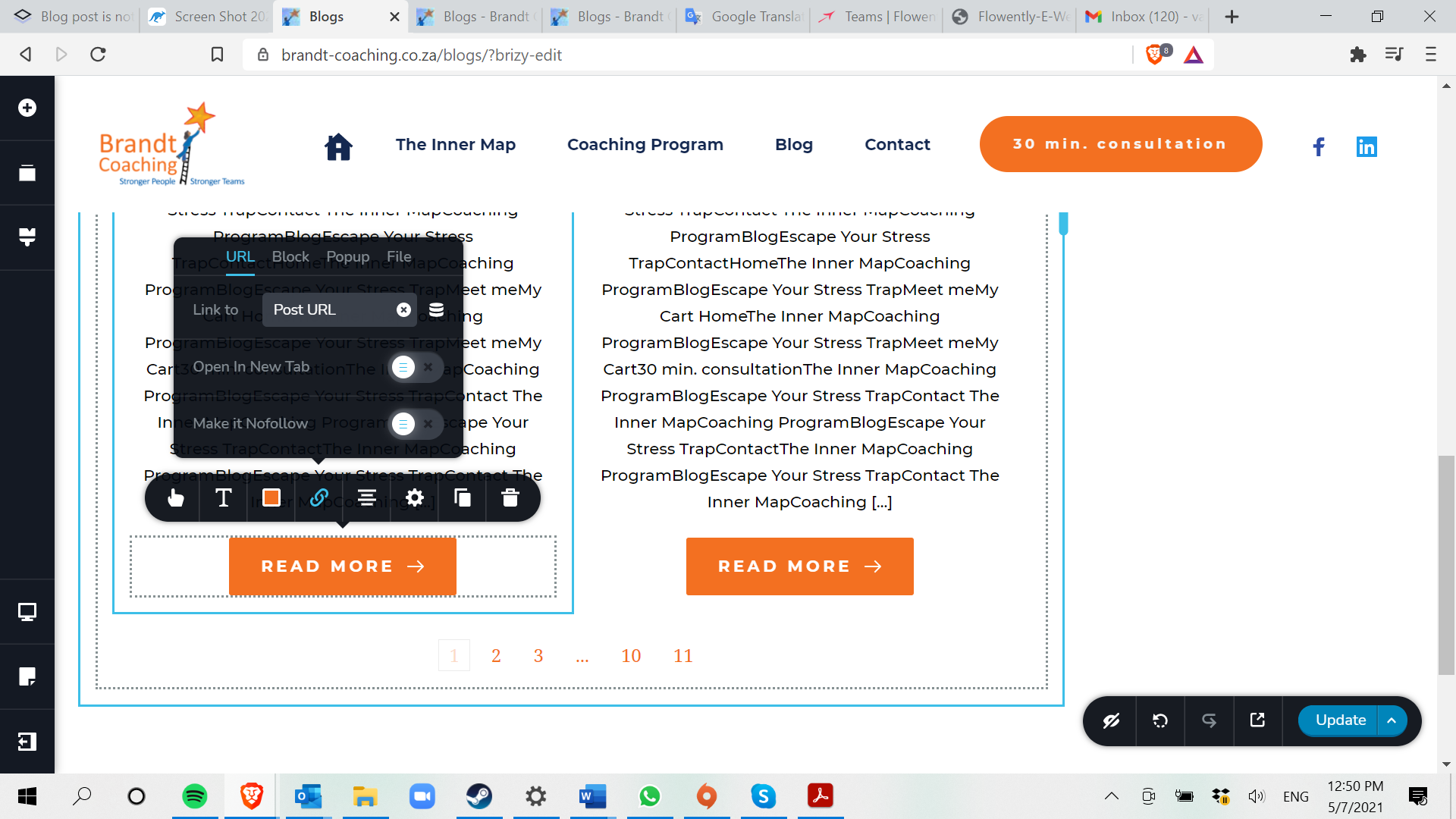
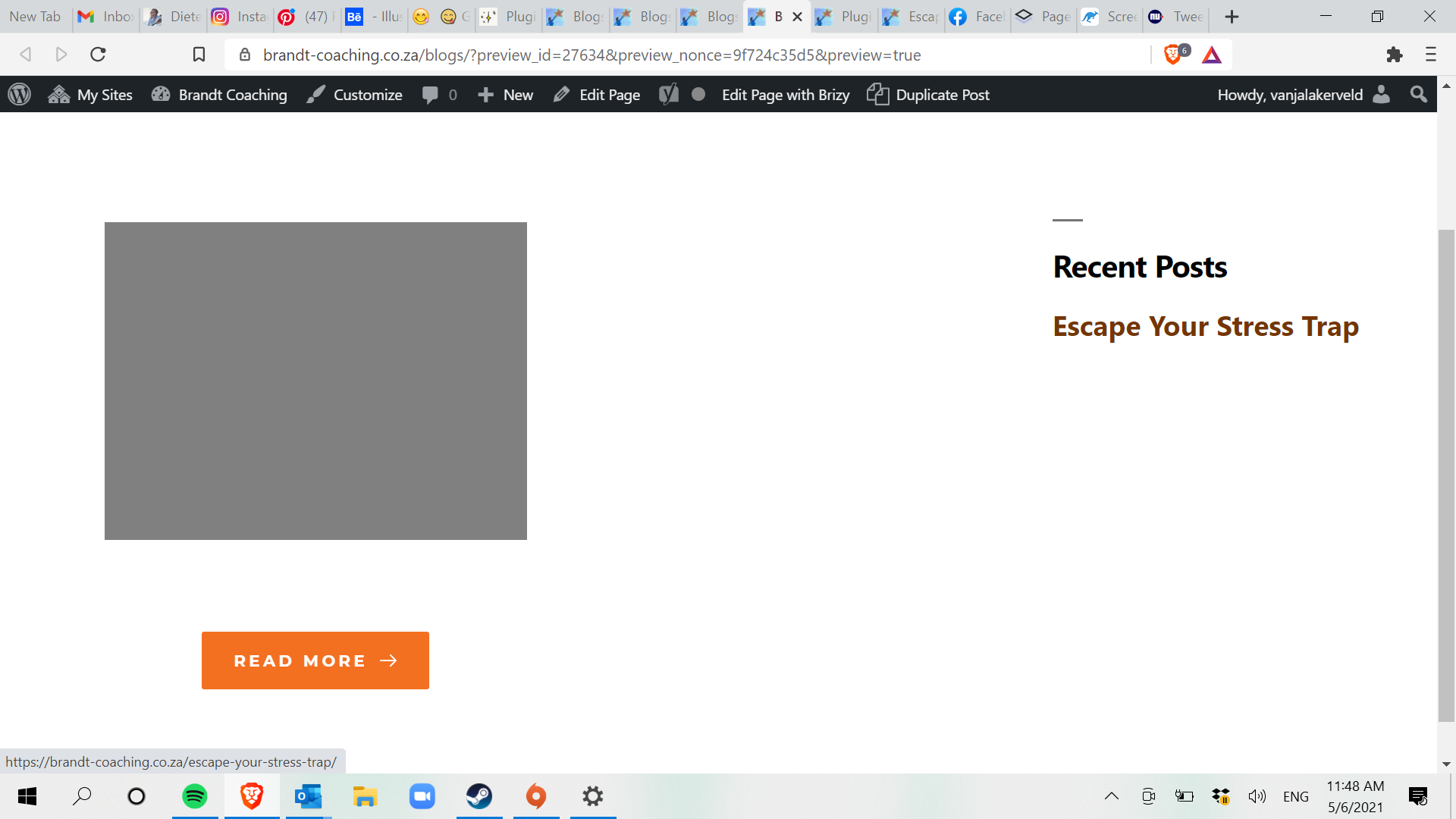
But in here I activated the catagory. I also created a new catagory to see if it would help, but it doesn't. Once I preview the page. I still gives me this grey block and the button is not directing to the blog post:
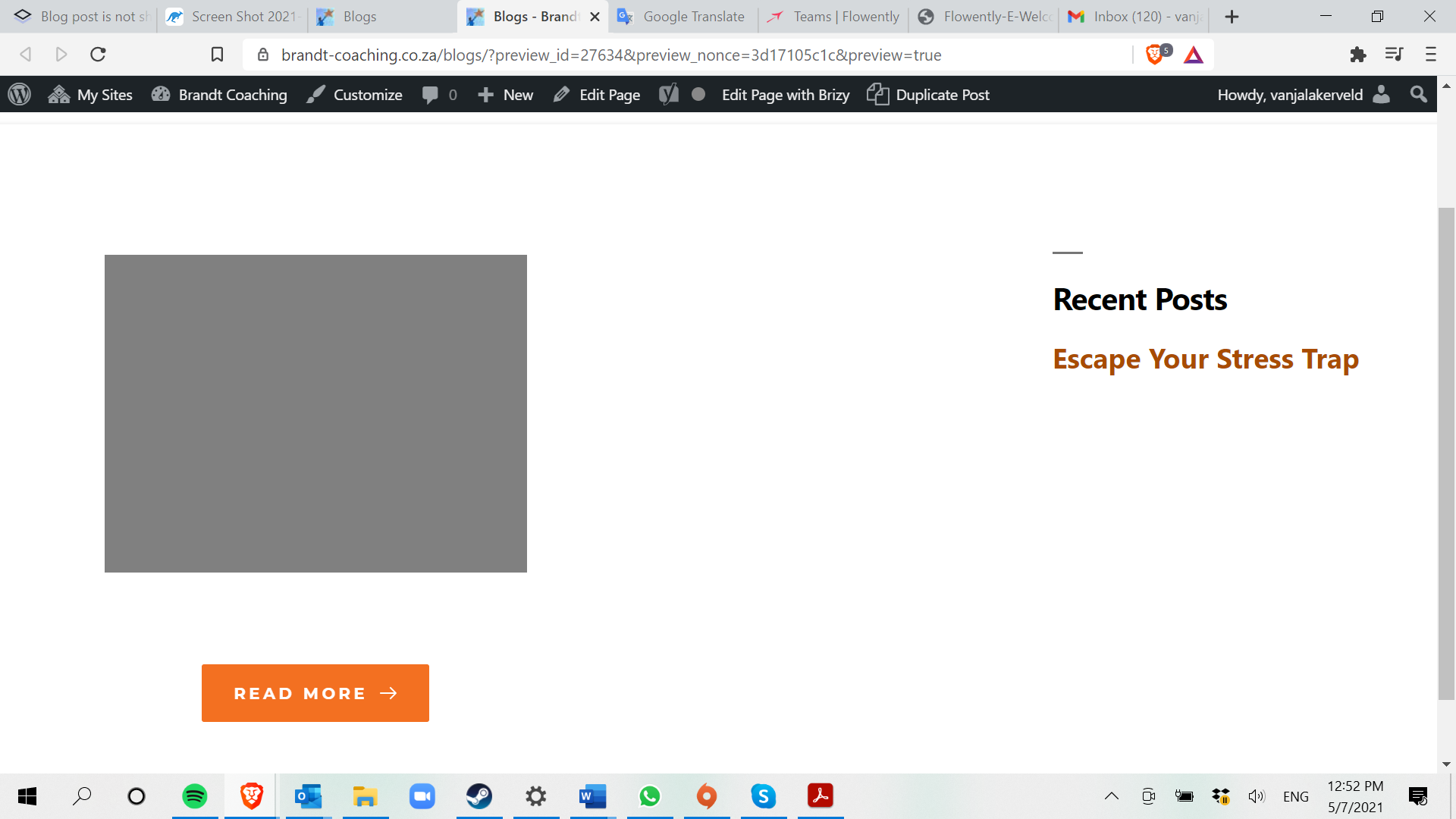
https://brandt-coaching.co.za/blogs/
Hope this helps a litlle..
Kind regards,
Vanja
0 -
Hi Vanja,
Thank you for all these details! We would like to check this problem from your dashboard. Could you please send us the WP credentials to this site?
I have created a private ticket for this request. You had to receive a notification regarding this by email. Could you send us in that private message the WP credentials to this site?Thanks!
Best regards,
Sandra0
Please sign in to leave a comment.
Comments
3 comments