La visualisation ne fonctionne pas

Bonjour,
Je ne comprends pas pourquoi mais quand je modifie dans l'éditeur et que j'enregistre, les modifications ne se font pas sur la page et je ne comprends pas pourquoi.
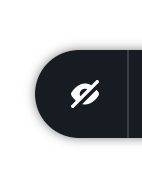
A chaque fois que j'ouvre l'éditeur, j'ai l'oeil fermé comme sur l'image en dessous...
J'ai bien tout à jour et la dernier mise à jour wordpress et le seul plugin que j'ai c'est ASTRA pour passer par sur brizy. Pouvez-vous m'aider ?
-

Hi,
Thank you for your message. This "Eye" option for hidden elements. In Brizy you can hide some elements for desktop, tablet and/or mobile mode. When this option is disabled as in your screenshot, the hidden elements aren't displayed as blurred on the editor. If you activate it, you can view hidden elements and disable this option. See here, in this video more details and example about it.
You also, mentioned that you make a modification in the editor mode but this modification isn't displayed in the preview mode. Do you encounter this problem in the Brizy WordPress pages or in the Brizy Cloud? Could you send us the URL link of the page where you notice this inconvenience? Could you send a screenshot from the editor mode and one from the preview mode?
Thank you!
Best regards,
Sandra0 -
Merci pour votre réponse, il s'agit bien du brizy wordpress, voici le lien : https://np-optique.fr et c'est sur toutes les pages...
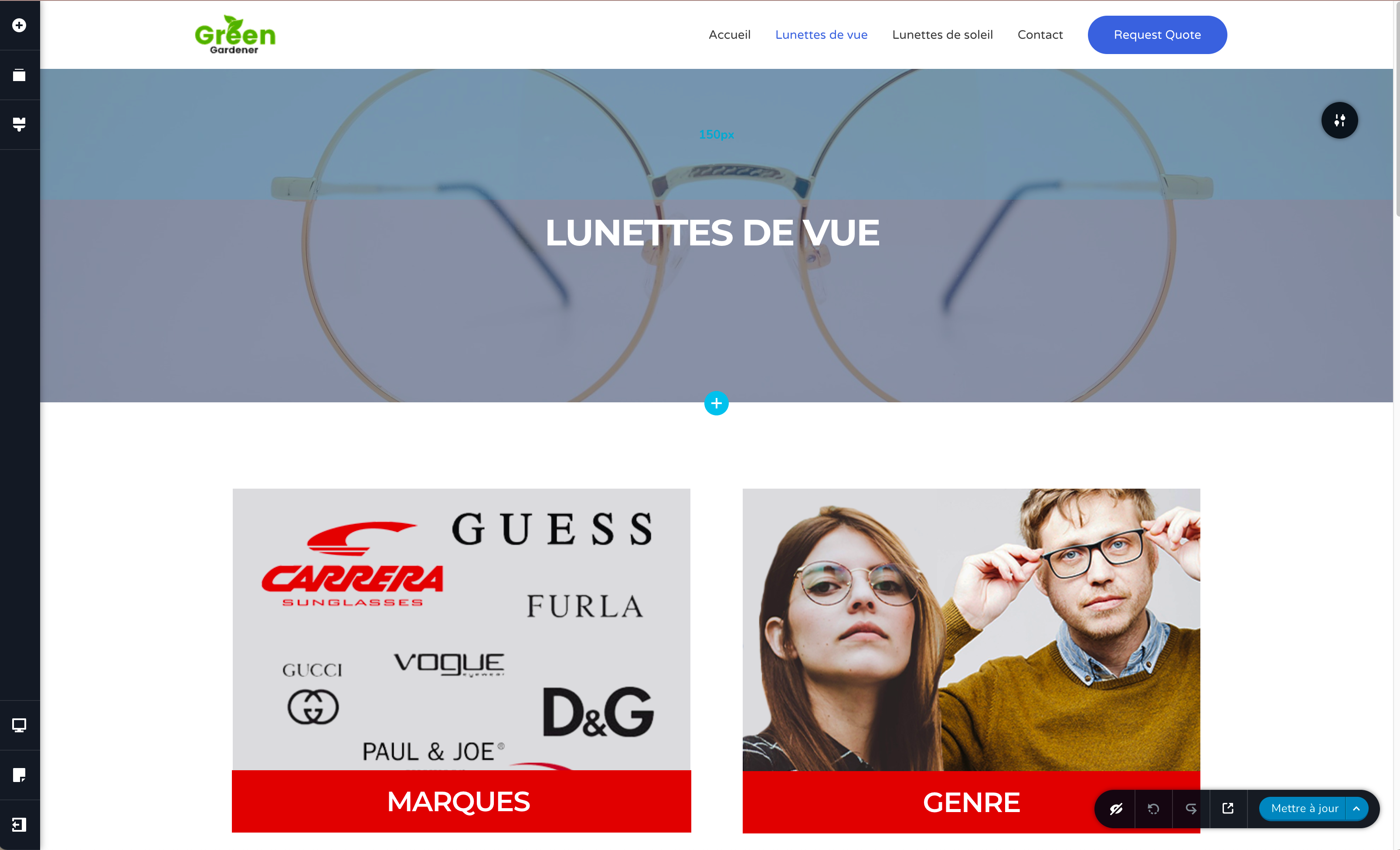
Ici c'est dans l'éditeur, vous pouvez voir que l'oeil est barré mais quand je l'enlève, l'affichage de ma page ne fonctionne pas
 0
0 -
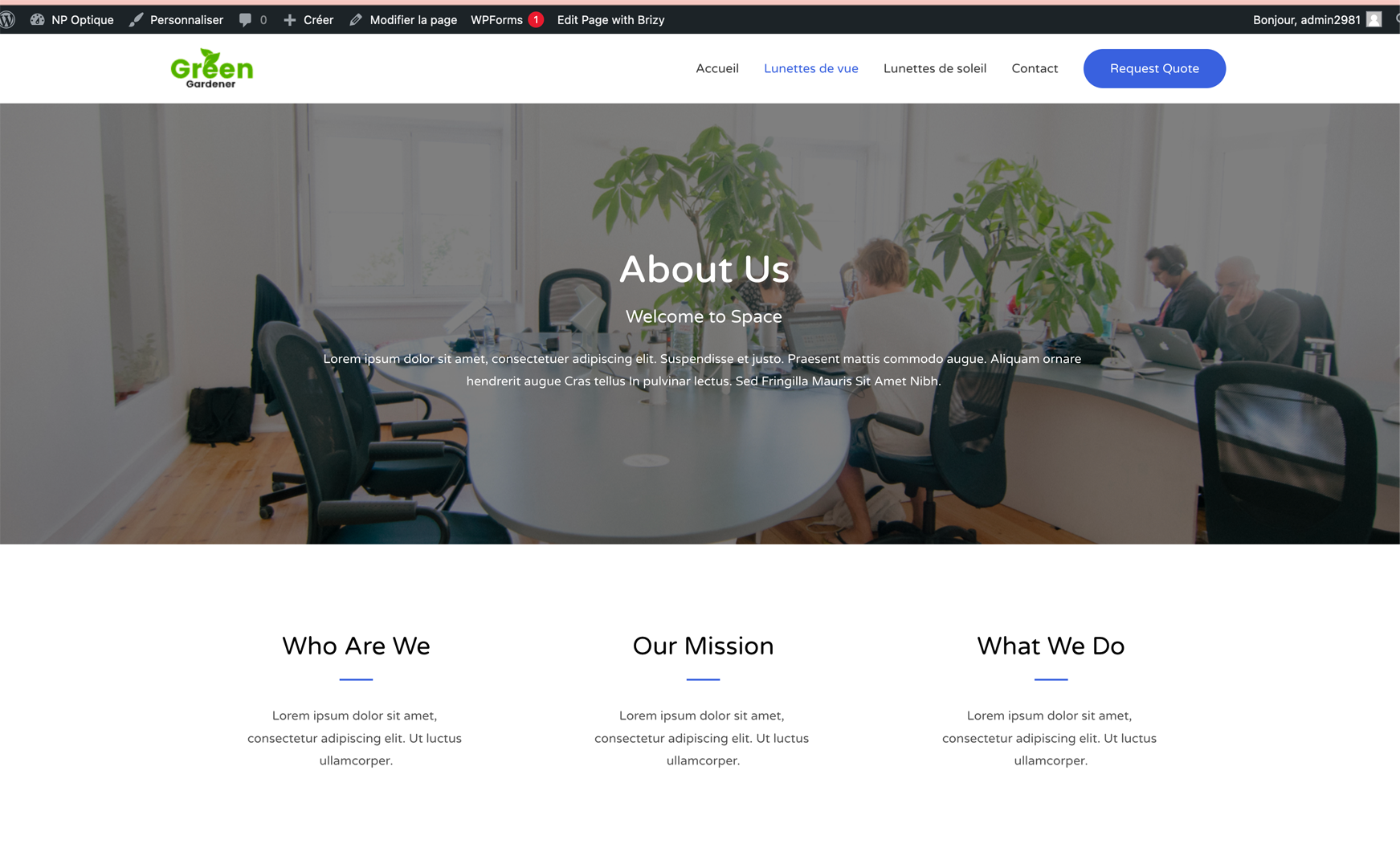
Ceci est l'affiche de ma page sur le site... le thème que j'ai fais dans l'éditeur ne fonctionne pas
 0
0 -
Hi,
Could you please check in the WP dashboard -> Brizy -> templates if you created the template for Pages?
What are your expectations for the "Eye" option? Actually, it is the option that displays or totally hide the hidden elements from the page. See here for more details about it https://www.youtube.com/watch?v=l4ayHuEbzaE.
Best regards,
Sandra0 -
Bonjour,
Non je n'ai pas créé de template, mais normalement, ça doit fonctionner même sans non ?
Là, l'affichage est différent entre l'éditeur et ce qui est sur le site. Sur le site, j'ai toujours l'ancien template et pas les modifications que j'ai apporté... A chaque fois que j'entre dans l'éditeur l'option "oeil" est barré et même si je le décoche ça ne fonctionne pas. Il faudrait une solution au plus vite s'il vous plaît...
0 -
Hi,
Thank you for all these details! We would like to check this problem from your dashboard. Could you please send us the WP credentials to this site?
I have created a private ticket for this request. You had to receive a notification regarding this by email. Could you send us in that private message the WP credentials to this site?Thanks!
Best regards,
Sandra0 -
Bonjour,
Merci, je vous ai envoyé des identifiants de connexion par le mail.
0 -
Hi,
Unfortunately, we didn't receive the WP credentials? Did you send them as a reply to the "noreply@..." email? Unfortunately, these emails are sent to notify you about a new update on the public post and we don't receive replies from that email. In your email, you have to receive another email, where we inform you that this is a private ticket. Could you please send us a reply to that email and send there the WP credentials to your site?
Thanks!
Best regards,
Sandra0 -
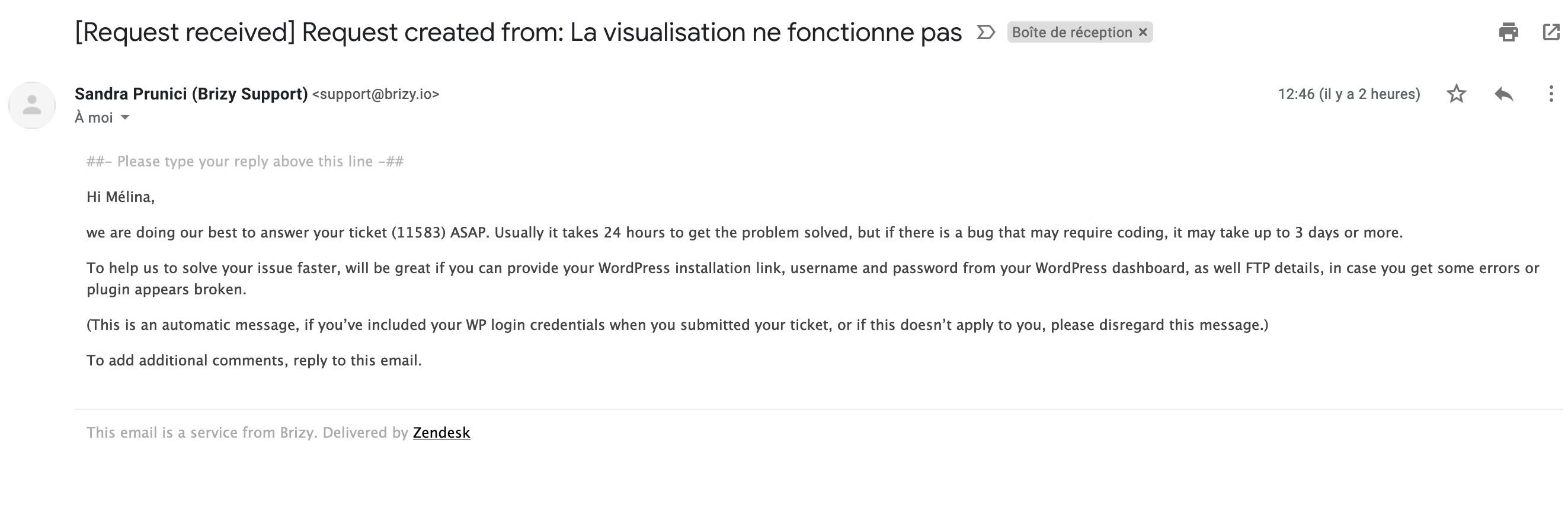
Cet email ? Je dois répondre à celui-ci ?
 0
0 -
Yes, you can send the reply to that email with the WP credentials.
Best regards,
Sandra0 -
Je vous ai répondu avez-vous pu résoudre le problème?ou le comprendre ?
0 -
Hi Melina,
I noticed that my colleague Natalia already send you a reply to the private ticket. When we will receive some details from our developers, we'll immediately inform you too!
Thank you!
Best regards,
Sandra0
Please sign in to leave a comment.
Comments
12 comments