about the post element

Hi sir,
I found that when I use the Post element on the home page, or image element, it didn't have a defualt size, its all use class to set size. I set 100% height and 100% width, if I set 100 px height and 100px width, it will always fix at with size, not responsive. on the blog index page, it works fine, see the attched image for addtional info.
How to fix this issue, cuz it cuz the CLS when optimize the speed test.
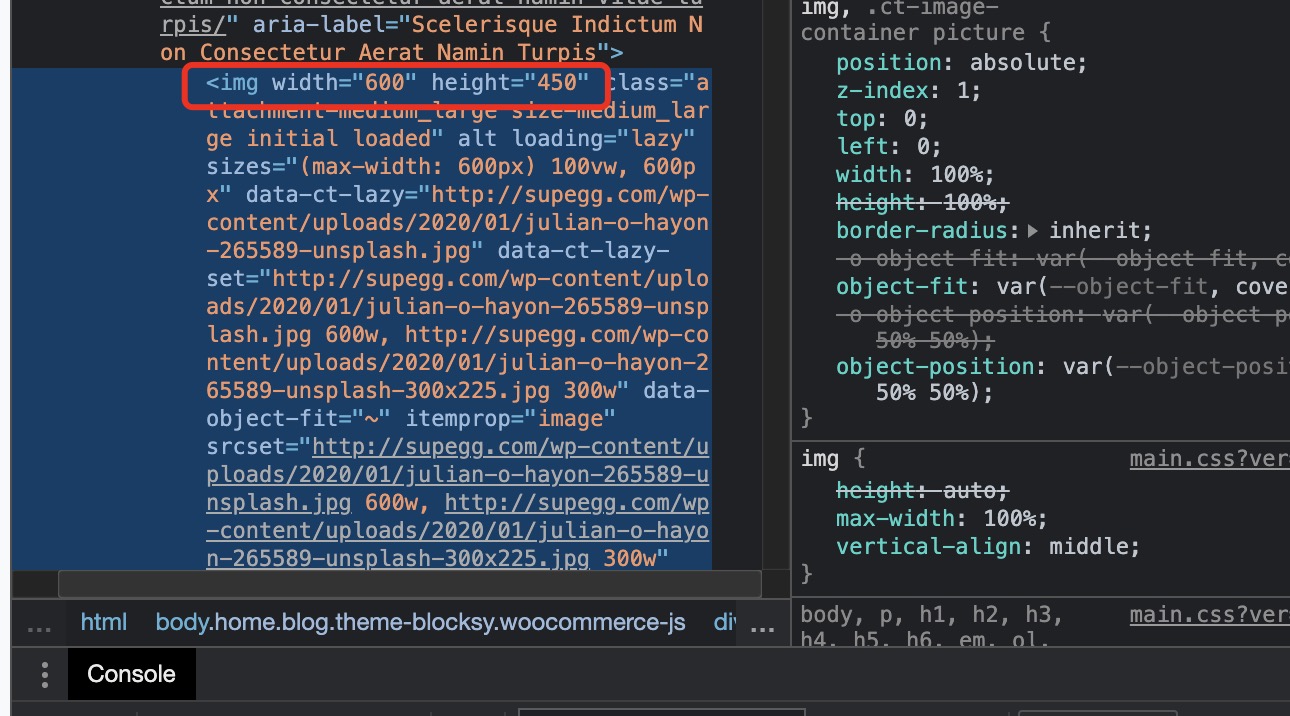
-

Hi,
100% height and 100% width does not mean that the image will appear in default size. This means that the image will occupy 100% of the container in which it is located. You can set a fixed size in pixels and adjust it manually for different screen sizes using this option: https://jmp.sh/tBfU7m7
0
Please sign in to leave a comment.
Comments
1 comment