Poor image quality in the mega menu

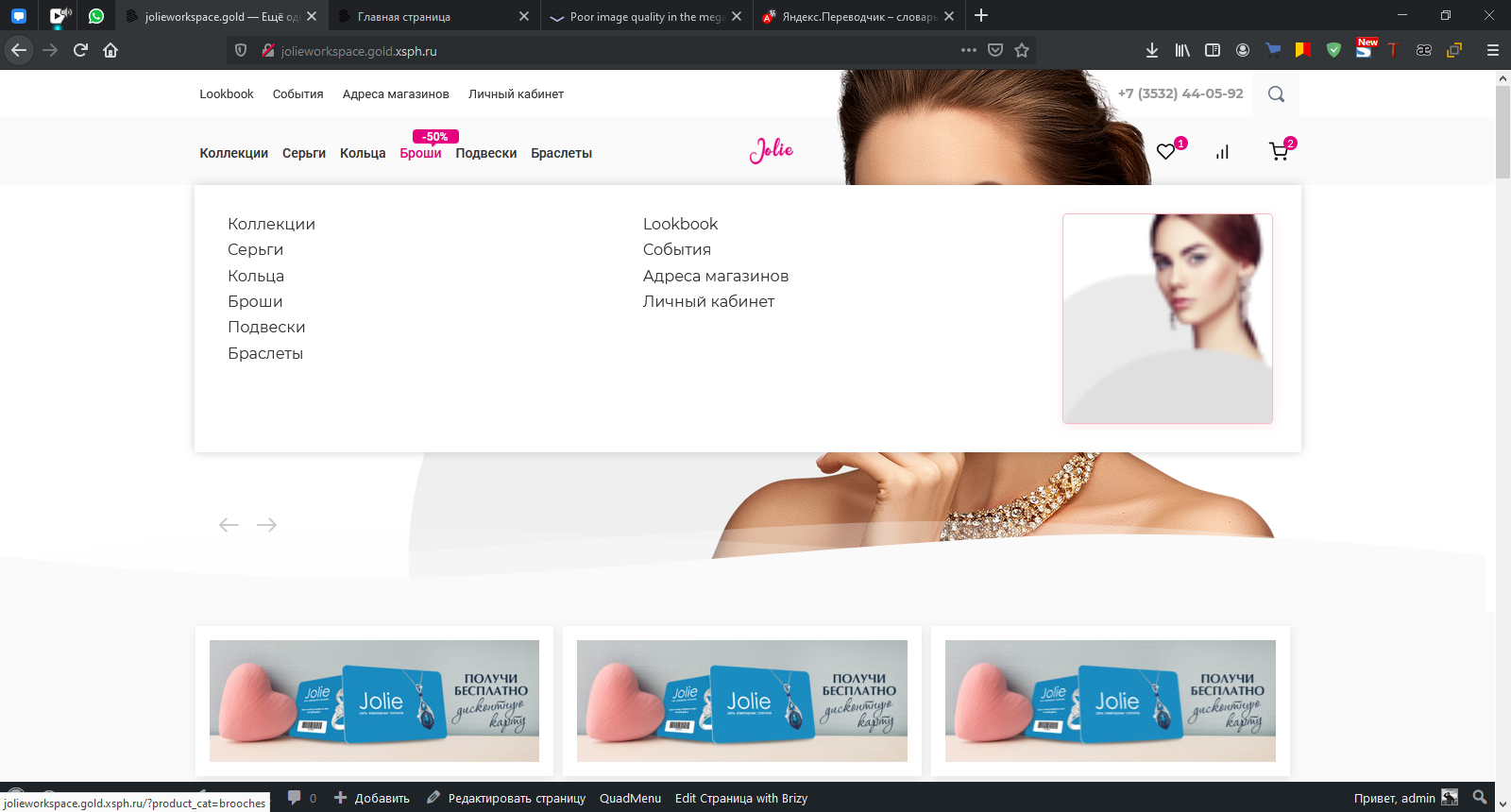
I insert images in the mega-menu, everything is fine in the brizy editor, but when you go to the site, an image of 70 by 70 pixels is inserted. The theme is WP Bono, there are no plugins for image compression.
-

Hi,
Could you please send us the URL link of the site where you encounter this problem? Do you have the latest Brizy Free 2.2.13 and Brizy Pro 2.2.9 version? Also, could you please temporary deactivate all external plugins (except Brizy Free and Brizy Pro) and activate a WordPress default theme?
If you don't have the latest versions and now, you updated it, could you please upload again the image in the Media Library and add it again in the Mega menu?
Thanks!
Best regards,
Sandra0 -
Good afternoon, deactivated all themes and plugins except brizy and brizy pro, the problem has not disappeare
0 -
Hi,
Thank you for the URL link. I encounter that the image has 140x138px but in the mega menu it is added in a container with 222x221px and therefore it is stretch to fit in this container. See here. For this reason, the image is displayed blurred. If this image has bigger sizes and you have the latest updates for Brizy Free 2.2.13 and Brizy Pro 2.2.9, please delete this image from the Megamenu and from the WP Media Library. After this, upload it again and add it inside the Mega Menu.
Best regards,
Sandra0 -
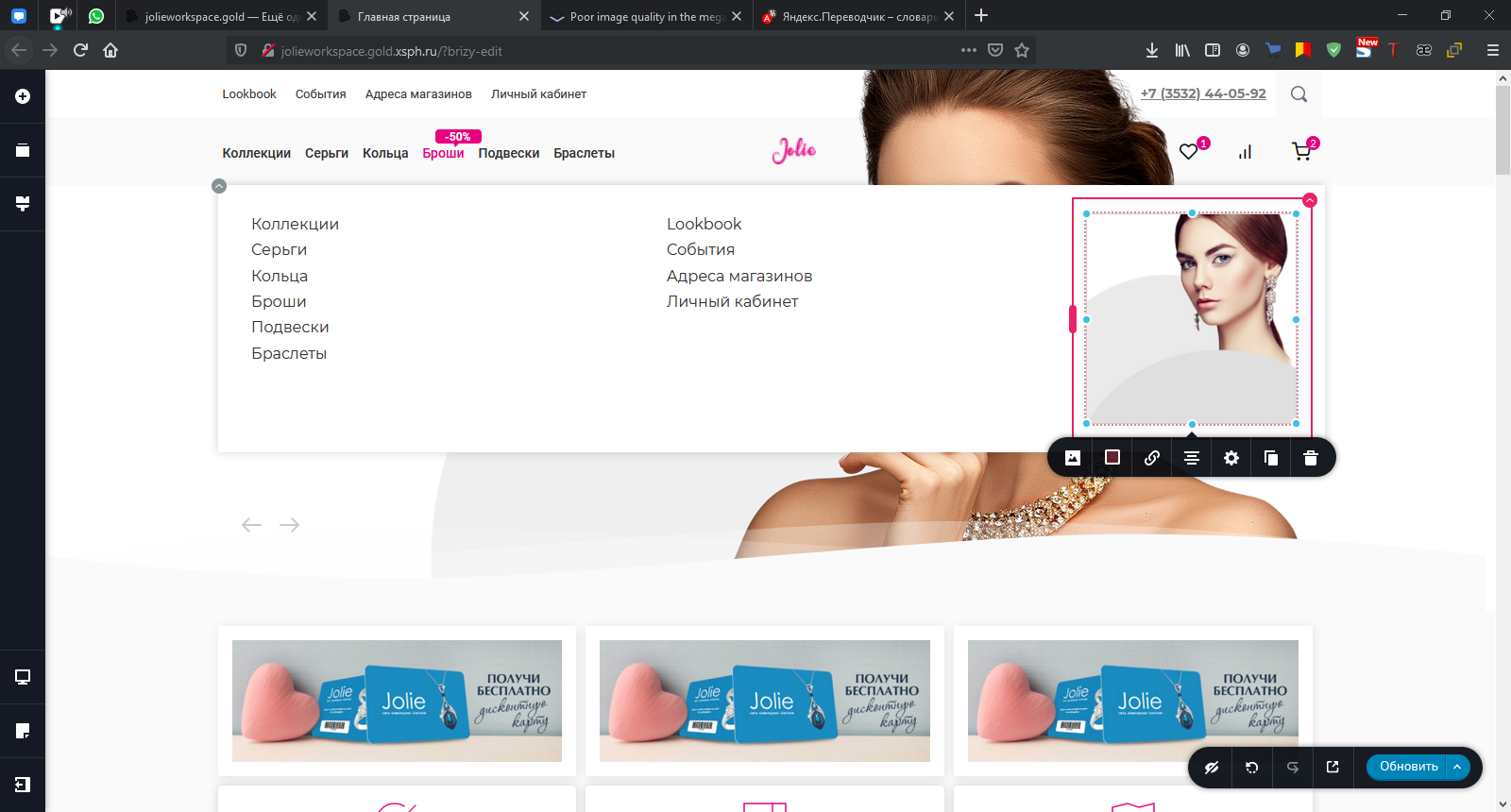
Good evening, I did as you asked. Deleted the image from the mega menu, deleted the image from the media library, but no changes occurred. In the brizy editor, everything is displayed perfectly, on the site itself, the image is displayed 272px, instead of 1980 px.
This is how it is shown on the site
In Brizy builder.
 0
0 -
Hi,
Thank you for all these details! We would like to check this problem from your dashboard. Could you please send us the WP credentials to this site?
I have created a private ticket for this request. You had to receive a notification regarding this by email. Could you send us in that private message the WP credentials to this site?Thanks!
Best regards,
Sandra0 -

Hi, what was the solution? I have the same problems. (Brizy 2.4.5 and Brizy Pro 2.4.6)
Best regards, Reto0 -

Hi Reto,
Thank you for contacting us.
During a year, many changes were made in Brizy builder and many options were added. Now you can select the size of your image from here https://jumpshare.com/v/3k89nsmlXZnVYPwVemTf. If you select the Custom option, the image will be resized for performance.
Best regards, Nelea.
0 -
Thank you Nelea
0
Please sign in to leave a comment.
Comments
8 comments