Heading not aligned in edit mode

Hello Support team
Since the last update the headers are not aligned anymore and shifted to the right in edit mode. When I visit the site all looks good but this is very confusing when i'm editing the site.
In edit mode it's like this:
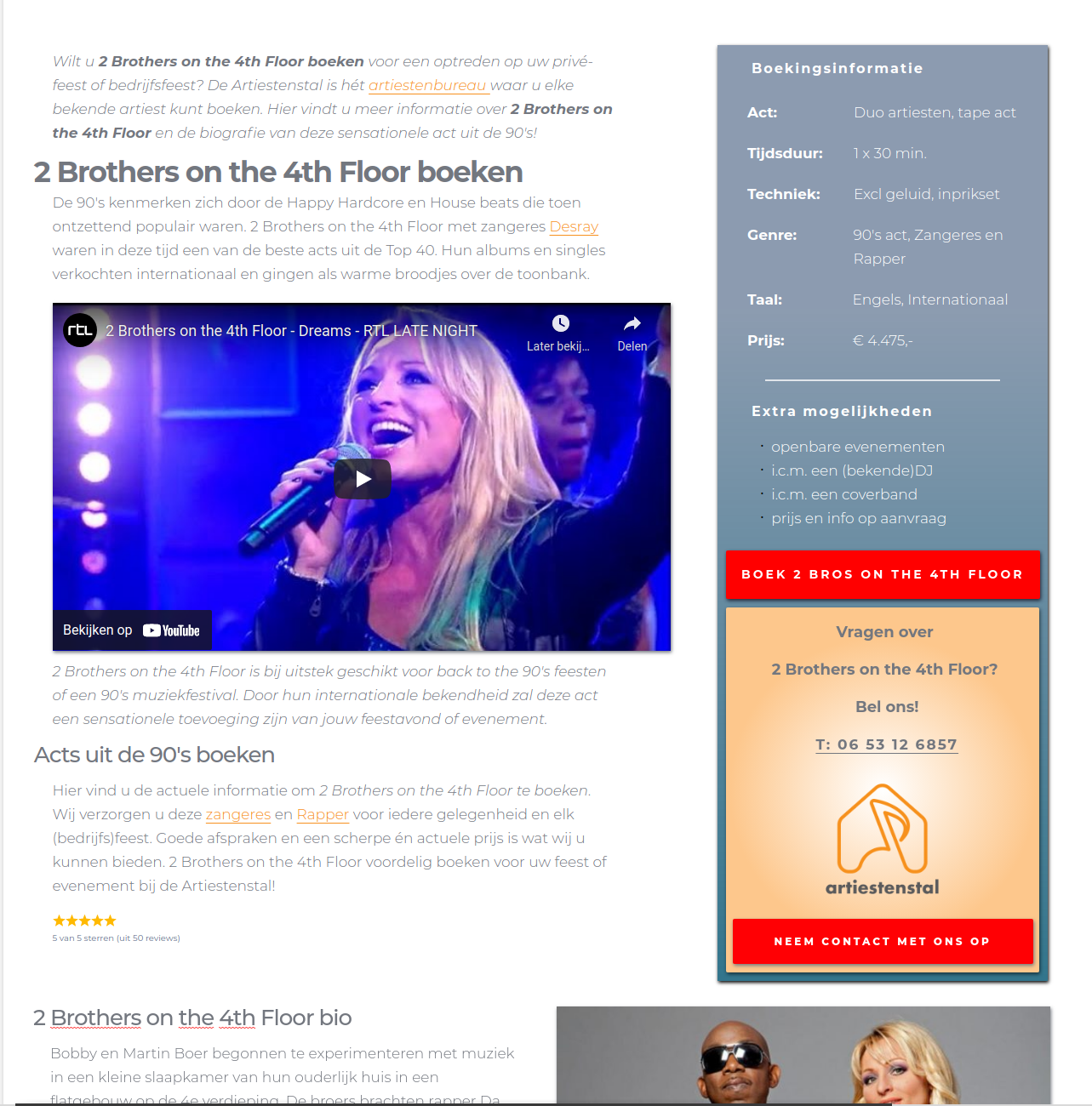
and it should be like this
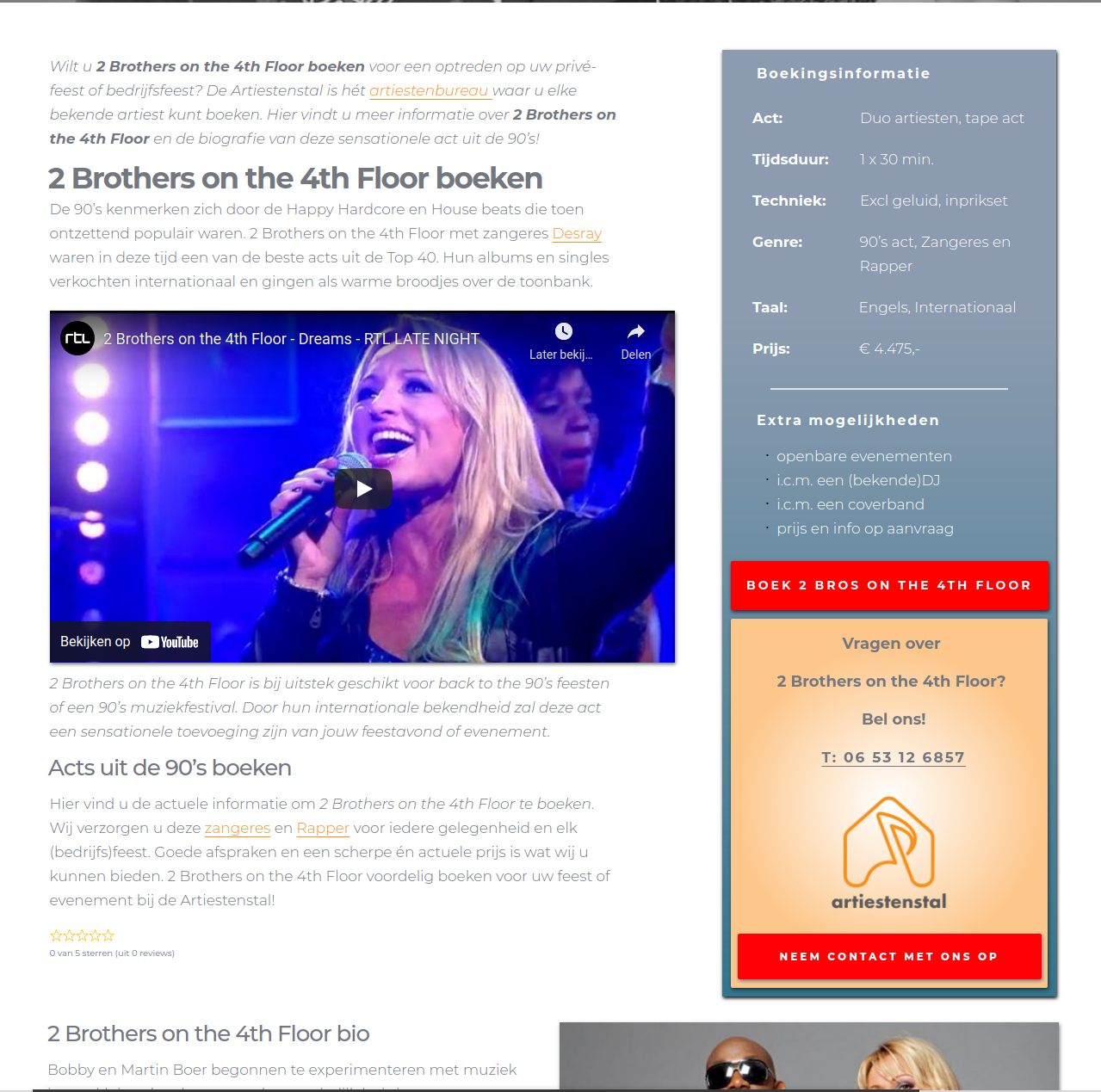
Please an update on this, its allready for a while that this problem is there.
Regards,
David
Brizy Pro user
-

Hi David,
Do you have the latest brizy Free 2.2.13 and Brizy Pro 2.2.9? I checked attentively both screenshots and find that they are identical. See here.
Also, could you please delete the browser and site cache and check it again? Could you please temporary deactivate all external plugins (except Brizy Free and Brizy Pro) and activate a WordPress default theme? Do you have the same problem with the editor mode?
Best regards,
Sandra0 -
Hi Sandra,
You really can't see the difference? It's very obvious and not hard to see that the headings on the first pic (the edit mode) are not aligned wih the paragraphs as on the second pic (live site).
Yes I do have Brizy Free 2.2.13 and Brizy Pro 2.2.9 installed and the problem occurred when I got the update. Before it was not there, so I doubt if it is another plugin or the theme.
Regards,
David0 -
I also just deactivated all plugins except Brizy and the problem was still there.
0 -
Hi,
I'm sorry but in the first message wasn't mentioned that the problem consists that headings and paragraphs aren't aligned in the same mode and line.
Could you please give us more details about this problem? Where did you encounter it? In the simple pages or in the Brizy templates? How did you add the headings and paragraphs? If it is a brizy template, how did you create the post? How did you create the template? What element did you use for displaying the content? Could you please send us the URL link of this page?
Thanks!
Best regards,
Sandra0
Please sign in to leave a comment.
Comments
4 comments