Submenu styling
Completed
Hello, I am using Brizy Pro but still cannot change the styling of the submenu because it is not shown to me in edit mode. What can I do? Many greetings Natalie
-

Hi,
Do you have installed the Brizy Pro feature? At the moment, the ability to customize the submenu is available only in Brizy Pro.
Best regards,
Sandra0 -
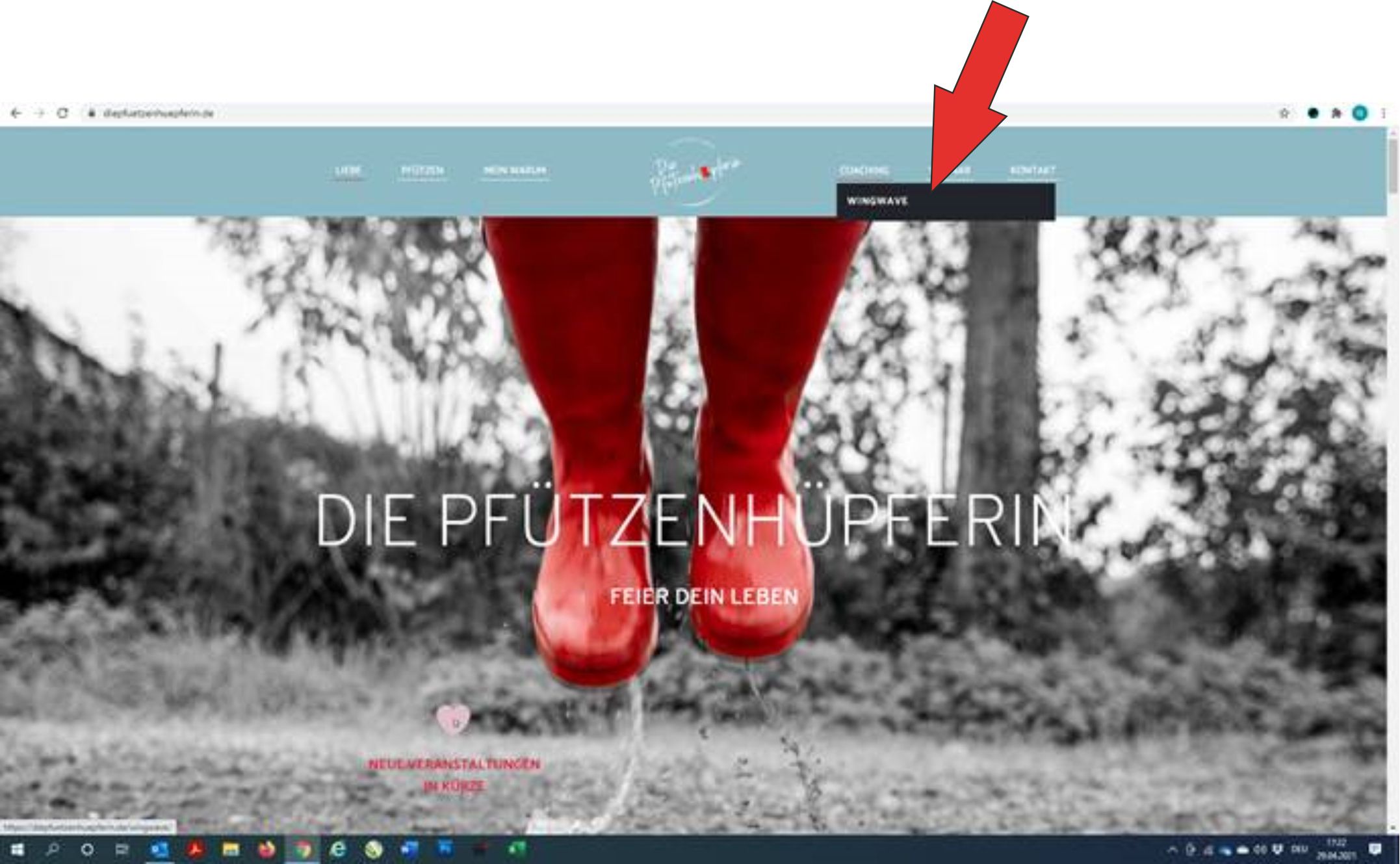
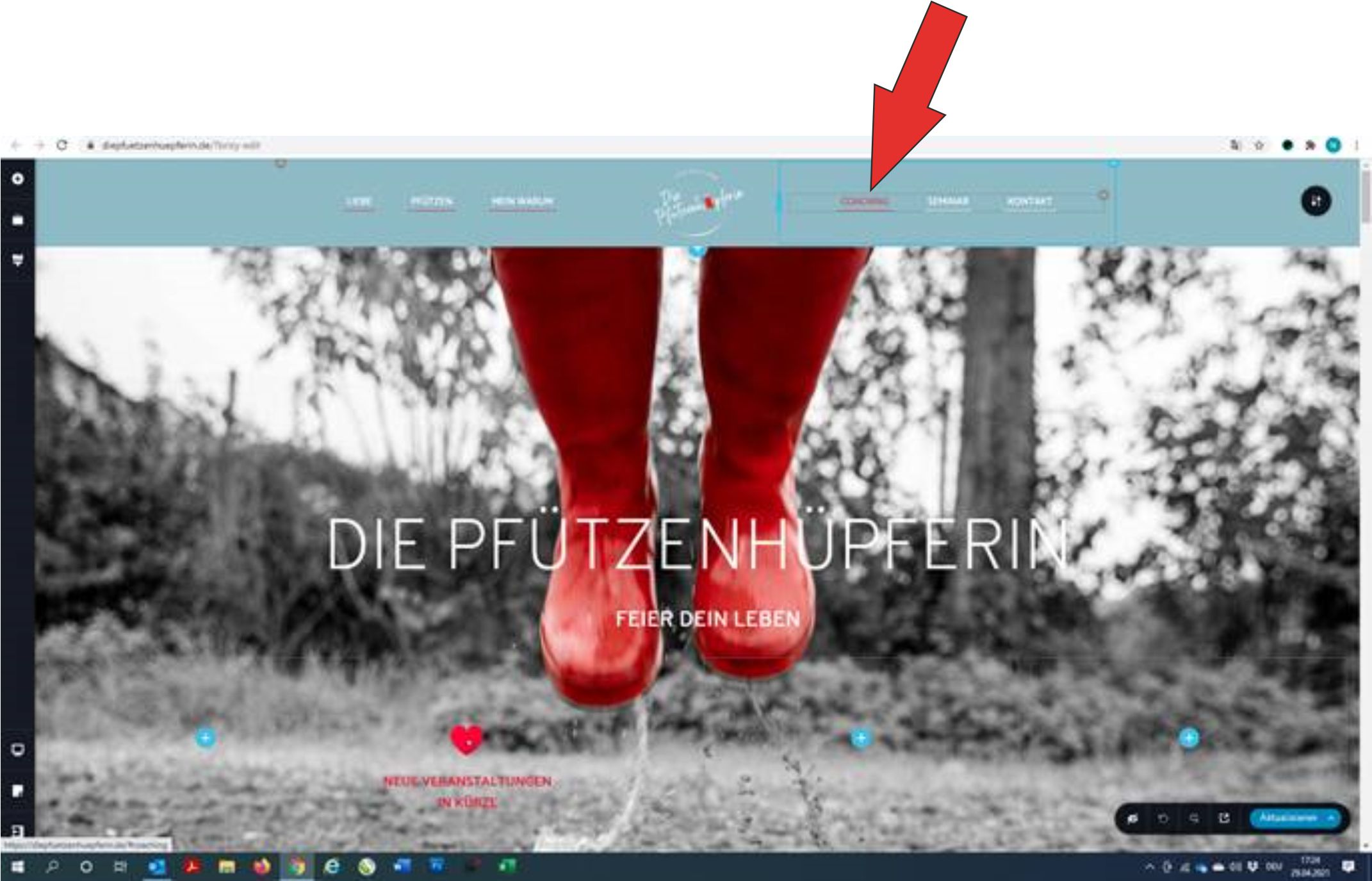
Hi Sandra, thank you for your quick reply. Yes, I have installed and activated Brizy Pro. This is what my page looks like picture1.
But I can not edit this in the backend.
Picture2
Best regards, Natalie
 0
0 -
Hi,
Could you please check if you activated the Brizy Pro license like it is recommended in this article?
If you activate the license key and you still can't edit the submenu, could you please remove the Menu element and then add it again to the site? After you will re-add the menu element and select again the menu you want to display, could you please try again to click on the menu item to open the submenu and customize it? See here.
Best regards,
Sandra0 -
Hi Sandra,
after I deleted the menu and inserted it again, it works :-) many thanks for the tip.
Unfortunately I have another problem with the menu. When I click on the "wingwave" submenu item, I can no longer access the other menu items from this page. All the other menu items are defined as links, but that should still work, shouldn't it?Best regards,
Natalie
0 -
Hi,
Great! Thank you for confirming this with us!
I'm sorry but I misunderstand the second problem you encounter on the menu. Could you please send us a video or a screenshot of this problem?
Thank you!
Best regards,
Sandra0 -
Hi Sandra,
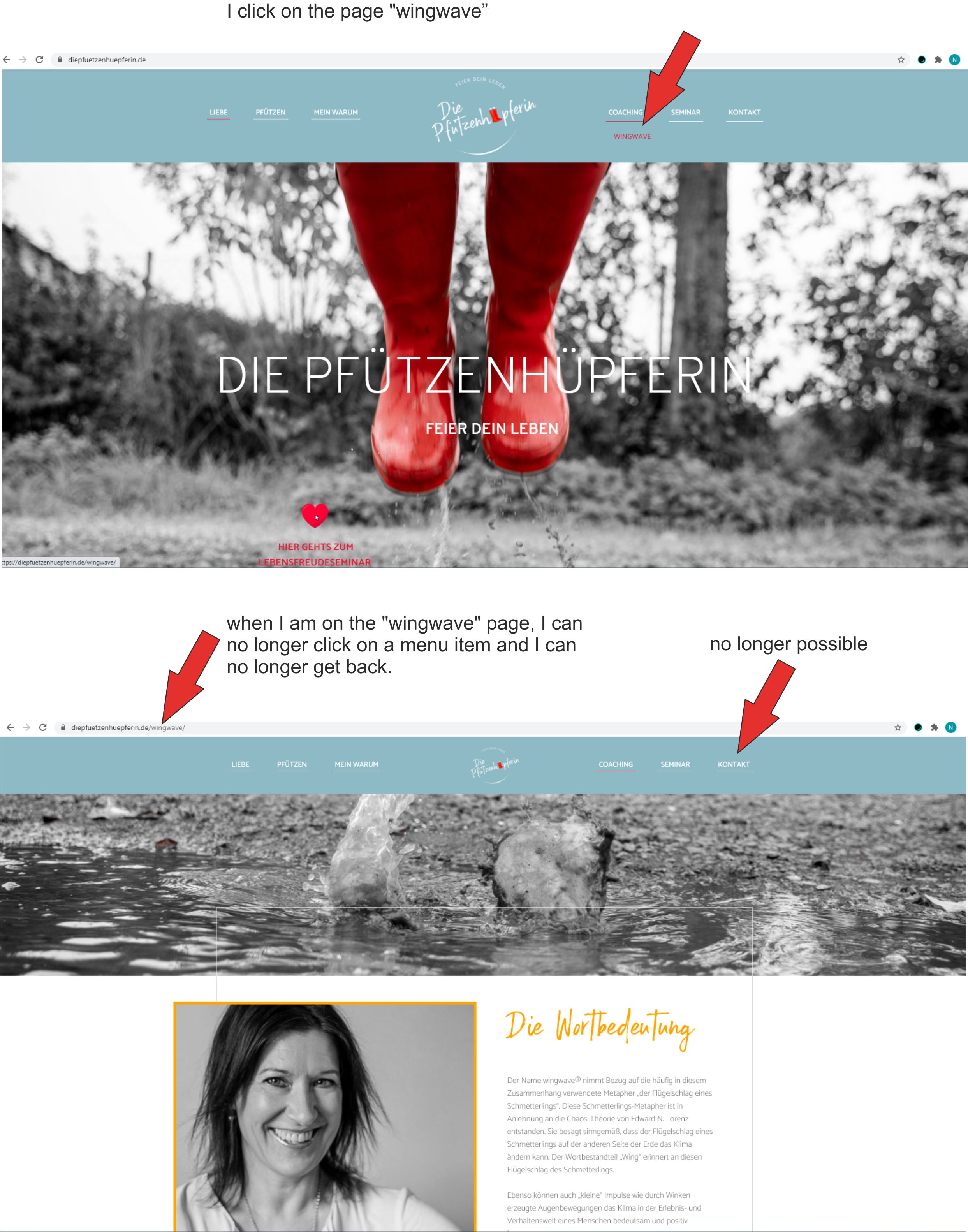
I tried to describe my problem with the picture4...
I go to the page "wingwave" and then I can't select any more menu items, I can't get back from the page...
Best regards,
Natalie
0 -
Hi Natalie,
I noticed that other your menu items are anchor links to the blocks from the homepage. Unfortunately, at the moment, we have a problem with the anchor links on the WordPress sites. Our developers are already informed about this problem and are working hard to solve it as soon as possible. I'm sorry for this inconvenience and I can ensure you that we are doing our best to fix this problem as soon as possible.
Best regards,
Sandra0 -

Dear Natalie,
Please update to the latest Version and update the page in which you have the anchor element in the menu item. If there will be any other issues - please let us know. Thank you for your patience.
Best regards,
Nelly
0
Please sign in to leave a comment.
Comments
8 comments