featured image contain

Hi,
I am setting the featured image in to a colum that is 70%, while next to it the column of 30% width is having the post excerpt.
the section is set to auto height, and the featured image to both 100% width and height.
The image is being cut however if in landscape.
How can i make the image widget contain the featured image rather than fit?
thanks
-

Hi,
can you please give us more details? A screenshot or image will help a lot. Please also send the link to your website so that we can see the problem. Thanks.
0 -
Hi Alex,
you are right, and apologize for not having provided them straight out of the box. I am just not super comfortable sharing my customers data in a public forum. although it is going to be (or already is) a public website :)
blog post:
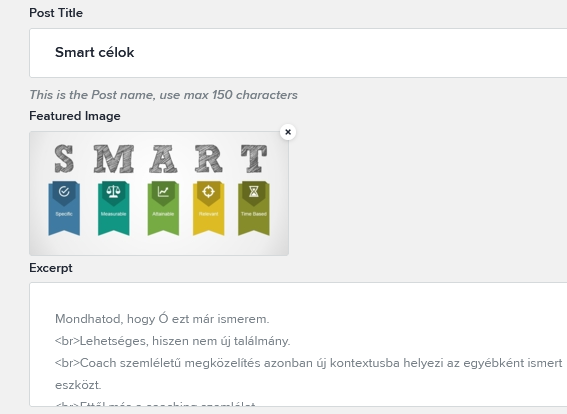
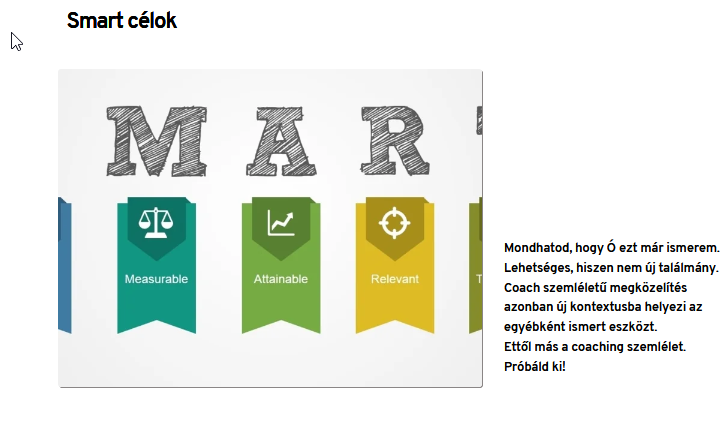
in the front end cropped.
that is to say, adjusted to height, instead of width.
Ideally, it would be set to contain, instead of cover.
sure enough one can overwrite it with custom css. just wondering if that is the best practice as per brizy or am i missing some option here?
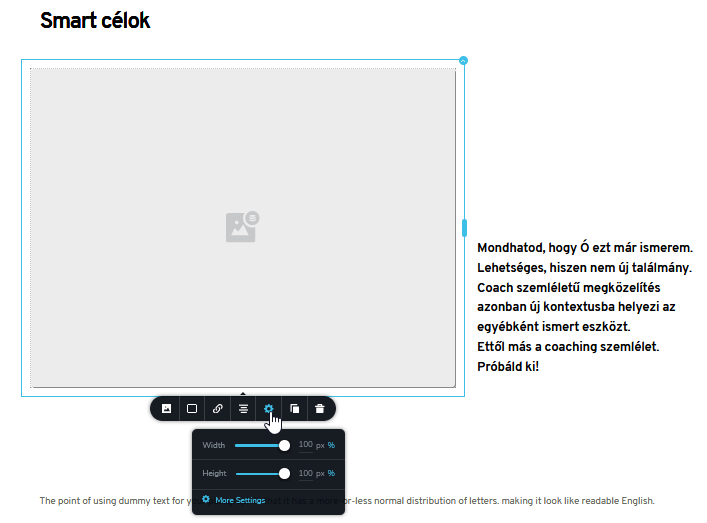
the global section:
 0
0 -
Hi,
sorry for not getting back to you sooner.
At the moment in a dynamic environment, the size of the column will not change depending on the size of the image. It works inversely. The image is adjusted according to the size of the column that contains the image element in the editor. As a temporary solution, I'd recommend using images of the same size and adjusting the column in the editor to fit.
It is on our to-do list and will have improvements in the future.
0 -
Hi Alex,
I might not have been clear enough.
It is not that column I want to adjust, but rather the image to have the css property object-fit: contain. right now, it seems as it is forcefully set to cover.
Now the issue is, that I cannot seem to be able to target the right div. No matter which of the many div-s I target with object-fit: contain !important. it gets ignored.
I have even removed the image widget and replaced it with a spacer only. So there is an empty column with a spacer inside only, and i have applied the featured image to the column (rather than the image widget as previously). but even if targeting the column, all css properties work properly. like border etc. but not the object-fit.
It is really not appropriate to have every image pre-formatted, they should just simply be reduced to fit into the column, rather than cropped to make the div cover.
thanks a mill for your assistance.
ps. I am still loving Brizy, it is increadibly fast to design simple websites, and the layouts are best in class.
I only wish the saved elements was a bit more feature rich, so i could work even faster.
0 -
Ahh, sorry, since I was setting the column background and no longer the image widget. I had to use background-size: contain and all is working as expected.
thanks, this can be closed. again: user error :)
0 -
Hi,
I'm glad to hear that and thank you for your p.s. - that encourages us. We are still developing and certainly many things will improve. The only problem is that we can't do this instantly and what we do is gather them all in a list and solve them one by one or add something new that will enhance your experience working with Brizy.
0
Please sign in to leave a comment.
Comments
6 comments