Images load in builder, but not in website

Getting 404 image errors
Images work fine on the editor but not on the public facing website.
Only have brizy,brizy pro, blocksy companion and blocksy theme enabled.
made sure gd was installed for my PHP with
sudo install php7.3-gd php7.4-gd php8.0-gd
website: https://hardwired.biz/
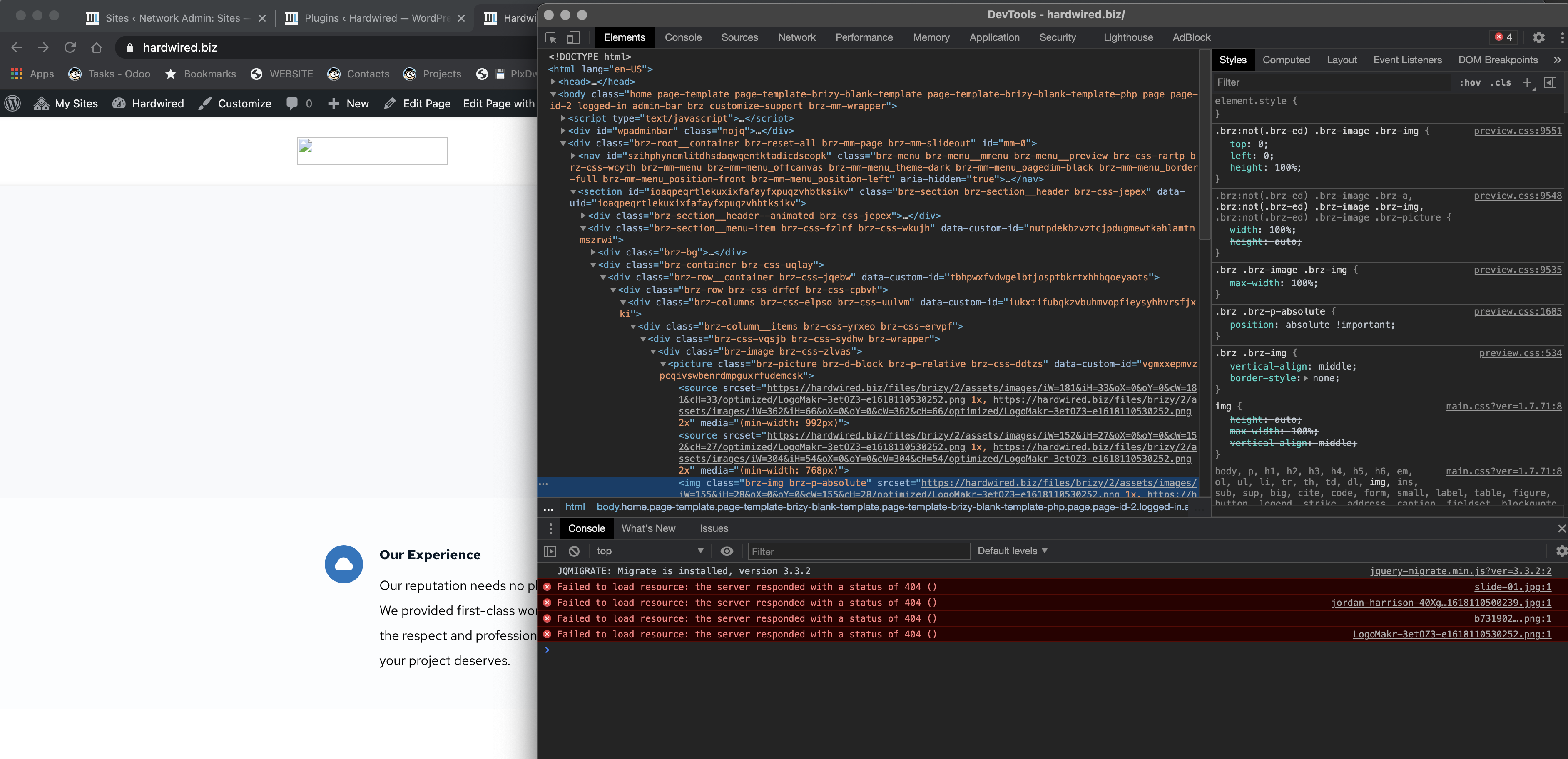
-
This is the URL for the images that show on the public site, and they do not load.
But manually editing this url to point to
https://hardwired.biz/files/brizy/2/assets/images/b731902c6bf15805972db395c1ec4670.png
loads just fine.
0 -

Hi,
Could you please check if you have the latest Brizy Free 2.2.11 and Brizy Pro 2.2.8 version? Also, could you please temporary deactivate all external plugins (except Brizy Free and Brizy Pro) and activate a WordPress default theme?
When did you encounter this problem? What actions did you make before encountering this problem? Could you please go to the WP Media Library and try to modify an image (crop or rotate it)? Do you receive any problem?
Best regards,
Sandra0 -
On latest of both the free and the pro, tried with twenty twenty two default wordpress theme, disabled and re-enabled plugins, also can crop images with no problems.
I encountered this problem since first installing the plugin and using it. I hasn't worked properly since the beginning (few days ago).
0 -
Also disabled all other plugins with no luck.
0 -

Dear Lara.
We issued already a private ticket to solve your problem. We will need your WP credentials to this site.
Thank you in advance for your patience and understanding,
Nelly
0


Please sign in to leave a comment.
Comments
5 comments