Blurred Images NO SOLUTION!

Please have a look at https://landerplus.com I have spent hours trying to get the images on the site sorted. Almost all are unacceptable especially the one in the header. I have used photoshop for the best possible results with no solution. I have attached the image file for your consideration. I will not be able to promote the site until this is sorted please advise.https://landerplus.com/wp-content/uploads/2021/04/landerplus-brizy4.png
-

Hi,
I checked the site you share with us but I didn't encounter the problem you reported. See here. The image is displaying fine. Could you please check if you have the latest versions for Brizy Free 2.2.10 and Brizy Pro 2.2.7. Also, could you please delete the site and browser cache?
Thank you!
Best regards,
Sandra0 -
Hi Sandra,
Did you say you have not noticed the blurred image in the header? Yes the image is displaying but it's blurred.
So here is a better example. I have changed the image in the header for a high quality vector. The vector I am using is a png which is a larger size than the column height/width. Image is set to 100%.
https://landerplus.com/wp-content/uploads/2021/04/lander-vector1.png
Now please go to https://landerplus.com
Can you see how blurred the image is against the original? And yes all my Brizy plugins are up to date and browser cache has been purged.
I suppose what I need to ask...is this the fault of Brizy or am I doing something wrong? Is there a fix and if so please let me know. Thanks for your quick support and response to the original enquiry.
I do think Brizy is one of the best page builders out there however its let down by the compression settings, especially when I am trying to convince prospective customers against the quality of the images they want (and I want) when building out web sites.
Until a solution is found I cant promote anything with Brizy!
Thanks again.
Best regards.0 -
Hi,
I investigated carefully the image and the page where you add this image. I encounter that the image is uploaded in lower sizes (404x374px) than the live displayed image which is bigger (426x394px). For this reason, the image looks a bit blurred. See here. I uploaded this image and tried to use it on my site. Here all worked fine, the image uploaded in the original sizes and the image doesn't look blurred. See here.
In the latest Brizy updates we had this problem with images when they were compressed and therefore uploaded in lower dimensions. Our developers already fixed this problem and therefore, we recommend updating the plugins to the latest versions, Brizy Free 2.2.10 and Brizy Pro 2.2.7. If you have the latest versions and still encounter this problem, please delete the image from the Brizy page and from the WP Media Library, then try to upload it again.
Thanks!
Best regards,
Sandra0 -
Hi Sandra,
That's not correct.
The image in question is a high quality png vector @ 596 x 552. This what I have uploaded from my media library when using the Brizy Pro 2.2.7 (and yes version Brizy Free 2.2.10 is installed).
https://landerplus.com/wp-content/uploads/2021/04/lander-vector1.png
The image is blurred in the header using Brizy Pro https://landerplus.com
I have made another header within the default template GeneratePress as an example using the exact same image from my media library.
https://landerplus.com/no-blurred-images-here/
Please remember the size of this image is 596 x 552 however when both these headers are compared you can see the difference immediately. Generatepress no compression Brizy high compression.
Here lies the problem....its Brizy compression settings applied to every image uploaded from the media library.
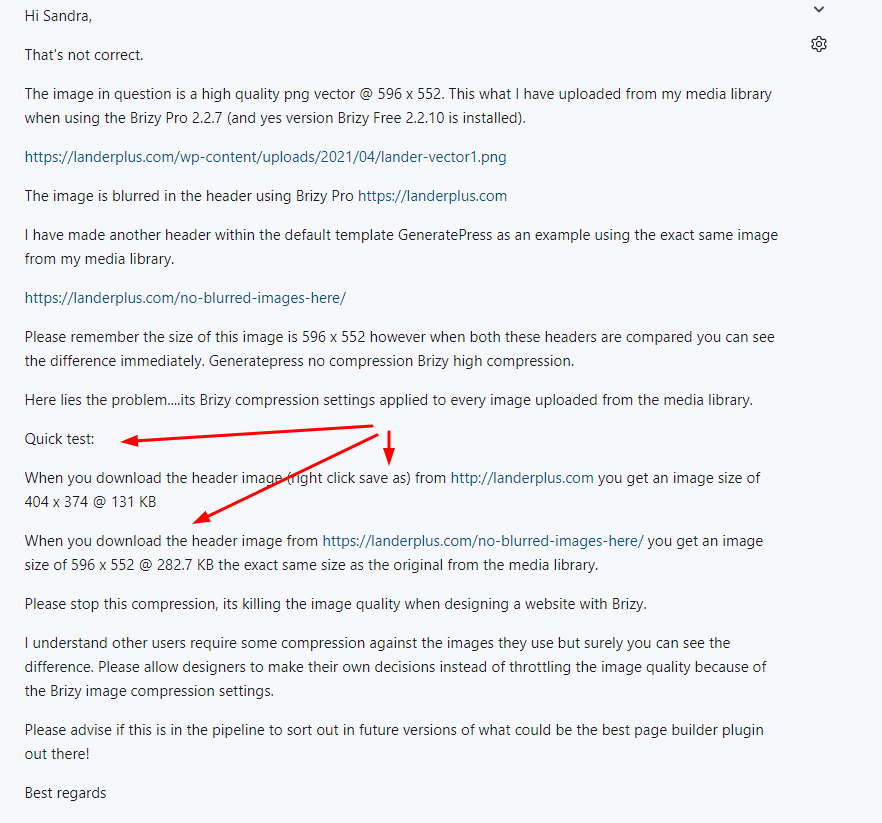
Quick test:
When you download the header image (right click save as) from http://landerplus.com you get an image size of 404 x 374 @ 131 KB
When you download the header image from https://landerplus.com/no-blurred-images-here/ you get an image size of 596 x 552 @ 282.7 KB the exact same size as the original from the media library.
Please stop this compression, its killing the image quality when designing a website with Brizy.
I understand other users require some compression against the images they use but surely you can see the difference. Please allow designers to make their own decisions instead of throttling the image quality because of the Brizy image compression settings.
Please advise if this is in the pipeline to sort out in future versions of what could be the best page builder plugin out there!
Best regards
0 -
Hi,
Could you please delete this image from Brizy pages and also from the WP Media Library? After this, please upload it again in the WP Media Library and after this use the newest uploaded image on the Brizy page. Also, make sure that you deleted the site and browser cache.
In the past, we had this problem but our team already fixed this inconvenience. Therefore, we would like if you will upload it again because as you can see from my screenshot on my dashboard the image was uploaded fine in the Brizy pages.
Also, we ask you to temporarily deactivate all external plugins (except Brizy Free and Pro) and activate the WP Twenty Nineteen theme. Do you receive the same inconvenience? (After you will test them, you can activate all of them one by one to find if it isn't a plugin or theme inconveneince)
Best regards,
Sandra0 -
If this will keep the high quality png vector showing on the live page @ 596 x 552 size 282.7 KB after download with no Brizy compression I'll give it a try.
So lets recap... re-upload the image, get rid of the GeneratePress Theme (one that's recommended) use the Twenty Nineteen WP Theme and deactivate all the plugins apart from Brizy to achieve a better image quality...
And if this does not work, what next I wonder.
In the meantime please answer the question regarding your experience with downloading the png vector from the headers http://landerplus.com and https://landerplus.com/no-blurred-images-here/ to compare sizes and quality so at least we can be on the same page when we blame the other plugins and the GeneratePress Theme!!!
Please standby, trying your suggestion now.
PS it's never been about the image showing.... it's always been about the quality of the image after designing the page with the unfortunate image compression forced by the Brizy Pro plugin.
Best regards.
0 -
Hi,
Yes, I will answer all your questions but could you please give more details about what extra information did you need to know about the experience with uploading the image (you also use) on my site to test it?
Best regards,
Sandra0 -
Sure,
Here's my previous enquiry (please see my question above) screen shot attached. Have you downloaded the image from the 2 different headers??
Best regards.
0 -
PS: I have also updated the Brizy Pro plugin to 2.2.8 together with the default Brizy free plugin, however all the line spacing had to be adjusted. Just letting you know.
Thanks
0 -
Hi,
Yes, of course, if I will download the image from the site it will have the 404x374px because now it has these values as you can see in the "Intrinsic". Values from "intrinsic" show the original sizes of the images. As I said before, we had this problem in the previous versions of the plugin but now all is working fine as you could notice from my tests. therefore, to fix this inconvenience you have to delete the image from the Brizy pages and re-upload it in the WP media library and then use it again in the Brizy pages.
Regarding the line-height - we could reproduce this issue on our sites but want to concretise one details. Did you encounter this problem only in the editor mode? I asked this because we encounter that on the preview mode all is working fine.
Thank you!
Best regards,
Sandra0 -
Hi,
Sandra I'm getting nowhere fast. I subscribed to Brizy Pro only last week and have decided to mirror the site and continue with another builder. I will continue to test Brizy Pro with my other parked domains and hope in anticipation that these issues will be sorted before I return full time.
Thanks for your support.
Best regards.
0 -
Hi,
Thank you too! If you will have some other questions or inconveniences, feel free to ask us and we'll be happy to help you!
Best regards,
Sandra0

Please sign in to leave a comment.
Comments
12 comments