The settings of my Brizy Templates not are saved afer click on "Update" button

Hi, I try many times and save a template of my footer, but every time I click the "Refresh" button, the changes are not saved. otherwise they revert to the default settings. Any idea how to fix this?
BEFORE THAN CLICK
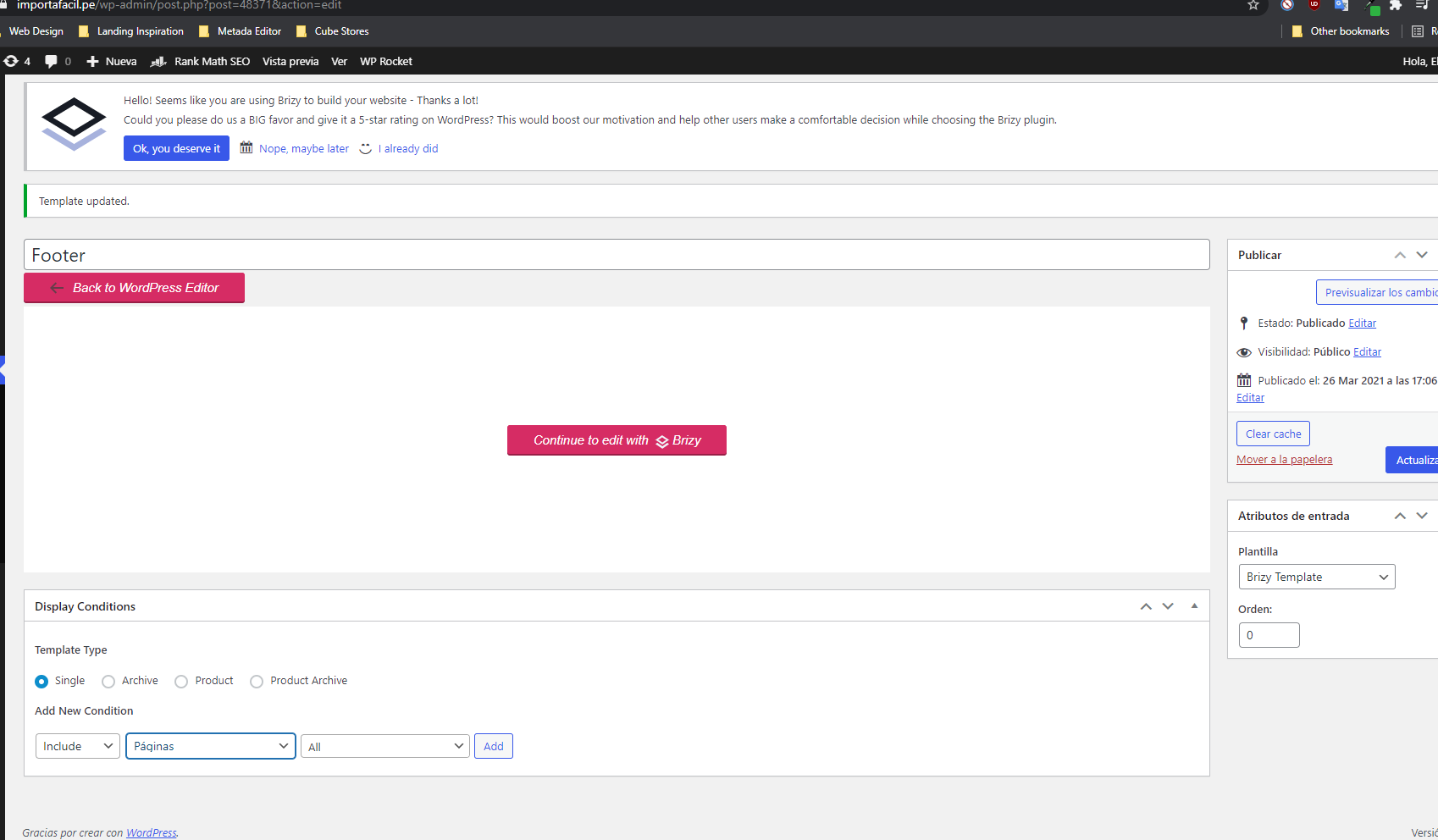
AFTER THAN CLICK
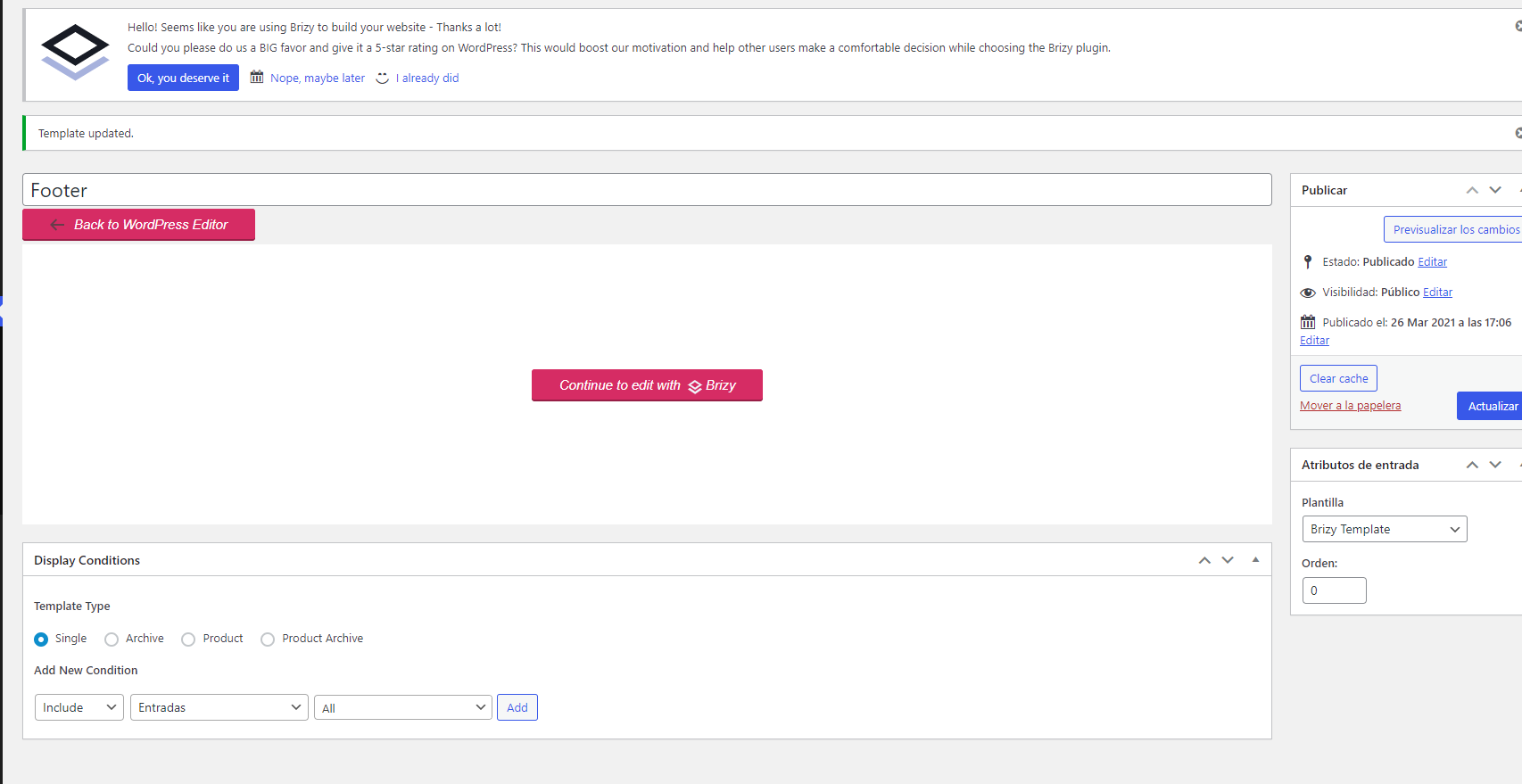
-

Hi,
Thank you for all these details and screenshots. From your screenshots, I found that you selected the Condition but didn't apply it. To apply them, you have to click on the "Add" button and then on the "Update" button. See here this video.
I notice from your message that you want to create a template with a footer and apply it to all pages. Unfortunately, it will not work as you expect because in Brizy builder the templates are something like a sketch where you arrange the page or post as you want to see it in the live view. All elements in the template are provided in a dynamic way.
Important! You have o disable the Brizy builder on the pages you add the template because it will not be visible on the page/post you assign it.
Therefore if you created a template with header and footer and assign it to a page/post created with Brizy you will see the page/post, not also the header and footer you added in the template.
This happens because the template is something like a layer that covers the initial page/post, extracts the necessary information (tags, category, featured image, content, post ID, post author name and so on) and show them in the places you indicate.If you want to display the footer and header on all Brizy pages, you can use the global functionality we added for blocks. In such a way you can configure the header and footer to display on all pages. Here, I want to mention that the global header and footer will be displayed only on the Brizy pages, on the pages designed with the theme or another page editor the header and footer will not be displayed. For more details about Global blocks condition, you can find in this YouTube tutorial https://www.youtube.com/watch?v=6WsLMInkzMI.
Best regards,
Sandra0 -
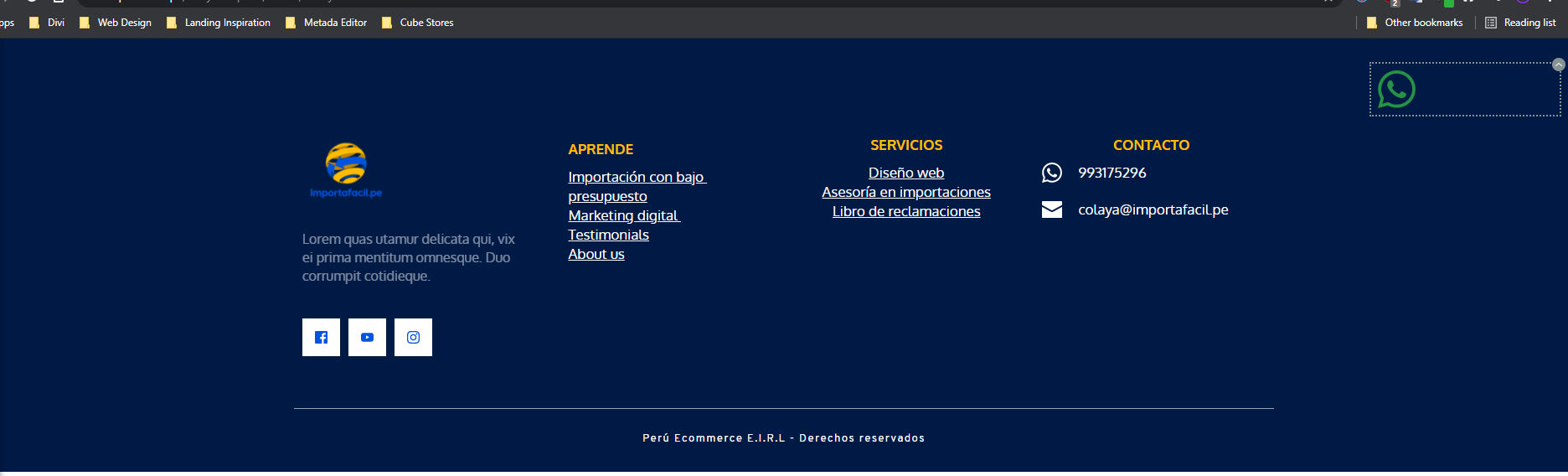
Thank you for the your answer, but even with the new settings, I still don't get what I need. And it is basically creating a fixed WA chat on all the pages of my website. what would be the most practical way to do this without having to resort to adding the WA icon manually page by page?
 0
0 -
Hi,
If you want to set up the WA icon with the fixed or absolute position and display it on all pages, I can suggest adding the WA icon in the header or footer. After this, set it with the absolute or fixed position. In such a way, if you will set the header or footer with the global condition to display on all pages, the WA icon will be added too to all pages with the absolute/fixed position. You can try this.
Best regards,
Sandra0
Please sign in to leave a comment.
Comments
3 comments