link to post does not show

Hi,
I am experimenting with the brizy cloud blog capability.
But when I create a test page with articles the link to articles does not show up. Only pages and site.
https://lemon6052913.brizy.site/blog-2
-

Hi,
I opened the link you share with us and it was opened in such a way https://jmp.sh/gV1ndNB. Is this the content you created for this post? Could you please delete the browser cache and check it again?
Thank you!
Best regards,
Sandra0 -
Hi Sandra,
Thanks for your fast reaction!
for some reason the page now has disappeared. The Brizy admin states it does not exist. But I made a screenshot yesterday. It is the image you sent. Not much, just expirimenting before I will use it for a client.
The thing is: I was following the blog tutorial of Dimi. He pulled in some posts, and then he could click the block and then a link to Posts showed. Together with pages and site. With me just the Pages and Site links show up. Before I did the same following the tutorial. But when there where no Posts showing I decided to make a new blog.
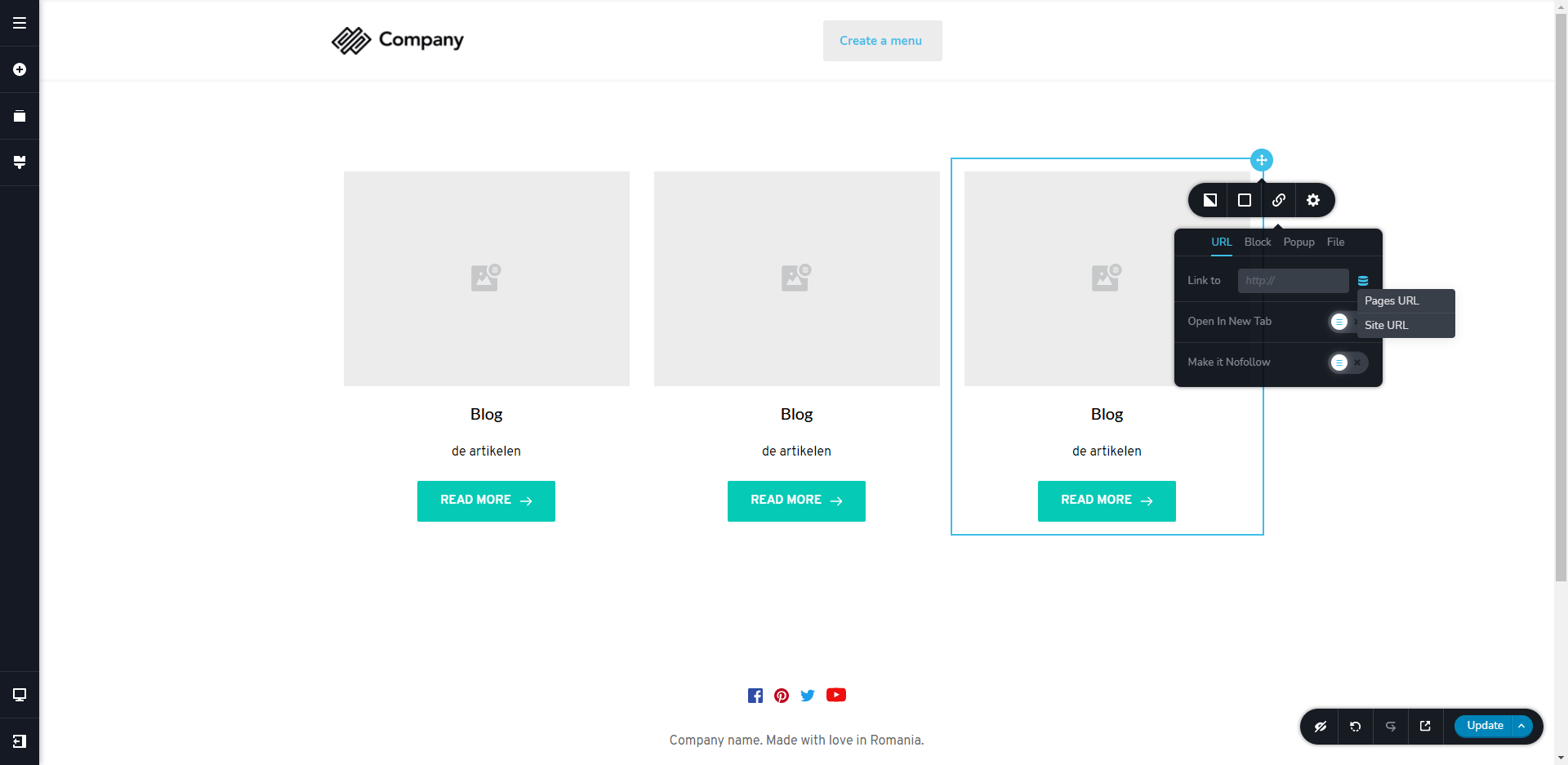
the earlier attempt
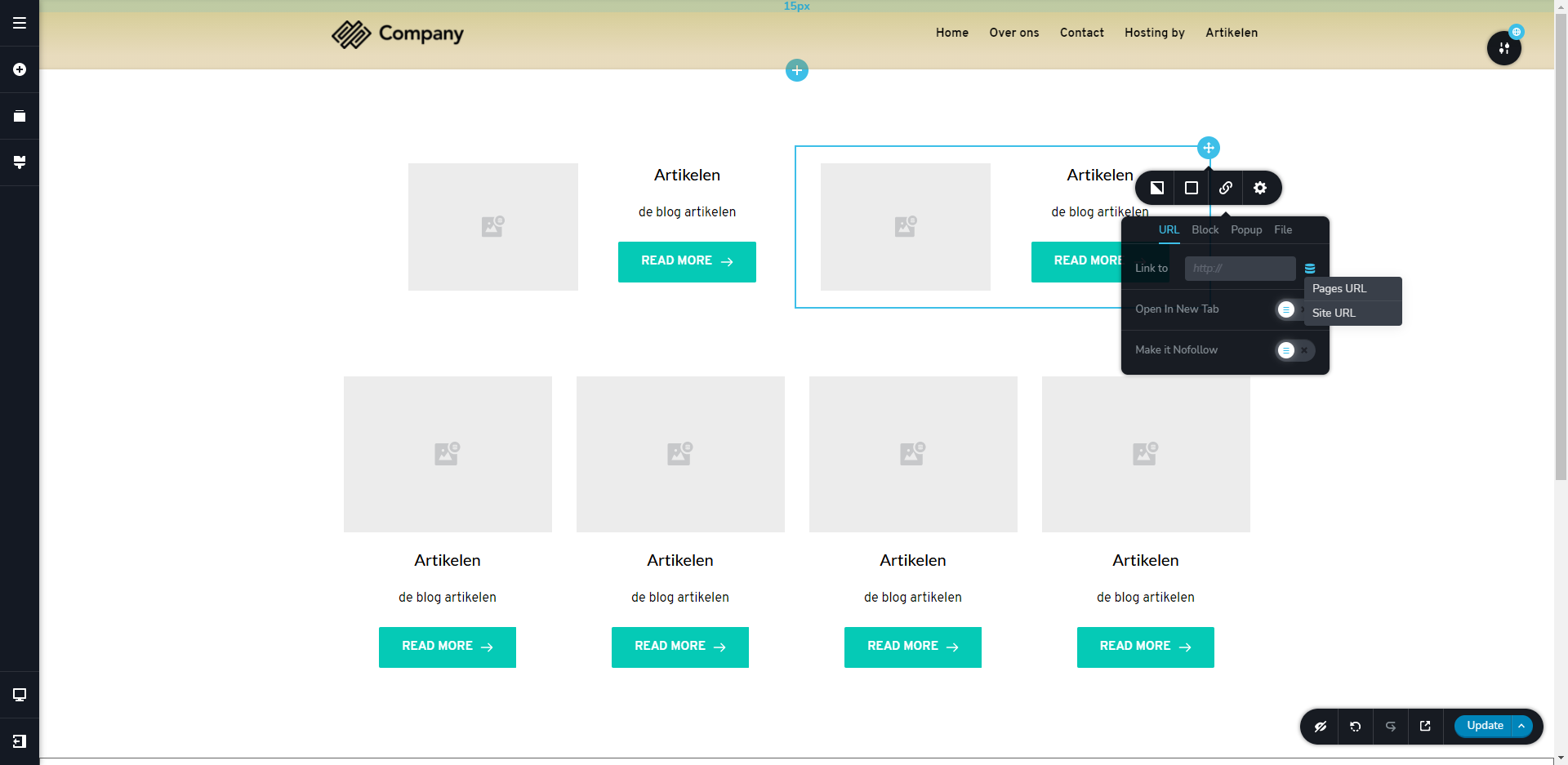
So bottom line: why don't the Posts link show up?
Greetz, Jos
0 -
Hi,
Could you send us the URL link of the YouTube tutorial you watch as a reference? I suppose that the Dimi used the Posts element that can be found here.
Also, from both screenshots you send us, I encounter that there wasn't selected a dynamic URL https://jmp.sh/Iwrt4hi. To add a dynamic URL, you have to click on it and it has to display in such a way https://jmp.sh/IqG9ZCF after selecting a dynamic URL.
Best regards,
Sandra0 -
Hi, the link
https://www.youtube.com/watch?v=3GLrUH0g558&t=487s
I can use a dynami url but the posts link does not show
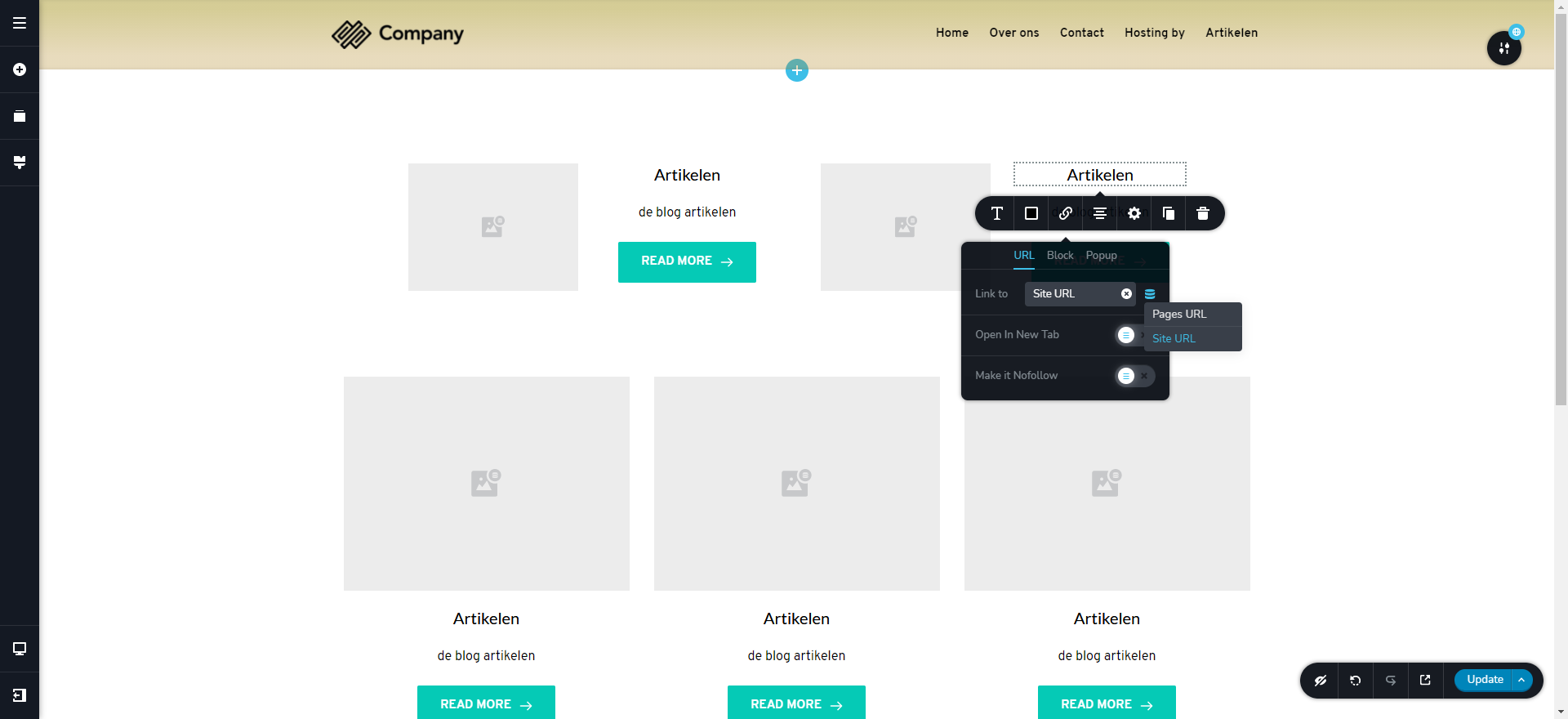 0
0 -
Hi,
As you can see in the minute 16:03, Dimi adds the Posts element. Adding this element, the button, text and image are already set with dynamic content. After, he re-arranged the view of the Posts element and added a Column element inside the Posts element and after this drag and drop all the necessary elements. See from the minute 16:32.
In your case, the columns aren't added inside the Post element and for this reason, it isn't possible to select the Post URL option.
Best regards,
Sandra0 -
Hi Sandra,
compliments for your fast reaction and help. I tried it the way you describe, still can't get a link to the posts filter. I will continu with this, and eventually I think I will manage. I find Brizy working very fine. But this thing with blogging filters is still not as easy as it is in WordPress. But that will get better in the future I think.Thanks so far!
Jos
0 -
Hi,
Thank you for your message. We tried to reproduce this inconvenience and find that you are right. When is used the Posts element in a page, the Dynamic URLs are "Pages URL" and "Site URL". When we previewed the page, we also found that even if we selected the "Pages URL", the link sends us to the right post. therefore, we concluded that the problem is in the label from the editor mode and we will correct it. The "Pages URL" should be corrected in the "Posts URL". I informed the team and they will improve this aspect.
Thank you for reporting this problem and for all your interaction with us!
Best regards,
Sandra0 -
Hi Sandra,
I'm glad you found that I was right. Thanks for investigating this matter.
Also looking forward to this improvement.
greets, Jos
0 -
Hi,
Thank you very much for your patience and time to report this inconvenience. We will strive to fix it as soon as possible!
Best regards,
Sandra0
Please sign in to leave a comment.
Comments
9 comments