Facebook element is not displayed

Hello. See these two screenshots. The Facebook element doesn't work. In the online version it's not displayed. I tried Chrome and Safari. I tried to reinsert the element too but without success.
The website is: https://www.latavoladelre.it

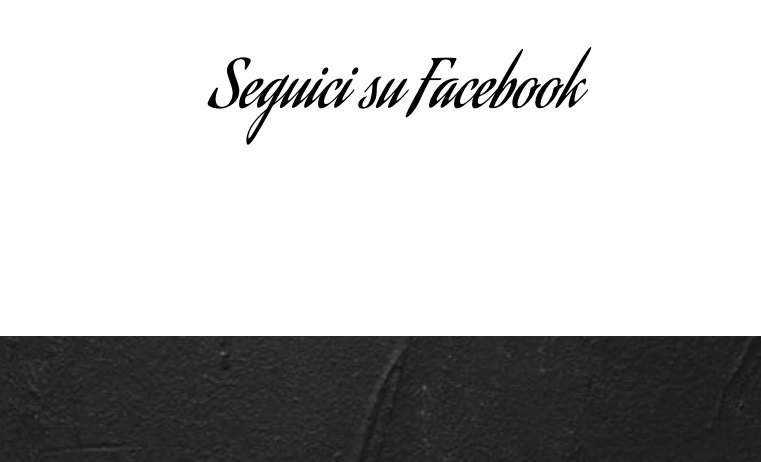
-

Hi,
Thank you for the URL link. I checked it and I could see the Facebook element. See here. Also, it has an entrance animation.
Could you please delete the browser cache and check it again? Thank you!
Best regards,
Sandra0 -

I have the same problem within the Wordpress Plugin (Pro version).
Also, I entered to the website that mentioned by the user above, and the facebook element doesn't display. I inspected it and the element is within the html, however, it does not display. Being that said, seems that the problem is not the cache but something else.
Out of curiosity, I tried it on brizy cloud in another browser, nonetheless, the results were the same.
Any ideas?0 -
Update: While looking through facebook plugins for wordpress, I came across with a comment that mentions "Enhanced tracking protection" from mozilla having problems with many addons. I disabled it and nothing happen.
In the end, it happened that I had as well a plugin that blocks facebook from tracking my activity which seems that was causing this beheavior.0 -
Hi Xavid,
Thank you for updating us about this inconvenience! Great to know that you found the cause of the problem and now all is working fine.
Let us know if we can help you with something else!
Best regards,
Sandra0
Please sign in to leave a comment.
Comments
4 comments