Line Spacing issue after brizy pro 2.2.8 update

Hello I'm having serious line spacing issues after updating to the latest brizy pro update 2.2.8. It has impact every page.
Even if I add a new text box the spacing is still incorrect. The line spacing is set to 1.7, if I change it to 1.0 the gap between each line is still huge.
I can't even manually fix this if I wanted to nor can I continue working on the site.
Can anyone help with this?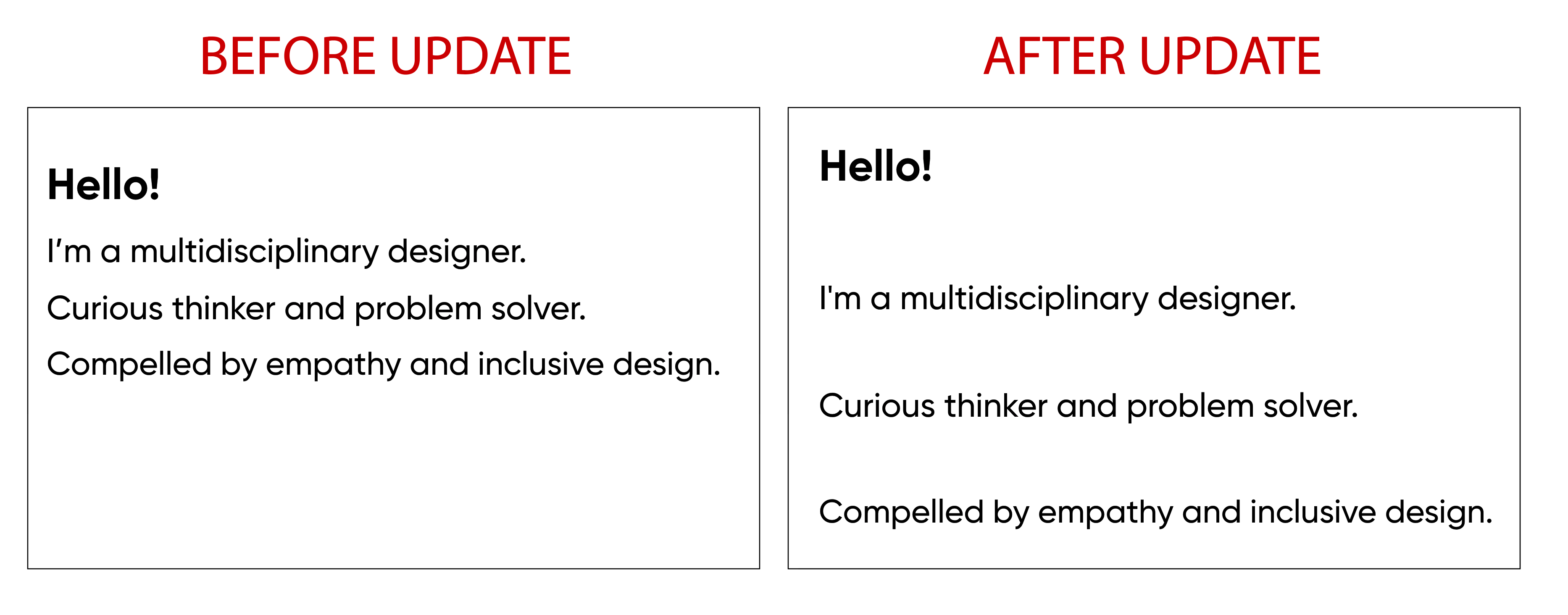
-

Hi,
Thank you for all these details! We would like to check this problem from your dashboard. Could you please send us the WP credentials to this site?
I have created a private ticket for this request. You had to receive a notification regarding this by email. Could you send us in that private message the WP credentials to this site?Thanks!
Best regards,
Sandra0 -

Just leaving a comment :
I have had the same or very similar issue this morning. Website was fine yesterday, but opened up the Brizy Cloud designer this morning to find that all the line spacing had gone crazy. Many text boxes had been given 32px gaps above and below too. Awful. I feared months of hard work had been ruined. But in my panic, I checked the site in an actual browser - NOT in the designer - and so far all seems relatively OK. Thankfully things appear to not be as they appear in the designer.
0 -

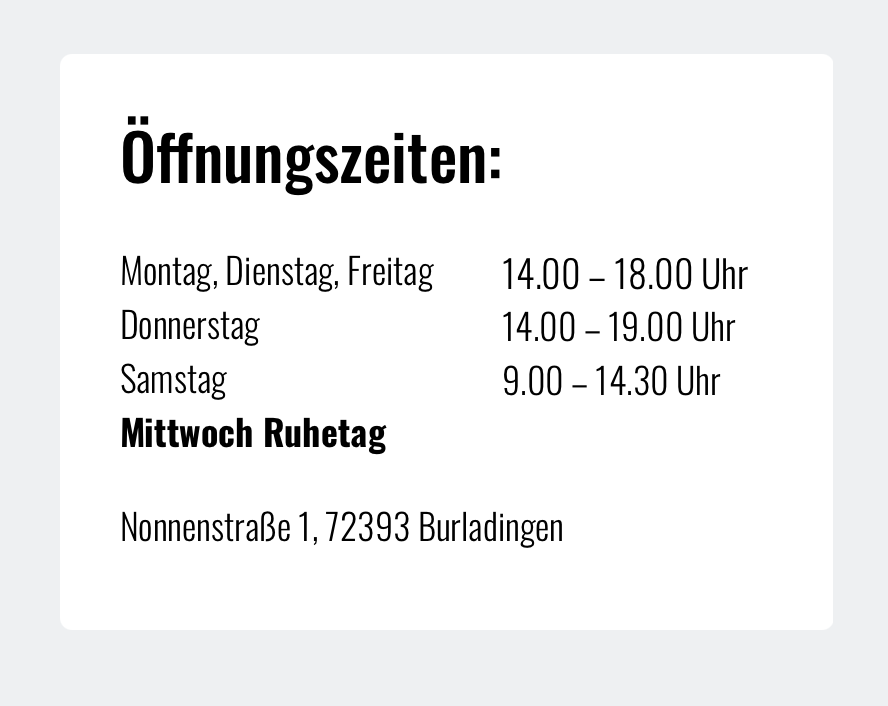
I have the same problem after upgrading to Brizy 2.2.11 and Brizy Pro 2.2.8:
Before:
After upgrade:
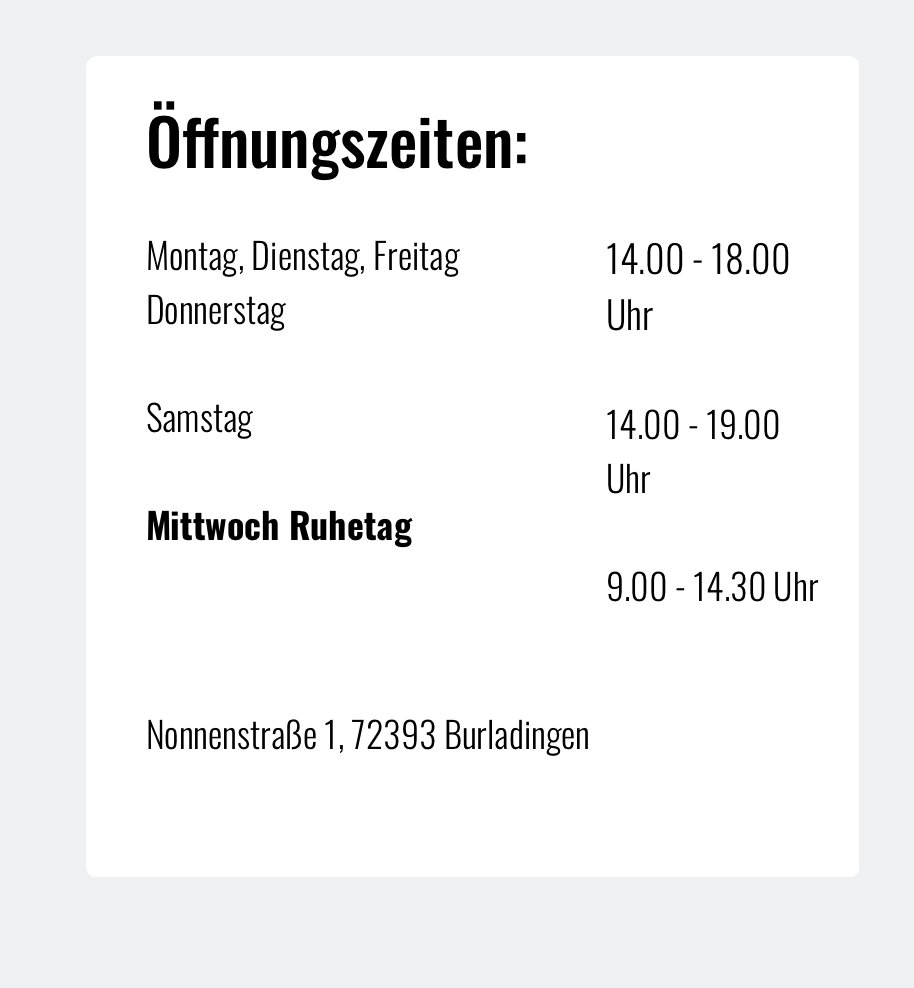
The spacing issue can only be seen on the backend, when editing with Brizy. On the frontend everything seems to be fine. However: Presently no changes can be made on the site, because frontend and backend look completely different.
I use Safari on Mac. Also tested Chrome, same problem.
I need to downgrade really quick! How can I downgrade to Brizy 2.2.10 and Brizy Pro 2.2.7? Urgent!
Kind regards,
Uli0 -
Hi there everyone,
Thank you all for reporting this issue to us! We could reproduce this issue on our sites and already created an issue and send it to our testers and developers to deeply investigate this problem and found a solution for it. On our tests, we encounter that this problem happens only in the editor mode. Could you please confirm this? Or did you encounter the huge line-height on the preview mode too? Could you send us a screenshot from the editor and preview/live mode?
Thank you for your implication and wish to help us to fix this inconvenience as soon as possible!
Best regards,
Sandra0 -
This is editor mode:
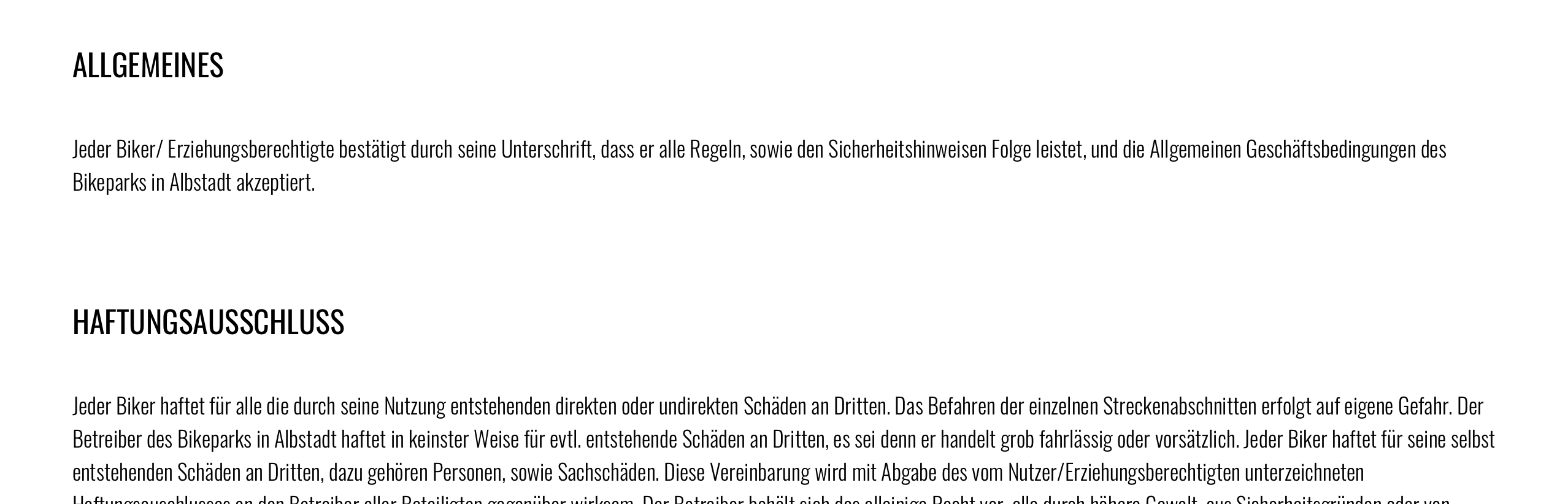
This is preview mode:
Uli
0 -
Hi, the issue occurs in the editor. The preview or published pages are not affected.
0 -

Hi,
I also have this problem. Backend of website is totally screwed with spacing everywhere. The frontend seems ok, but it means I can't edit anything. How can we downgrade, or will an update be released ASAP please?
0 -

Same thing happened to my site.
Glad that you acknowledged the problem and state that it only happens in the editor mode and not on the live published preview.
However this is a visual builder so what you expect to see on the editor you should see on the live view as well. (what's the point of designing web pages in the editor to guess what they will look like in the final published mode).
Probably best to roll back the plugin or will the problem still occur after updating to 2.2.8?
Or have I completely missed the point?
Is there a fix in the pipeline?
Thanks.
0 -

Sandra / Brizy Support,
Please note, this is now happening in Brizy.Cloud.
I appreciate this is not the Brizy Cloud forum, but it appears to be the same issue.
Line spaces are being added after the last paragraph in every text box. Plus, every project has gaps before and after added to the text boxes.
Please ask the Brizy.Cloud devs to adjust the same as for the WP version. This makes Brizy Cloud unusable.
0 -

Also, yes—how do I downgrade?!
0 -
Hi,
Thank you very much for your contribution and update regarding this issue. Our developers already fixed this issue. We prepare a new update and today in 6-7 hours we plan to release it. I'm sorry for this inconvenience!
Best regards,
Sandra0 -
Hi,
I just made the update to Brizy 2.2.12 and Brizy Pro 2.2.9.
Same problem, line heights are still screwed up.
Sandra, you have been asked for a downgrade to Brizy 2.2.10 and Brizy Pro 2.2.7 several times in this thread. Please give instructions for a downgrade. We're unable to continue our work with this bug.
Uli
0 -

Hi,
We are sorry for this inconvenience.
Our developers already are working on this problem. As soon as we receive an update, we will let you know .
Thank you for understanding.
Nelly
0 -
Hi,
Yesterday, we released a new update for the Brizy Free and Brizy Pro but these updates haven't added the fix for the line height. Today we will release a new update that will fix this certain issue.
I'm sorry but I don't recommend downgrading to a previous version because this can create some inconveniences on the dashboard and in case of some problems we couldn't help very much. We are working with the current versions of the Brizy plugins. As you could notice when a user reports a problem, first of all, we ask to check if the Brizy Free and Pro are updated to the latest versions. Also, we will release a new update that will fix the problem with line-height and I recommend waiting for this update, it is safer. But if you insist and want to take the risk, to downgrade you have to deactivate and delete the current version of the Brizy Free and Brizy and manually upload the versions of the Brizy plugins you want.
Thank you for your understanding and patience!
Best regards,
Sandra0 -

Hi,
I am still facing this problem with brizy pro 2.3.3.
Editor mode:

Preview:
 0
0 -
Hi,
Thank you for your message.
We would like to check this problem from your dashboard. Could you please send us the WP credentials to this site? I have created a private ticket for this request. You had to receive a notification regarding this by email. Could you send us in that private message the WP credentials to this site?
Best regards, Nelea.
0
Please sign in to leave a comment.
Comments
16 comments