Brizy Pro user — can't use pop up triggers on brizy cloud

Hello,
I'm a PRO user but i can't access block condition triggers for Pop-up.
Can you please help me with this issue.
Thank you
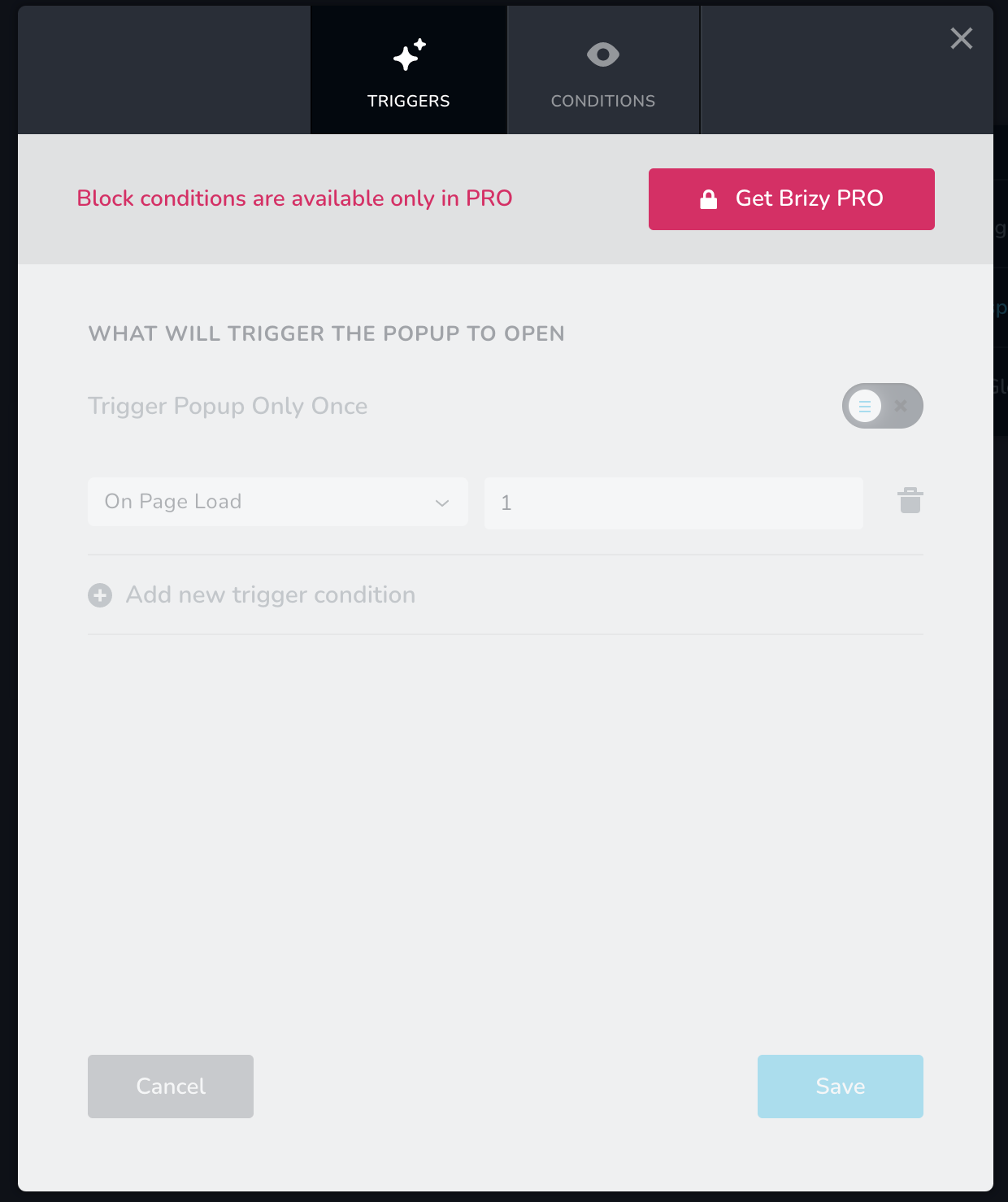
-

Hi,
Did you log-in to Brizy Cloud with the same Brizy account where you have the Brizy Pro license? Could you please send us the email you use to log-in to Brizy Cloud? On what project did you encounter this problem? Could you please send us the URL link of the site?
You can send here these details and if you don't want to make them public, let us know and we will delete these details from your reply before approving your message.
Best regards,
Sandra0 -

I am experiencing the same thing on my account. Cant seem to edit the block conditions of the menu bar. Being prompted to pay for a menu license.
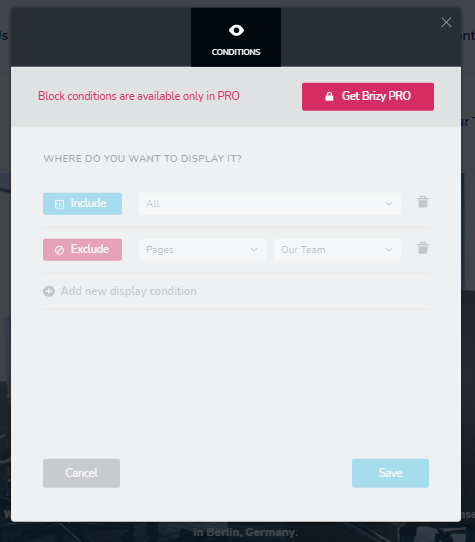 0
0 -
Hi,
Thank you for all these details. We already encounter this problem and informed our team. They are already working to solve it and in a short time, we will release the fix. I'm sorry for this inconvenience.
Thanks!
Best regards,
Sandra0 -
Hi,
This problem is already fixed. Could you please refresh the browser and check again? If it isn't working, could you please log-out from Brizy Cloud, clean the browser cache and then log-in again to the Brizy Cloud? Is all working fine now?
Thanks!
Best regards,
Sandra0 -

Hey Sandra,
I've got Brizy Pro too for WordPress, and I can't seem to make it work for popups, please help me
Screenshots: https://imgur.com/a/3pGaQ6j
0 -
Hi,
Could you please clean the browser, site and hosting cache and check again the pop-ups? Also, could you please temporary deactivate all external plugins (except Brizy Free and Brizy Pro) and activate a WordPress default theme? Do you receive the same problem?
Thanks!
Best regards,
Sandra0
Please sign in to leave a comment.
Comments
6 comments