Shop page style changed after clicking side bar link

Hi,
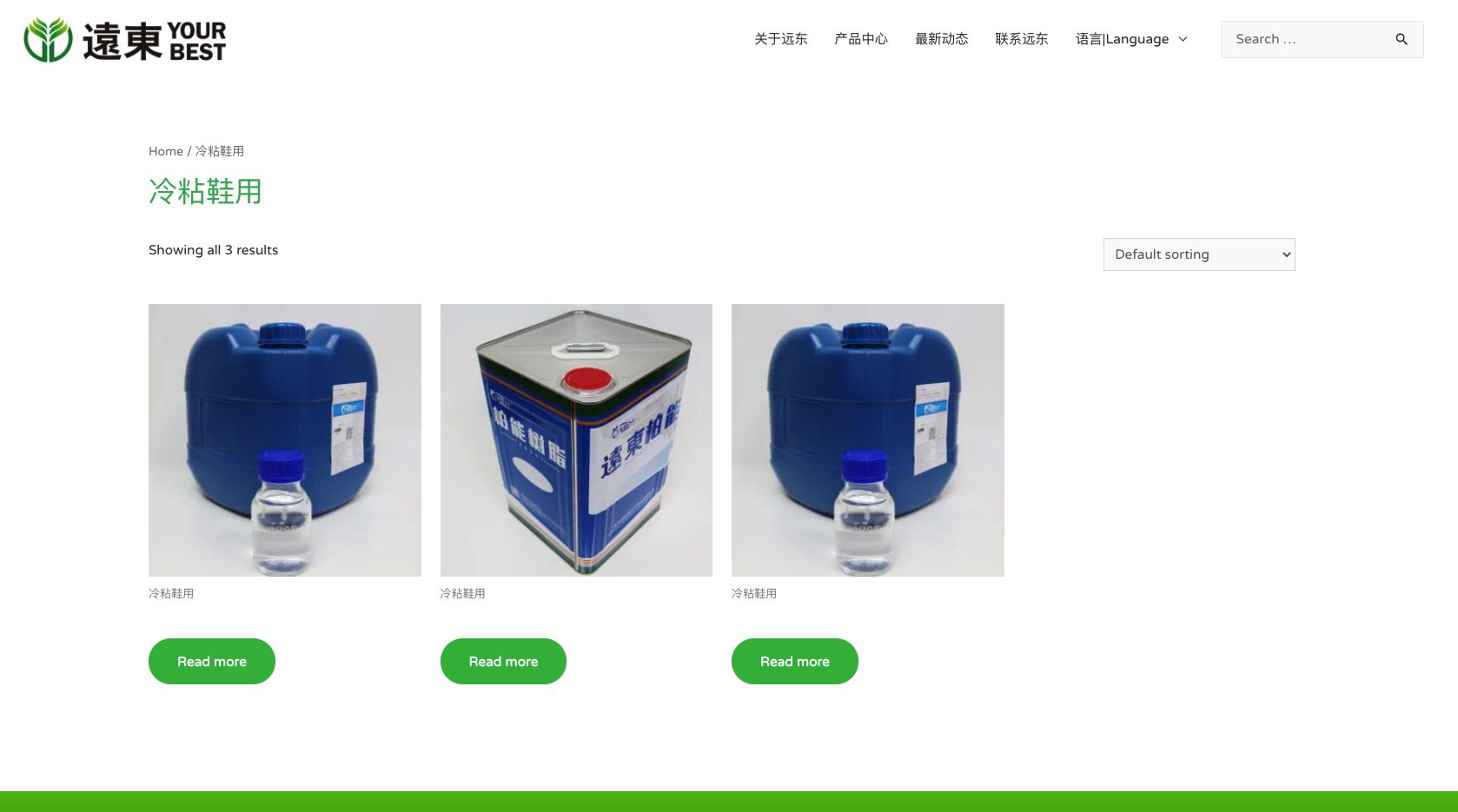
The following is my shop page style

However, when I click the side bar link to see different products in categories, it will show a complete different style which is not my template style, how should I solve that?
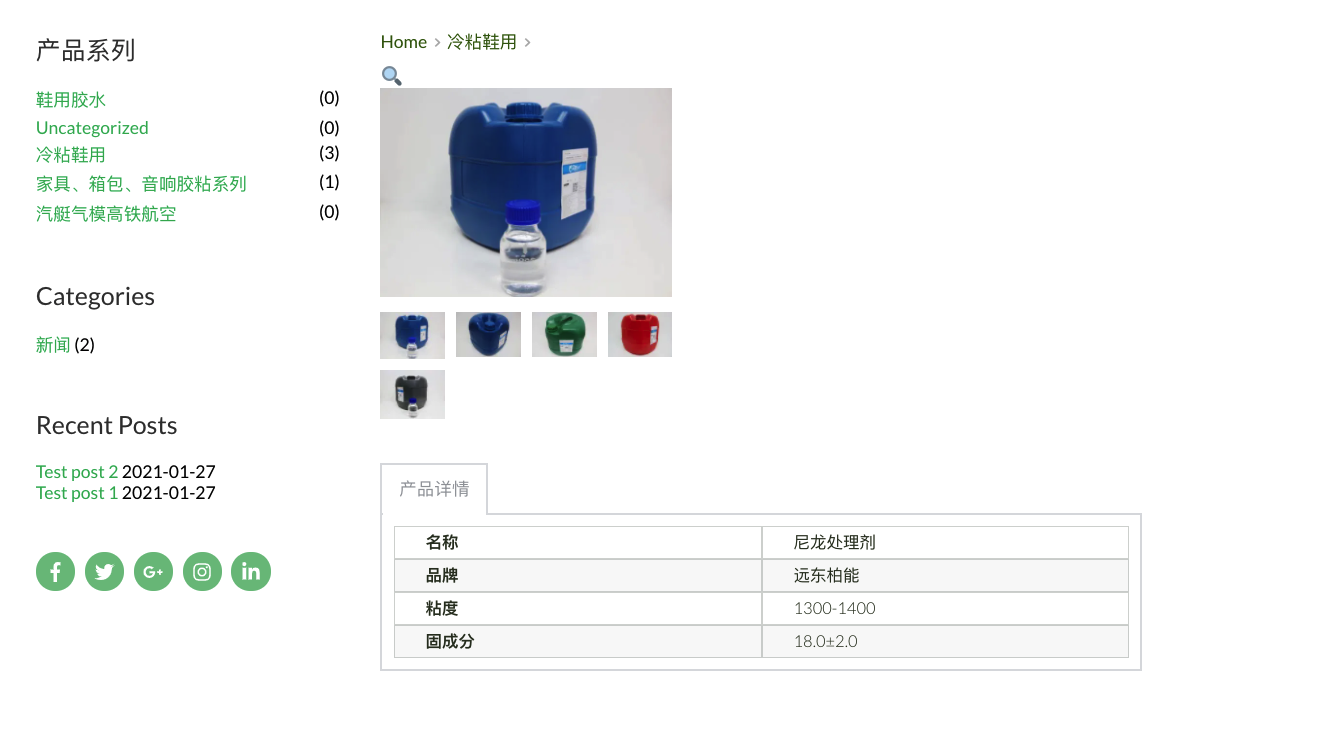
There is another problem, when I click to the single product, the breadcrumbs doesn't show the product itself as you can see below:
-

Hi,
The Shop page and the Product Category page are 2 different pages type and when you click on the Category to display those products, you open another type of page. The Shop page is a single page but the Product Category page is an archive page. Therefore, if you want to have the Brizy style for the Category pages, you have to create a new Brizy template for the Product category page. For this you have to:
1 - Go to Brizy -> Templates -> Add new and create a new template;
2 - Add a suggestive name;
3 - Add the following display condition:
- Template type: Product Archive;
- Condition: Include - Product categories - All https://jmp.sh/M4Q6hwi;
4 - Click on "Edit with Brizy";
5 - Start edit with Brizy and add the "Archive" element to display the categories.Regarding the second problem, unfortunately, we couldn't replicate this problem, could you please check if you have the latest Brizy Free 2.2.10 and Brizy Pro 2.2.7 version? If you change the site language, do you receive the same inconvenience?
Thanks!
Best regards,
Sandra0 -
Hi, I did have the latest versions, but I'm not sure how to change site language?
0 -
Hi,
Do you have a WordPress site? In this case, to change the Site language you have to access the WP dashboard -> Settings -> General and here you can find the "Site Language" option from where you can change the site language. See here.
Best regards,
Sandra0 -
Hi, I changed the site language from english to Chinese, it still has the same outcome.
And is it possible to create a block that is visible on phone/ipad view but not on desktop view?
Thanks
0 -
Hi,
Could you please give us more details about what content do you need to translate into Chinese?
Yes, you can create a block and hide it for the desktop mode and let visible for the tablet and mobile mode. For this, you have to go to the desktop mode and create the block you want to display on tablet and mobile mode. After you will finish creating this block, go to block settings and make it hide for desktop mode. After this go to the tablet and mobile mode, check if the block is visible and make some adjustment if it is needed. See here.
Best regards,
Sandra0 -
Hi,
Thank you for your clarification. Unfortunately, I can't reproduce the problem you encounter. See here. Could you please check if you have the latest Brizy Free 2.2.13, Brizy Pro 2.2.9 and WooCommerce 5.2.2? If you temporary deactivate all external plugins (except Brizy Free, brizy Pro and WooCommerce) and activate the Twenty Nineteen theme, do you receive the same problem?
Thank you!
Best regards,
Sandra0
Please sign in to leave a comment.
Comments
6 comments