Youtube in Blog post
Completed
Hi, How can i post a 16:9 Youtube video in my blogpost in the right probations, without exceeding the width of my blog post text?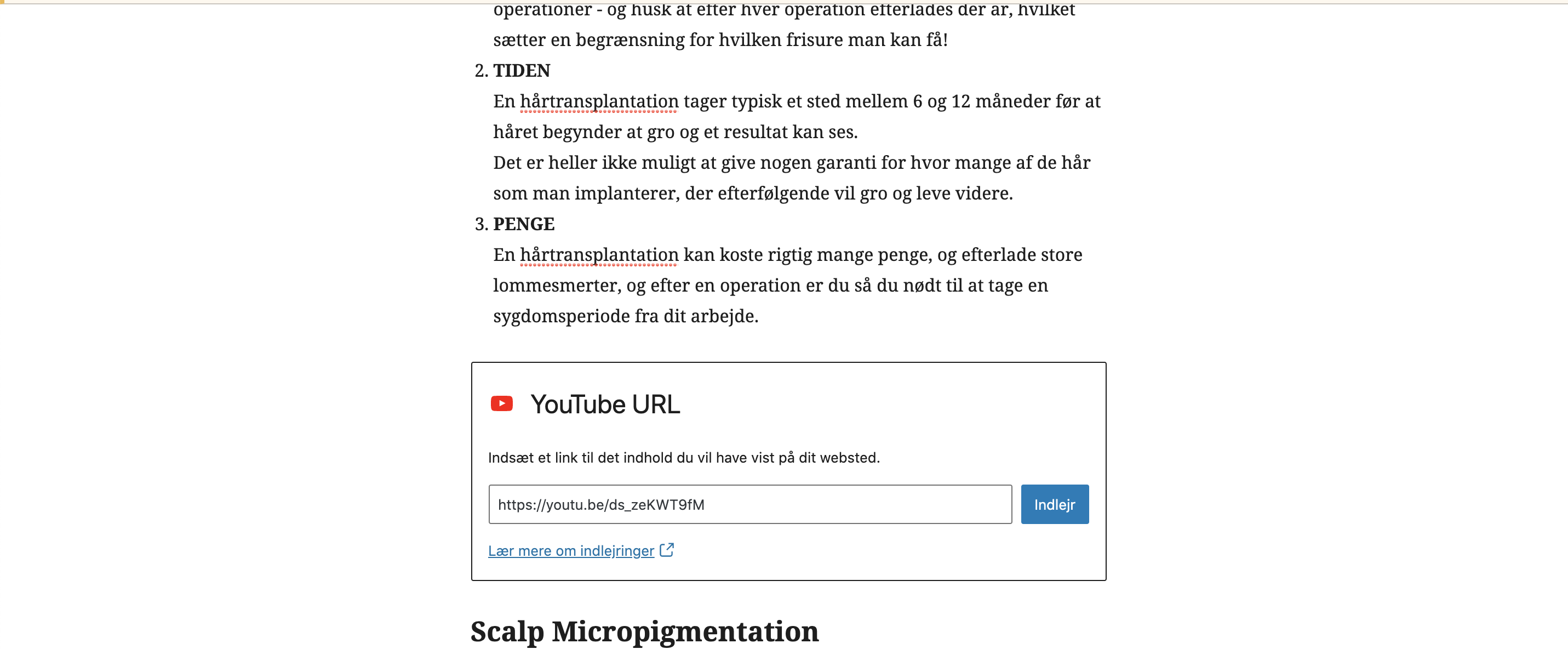
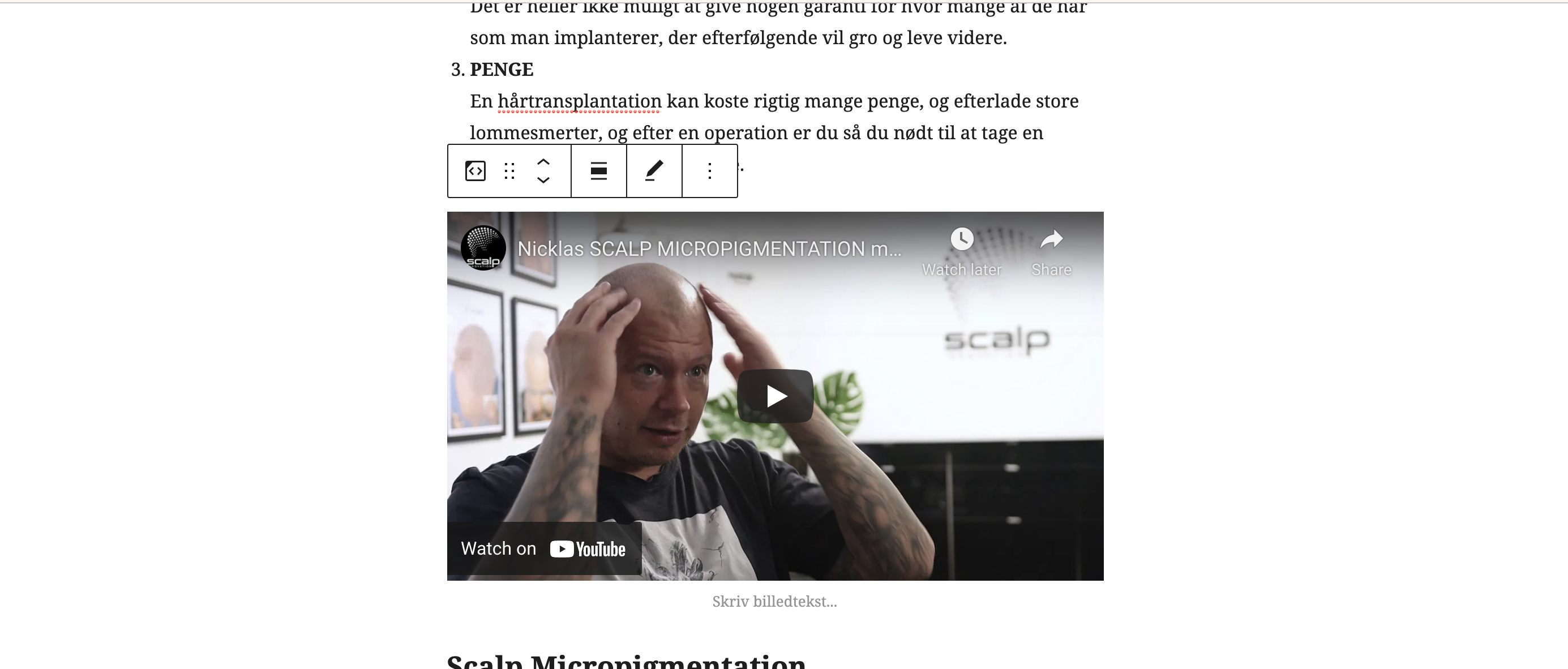
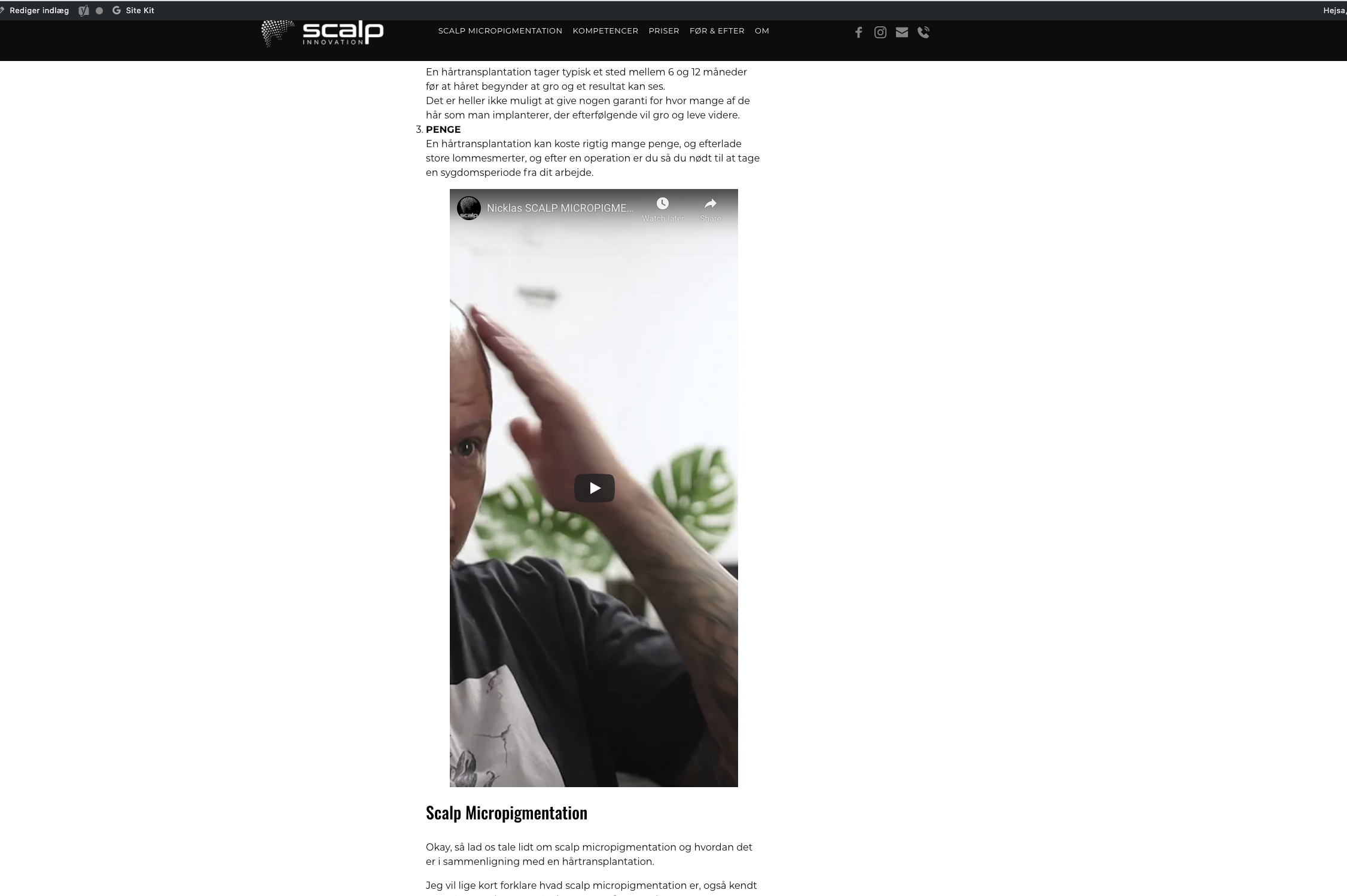
-

Hi,
Unfortunately, I can't reproduce the problem you encounter. Just now, I checked the Video embed element in the Post and all seems to work fine. See here.
Could you please check if you have the latest Brizy Free 2.2.10, Brizy Pro 2.2.7 and WordPress 5.7 version? Could you please temporary deactivate all external plugins (except Brizy Free and Brizy Pro) and activate a WordPress default theme? Do you have the same problem?
Thanks!
Best regards,
Sandra0 -
Hi Sandra,
Yes i still have the same problom... 😩
I really don’t know what to do. I’m trying my best, using Brizy Pro.I desperate ... please help me.
Would it help if i send you login to my WP?
br Carsten
0 -
Hi Carsten,
I'm sorry for my late response. Could you please give us more details about how did you edit the Posts with Brizy? Did you create a template for all posts? How did you create the template? What display conditions did you add? What page template did you use for the template?
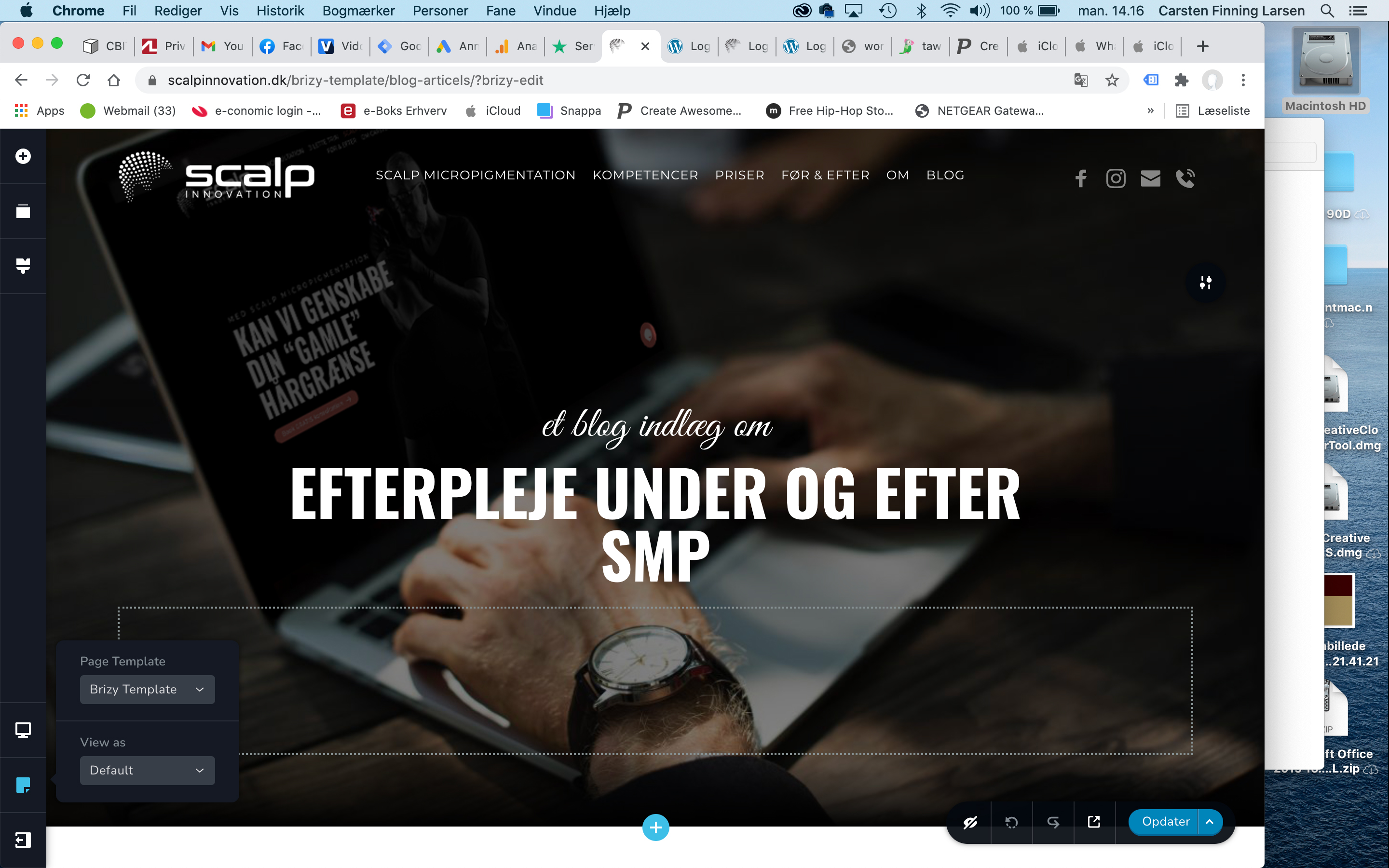
Analyzing your screenshot I suppose that you use the "Default" page template for the template and this can cause this inconvenience. Could you please change it to the "Brizy template" https://jmp.sh/5JjeJ4y? Do you have the same inconvenience?
Thanks!
Best regards,
Sandra0 -
Hi Sandra,
Dose this help?
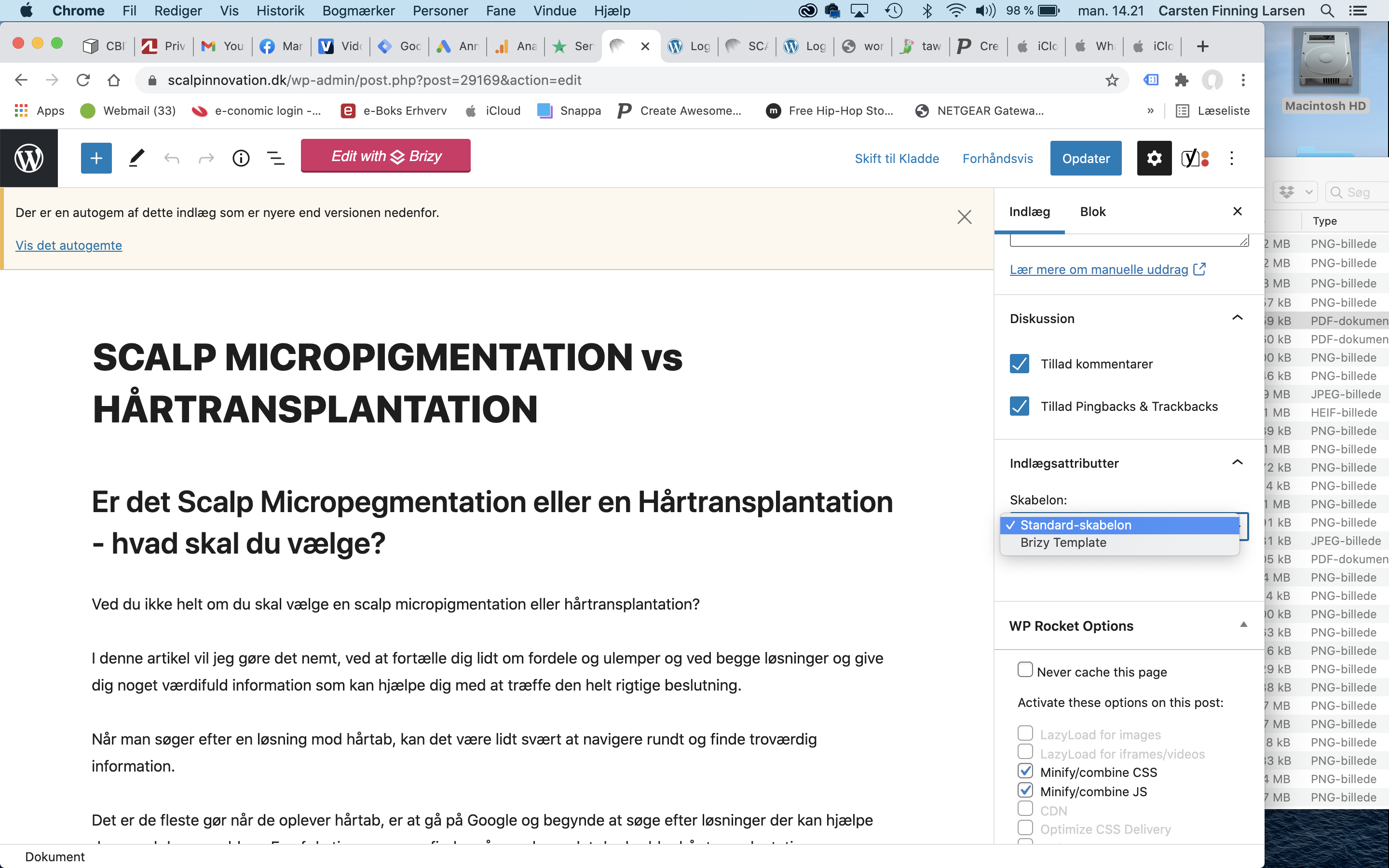
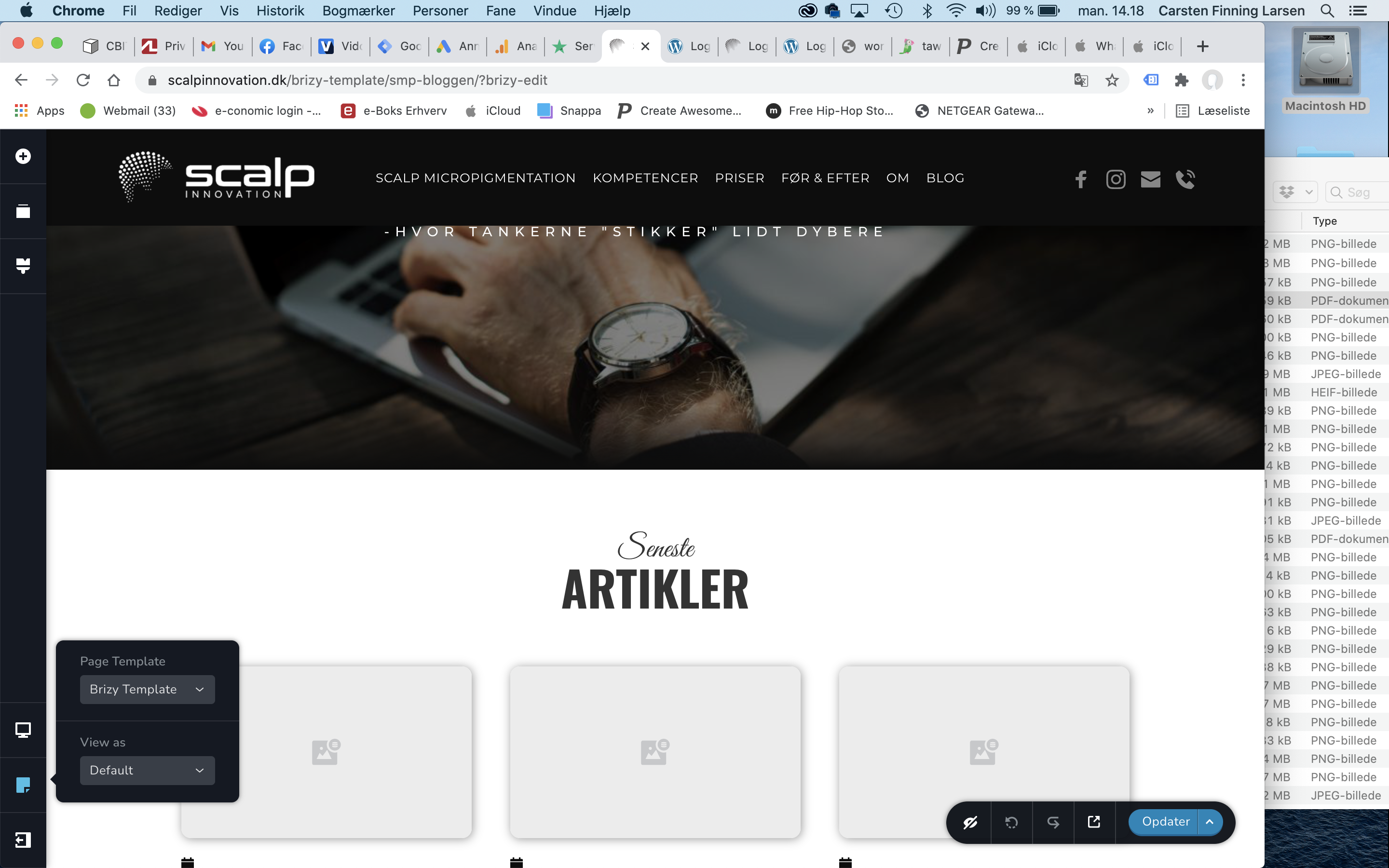
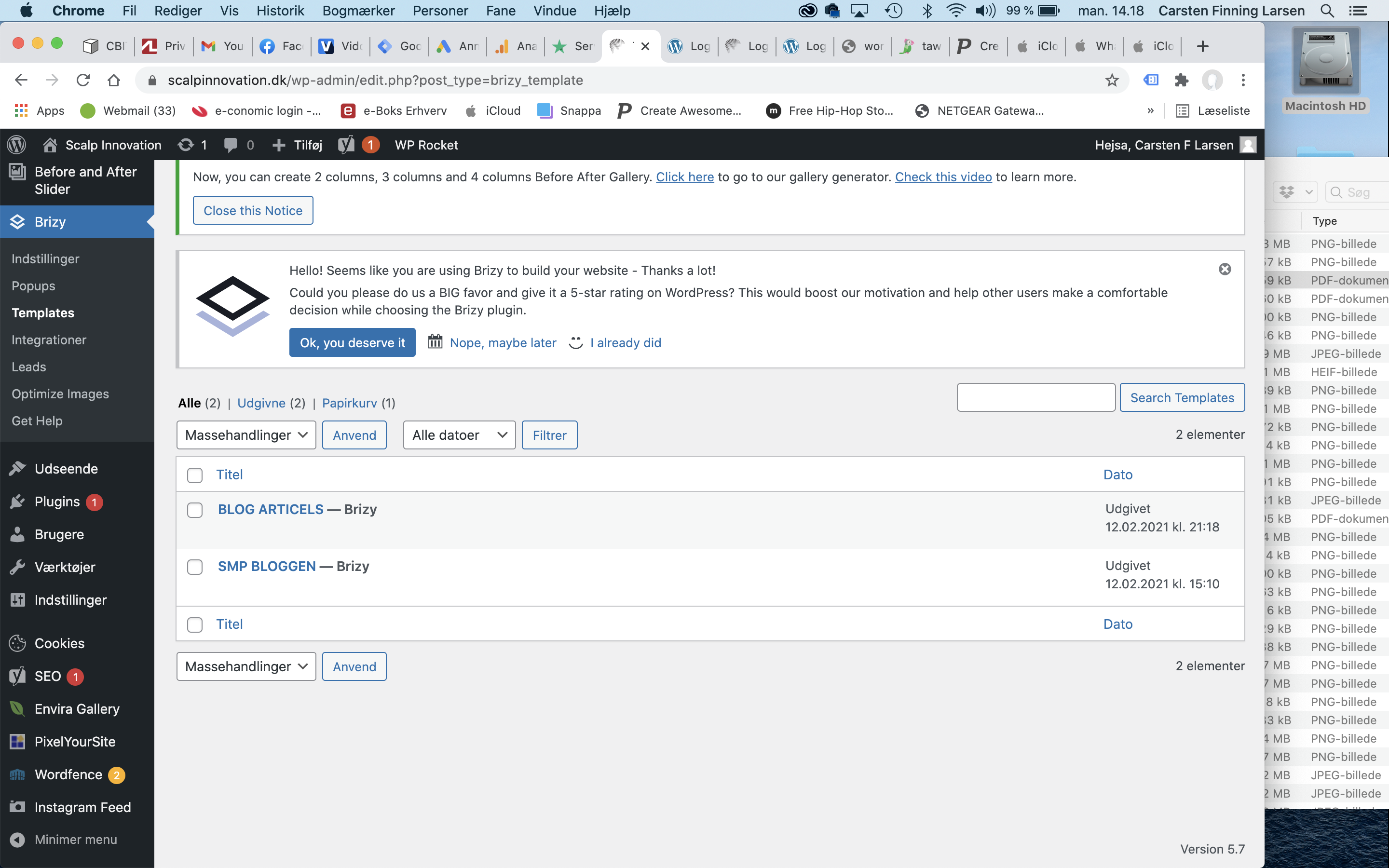 0
0 -
Hi,
Thank you for all these details. I checked a post on your site and I found that you have a similar problem with the images. After inspecting the image I found that it has added a certain width and height value. See here. Did you add manually these details? Could you please remove them and select only the percentage value? See here. Let the system calculate the height and width of the image.
Please check and do the same for the video too.
Thanks!
Best regards,
Sandra0 -
Hi Sandra,
No i didn’t add details. i did like this: (would you like my login to my WP?)
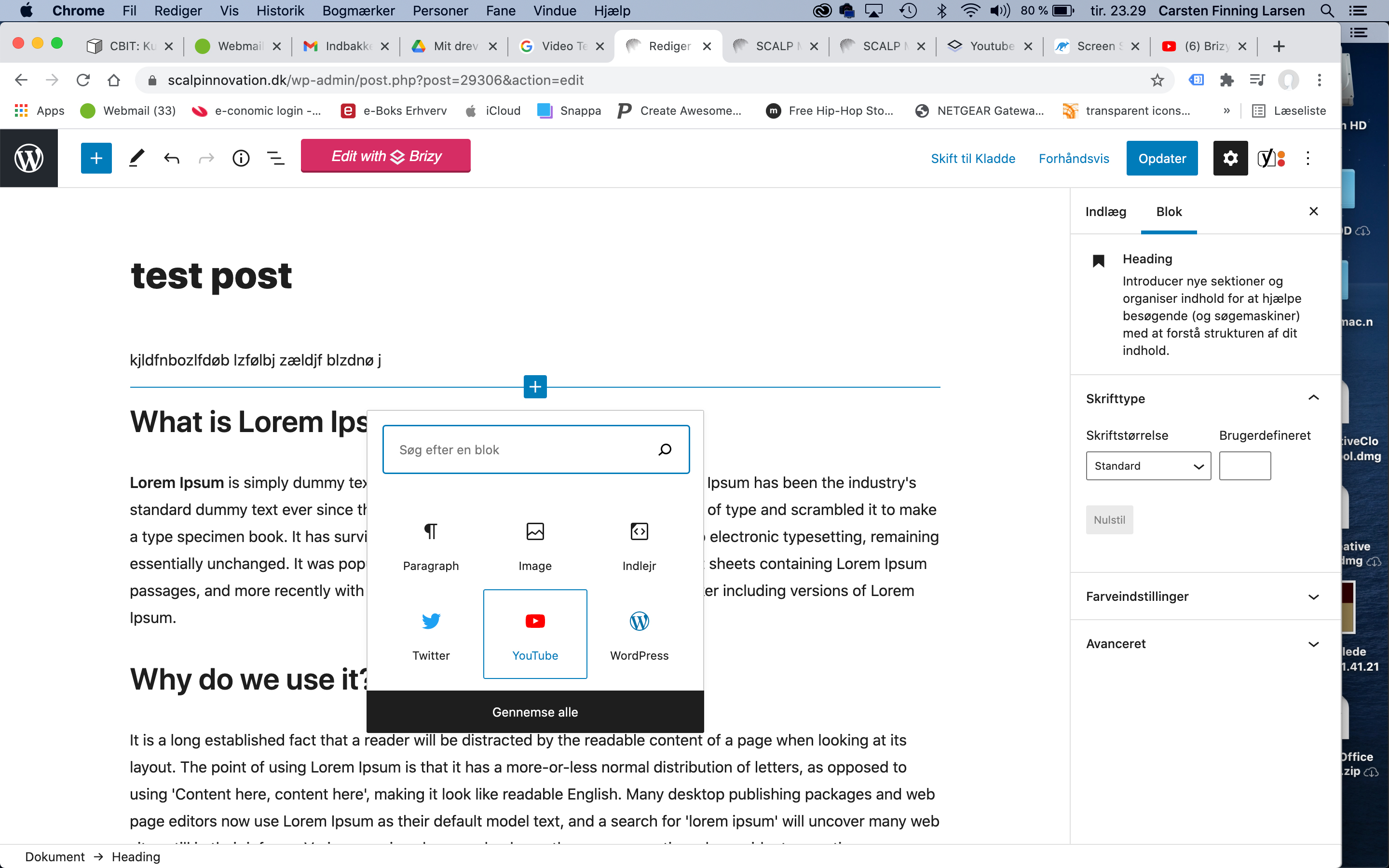
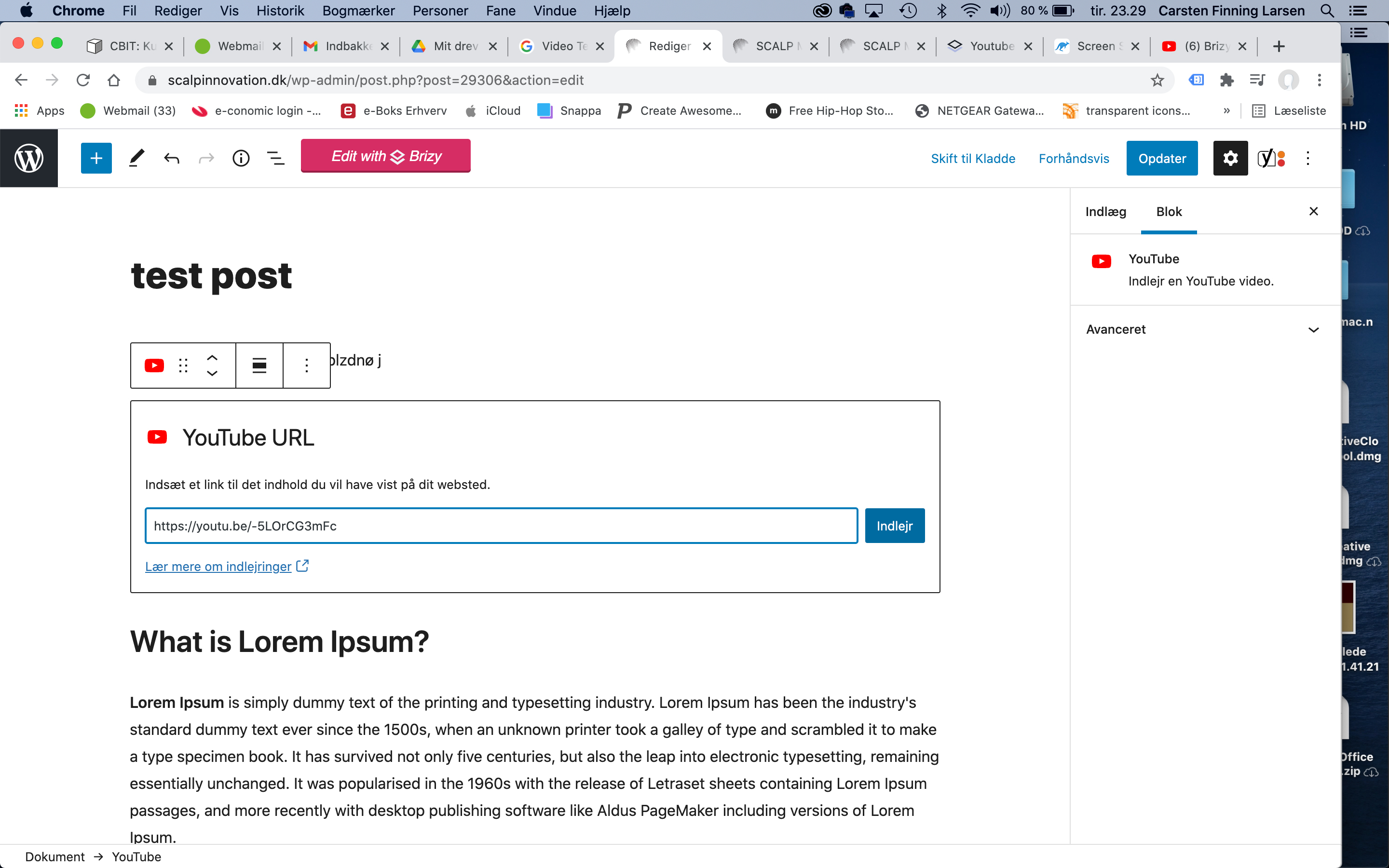
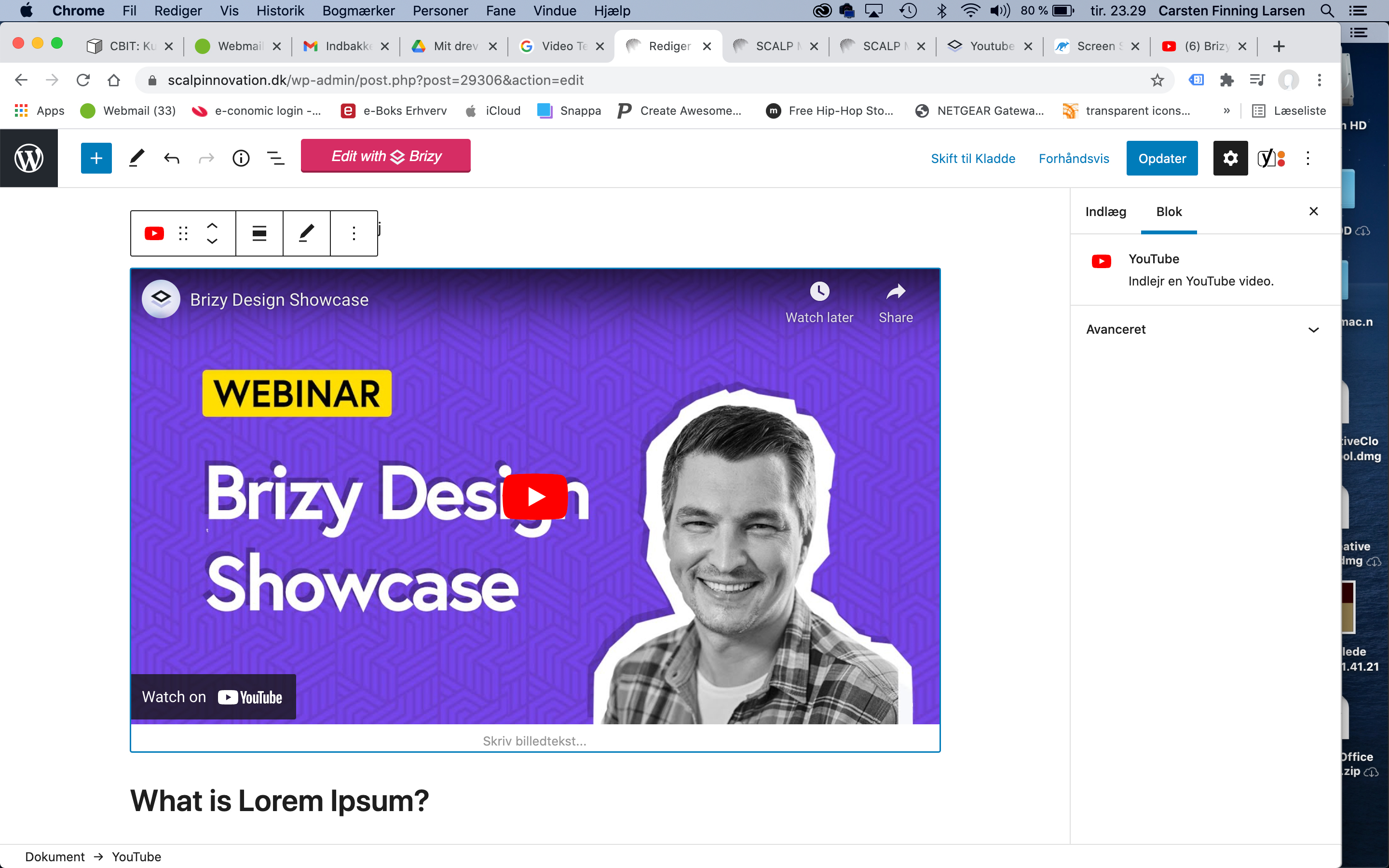
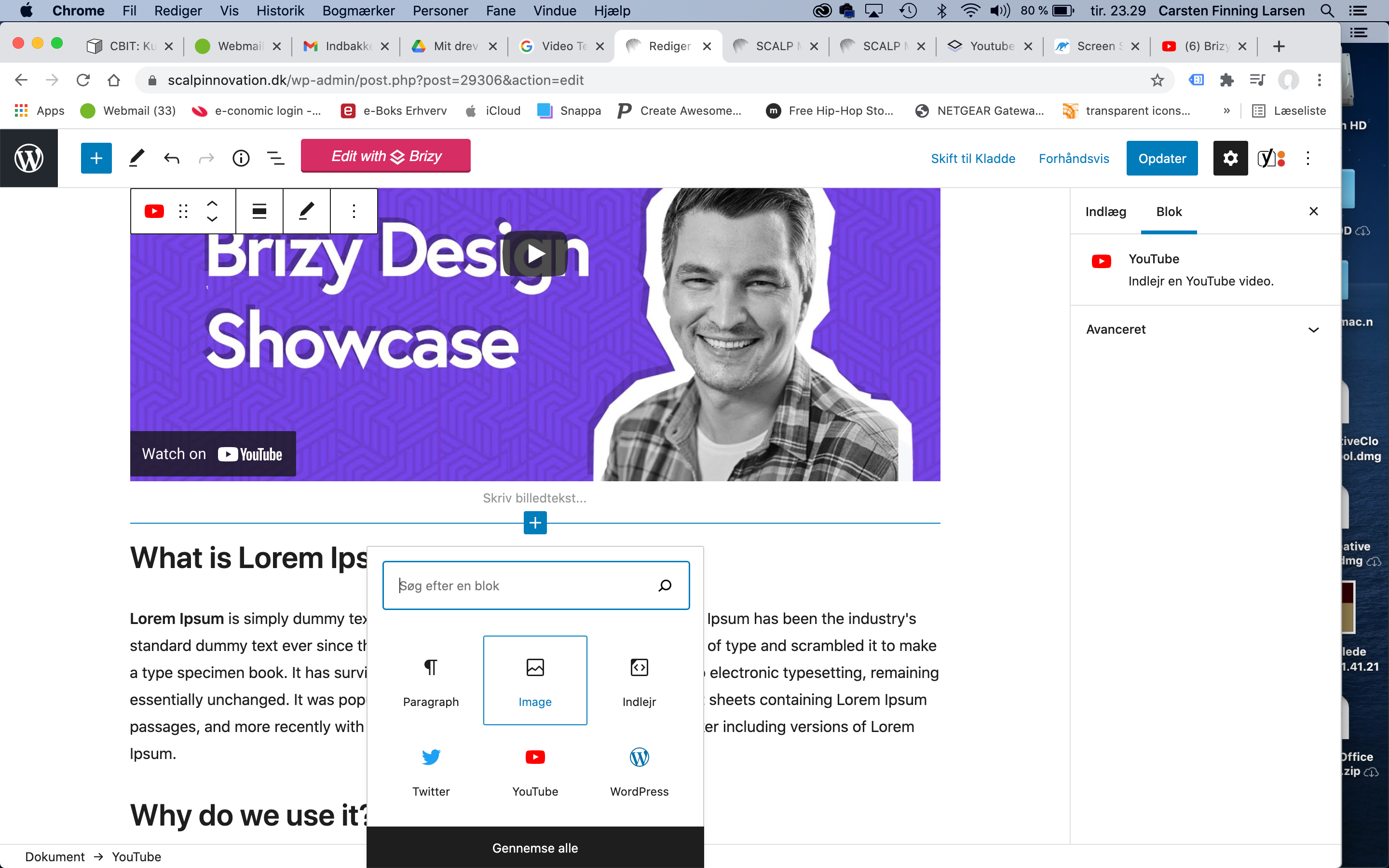
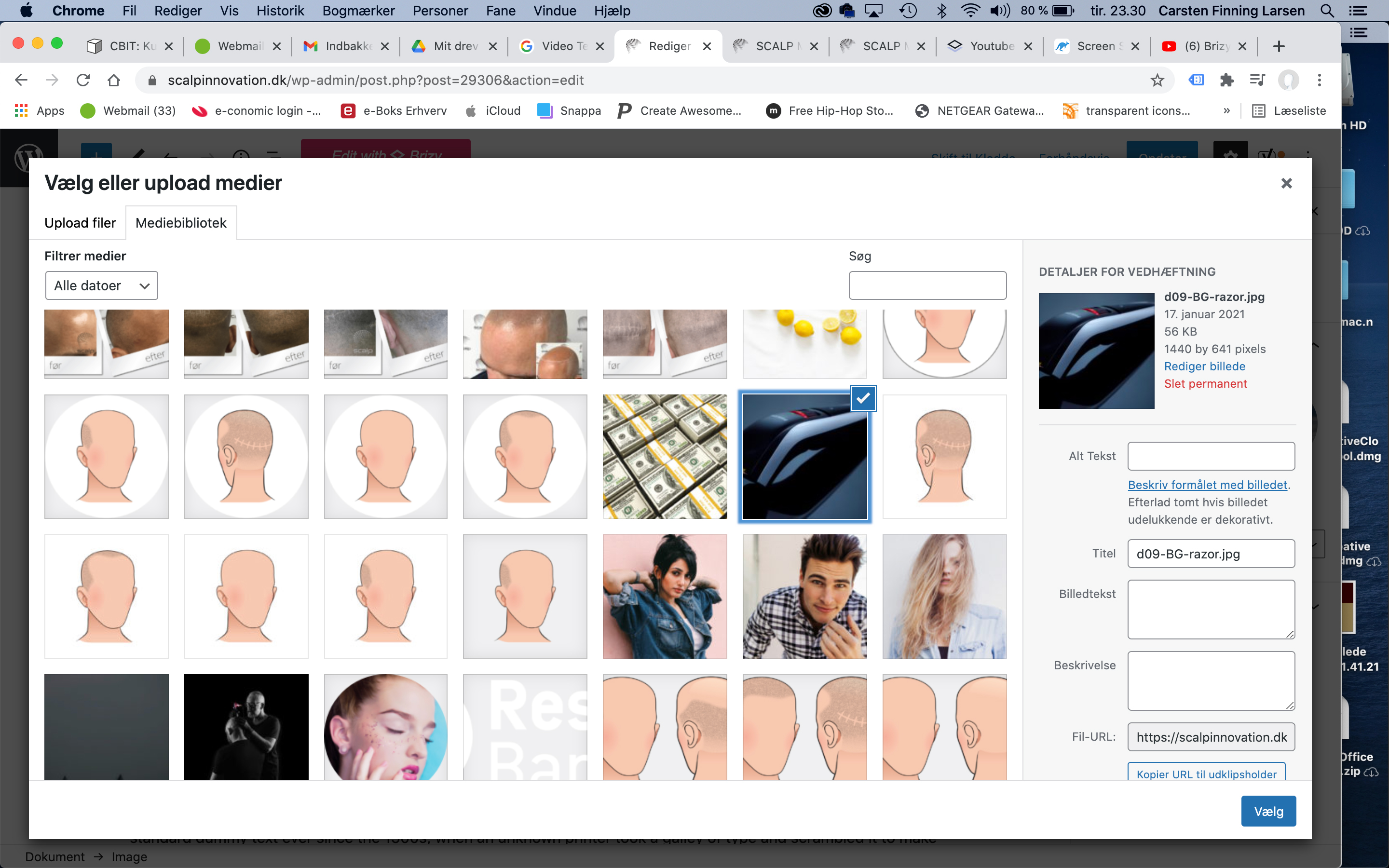
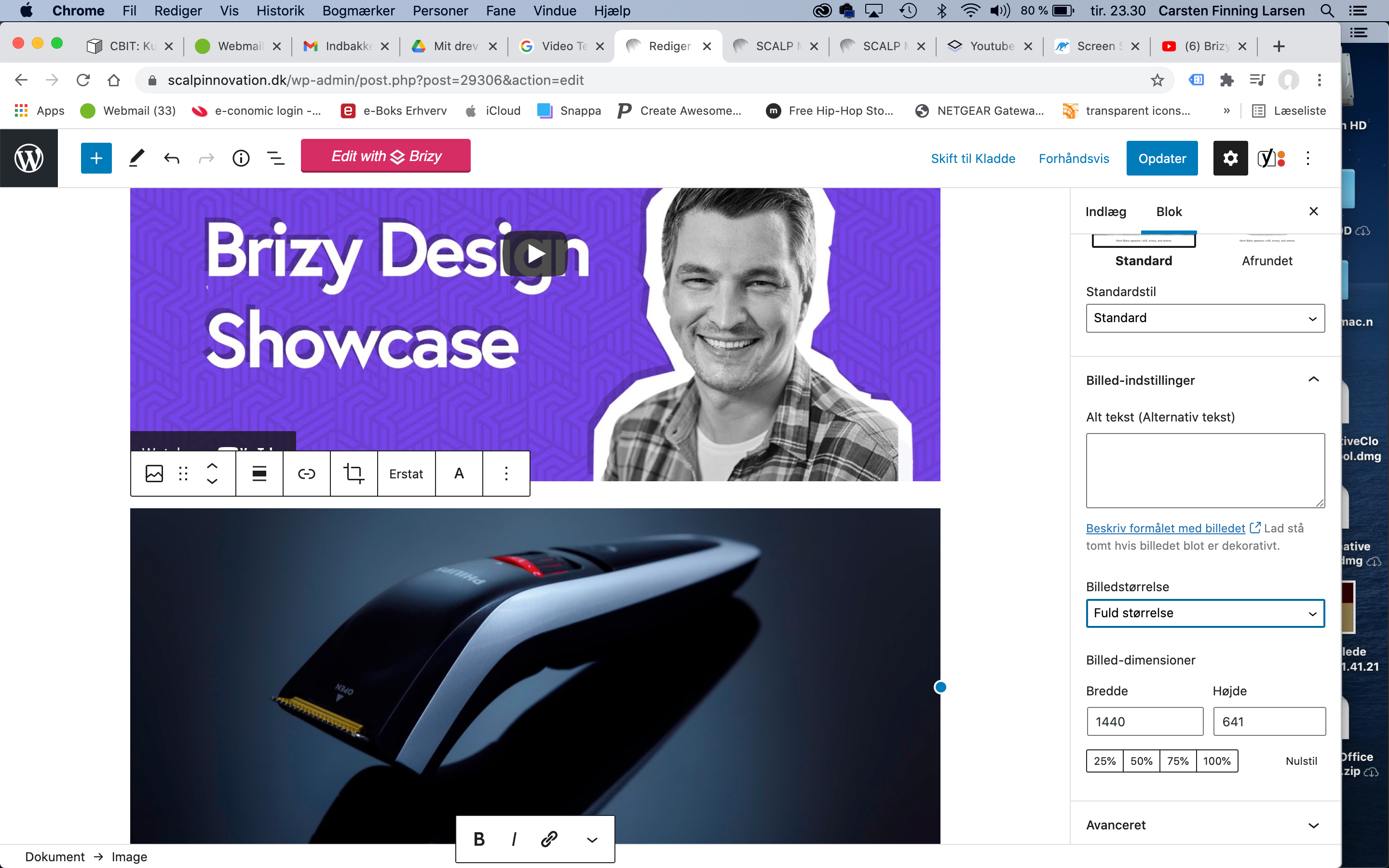
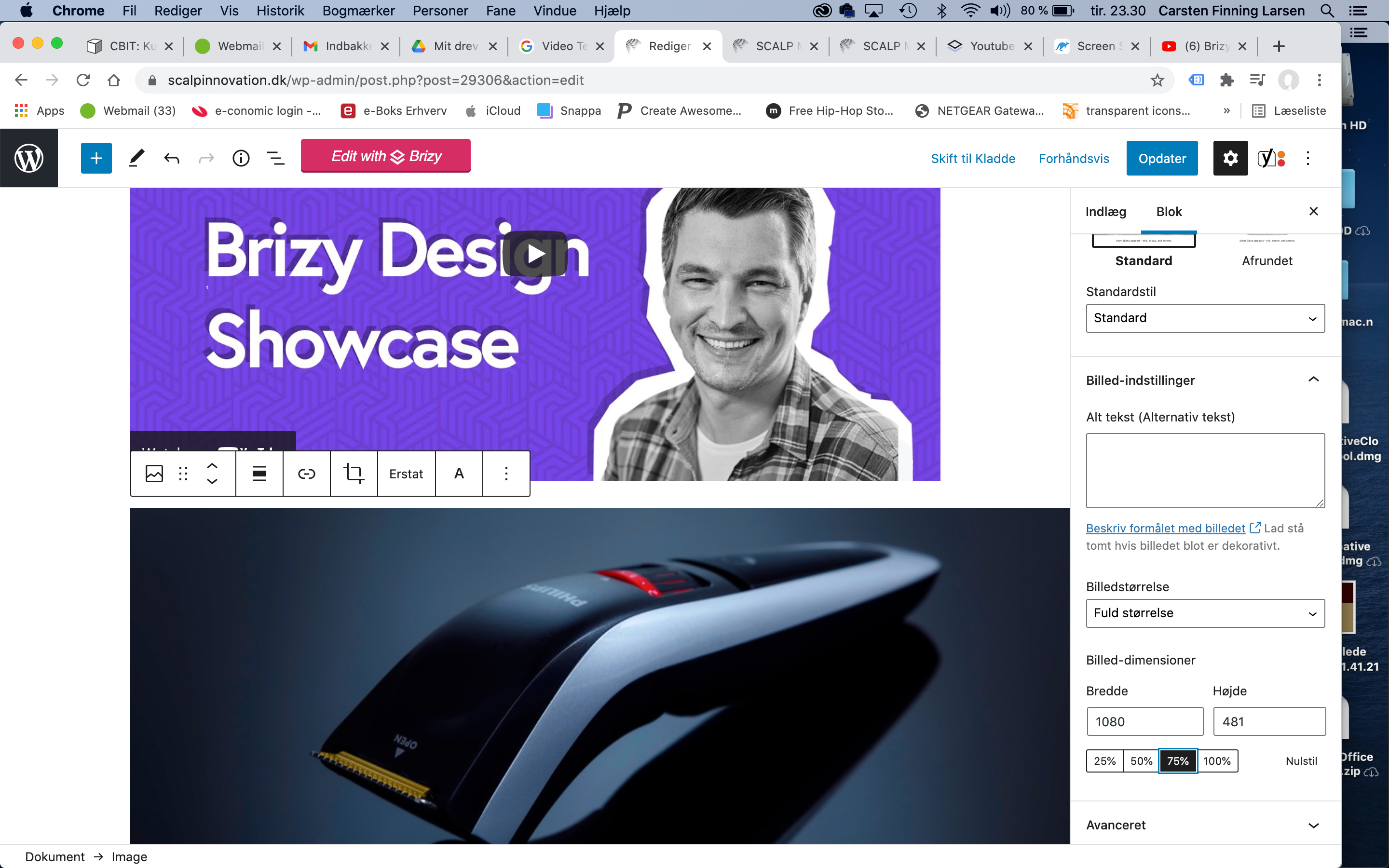
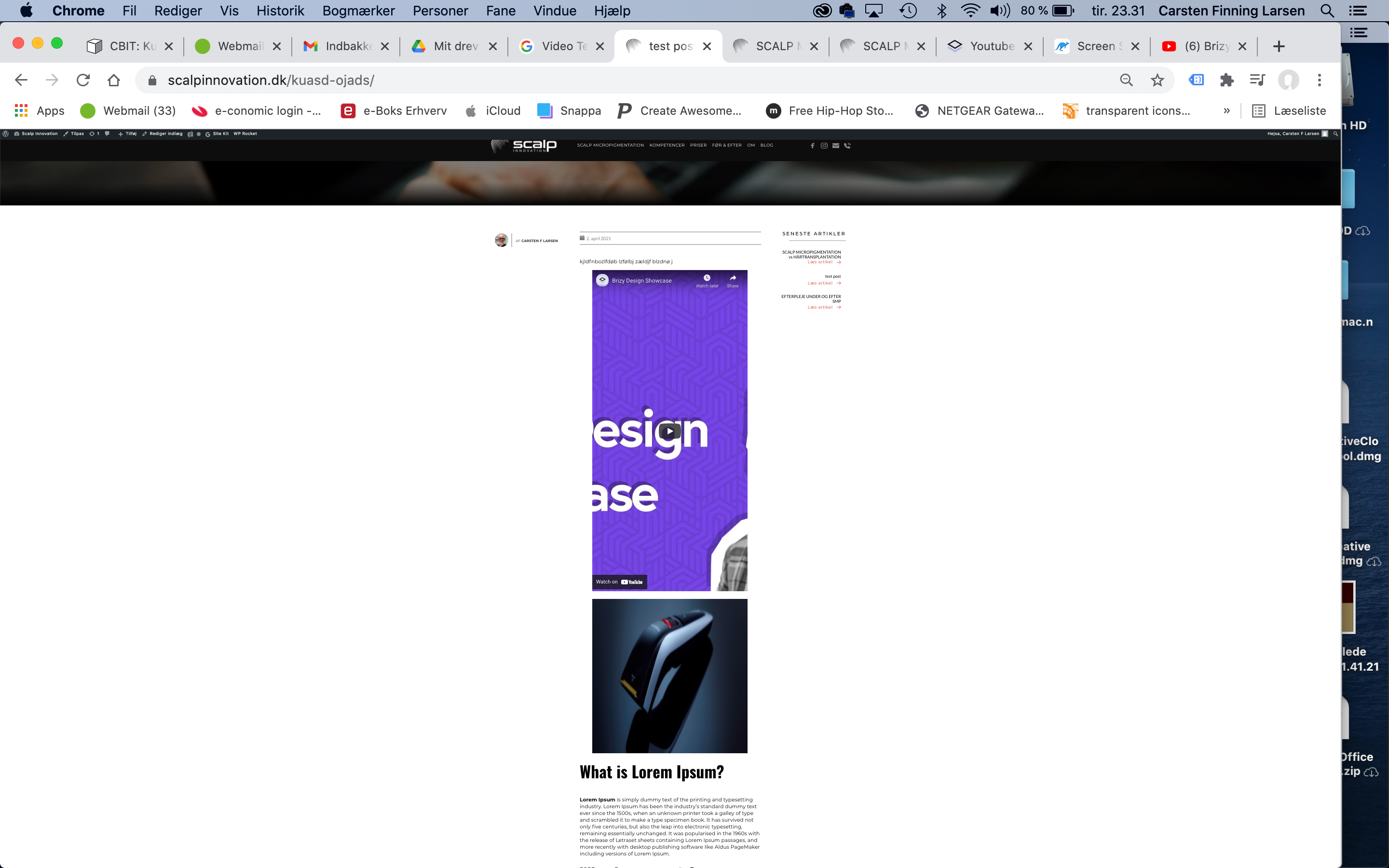 0
0 -
Hi,
Thank you for all these details! We would like to check this problem from your dashboard. Could you please send us the WP credentials to this site?
I have created a private ticket for this request. You had to receive a notification regarding this by email. Could you send us in that private message the WP credentials to this site?Thanks!
Best regards,
Sandra0 -
I have replied whit WP info
0 -

Fixed. It is a theme issue.
0 -
Hi Natalie, :)
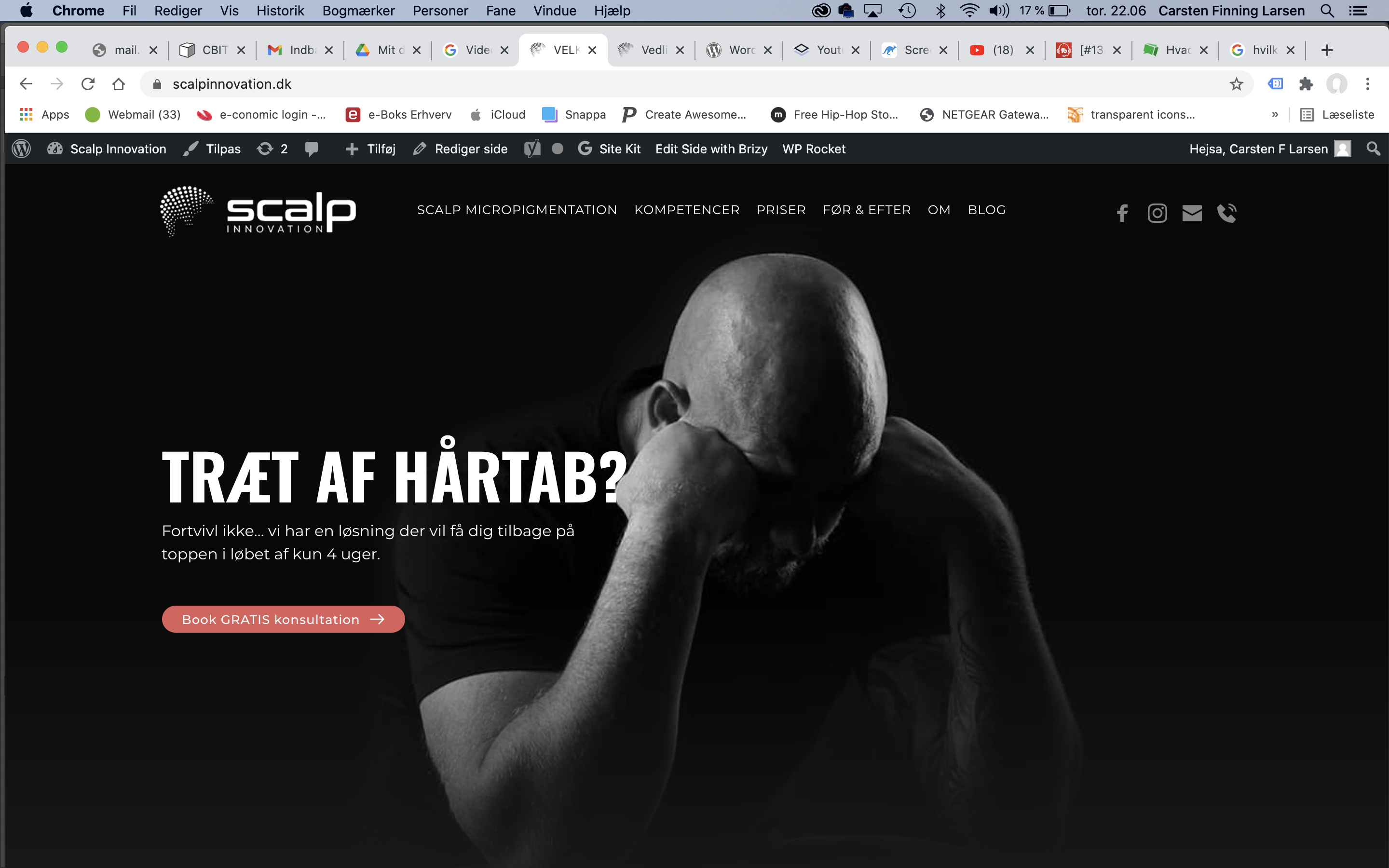
Yes now the post is displaying in the wright way. Where did you change the theme? Could you show me please.BUT!! After you have change the theme i can’t edit any of the themplats (blog, article's or popup's)
When i press edit ig goes right to the front page frontend.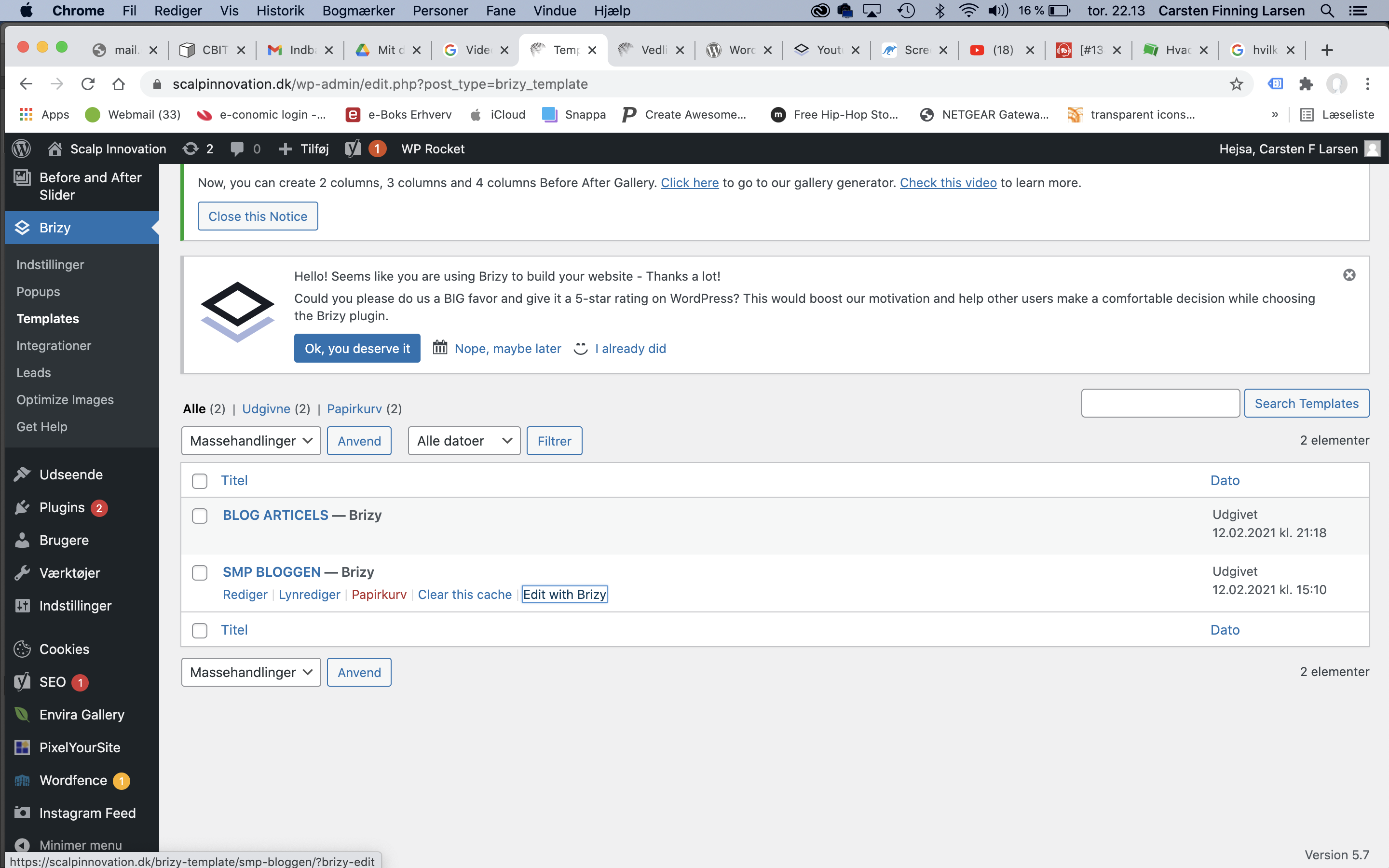
 0
0 -
Hi Carsten,
This problem happens because the Brizy Free was updated to the latest version 2.2.11 but the Brizy Pro not. Now, we updated the Brizy pro too and now you can edit the Brizy templates. Could you please check this?
Thanks!
Best regards,
Sandra0 -
Hi Sandra, its working now... but not quite.
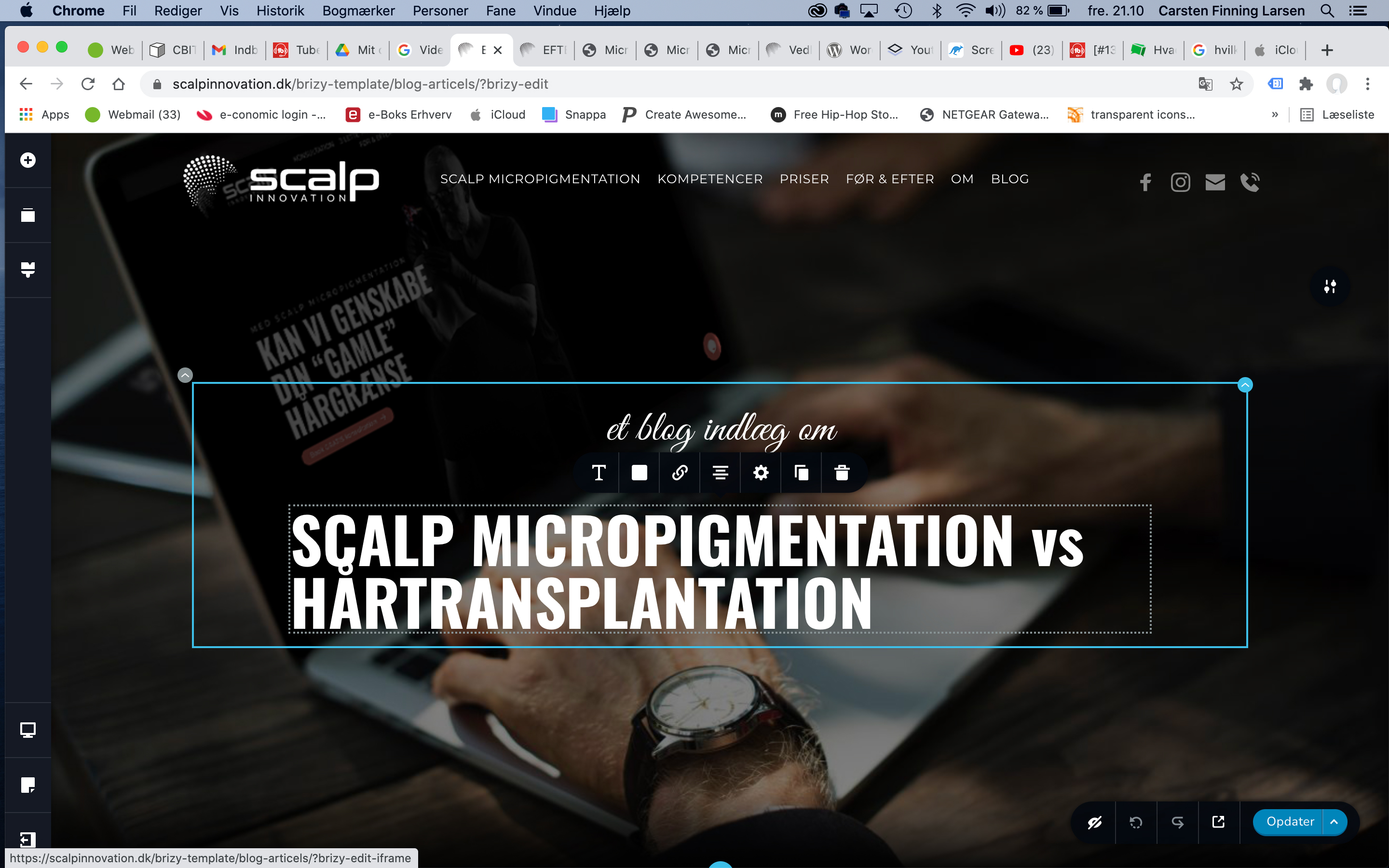
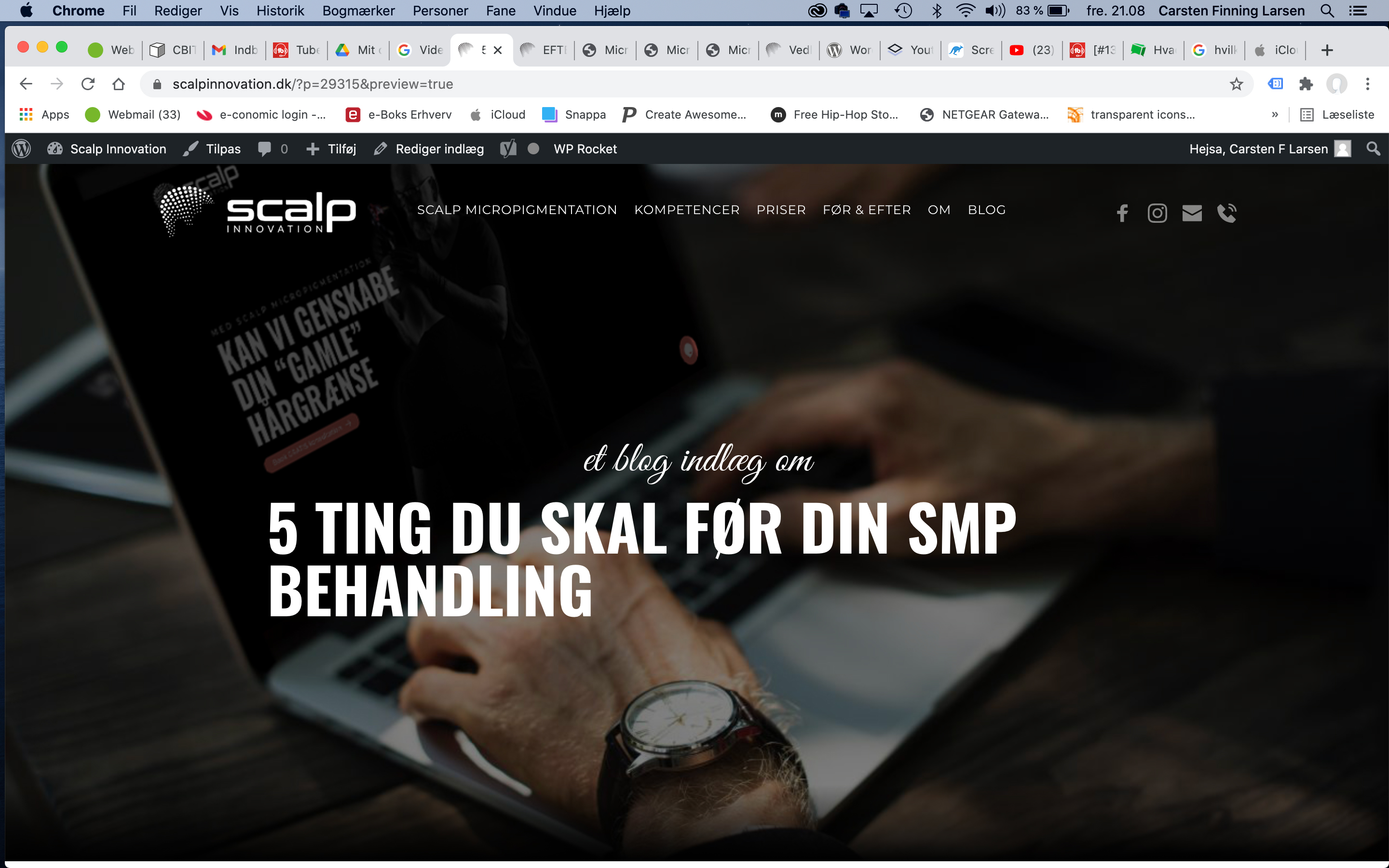
Why isn’t the title center aligned anymore ?
Best regardsCarsten
 0
0 -
Hi,
I'm sorry for this inconvenience. We could identify it and our developers are working to fix it. Today, in 6-7 hours we will release a new update and we plan to add the fix for this issue too.
Thank you!
Best regards,
Sandra0
Please sign in to leave a comment.
Comments
13 comments