Wordpress WooCommerce Shop page doesn't show product

Hi,
I'm using Astra theme, and have built single product template in brizy and also product archive template.

Products archive template:

I've set this page as shop page.

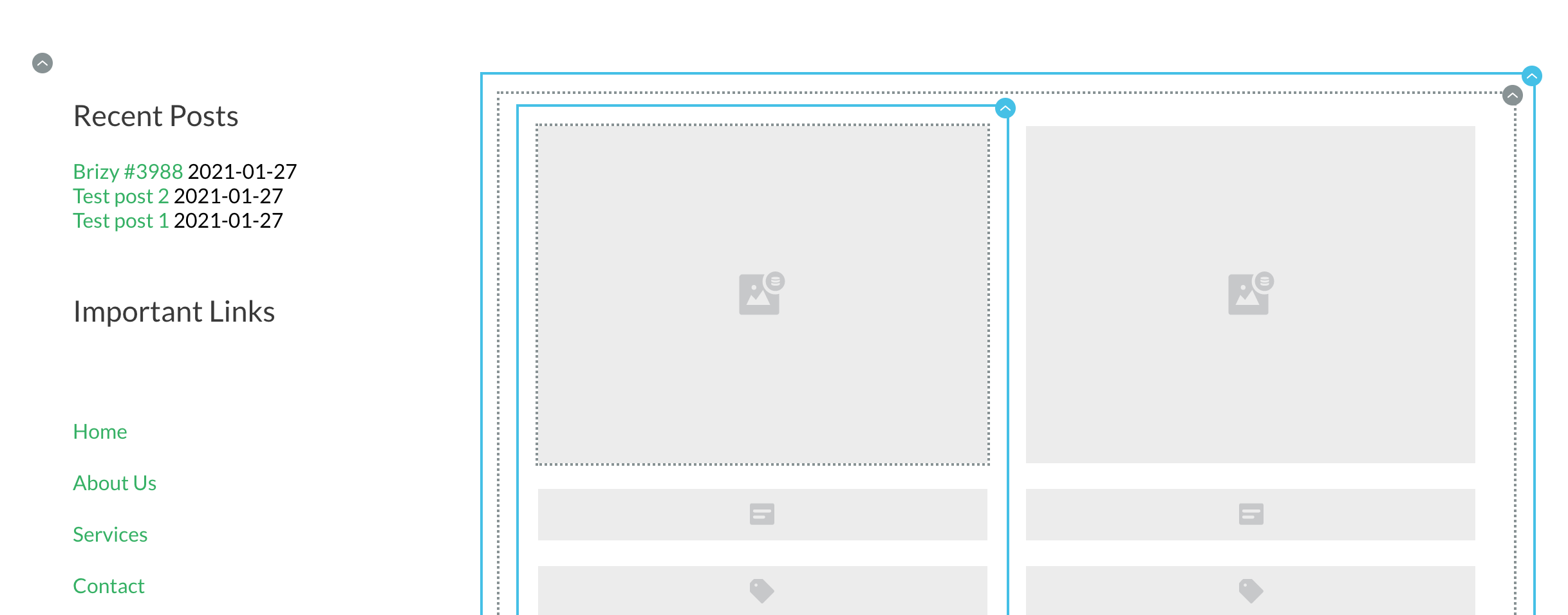
I've created two products:
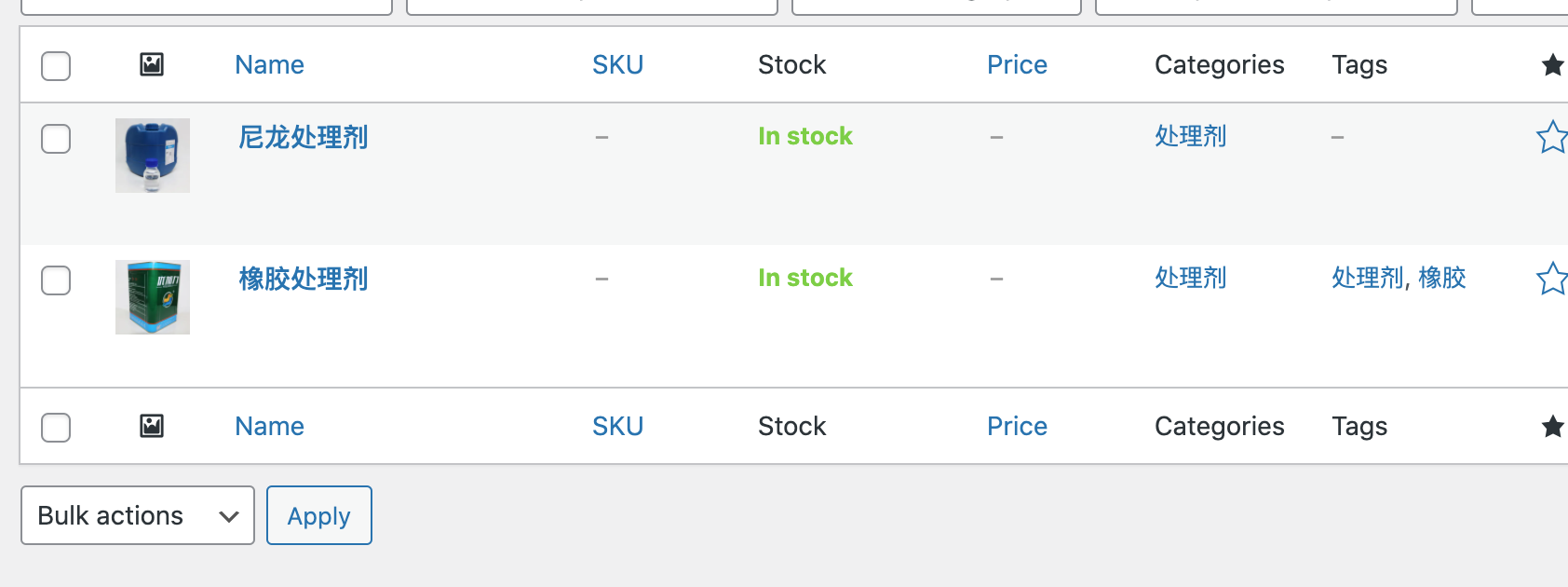
but when I go to my website, it displays like this:
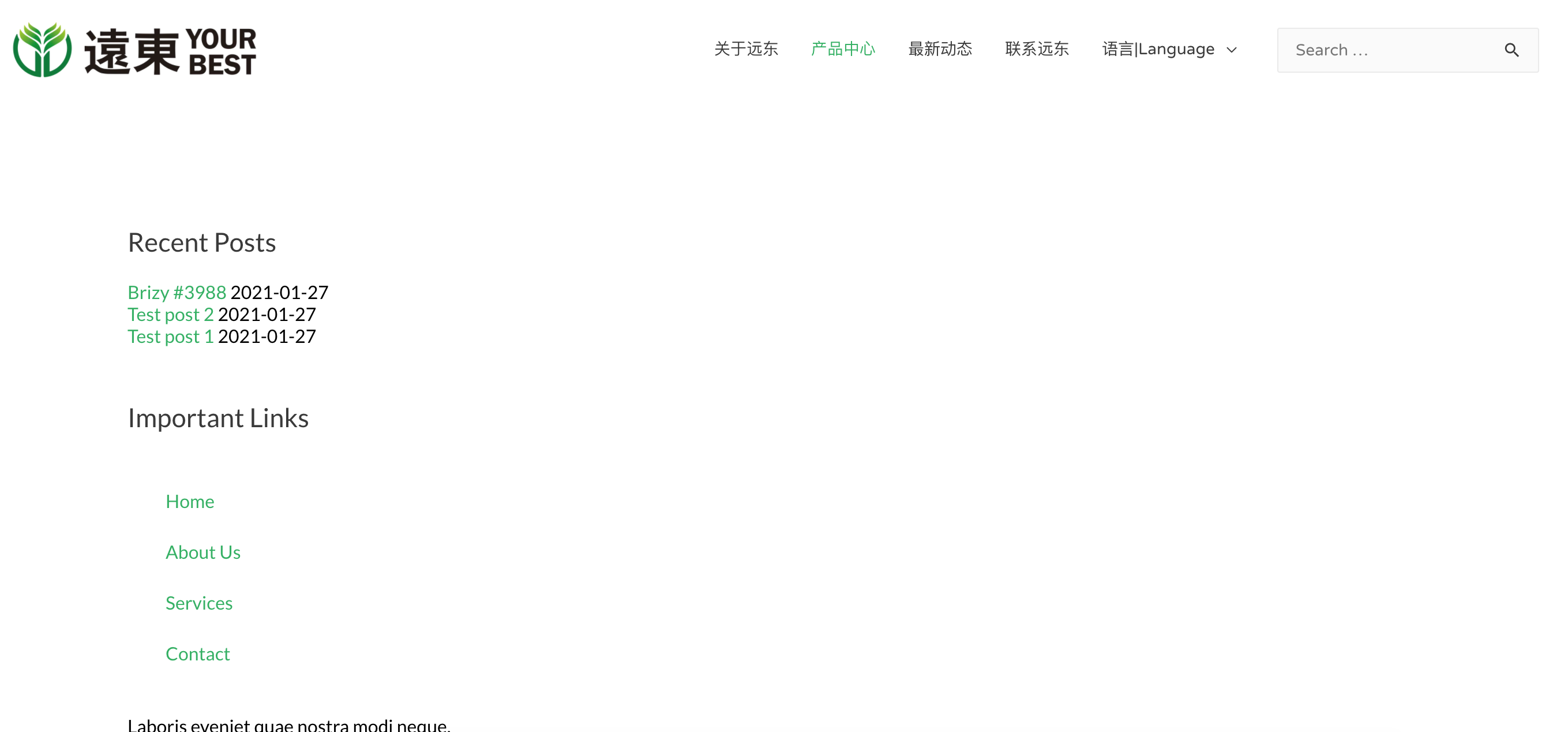
Somehow, the wooCommerce shop page doesn't show product I created. How should I solve it?
Thanks
-

Hello Kate,
Thank you for this message.
I could reproduce this issue in my WordPress dashboard, therefore I made an issue for the team.
I want to ask you, if it's possible, open the Shope Page not using the Brizy template (the preview), but just with the "View" option under the page title - https://jmp.sh/4Hckn5n; Let me know if you have your products in the page.
Thank you!
Natalia
0 -
Hi Natalia,
I clicked the view button to open up the page title, it still doesn't show my products.
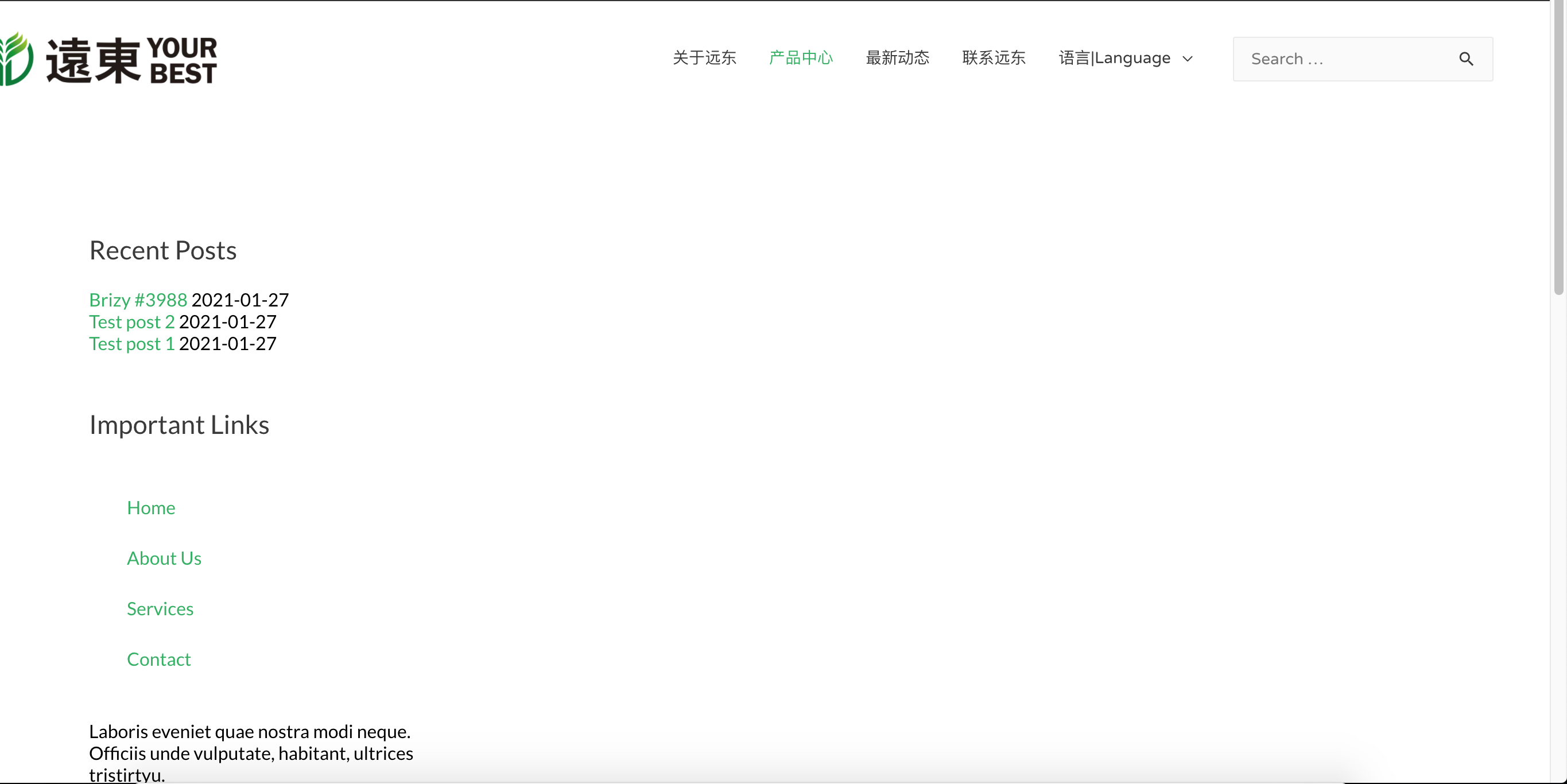
However, if I change the products archive template from include "shop page" to include "products" in "where you do you want to display".
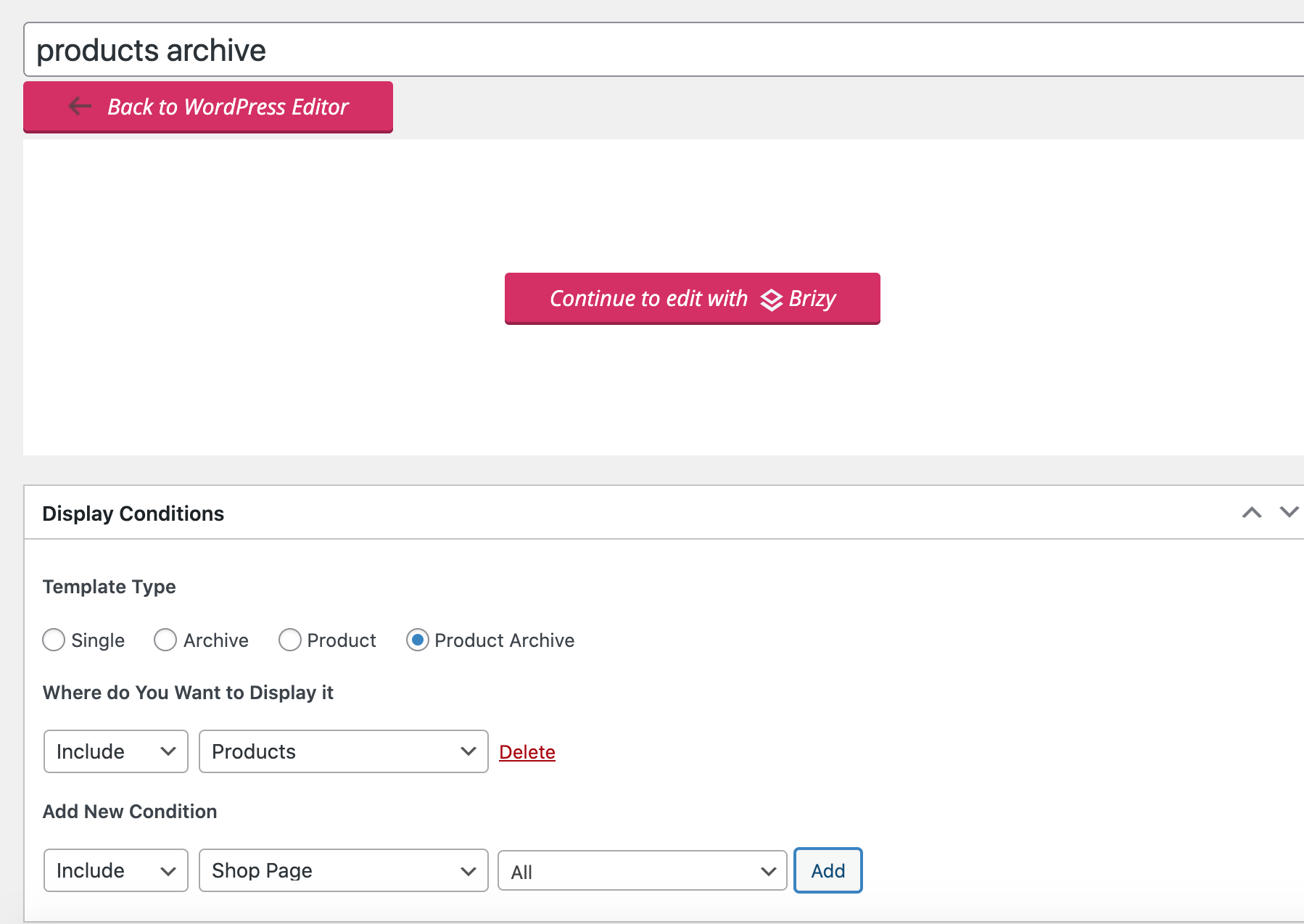
it will show my products like below:
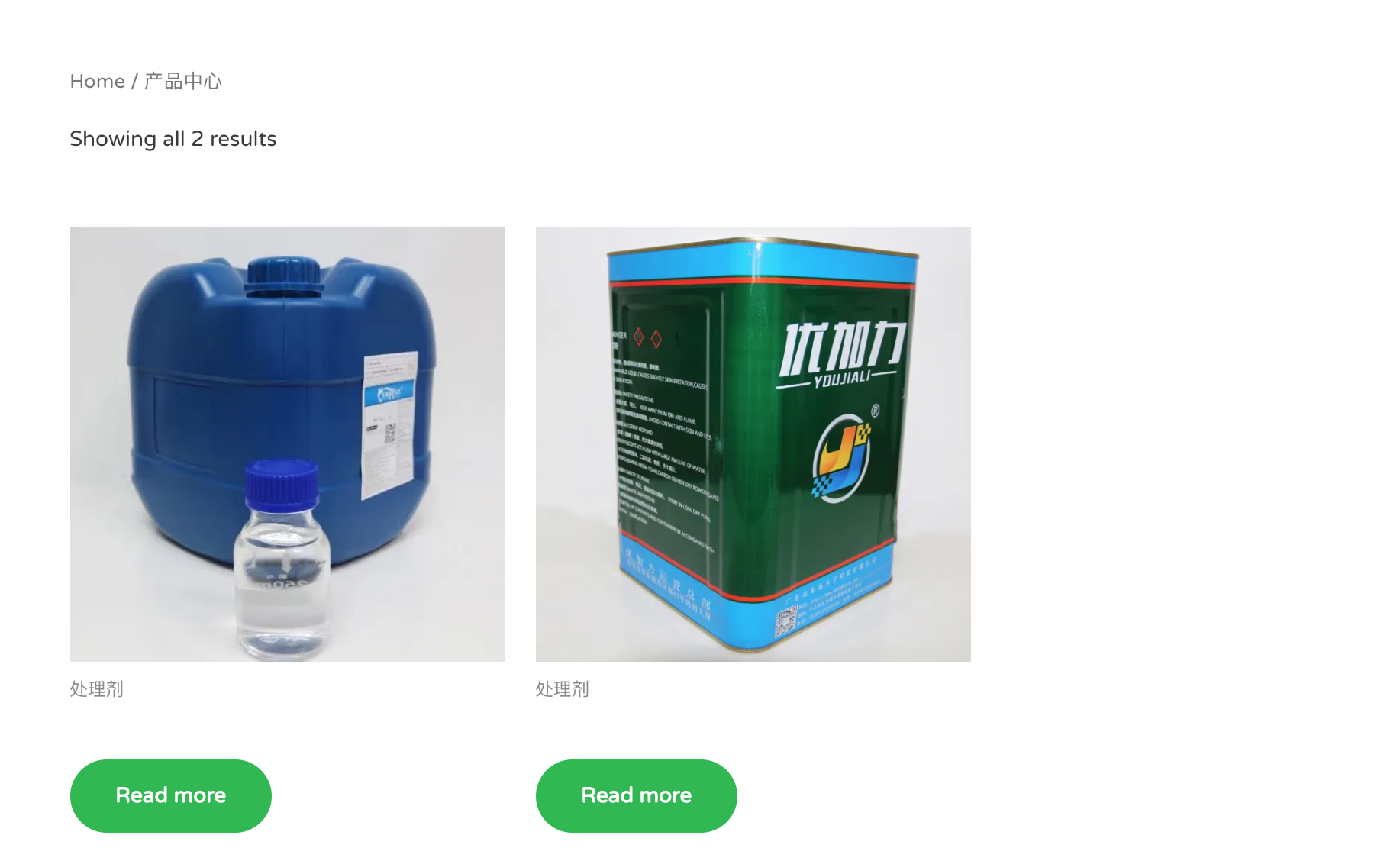
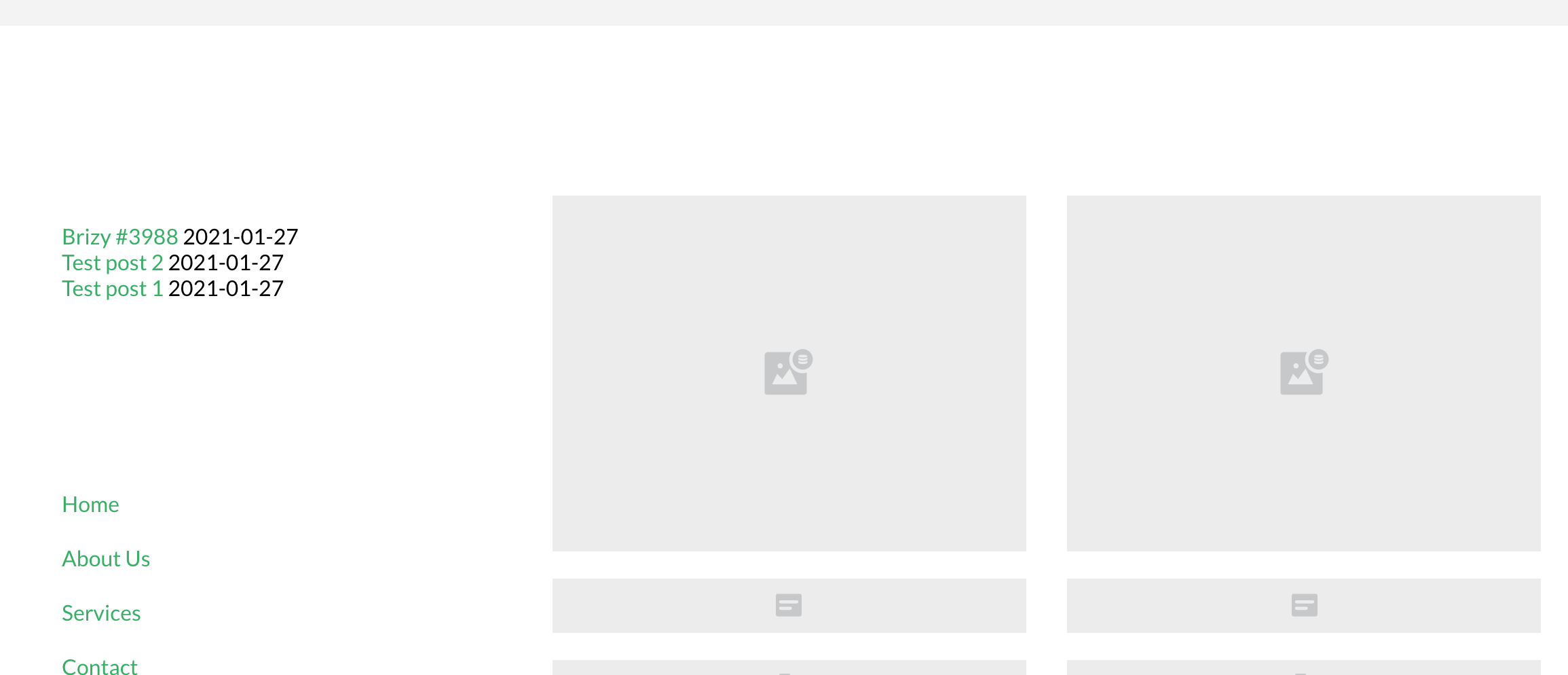
however, then no matter what i change on the template, it doesn't apply the layout to the shop page
 0
0 -

Hi Kate,
Thank you for all these details.
The right way to create a Brizy template for the Shop page is the method you used the first time when you used this display condition "Product Archive: Include -> Shop page".
Also, could you please check if inside this template for the Shop page, did you use the Product element or the Archive element? As it is a template for the Product Archive -> Shop page, it is recommended to use the Archive element.
If at the moment you are using the Products element, could you please remove it and add the Archive element
Thanks!
Best regards,
Sandra0 -
Hi Sandra,
I've used Products element before, now I change to archive element and it works!! Thanks!!
I'm still a little bit confused though, when are you supposed to use product element instead of archive element?It looks pretty much the same?
Thanks!
Best regards,
Kate
0 -
Hi,
Great! Thank you for confirming this with us!
Yes, the Products and Archive element are similar but they have some differences. The Archive element can be used only in the Archive and Product Archive template type and it displays all products from the Shop from all categories.
The Products element can be used everywhere in all template types, pages or posts but you can't display all products and therefore, you have to select a product category for displaying. in such a way, you will display products from a certain category. It is great to use when you want to display products from a certain category or from a certain tag.
Let us know if we can help you with something else!
Best regards,
Sandra1 -

My Shop page isn't showing product either. It does show the archive placeholder for the products but doesn't populate at all. Everything is setup correctly just not working. Any ideas?
0 -

Hi Claude,
Thank you for your message.
Could you please check if your Shop page it's not created with Brizy? You already create a template for it, with Brizy. So you should not edit anymore with Brizy. On your Shop page click on "Back to WordPress" then click "Update" - see here.
Also, could you please check if your shop template and shop page don't have the same permalink? The permalink should be different because they identify in a unique way a page.
Please let us know if you have any further questions.
Best regards,
Nelea.
0 -
My Shop Page is NOT created with Brizy. See below.
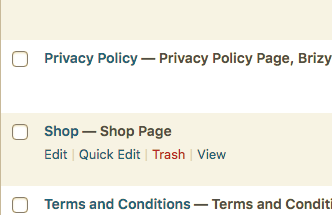
Also the shop template and shop page do NOT have the same permalink.
The Shop page is still only showing the placeholder bit no product. View Below
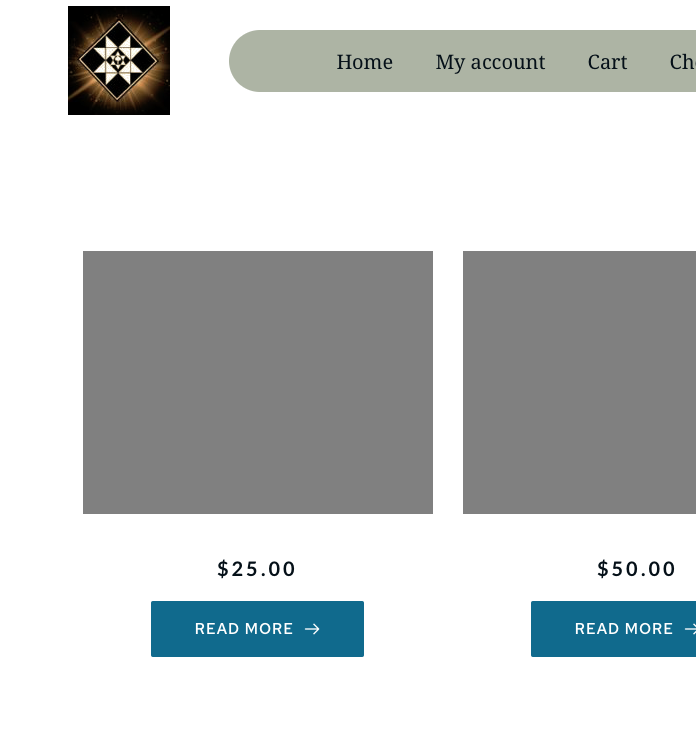
Please give me another solution.
0 -
Hi Claude,
Thank you for your message.
Thank you for all these details! I have created a private ticket for this request. Our developers and testers will investigate this problem and will get in touch with you on that private ticket. Could you please check it?
Best regards,
Nelea.
0
Please sign in to leave a comment.
Comments
9 comments