Cannot add pages to menu in cloud

When I now create a new project I cannot either see or add pages to a main menu. I can only see Blog or Custom link in the left panel. What on earth has happened after the last update? I've tried to delete the project and create a completely new one - but still can't see or add any of the pages I've created.
I'm a lifetime member.
Appreciate the time.
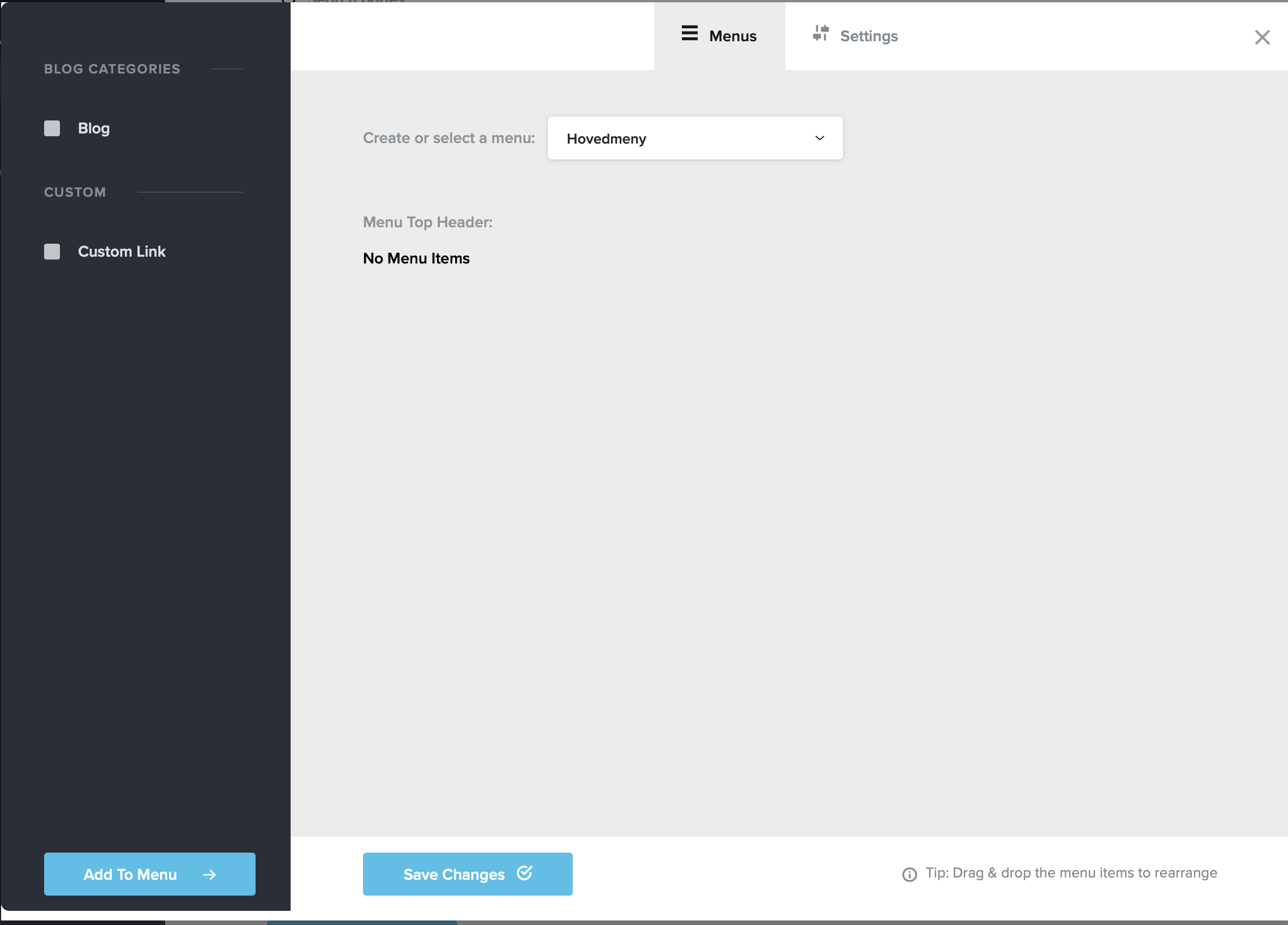
-

Hi,
At the moment, on new projects, if you want to create new pages you have to go to the CMS option (the first top item from the left sidebar). Here you will find the "Pages option" in this section, in the bottom you will find a button "Add new page". You have to click there and give essential details of the page, then go back and click on the "Edit" icon to start editing the page. By default, the new pages are saved in Draft, therefore you have to publish it and update it. See here.
Thanks!
Best regards,
Sandra0
Please sign in to leave a comment.
Comments
1 comment