Frontend not changing colors

Super annoying issue. I'm changing the bg settings on one of your own templates:
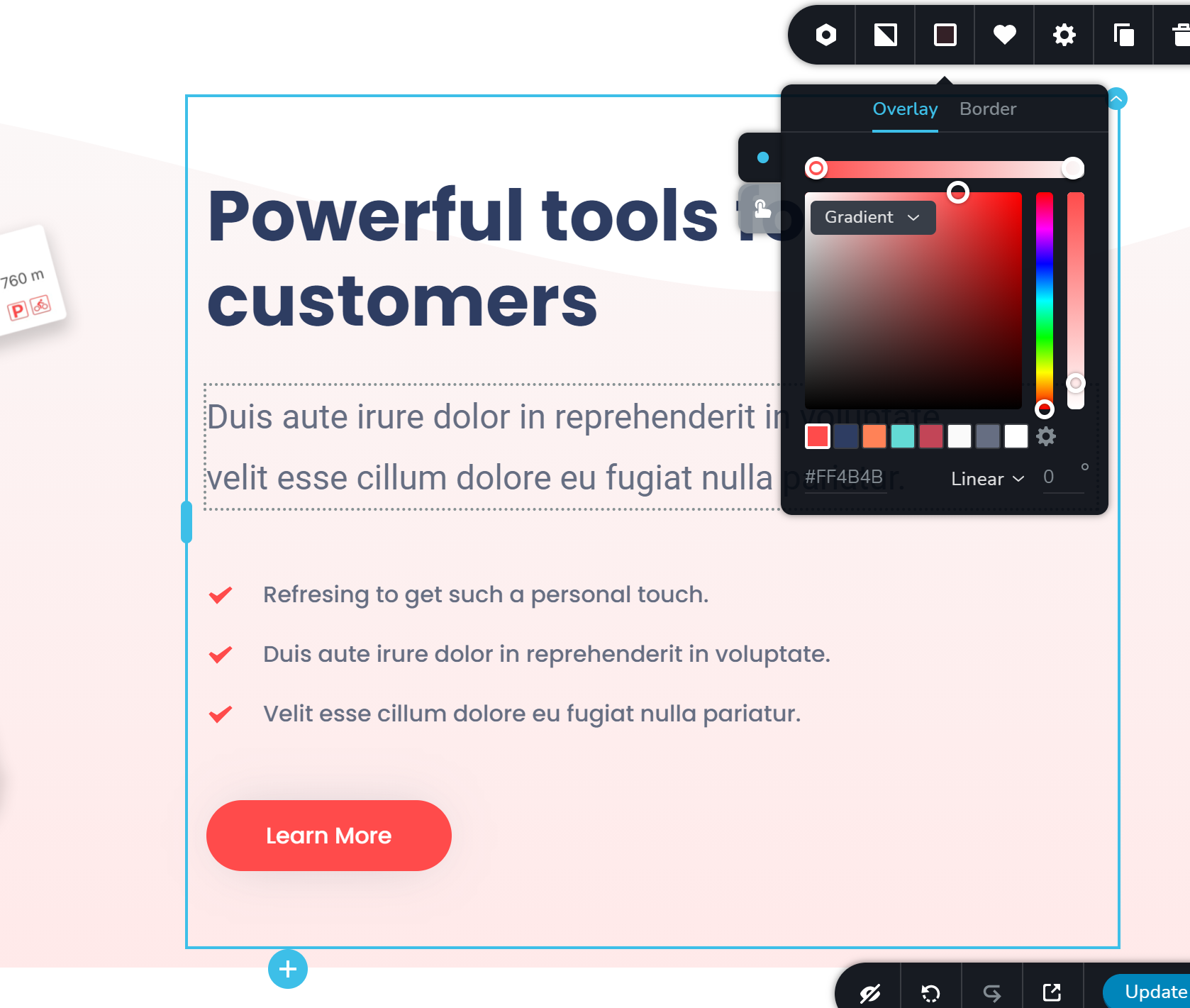
The color does not want to change regardless of what I do. Stays grey on the frontend.
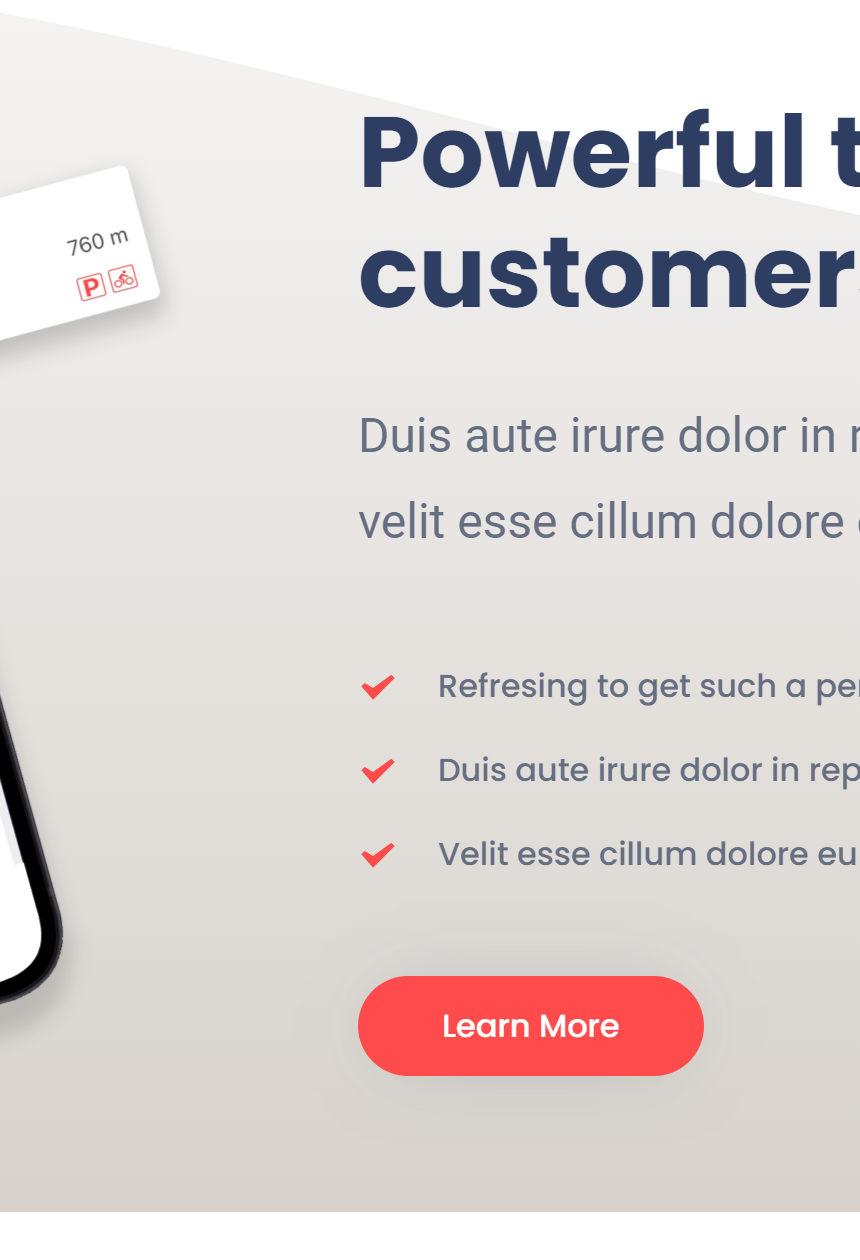
On the other hand, if I change e.g. gradient to solid, it changes. But the color doesn't change.
-
After one hour of searching for it, I found the stupid line of CSS that was messing up everything:
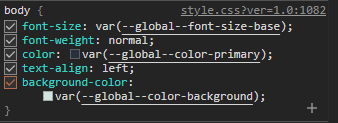
Now the question is what the heck is that, why is affecting element styles and how do I get rid of it in a stable non-duct-tape kind of way?
0 -
A workaround that seems to kind of work was to choose the default WP Twenty Nineteen instead of WP Twenty Twenty One theme. Works.
But still, there is some severe incompatibility here. Unless I should not have used this DEFAULT theme to begin with, but if so, I would EXPECT Brizy to freaking tell me so.
0 -

Hi,
Could you please check if you have the latest Brizy Free 2.2.10 and Brizy Pro 2.2.7 version? As this is a WP site, we can admit that theme or any other plugins have an influence on the pages. From your second reply, where you send us this screenshot, I found that this CSS isn't coming from the Brizy files but it is a theme file. Actually, it shouldn't affect the Brizy pages but if you find a problem or inconvenience with it, we can recommend using the Twenty Nineteen theme as a WP Default theme.
Thanks!
Best regards,
Sandra0 -
Turns out I had 2.2.6 on Pro. But it doesn't matter. After updating to 2.2.7 and switching for a moment to Twenty Twenty One theme the issue was still there.
I am obviously using Twenty Nineteen for now but this is a workaround. I don't like workarounds. Using workarounds means there are unresolved issues beneath that may bite you in the arse in the future.
IMHO this basically means that your builder has an architectural issue that should be resolved.
0 -
Hi,
I'm sorry to say but this is a theme inconvenience. If you don't like the Twenty Nineteen theme you can use one of the themes that we recommend using. See here the list.
Best regards,
Sandra0
Please sign in to leave a comment.
Comments
5 comments