There are large spaces between paragraphs.

Despite I read that this problem has been solved with the new Brizy Update, whenever I make a draft of a post and look at the preview of it, it still has large sapces between paragraphs. My older post remains unchanged, but I can't deal with the problem when trying to post.
-

Hi,
Could you please check if you have the latest Brizy Free 2.2.10 and Brizy Pro 2.2.7 version? Also, could you please check if you use the "#Post Content" hashtag or "Post Content" element to display the post content?
Thanks!
Best regards,
Sandra0 -
Hi Sandra,
I was convinced I have those updated to the latest version. But the Pro wasn't and the update solved it!
Thank you for telling me to check those!
Best regards,
István
0 -
Hi Sandra again,
So I got a new problem. When I make a template for my blog posts and I open the preview and even the published page, it doesn't apply the Brizy template.
https://atudatosut.hu/3-lepes-egy-tudatosabb-elethez/
This is what I'm talking about.
Do you have any idea how can I fix this?
Thank you!
Best regards,
István
0 -
Hi,
Could you please send us a screenshot with the display conditions you set for this template? How should it display?
I checked the link you send us and I encounter this view. This is the way you designed the template?
Best regards,
Sandra0 -
Hi,
This is how it should look like.
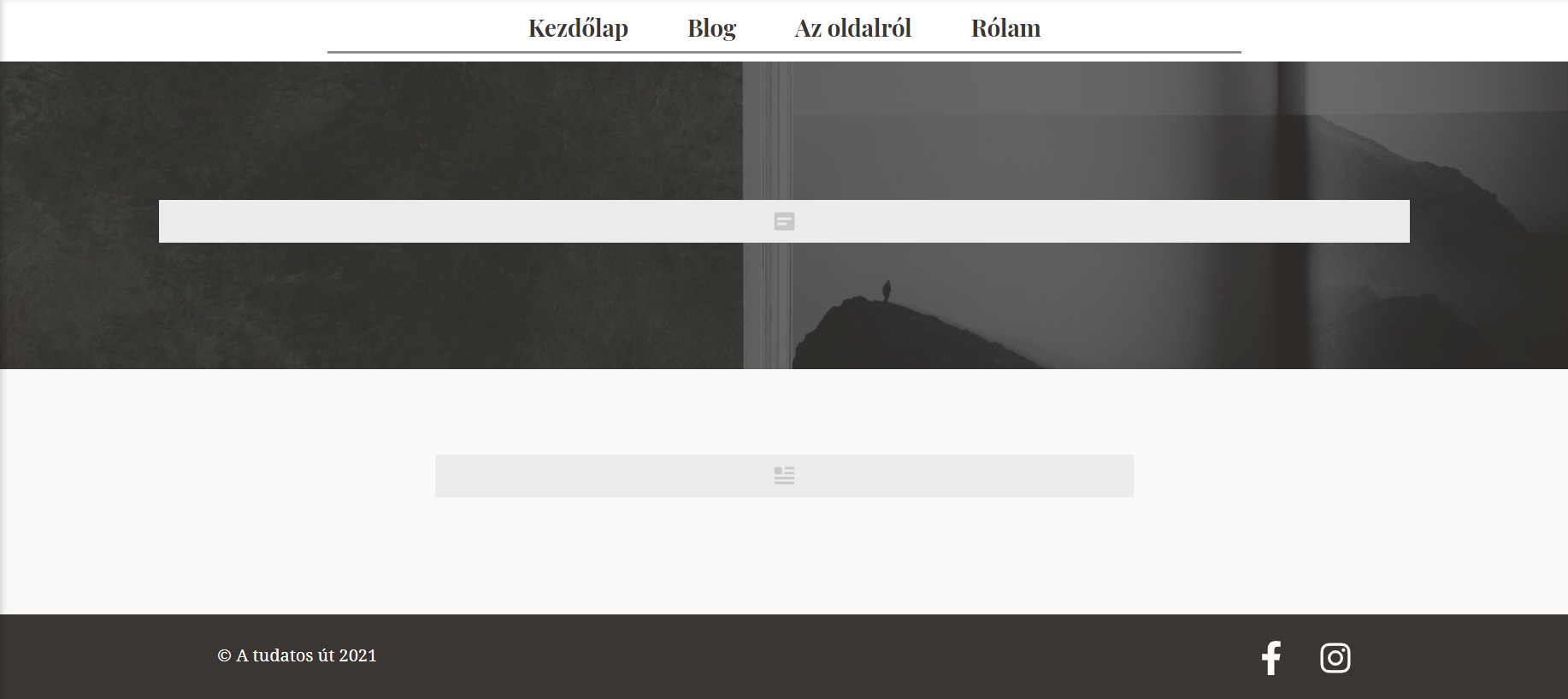
But instead it shows the page the way you sent me back.
Best regards,
István
0 -
Hi,
Could you please send us a screenshot of how did you set-up the display conditions? Also, could you please check if this Post isn't edited with Brizy, theme or another page builder in the Posts? In the Posts, it should be created only with the WordPress editor?
Thanks!
Best regards,
Sandra0 -
Hi,
Sure! Here is the setup.
I edited the whole post in the WordPress editor. But now when I opened the editor it only showed the title and nothing else. No content at all. This all in the WordPress editor.
Best regards,
István
0 -
Hi István,
Thank you for the screenshot but we would like a screenshot with the display conditions you set for this template. This one https://jmp.sh/sL6rBrD. Do you have the same display conditions?
Thanks!
Best regards,
Sandra0 -
Hi Sandra,
Sorry I totally misunderstood what you asked for. Sure!
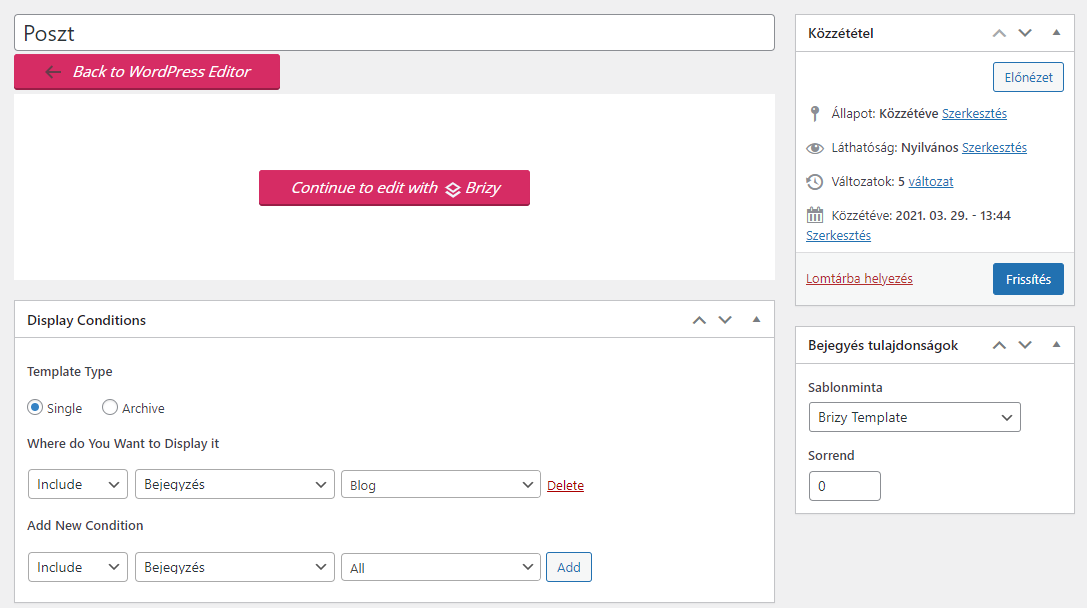
It's not English but everything is the same except my category is not "All", mine instead is "Blog", but I chose that category also, when tried to publish the post.
Best regards,
István
0 -
Hi,
Thank you for all these details. Could you please translate for us the "bejegyzes" word? Is it translated as "posts" or "pages"?
If the "bejegyzes" is translated as "posts", then the display condition you set "Include - Posts - Blog", will include the template you created only on the posts that has the Blog category. Does the post you created is added to the Blog category? If this post https://atudatosut.hu/3-lepes-egy-tudatosabb-elethez/ isn't added to the Blog category, then it is normal to display in that way because the template you created in't applied for this post too.
If you want to add this template to all posts indifferent by its category, I can suggest adding this display condition "Include - Posts - All". Here the "All" isn't a category of posts but means all posts from the site indifferent by its category.
Best regards,
Sandra0 -
Hi,
Bejegyzés in English means Post. But everything is set up as you said. Now after some adjusting (making a new template, deleting and reposting the same post) I realised, that if I publish a post it shows it just fine.
I don't know what was the problem, because I just made the exact same template and the exact same post settings. But now it seems that everything is OK. I published several posts for testing and made changes in the template and also in the posts but now it stayed up and didn't fall apart.
So still don't know what caused the problem, even so thank you so much for your support and your time!
Best wishes and best regards,
István
0 -
Hi,
Great! Thank you for updating us regarding this issue! Nice to know that all is working fine now!
Let us know if we can help you with something else.Best regards,
Sandra0
Please sign in to leave a comment.
Comments
12 comments