Product attribute doesn't show up on product template

Hi,
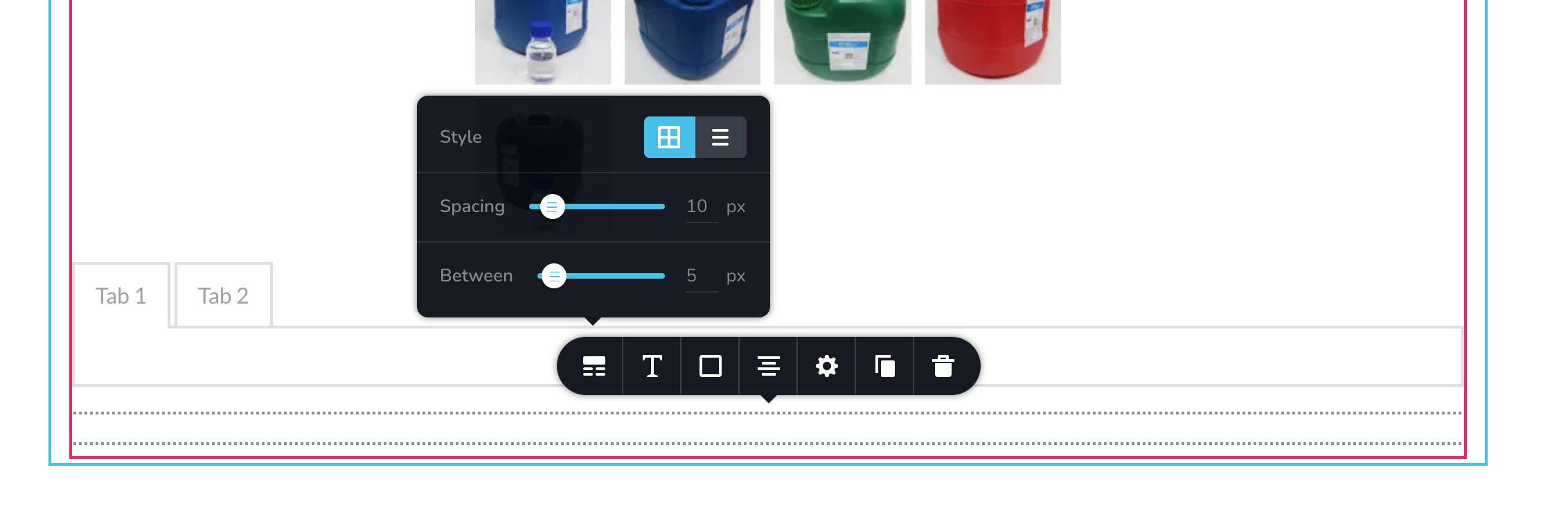
I'm creating a single product template, and when I drag the product attribute element to the page, the element is there, but it doesn't show anything. I tried to change the css but it doesn't change anything, it worked before, but now i do again, it suddenly doesn't work, I'm not sure why.
Thanks.
-

Hi,
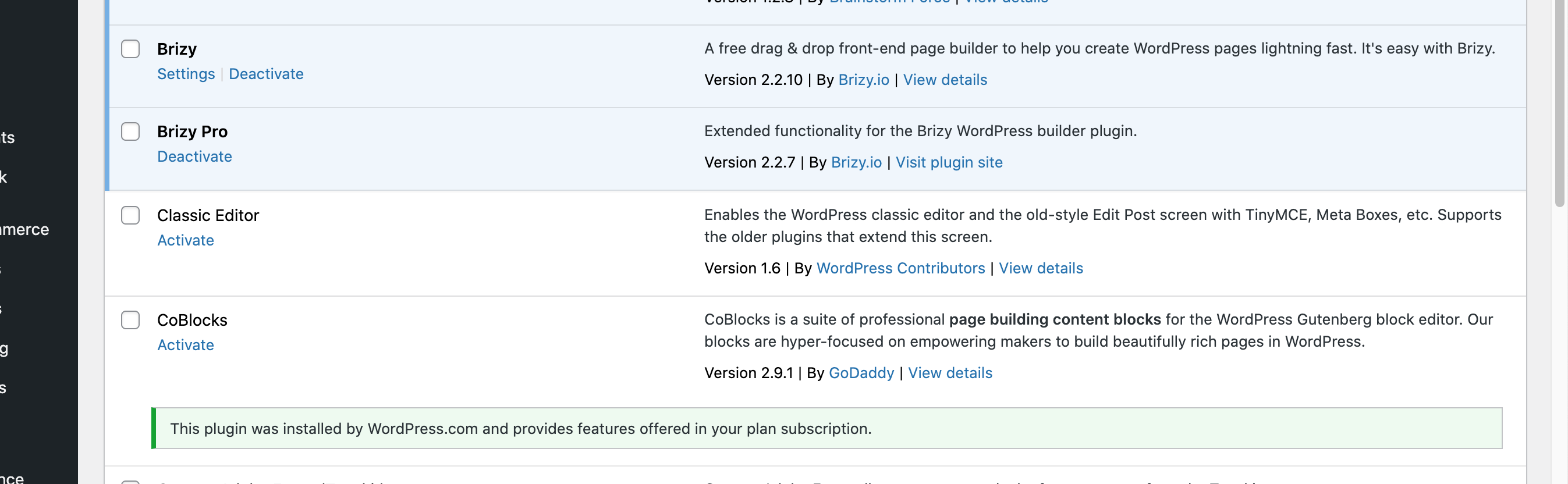
Can you please confirm you have this issue with the latest Brizy versions - Free 2.2.10. and PRO 2.2.7? I just checked it and works as it should.
0 -
Hi, I just updated my Brizy versions, it's 2.2.10 and 2.2.7, but I added attribute, it still doesn't work.
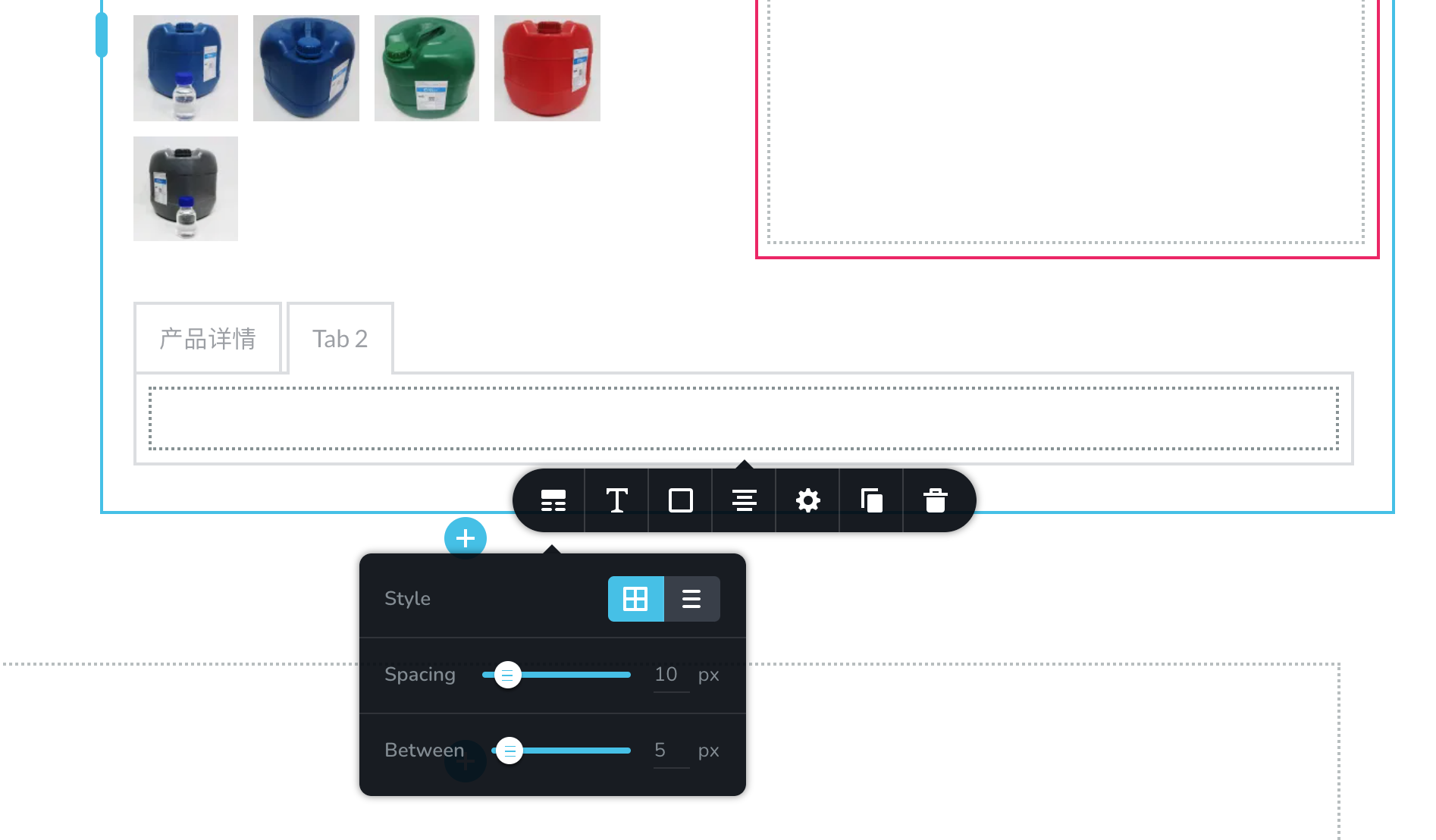
still shows empty space like below:
And also, in the template, I added a table like this:
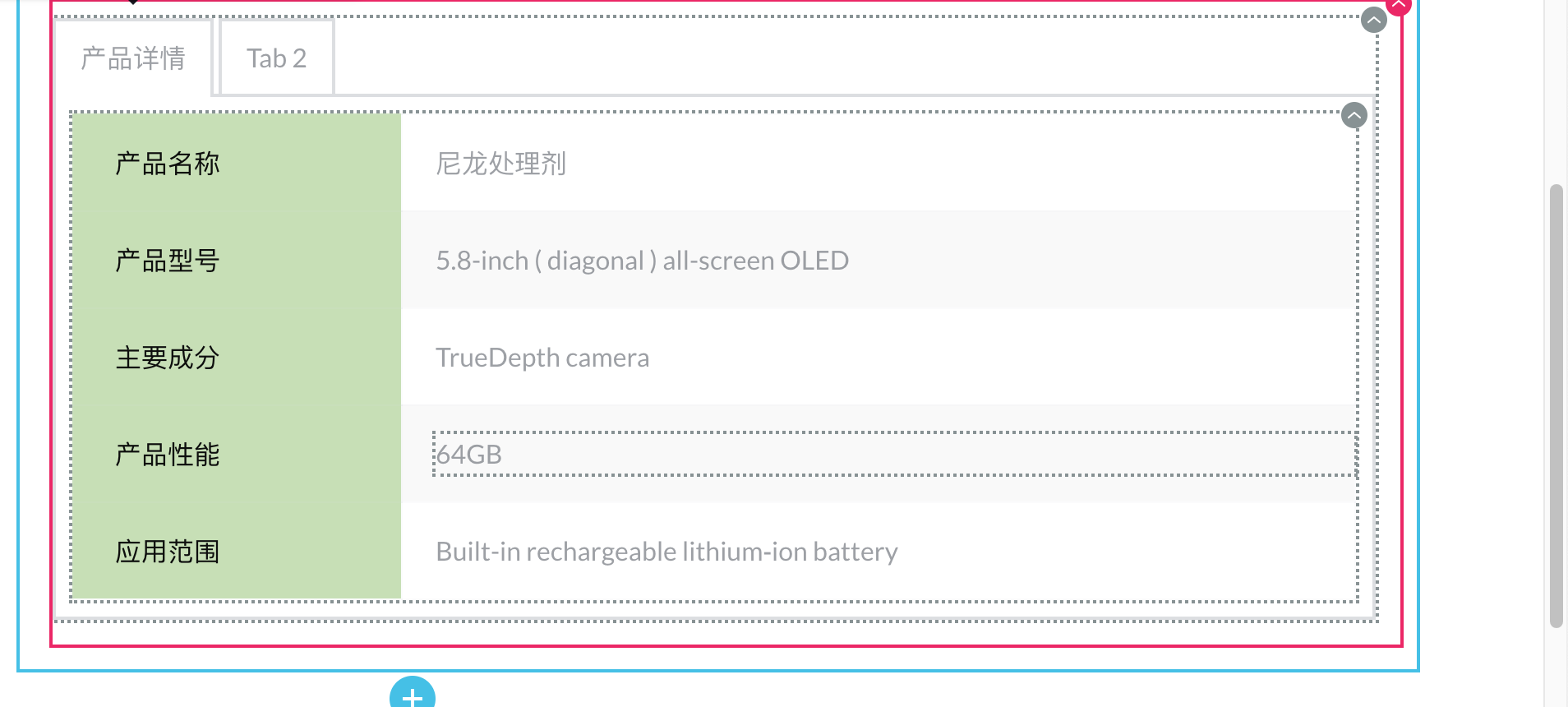
but i just want to keep the same data on the left column, and the right column should be different in every product, how can I do that?
Thanks
0 -
Hi,
regarding the attribute element: can you please switch to a different theme and check again? Also, the question might sound stupid, but did you add any attributes in the product settings: https://jmp.sh/86Jnfoo ?
Re the tab with dynamic data: you can create this table in product content: https://jmp.sh/cFYe7Oh and then display it trought the "Content" element: https://jmp.sh/TBvkVr3
0 -
Hi, I just figured out that the attributes didn't show because the color was set to white. But then there is another problem, when I set the border as below, the lines in the middle overlays with each other which makes it thicker than the other lines, how can I solve that?
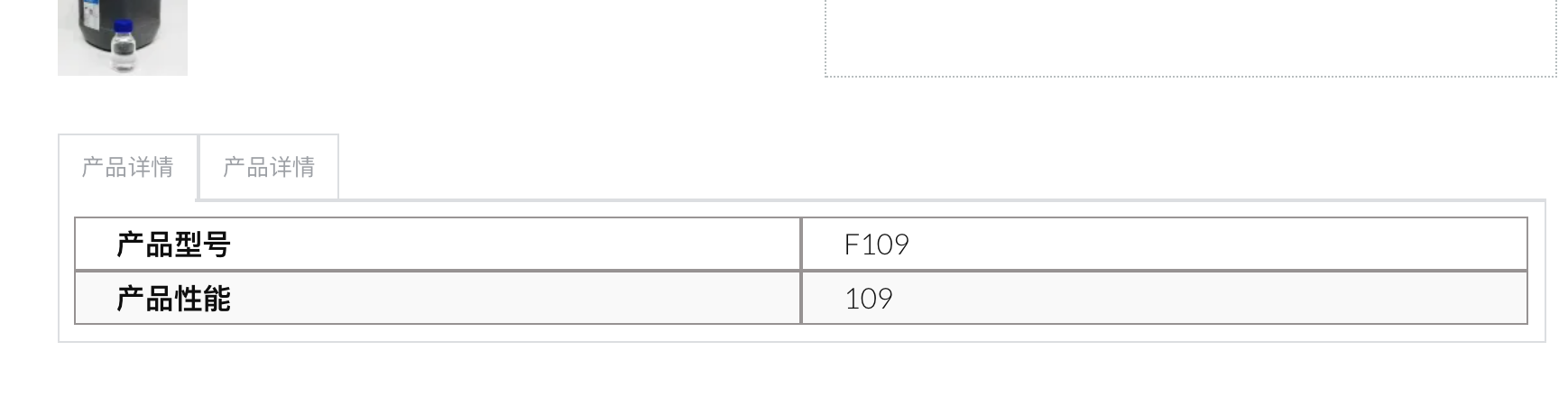
Thanks
0 -
Do you have the same problem with a different theme? I just checked it and it looks good for me:https://jmp.sh/SOILGDC
0 -
Hi, yes I'm using Astra now, and I switched it to storefront and create a new template, it is still doing the same thing.
 0
0 -
Hi,
Please provide the link to a page where you have these attributes and we will look into it. Thanks.
0
Please sign in to leave a comment.
Comments
7 comments