Form email notifications not working

Anyone know how to get the form email notifications to work? I have Brizy Pro and Wordpress. The notifications used to work but don't now (none of them work)!
Or even better how the heck do you submit an actual request to Brizy for help?
-

Hi,
Could you please check if you have the latest Brizy Free 2.2.8 and Brizy Pro 2.2.5 version? Also, could you please temporary deactivate all external plugins (except Brizy Free and Brizy Pro) and activate a WordPress default theme?
What is the email notification you used and find that it doesn't work? How this problem is manifesting? Did you receive the error message when you send the lead? Do leads are stored in the Brizy -> Leads?
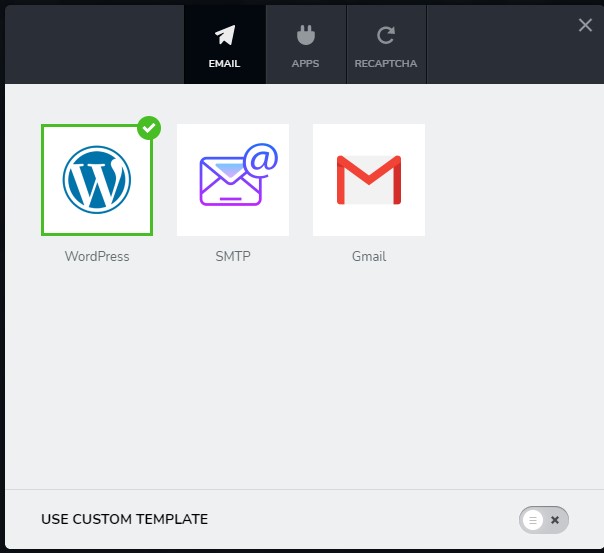
Did you follow all these steps (from these articles https://support.brizy.io/hc/en-us/sections/360008965292-Form-Integrations) to connect the form with WordPress, SMTP or Gmail?
Thanks!
Best regards,
Sandra0 -
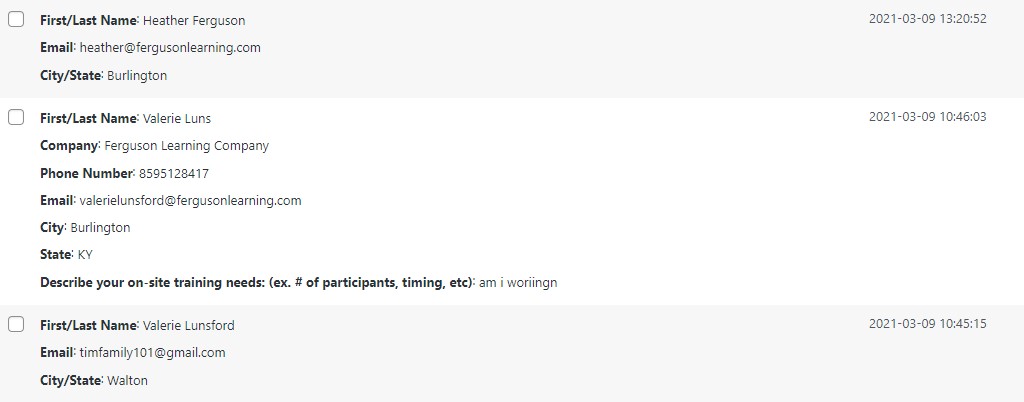
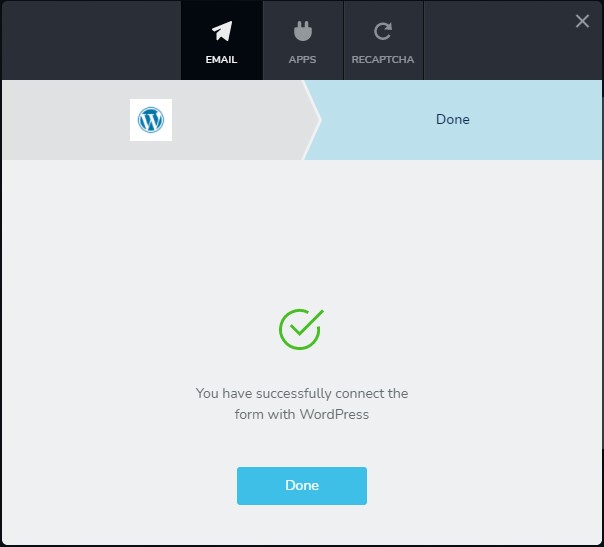
I have Brizy 2.2.9 and Brizy Pro 2.2.6 (updated this morning). I have many pages of my site that have some sort of form for visitors to complete which were set up using the instructions you mentioned from the article so that I would receive notifications. I did not receive an error message and was not aware that they were not working properly until this weekend when I added a new section to my site. After following the instructions for the WordPress notification set up, I got to the screen that shows the green check saying it was set up. I then tested the process to make sure that it all worked properly and the redirects to a Thank you page worked but I never received the email notification. I thought maybe I had done it wrong so I double checked some of my other sections and tested those form including like the contact us page and found those were not working either. I did finally find the Brizy Leads page and realized this had been a problem for a very long time as there were alot of leads that I never received an email for.
I am not comfortable turning off all of the plugins as you recommended. I love Brizy/Pro because you don't have to be an IT person to use it. I am not good enough at IT/Websites to take an action that could disable my entire website as it took me nearly a year to build and I can't afford to take things down and not know how to put them back without starting all over again.
0 -
Hi,
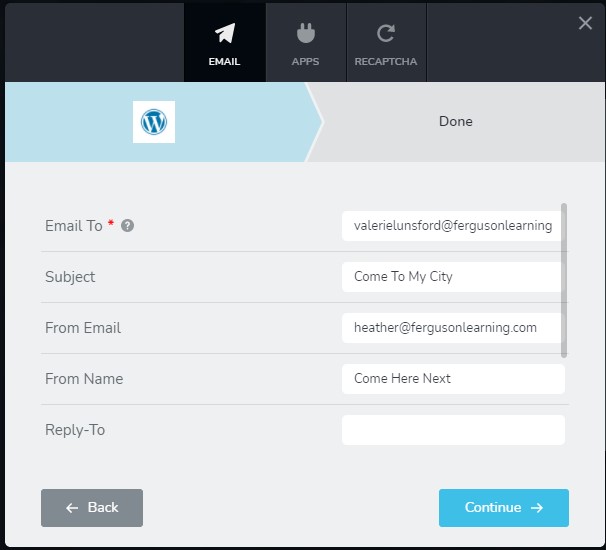
Could you please send us some screenshots of how did you set-up the form? Could you please try using another email for email configuration and check if all is working fine?
It is ok to temporary deactivate all plugins and theme. This will affect your site in the long term and after you will make the needed checks you can activate them again.
Thanks!
Best regards,
Sandra0 -
 0
0 -
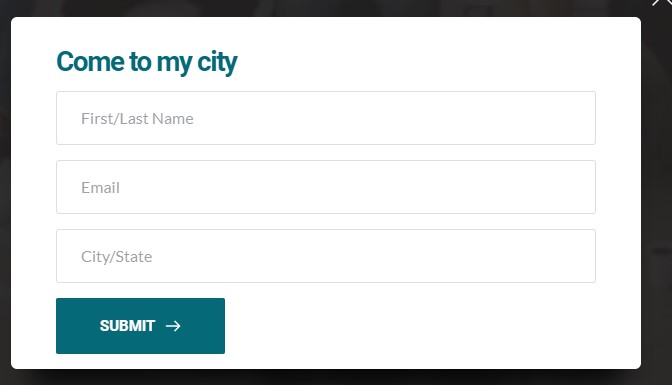
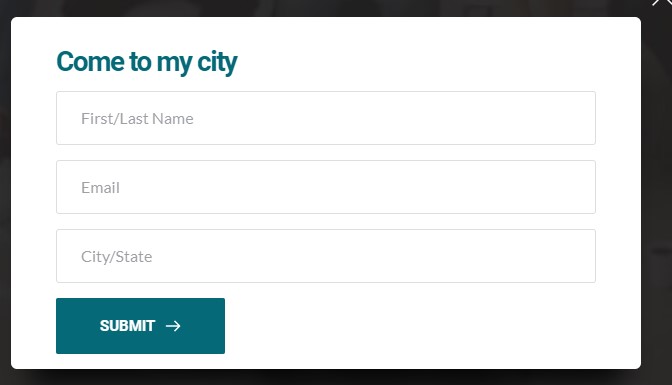
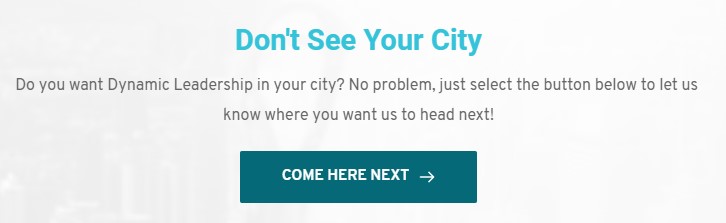
This example comes from the fergusonlearning.com/events page. You can see the steps I took to set it up and then what shows up on the leads page when someone completes the form but an email is never sent.
0 -
Hi,
Thank you for all these details! We would like to check this problem from your dashboard. We send 2 test messages but in the preview, we didn't find some problems or errors. Could you please send us the WP credentials to this site?
I have created a private ticket for this request. You had to receive a notification regarding this by email. Could you send us in that private message the WP credentials to this site?Thanks!
Best regards,
Sandra0
Please sign in to leave a comment.
Comments
6 comments