Missing block/s and errors in Brizy Page Builder (WP)

Hi there,
I have been building a page using the Brizy Page Builder and everything was working fine - I could see all blocks in the Edit view. I saved many blocks for future use on other pages and made some global blocks (navigation/header, footer etc.).
When continuing on to the next page to design I noticed some of the saved/global blocks weren't available in the blocks pop-up. When checking the original page (in edit mode) one block displays an error and another isn't seen at all.
Both blocks however can be seen live - on the front-end.
Any help would be greatly appreciated as I need to continue with the project, but don't want to recreate lost blocks.
WP version: 5.6.2
Brizy version: 2.2.8
Brizy PRO version: 2.2.5
WP Theme: Twenty Twenty
Page Template: Brizy Template
-

Hi,
Could you please temporary deactivate all external plugins (except Brizy Free and Brizy Pro) and activate a WordPress default theme?
Could you please send us a screenshot of the error you encounter in the editor?
Thank you!
Best regards,
Sandra0 -
Hi Sandra,
There are no other plugins active and the theme is currently set to WP Twenty Twenty default theme.
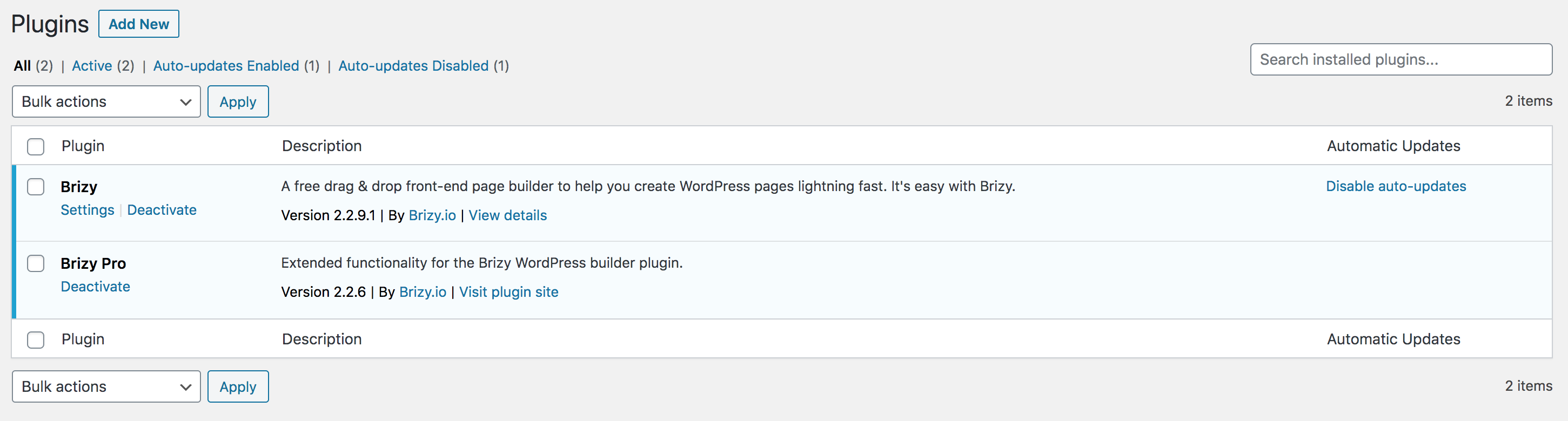

I just updated both Brizy and Brizy Pro to the latest versions (2.2.9.1 & 2.2.6) and still having the same issue. This is the error for one of the blocks. The other block is just blank all together - but both are still showing on the front end.

Thanks for your help :)
0 -
Hi,
Thank you for all these details! We would like to check this issue from your dashboard. Could you please send us the WP credentials to this site?
I have created a private ticket for this request. You had to receive a notification regarding this by email. Could you send us in that private message the WP credentials to this site?Thanks!
Best regards,
Sandra0
Please sign in to leave a comment.
Comments
3 comments