URGENT Help: Pages are all messed up

I added a test page in Brizy. I then deleted that page, and every single one of my pages and link is now that test page!
-

Hi,
Could you please give us more details about this problem? Could you please send us a video or some screenshots of how this problem is manifesting on the site? Did you receive it on Brizy Cloud or on the Brizy page from WordPress?
Best regards,
Sandra0 -
Yes, I added a new test page to test out a youtube video, and added a form. I published it to verify what it would look like on our main website, and then deleted that page.
However, when I went back into my WP site, every single page had the test page item that I did and all the menu links are now going nowhere.
Here is a quick video, all of this was done on Wordpress. I've also tried to move the revisions back...but it continues to show the test page. This is super URGENT as it's affecting one of my clients
0 -
Hi,
Thank you for all these details and the video. I noticed that on both edit mode of the pages you show in the video the first block is set-up as "global block", see here, therefore, could you please check if this global block doesn't have set to be displayed on all pages? For this, go to block options -> Display conditions and check what conditions have set the block. See here. If you don't want to display that block on all pages, you can delete the condition "Include - Pages - All" and include only the page where you want to display it, e.g. "Include - Pages - About us".
The same actions, you can make for all blocks from the page. I suppose they all are global blocks and for this reason the same design and content you see for all Brizy pages.
Let us know if we can help you with something else.
Best regards,
Sandra0 -
I checked what you suggested, and there was no conditions set to display all. Also, it is set to global, but I checked that out the other day and removed the global, and it still was happening. Each page also is excluding this test page, and yet, they are all still showing it. My client is getting super frustrated, as am I:
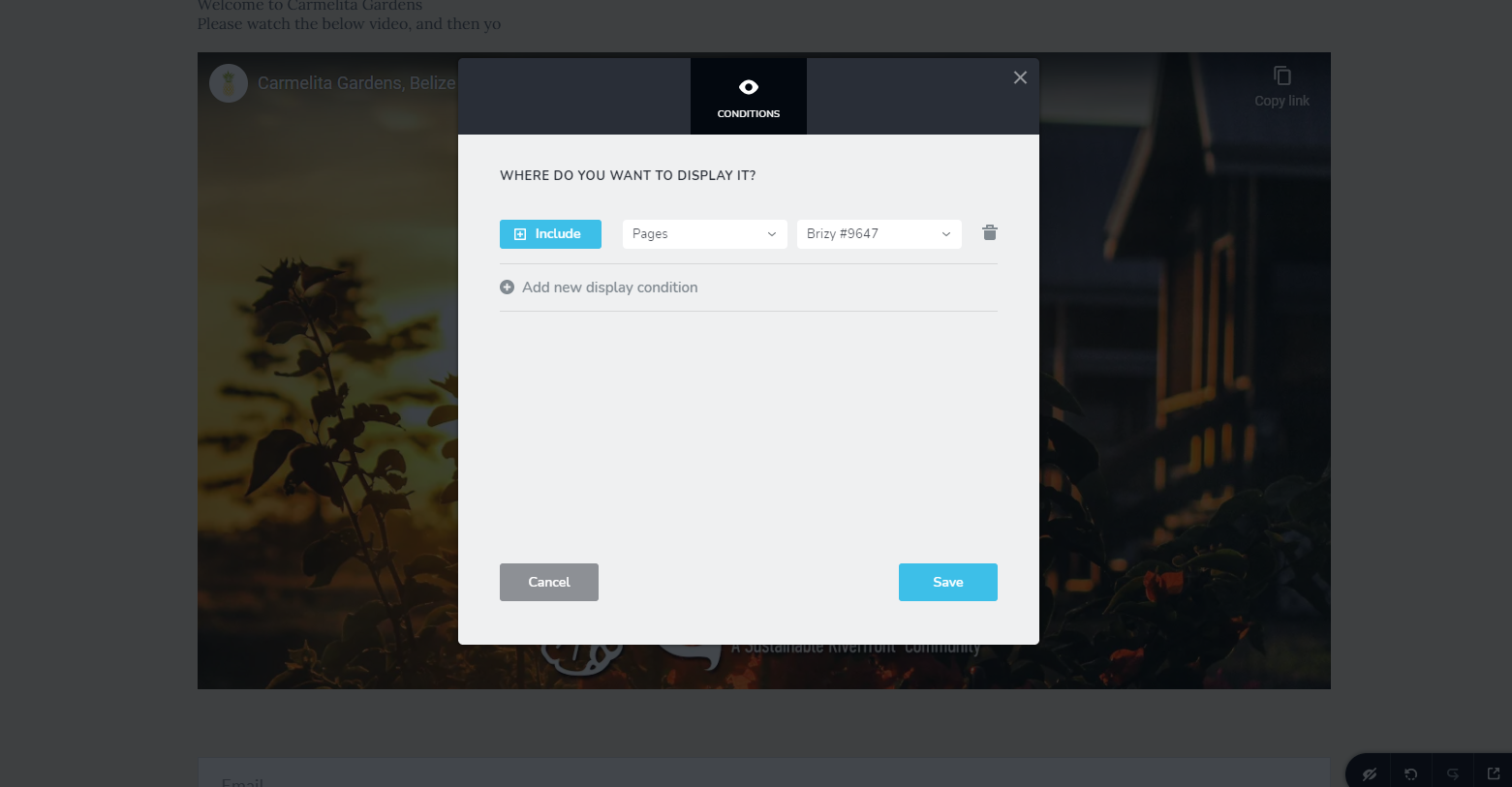 0
0 -
Turns out that the test page was set as a header, and that was the problem.
This can be closed out now
0 -
Hi,
Thank you for updating us regarding this issue! Great to know that all is working fine now!
Best regards,
Sandra0
Please sign in to leave a comment.
Comments
6 comments