Slider breaking?

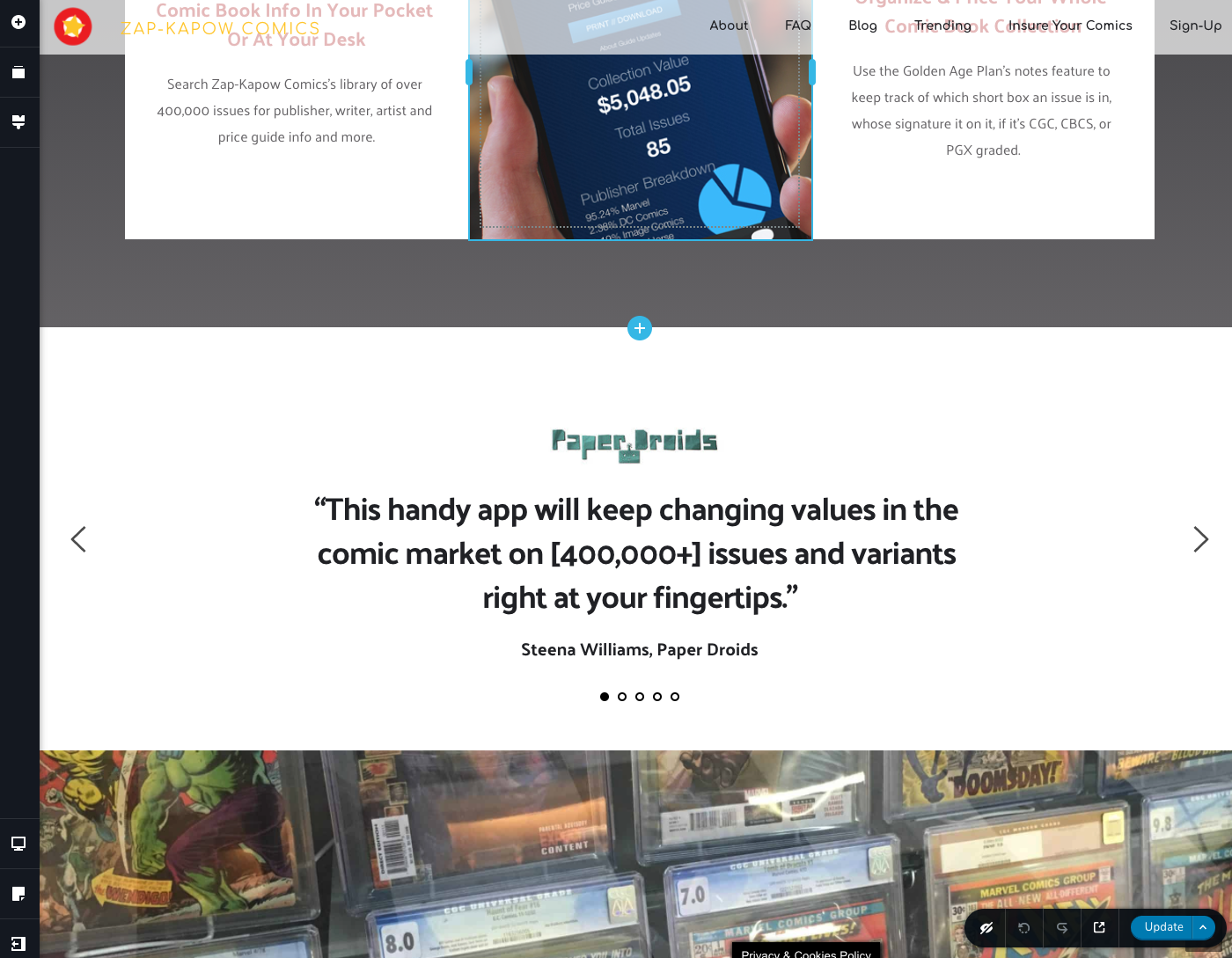
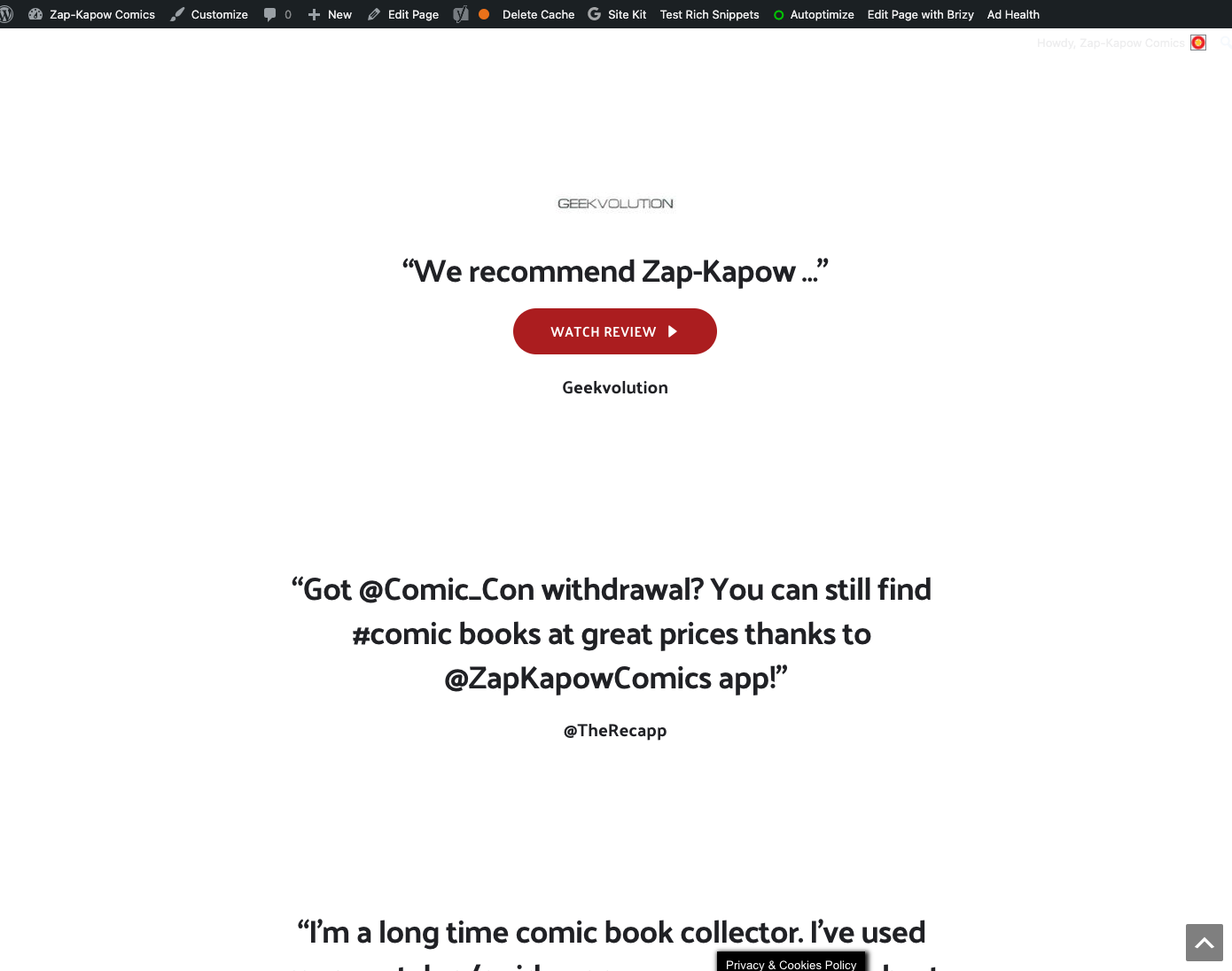
At some point something updated and now my slider isn't rendering on the homepage like it was before. The admin view shows it as a slider just fine, but the rendered page is just stacking all the slides on top of each other?
Admin View:
Live View (https://www.zapkapowcomics.com/):
-

Hi,
Thank you for all these details. Could you please give us some details with what modifications did you make before this problem happen? Maybe you add a plugin/theme, changed some site settings, updates a plugin? Could you please run the clean cache plugin to delete the cache from the site?
Could you please check if you have the latest Brizy Free 2.2.9.1 and Brizy Pro 2.2.6 version? Also, could you please temporary deactivate all external plugins (except Brizy Free and Brizy Pro) and activate a WordPress default theme? Especially, please deactivate the Autoptimize plugin.
Thanks!
Best regards,
Sandra0 -
Hi Sandra,
I have Brizy Pro Version 2.2.6. Honestly not sure when this started, I just noticed yesterday. Lots of plugins have run updates since I last remember seeing it normal. Haven't made any other modifications or settings changes. The Clean Cache options didn't work.
0 -
Hi,
I'm sorry for insisting but could you please concretise if you temporary deactivate all external plugins (except Brizy Free and Brizy Pro) and activate a WordPress default theme? Do you receive the same problem?
This action will not destroy the site for the long term because after you will check the state of the slider and page, you will activate one by one plugin and will test again the slider by refreshing the page. When you will activate a plugin and after refreshing the page you will encounter the same problem, then you can conclude that this problem was caused by the inconvenience with that plugin.
Thanks!
Best regards,
Sandra0 -
Not sure which plug-in it was, but deactivating them all returned the slider to normal, and reactivating them all left the slider normal as well.
Anyhow, it's good now, thank you!
0 -
Hi,
Thank you for updating us regarding this inconvenience. To identify which plugin generate this inconvenience, you can activate one plugin and then go back to the page, refresh it and check if the problem is appearing. The same action you have to do with all plugins till the moment you will find that the problem is displaying again. In this case, the plugin you last activated, is the one that has a conflict and generates this problem.
Thanks!
Best regards,
Sandra0
Please sign in to leave a comment.
Comments
5 comments