Menu not displaying on home page

Hi,
I have a sticky menu that displays on all pages except on my Home page. How would I get this to display on the Home page?
I am using Themefuse and the Unyson builder. If I change the template for the home page to "default template" then the menu pulls through and works fine on the home page. However, then layout of the home page is then all wrong and messed up.
-

Hi,
Could you please give us more details? How did you create the menu? Did you create it with the theme or with the Brizy builder? How did you display it on other pages? Could you send us the URL link?
Thanks!
Best regards,
Sandra0 -
Hi Sandra,
Thanks for getting back to me! I included feedback below:
1. How did you create the menu: I attached a screen shot as I'm not too sure about this answer. I think I created it with the Theme.
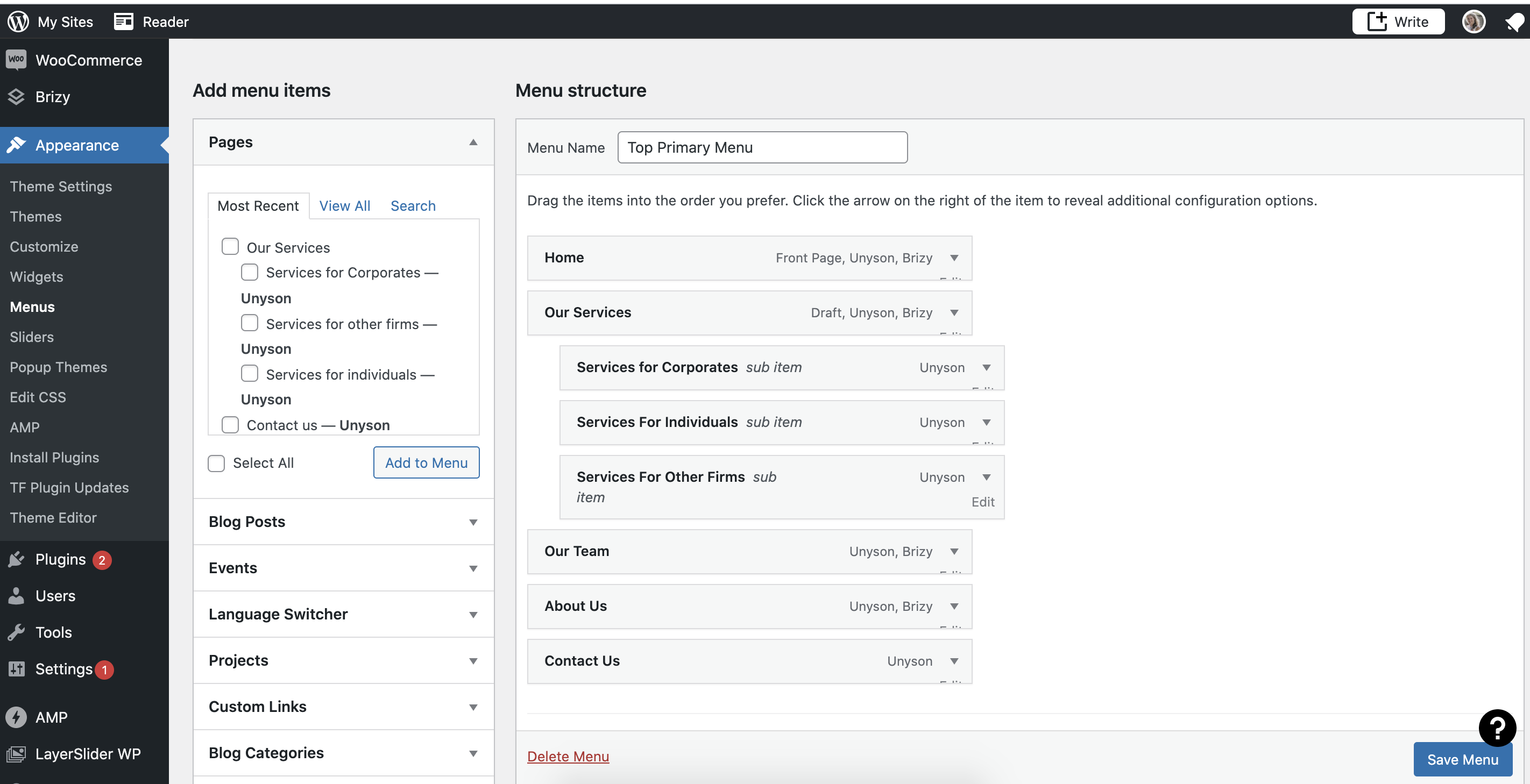
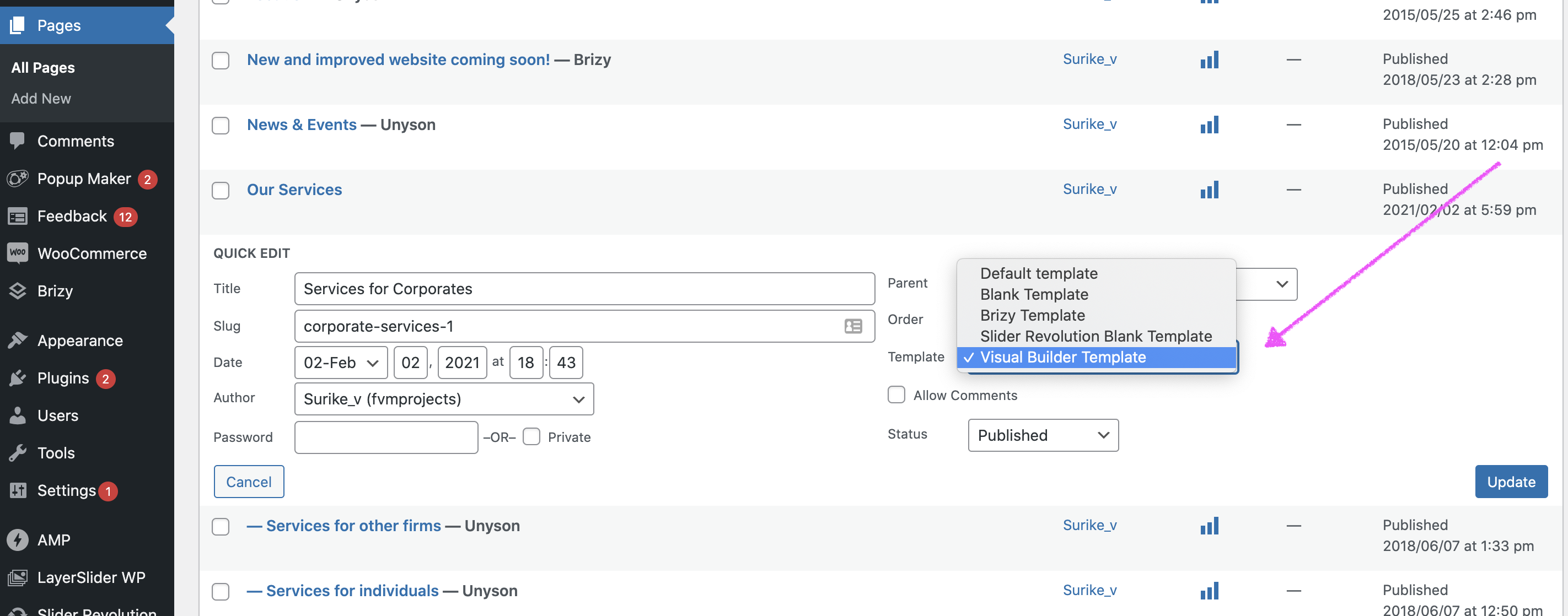
2. How did you display it on other pages: I built this site back in 2018 and I think the layout of the theme and backend was different then. The menu seems to still be pulling through as a legacy and when I create a new page it doesn't pull through anymore. This is the case with the Home Page, it was rebuilt recently. I found that when I change the template of a page to "Visual Builder Template" the sticky menu pulls through correctly (screen shot attached).
However, when I do this for the Home Page, the menu pulls through correctly, but the design layout of the page becomes distorted (screen shot attached).
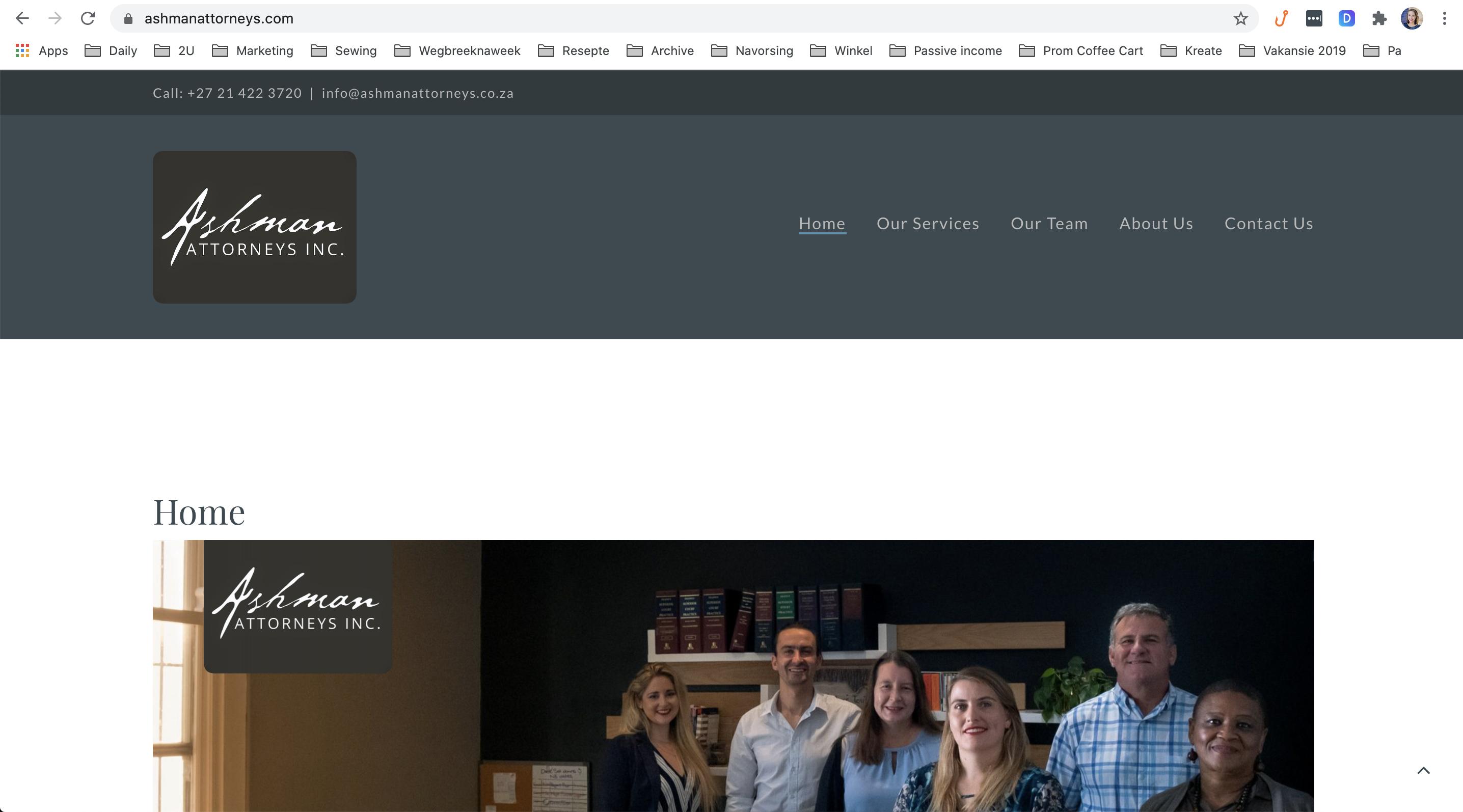
If you go to the website you will see how the home page is supposed to look: https://ashmanattorneys.com/ . The only thing that should be different is the sticky menu should appear as you start scrolling down on the home page.
I hope this helps to explain it better? Please let me know if you have further questions.
Thanks for your assistance!
I hope this
0 -
Hi,
Thank you for all these details and information. It was useful. I notice that in the primary message you said that you used the "Default template" but in the last message you said that for the "Our Services" page you used the "Visual Builder Template". This is the right page template if you want to display the theme header and footer. Therefore, could you please go to the Homepage and select the same page template "Visual Builder Template"? Do you have the same inconvenience?
If you have the same problem, I can recommend using the "Brizy template" and recreate the Header block with Brizy elements and blocks. If you have the Brizy Pro plugin activated on your dashboard, you can use the "Fixed" option from the Header block. See here a video tutorial about how to create a Pro menu with Brizy https://www.youtube.com/watch?v=4u3g9nKYKFo. Also, I can hint to you that we have pre-made blocks with Headers and you can use one of them. See here https://jmp.sh/al41pbK.
Best regards,
Sandra0 -
Hi Sandra,
Thank you for your feedback, it was helpful and I'm making some progress.
I don't have Brizy Pro and would still like to understand if there is another solution for my problem. I made a copy of the home page and tried the Brizy editor (saved as a draft). It was already displaying the correct header. When I go to the front end, the header is static (pic 1 attached). I do not want the header to appear at first - instead I want the header to appear as you start scrolling down the home page. I.e. I want the sticky header and not the static header (pic 2 attached).
Pic 1:

Pic 2:
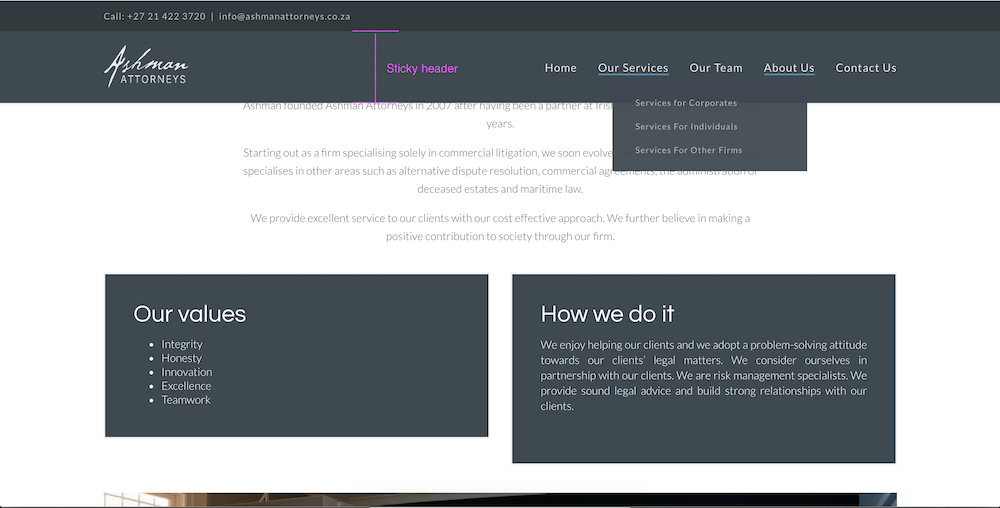
Currently the other pages on the website all have the static header as well as the sticky header once you start scrolling down, which is correct (also illustrated in Pic 2).
Can you please advise how I can get the header on the home page to be sticky and not static?
Here is the web address again: https://ashmanattorneys.com/
Thanks again!
Surike
0 -
Hi,
Unfortunately, in the Free version of the Brizy plugin, it isn't available for the header's Sticky option. This option is available for the Brizy Pro plugin but unfortunately doesn't work in the way you described in the reply or how do you expect. This means that the header can't be hidden when you open the page and display when is scrolling on the page. The header will be displayed also when the page will be accessed and unfortunately, at the moment, we can't suggest a workaround for this.
Best regards,
Sandra0 -
Hi Sandra,
Thanks for the feedback, that's helpful.
I have a follow-up question: For mobile, the burger icon is not clickable. This only happens on the home page.
Can you advise how I can have the burger icon clickable and expand to reveal the menu on Mobile?
Thanks!
0 -
Hi,
Yes, we know about this inconvenience but we already fixed it in the last update. Could you please check if you have the latest Brizy Free 2.2.15 and Brizy Pro 2.2.10 versions?
Thanks!
Best regards,
Sandra0
Please sign in to leave a comment.
Comments
7 comments