como añadir ordenar por, en mi pagina y añadir link a imagenes

tengo 2 dudas o talvez 3
1. como añado un ordenar por, para que en mi lista de productos al momento de darle le mande al usuario por ejemplo del mas caro al mas barato o biceversa
2. use una galeria predeterminada de brizy para meter imagenes las cuales tienen un tag de etiqueta y es mas facil encontrar de esa manera, pero no me da la opcion para que al darle click a la imagen me mande al vinculo especifica
3.mis productos tienen etiquetas por ejempo la etiqueta con el nombre de la marca, por lo que yo al darle a esta marca me deberia mandar unicamente a los productos que tengan esta misma etiqueta pero me manda todos los productos, no se si para eso necesito algun pluging, lo mismo pasa al momento de que uso el buscador de mi pagina, en vez de mandarme a algo especifico me manda todo lo que existe
-

Hi,
Thank you for all your questions!
1 - At the moment Brizy has the integration with WooCommerce and therefore, all WooCommerce pages and categories can be edited with Brizy but with its own options. By default, WooCommerce doesn't have the Filter option therefore in the Brizy editor the same will not be possible to add the filter for the Shop or category page.
2 - Did you use the Gallery element or a premade Gallery block? Could you please send us a screenshot of the problem you encounter? I checked the Image from the Gallery element and I notice that all is working fine. I can set-up a link to the image and it is working correctly in the preview mode. See here.
3 - Could you please give us more details about this problem? Did you add the Products element and activate it to display Tags but in the preview you don't see the products tags? I'm sorry for this issue, we know about this problem and are working to solve it. The same, we know about the problem with the Search element. We are doing our best to solve them as soon as possible.
Thanks!
Best regards,
Sandra0 -
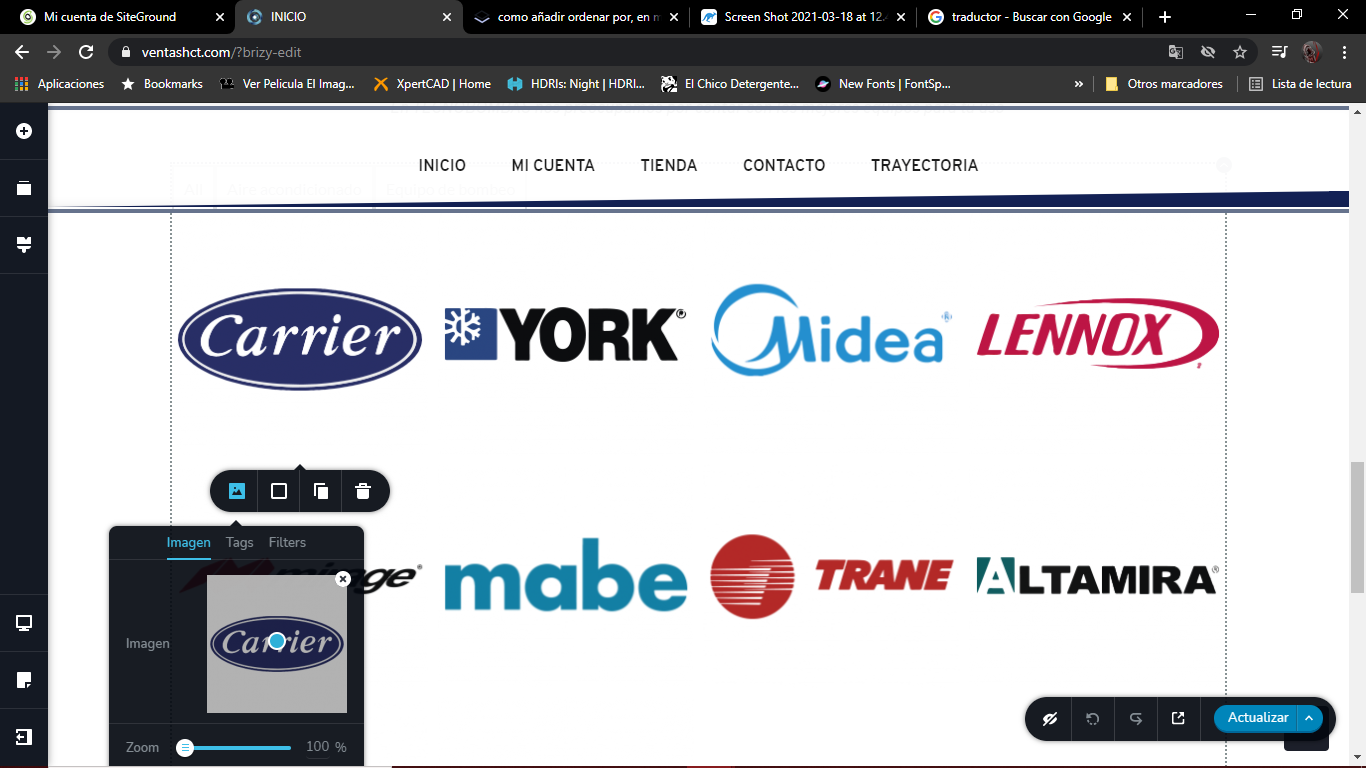
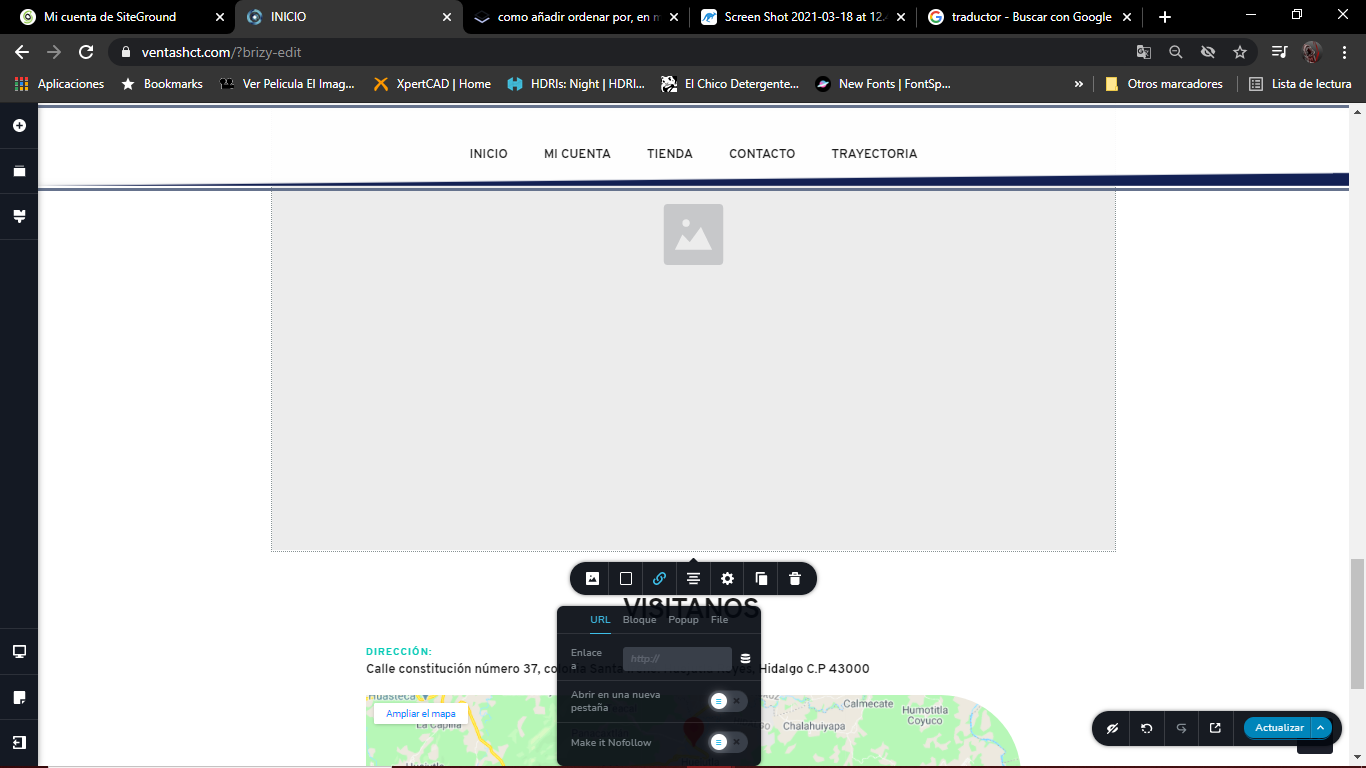
de la galeria es aqui donde no me aparece el añadir link, pero si meto una imagen normal sin la galeria si me permite meter link pero no tag
 0
0 -
aqui subo el video del problema, es que en el buscador deberia de lanzar todos los productos que digan inverter, y me manda todos los existentes, lo mismo con los tags como se ve le doy click por ejemplo en carrier y deberia mandarme unicamente a los que digan carrier y me manda todos
0 -
Hi,
About the Gallery image link - Could you please check if you have the latest Brizy Free 2.2.9.1 and Brizy Pro 2.2.6 version? Also, could you please temporary deactivate all external plugins (except Brizy Free and Brizy Pro) and activate a WordPress default theme? Do you have the same problem?
About the Search element - yes, we know about this problem and the team are working to solve it. I'm sorry for this inconvenience.
About the Tags - how did you create the Product Tag Archive template? What display condition did you set? What element did you add to display? Did you add the Archive element or the Products element. As it is an Archive page, we recommend using the Archive element instead of Products because for the Products element you have to select a certain tag or category for displaying the products. In such a way for all tags/categories will be displayed the same products of the same category/tag. Therefore, you have to use the Archive element. It will display the posts regarding the display condition you set.
Thanks!
Best regards,
Sandra0 -
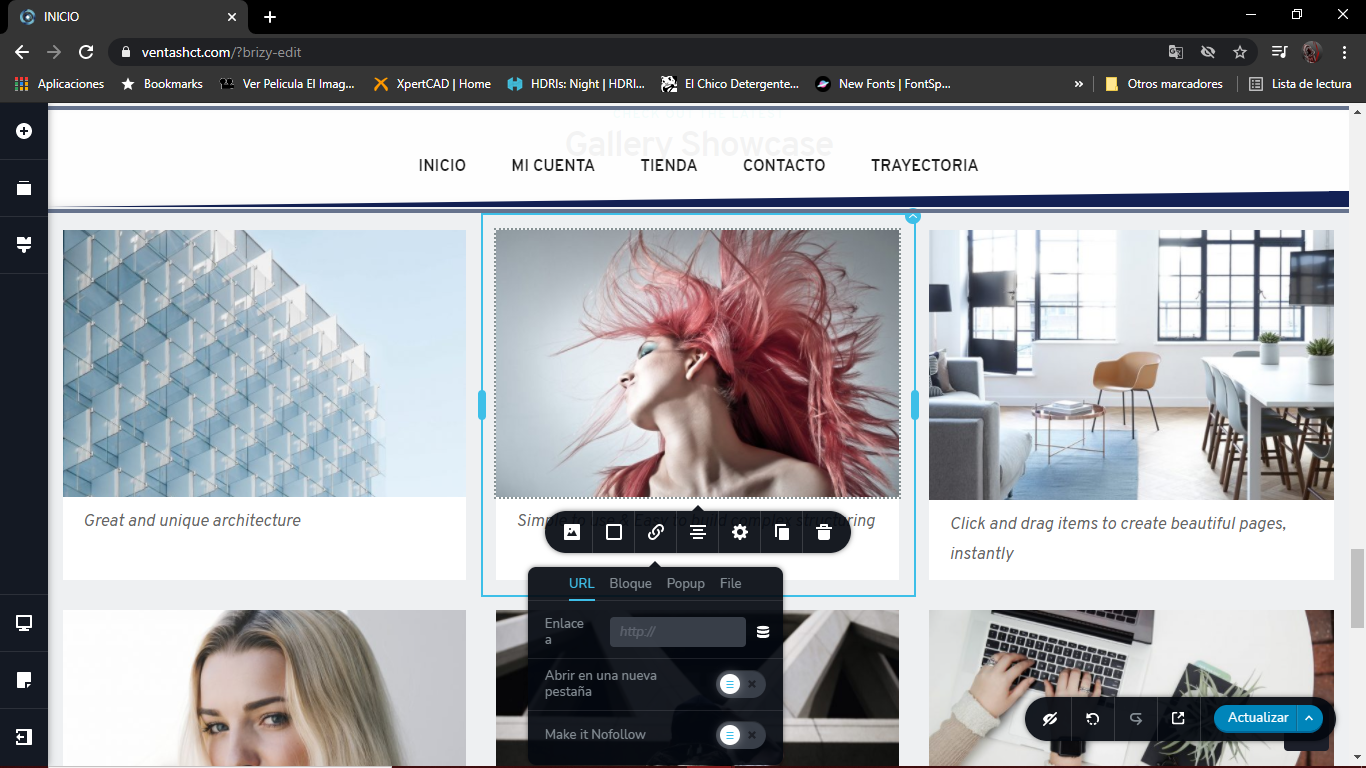
ya desactive todos mis plugins salvo los de brizy, pero sigo con el mismo problema en la galeria probe abriendo otras galerias que si manda links pero no tiene tags
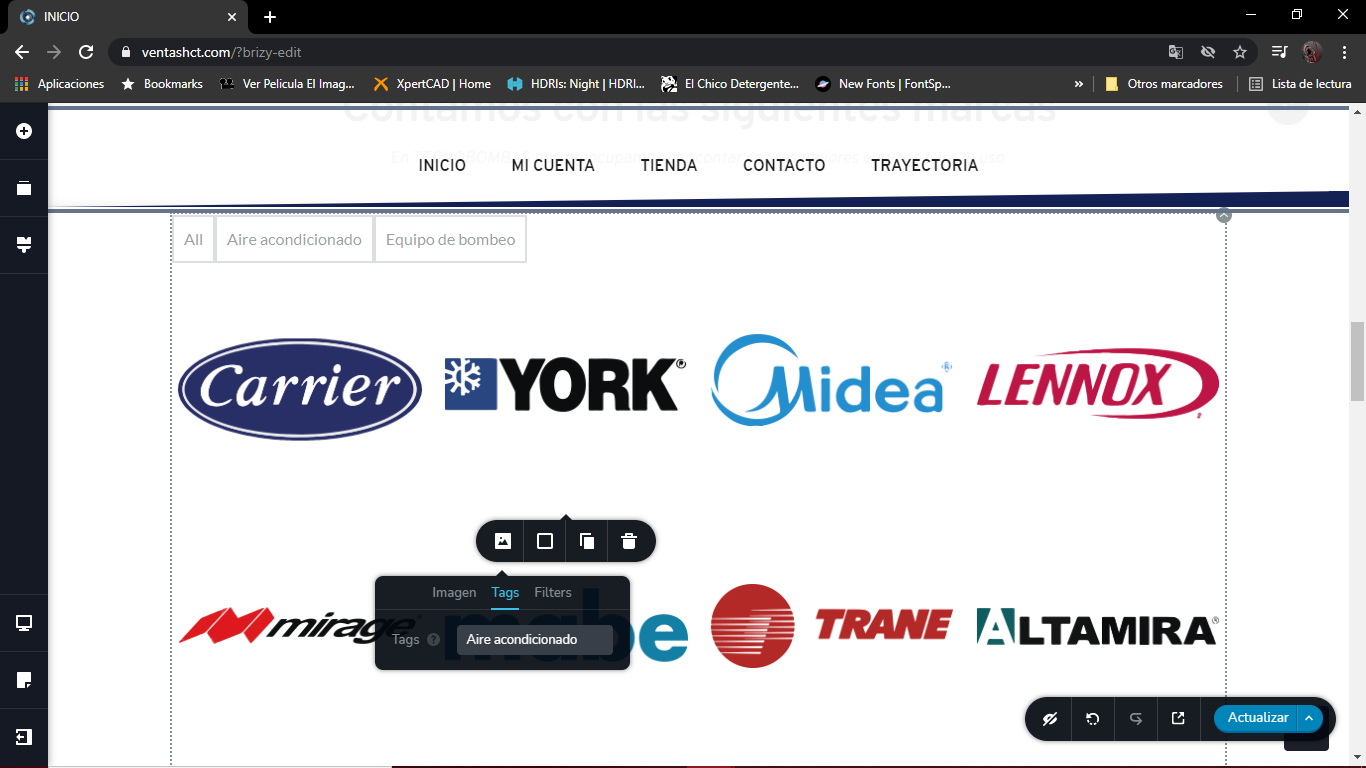
y en la galeria que ya tengo si se puede tags pero no links, y si tengo las ultimas versiones de brizy
1 -
Hi,
Thank you for all these details! We would like to check this problem from your dashboard. Could you please send us the WP credentials to this site?
I have created a private ticket for this request. You had to receive a notification regarding this by email. Could you send us in that private message the WP credentials to this site?Thanks!
Best regards,
Sandra0 -
WP credentials were deleted by the Brizy Support Team.
0 -
Hi Vanessa,
For the Gallery element did you activate the Lightbox? If you activated the Lightbox, then it isn't possible to add the link to the single image too. This happens because when you click on the image it isn't possible to run 2 actions, one to open the image in the lightbox and one to link to a page/site/block. For the image, it is possible to add only one action, or the lightbox, or the link to a page/site/block.
Thank you!
Best regards,
Sandra0 -
si era el lightbox, gracias, disculpe las molestias
0 -
Hi Vanessa,
Great! Thank you for updating us regarding this!
It's ok, don't worry! I'm happy to find that this inconvenience was solved.
Best regards,
Sandra0
Please sign in to leave a comment.
Comments
10 comments