I have two issues that are beyond frustrating... any help will be much appreciated... thank you...

Below are my two issues when setting up a membership website with Brizy and WooCommerce...
ISSUE ONE: I *believe* that I have setup the two global headers exactly as Dimi demonstrated in the recent membership video tutorial. Everything works as it should in the editor (when I choose "View as" "Not logged" and "Customer" the correct header is displayed). I can confirm that the "Customer" role is being assigned by WooCommerce as intended.
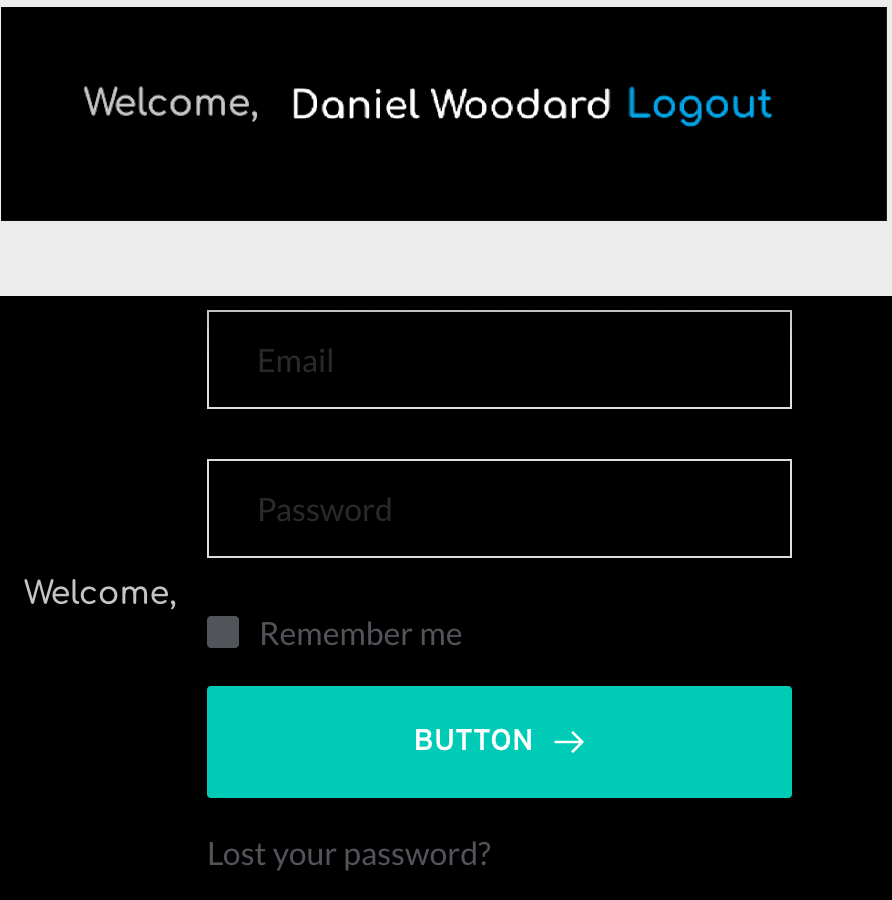
However, when a new "Customer" signs in, the "Authorized" (logged in) function of the "login" element doesn't work. Instead it's displaying the "Login" function (even though the user is already logged in).
So instead of it displaying as "Welcome, 'Customer Username' with the "Logout" link to its right, it displays as "Welcome, with the default "Login" screen to its right.
Attached are two screenshots to illustrate... the top screenshot is from the editor view that looks and works properly, whereas the bottom screenshot is from a live logged in User with the "Customer" role assigned that does not look or work properly.
I can also confirm that the "Authorized/Logged in" function works until I select "Membership" on the block... after "Membership" is turned on, it stops working...
Please help. I'm willing to pay whatever it takes to get some help on this... I have wasted an ungodly amount of time trying to troubleshoot this on my own...
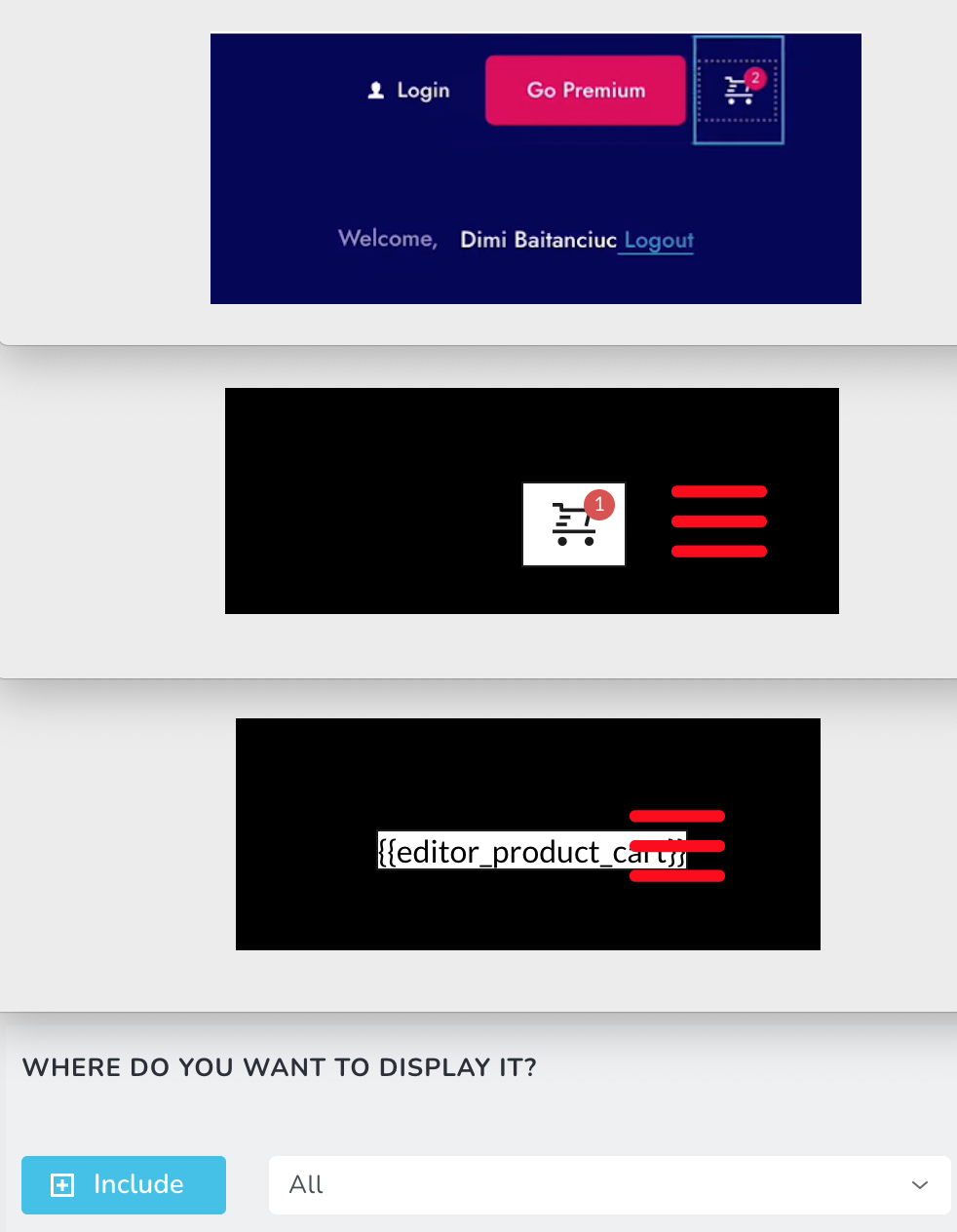
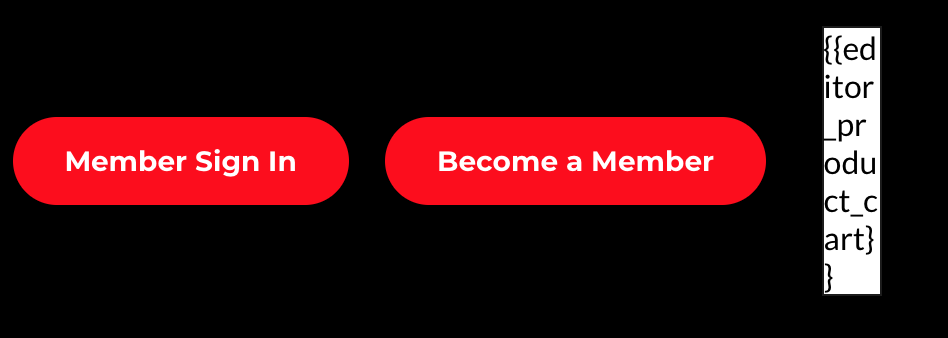
ISSUE TWO: The Cart element works great on the header until the header's "Membership" function is selected (just like the first issue above). After Membership is selected, the cart disappears and says "{{editor_product_cart}}" The attached image illustrates this issue. I included a screenshot of Dimi's webinar to illustrate exactly how I set it up... only his works and mine doesn't...
This second issue is less urgent than the first one, so please address the first one if you can only answer one at a time... but this has also caused me wasted hours and I'm willing to pay a premium for some quick assistance...
I dig Brizy... best plugin ever... but these issues are killing me...
-

Hi,
Thank you for all these details. Could you please check if you have the latest Brizy Free 2.2.8 and Brizy Pro 2.2.5 version? Also, could you please temporary deactivate all external plugins (except Brizy Free and Brizy Pro) and activate a WordPress default theme? Do you have the same inconveniences?
Thanks!
Best regards,
Sandra0 -
Hello, Sandra,
I very much appreciate your getting back to me so quickly.
The images below are screenshots showing:
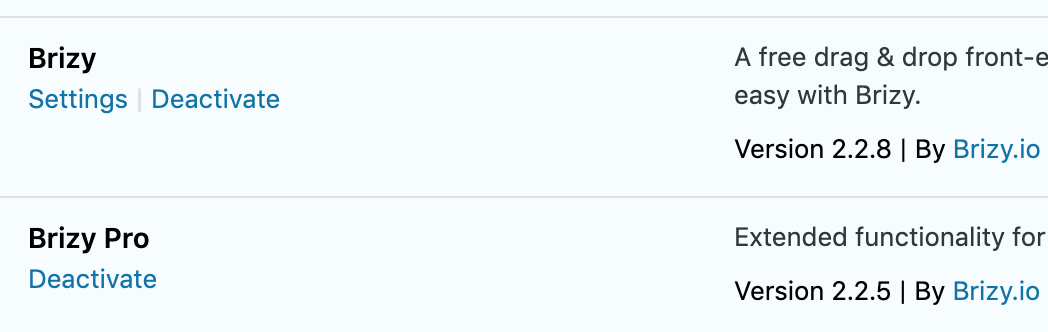
1) Both Brizy and Brizy Pro are up to date
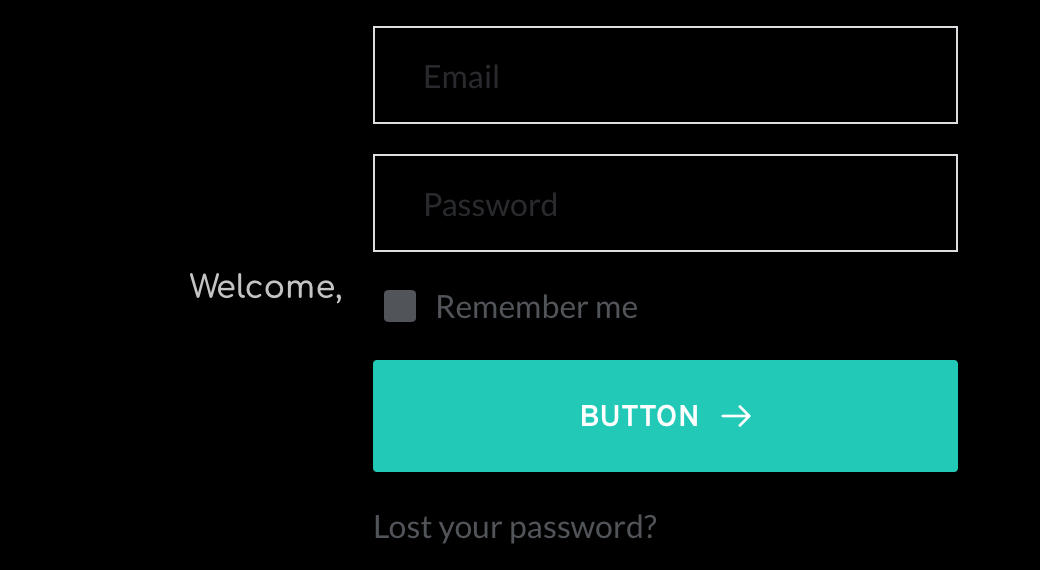
2) I deactivated all non-Brizy plugins and activated a WP default theme; I still have the same inconveniences. I still get the login feature instead of the "Welcome, [Name] Logout" that I need it to say... I then activated WooCommerce again and the cart still doesn't show up...
Please let me know what else can be done to figure this mystery out... thank you, Sandra! —Dan
 0
0 -
Hi,
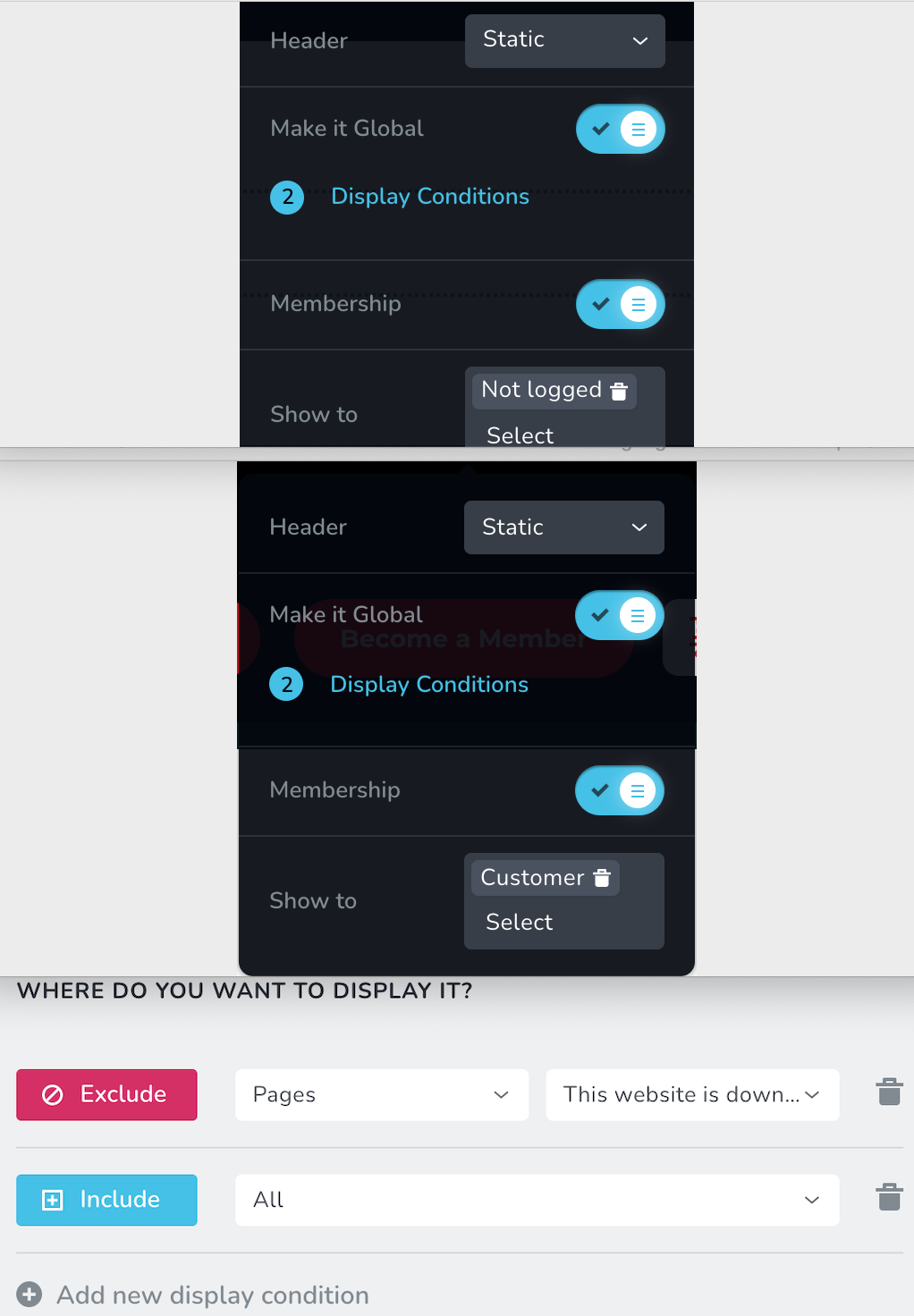
Could you please check one more details? How did you set the membership for these 2 blocks? Do you have set the first one with "Non-logged" users https://jmp.sh/DRX4bED and the second one with the "Customer" role https://jmp.sh/8gQXW3F? Could you please send us screenshots with these details?
Thanks!
Best regards,
Sandra0 -
Sandra,
Yes, I have setup the membership for the two header blocks exactly as you asked... Please see the screenshots below... the conditions just exclude one page, which is my "coming soon" page...
I'm hoping there's a way to get this solved... I've burned over a week on this... it should work easier than this, right?
Thank you,
Dan
 0
0 -
Hi,
Thank you for all these details!
I have created a private ticket for this request. You had to receive a notification regarding this by email. Could you send us in that private message the WP credentials to this site?Thanks!
Best regards,
Sandra0 -
Hello, Sandra,
Thank you again for your quick reply. I somehow got it to work. I just deleted everything and started from scratch and, lo and behold, everything worked as intended.... so that's good... I still am having an issue with the ACF links, but I'll go address that issue on the other open ticket I have with you... as of now, this ticket can be closed!
Thank you,
Dan
0 -
Hi Dan,
Thank you for all these details and for updated us regarding the issue with Membership and headers. It is great to know that all is working fine now on this aspect.
We will wait for the credentials to check the problem with the ACF fields and provide the right solution.
Thanks!
Best regards,
Sandra0
Please sign in to leave a comment.
Comments
7 comments