Can't Uncheck GMAL in Form settings

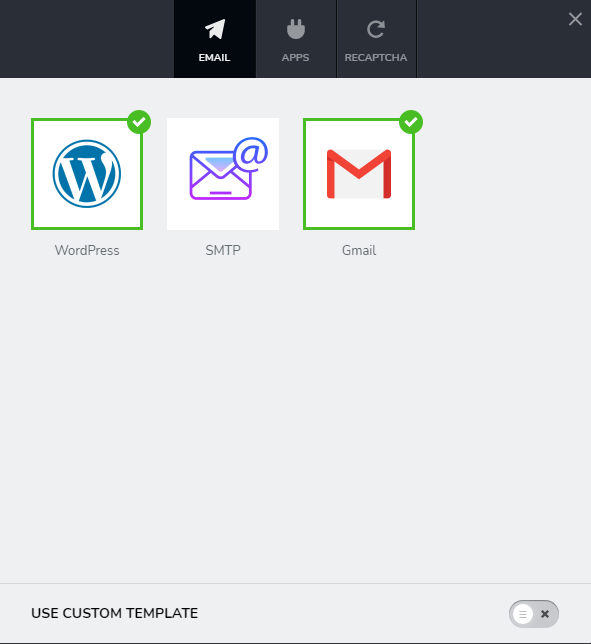
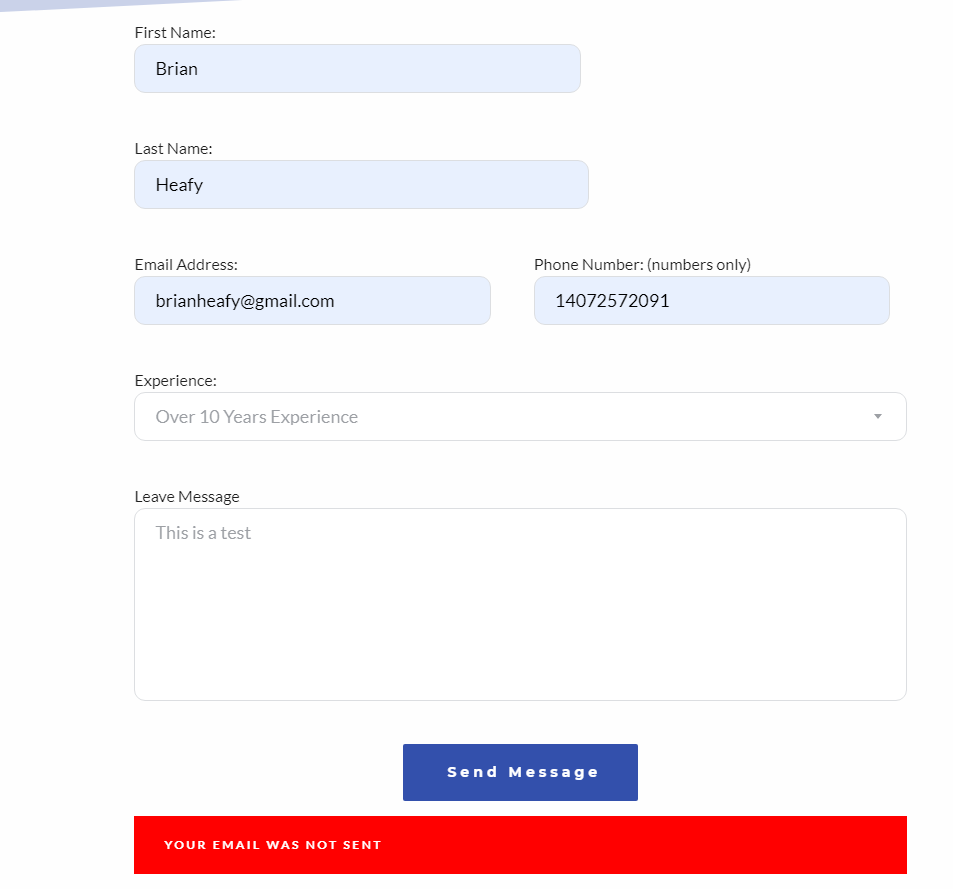
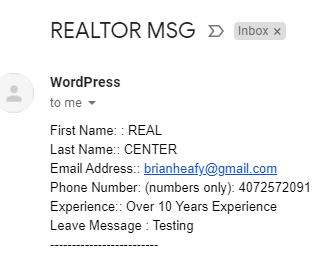
So when I added contact form, I first selected google to deliver email and when I tested I got a critical security error email from google as if my account was hacked, So, I added the Wordpress email feature and that worked great and I got the message. When I sent I get message not sent error message but I got it, see attached. I can't uncheck the Gmail box?
So everytime I test I get the Worpress email with the correct info I entered, I get a error message in red saying message not sent
Hopefully this make sense - advice on how to correct is appreciated.
-

Hi,
Unfortunately, at the moment isn't possible to de-select an option from the contact form but you can to duplicate the form and then the duplicated one to connect with the WordPress email notification.
Best regards,
Sandra0 -

Can you please make this an option? It really confused me.
0 -

Hello Steven,
Thank you for your message!
I will tell our developers about this and see what I can do about it, but I do not promise anything! Till then, if you have any other questions or problems that you encounter, please feel free to ask! We will be happy to help.
Kind regards,
Doina
0 -

This is still an issue, and they still haven't addressed it. I've lost so many clients due their buggy coding that i am really considering whether i should even renew my wasp license for another year
0 -

Hello Francesco,
This is not an issue, our dev team hasn't worked on this option yet to make it available in Brizy Builder. I understand your frustration and am sorry but at the moment in this way works Brizy builder. Please understand that we have too many futures on our to-do list, our dev team is working hard every day but they cannot do all the work in a few months. They are trying to improve Brizy builder with each update but we need more time for this.
Thank you for your understanding and patience.
Best regards, Nelea.
0
Please sign in to leave a comment.
Comments
5 comments