How to create auto-width/flexible pills based on text length instead of equal-width columns?

-
Each pill is a Text element with a background color
-
I had to put each text inside its own Column because Brizy doesn't let me add borders or rounded corners directly to text elements
-
All columns are in one Row
-
Playing with column width and padding settings. Nothing makes them auto-size to the text
-
I don't see any "fit to content" or layout options beyond the basic row/column settings


-

Hello Chukwuezugo,
You can create a design like the one at https://brizy.digital/test/ using Brizy. The category names are implemented using 4 buttons within the same button container. The text on the left and the buttons on the right are placed in different columns.

Feel free to download my block from https://jmp.sh/PyDbdecy, import it to your page and customize it to achieve the design you have in mind or look at how I have implemented it and make the necessary modifications to your design.
0 -
Hi KC George,
Thanks for your swift response.
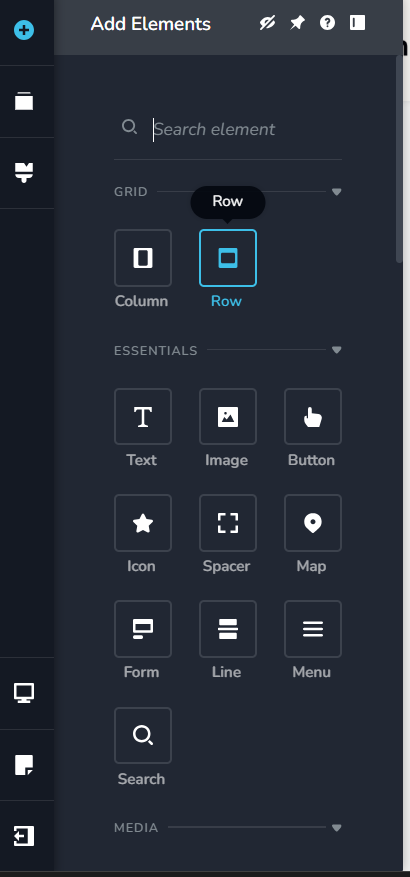
I imported your design and can see you put the buttons in a "button container" element. That's interesting because I can't find that element in my Brizy, and I am on the pro plan.
So how did you get it? Or what am I missing in my setup?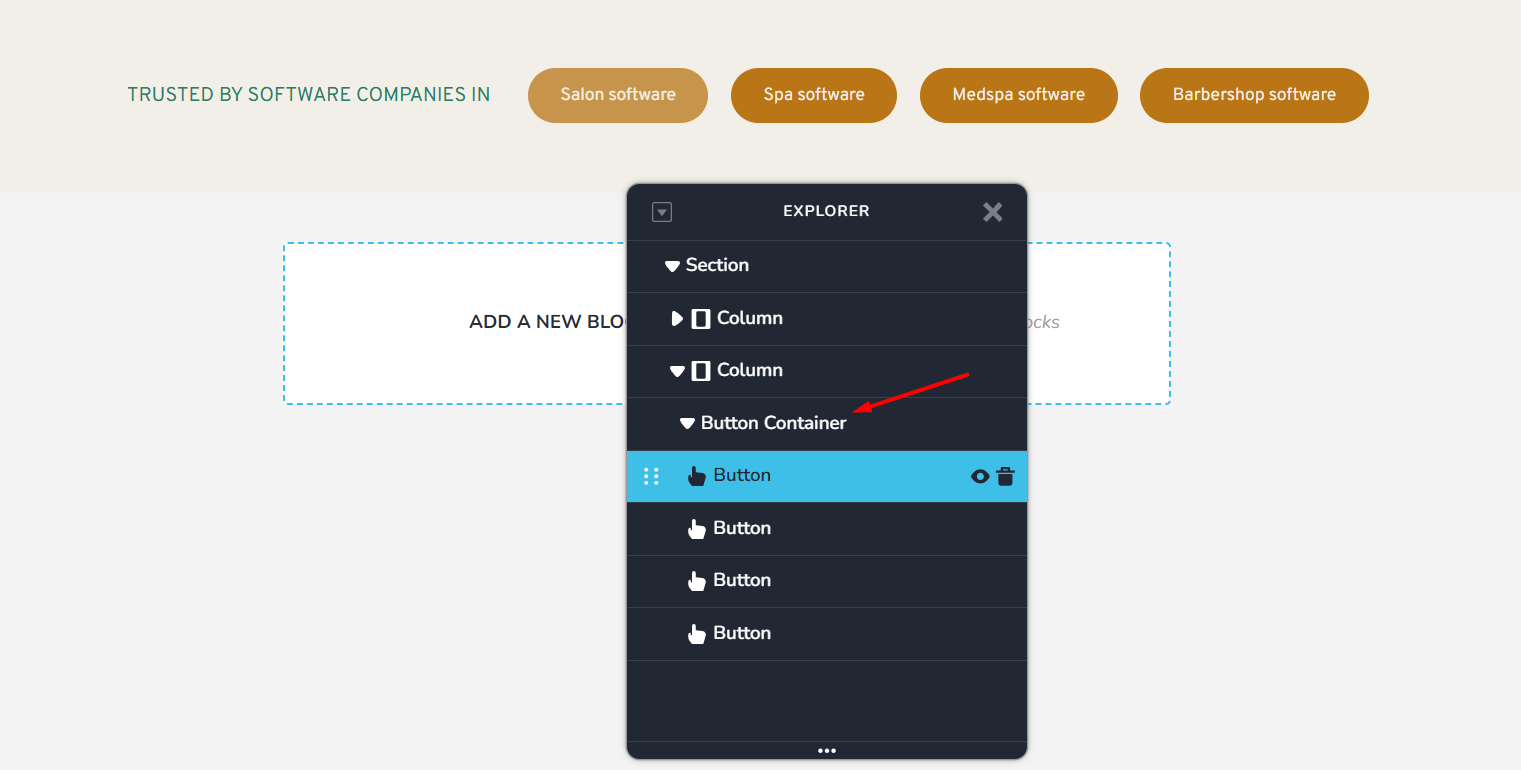
 0
0 -
Hello Chukwuezugo,
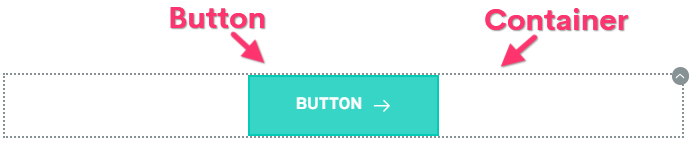
The Brizy button element comes with a button and a container around it. The container is not an element
In the screen recording at https://jmp.sh/share/legiDKqxXoLoekPU8K6s, I demonstrate two approaches to duplicating a button; to implement the above design, kindly follow the second approach (to duplicating a button) and change button text appropriately. I am sorry for the poor audio quality in the screen recording.0 -
Oh I get it now. I never knew this was possible.
I also think it's not really an intuitive feature on the builder. Especially since if I have only one button, I cannot drag and drop another button to fit directly within the button container on the left or right; I only have to duplicate the button.
I wonder how many people don't know about this this...Lol
Nevertheless, thank you very much for your assistance, KC George.
Cheers.0
Please sign in to leave a comment.
Comments
4 comments