Page Breaking due to menu

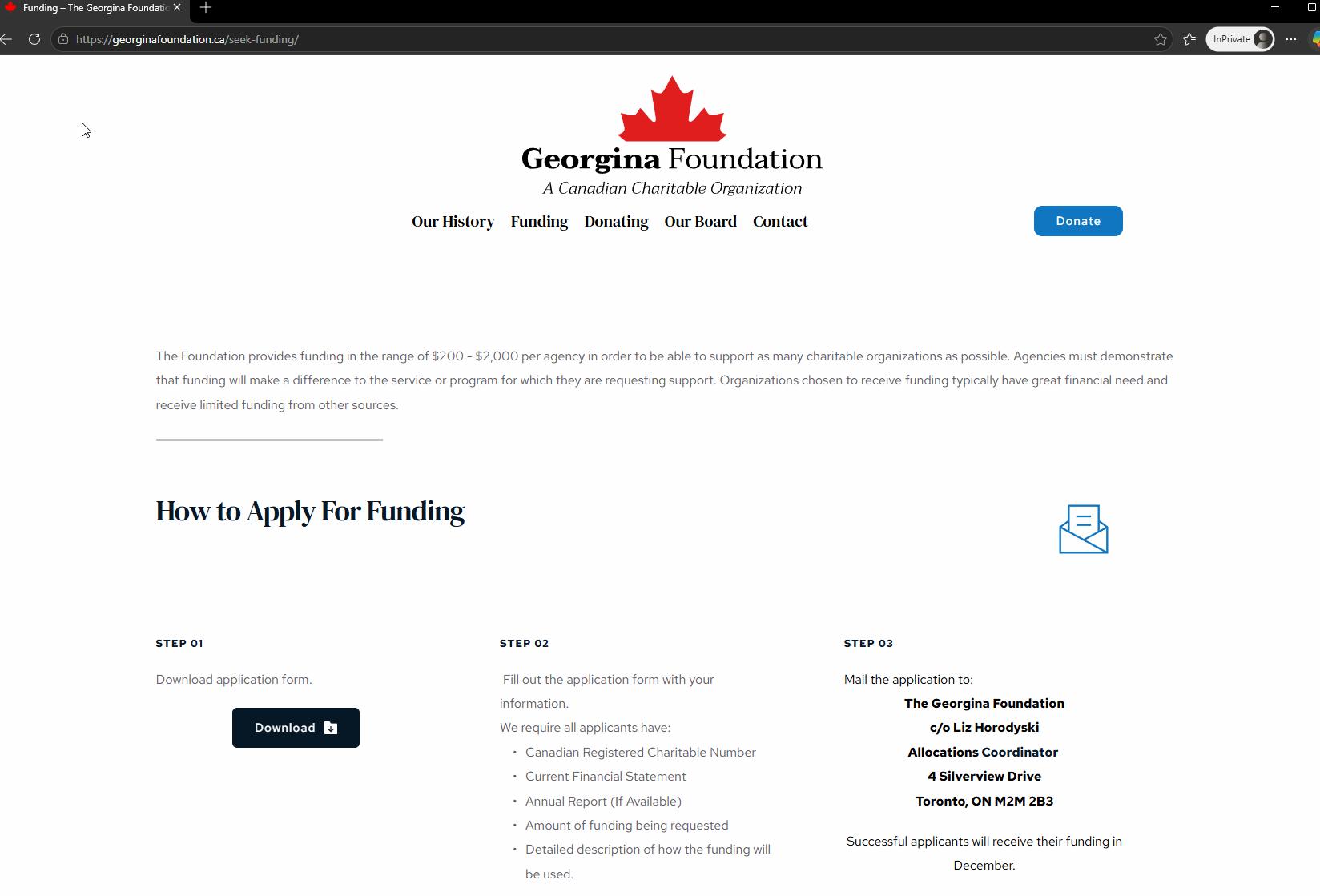
One of the pages at www.georginafoundation.ca/seek-funding is breaking due to the menu.
Specifically it is the Funding Page as all other pages are fine and this has just happened seemingly for no reason
Your help is much appreciated.
Thanks
-

Hello Jim,
We apologize for the inconvenience. To fix the above issue, kindly upload these files to the respective folders using an FTP client like FileZilla or using the File Manager plugin
- Download the CSS file at https://jmp.sh/XSTZzOUo and uplod it to the folder /wp-content/plugins/brizy/public/editor-build/prod/editor/css/
- Download the CSS files at https://jmp.sh/share/Jxwz8ZJJqORaGNng1yAa and upload it to the folder /wp-content/plugins/brizy-pro/public/editor-build/prod/css/
If you need help with uploading these files, kindly give us access to your WordPress dashboard. Please add a new user to your WordPress Dashboard and send the following details to our email: communitysupport@brizy.io
- Support Forum reference: https://support.brizy.io/hc/en-us/community/posts/35841862069394
- WordPress Admin URL:
- Username
- Password
Your email must include a link to this thread's URL, otherwise we will be unable to locate your support ticket. Please notify us in this thread when you send us the email.
0 -

Hi Jim,
We've now fixed the broken page. Please check on your end and let us know if everything is working properly now.
If you have any other questions or need further assistance, feel free to let us know.
Best regards,
Ariel H.0 -
Hi Ariel:
Thanks for this but now the problem is existing here ...
https://georginafoundation.ca/our-history/Could you please take a look?
Thank you.
Jim
0 -
Hi Jim,
Upon checking, it appears that the page has not been edited with Brizy yet. You can identify pages edited with Brizy because they will display "Brizy" next to the page name in your Pages list.
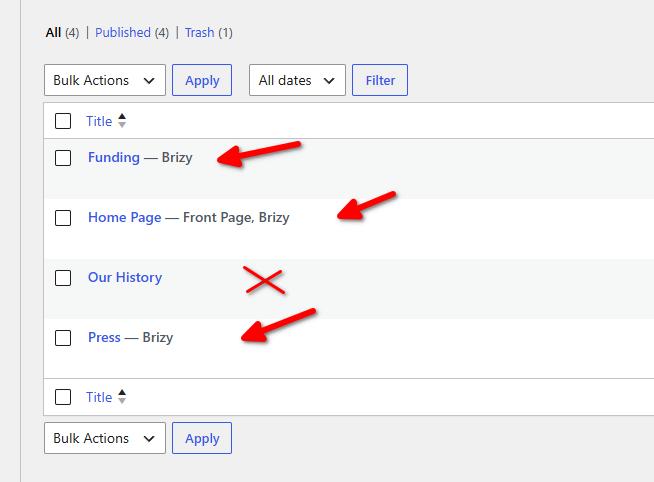
To help resolve the issue, you may edit the page with Brizy first and update the page afterward.
Alternatively, as a one-time courtesy, we can update the page on our side for you. If you would like us to proceed, please confirm and we’ll take care of it.
Kind regards,
Ariel H.0 -
Hi Ariel:
Not sure how those got turned off and thanks a bunch for pointing it out to me.
I have looked after it!
All the best,
Jim
0
Please sign in to leave a comment.
Comments
5 comments