Broken Preview - Page when preview/published not loading brizy

Hello Ariel, sorry to jump into this community message thread, but I Have exactly the same problem mentioned here: Community Post link: https://support.brizy.io/hc/en-us/community/posts/16202907178129
I already did the same suggestions recommended here but nothing seems to work, the weird thing is that it was working normally and after publishing a few changes everything seems to be broken now and Brizy is not loaded in the preview for some reason.
Here's a video loom link to showcase the problem and my wordpress+brizy pro setup.
https://www.loom.com/share/e9853062f8444b94985eabf35e158254
I am running Worpress 7 on Bluehost in an Staging environment
Please advice if theres any solution or recommendation to try to fix this problem as I have a hard deadline to complete this client website.
I Appreciate your support to resolve this issue.
Thanks!
JLQ
-

Hi Jose,
Thank you for reaching out.
To help us investigate this further, could you please provide temporary access to your WordPress admin dashboard? This will allow us to take a closer look at your setup and identify the cause of the issue.
You can send the details securely using the format below:
Community Post: https://support.brizy.io/hc/en-us/community/posts/35780299547538
WordPress Admin URL:
Username:
Password:We’ll review it as soon as we receive the access.
In the meantime, you can try making small adjustments to the affected blocks, such as temporarily adding a bit of padding or changing the width of each block from top to bottom, and then hitting Update.
This forces the affected blocks to recompile and can help restore the layout properly.
Here’s a short screencast from another customer demonstrating the process:
https://youtu.be/k6KW04mBaYUBest regards,
Ariel H.0 -
Email with temporary Wordpress credentials sent.
Community Post: https://support.brizy.io/hc/en-us/community/posts/ 35780299547538
WordPress Admin URL:
Username: communitysupport@brizy.io
Password: (check the email sent)0 -
Hi Jose,
We’ve now fixed the issue by following the steps demonstrated in the screencast and also purged the cache to ensure the changes were properly reflected on the front end.
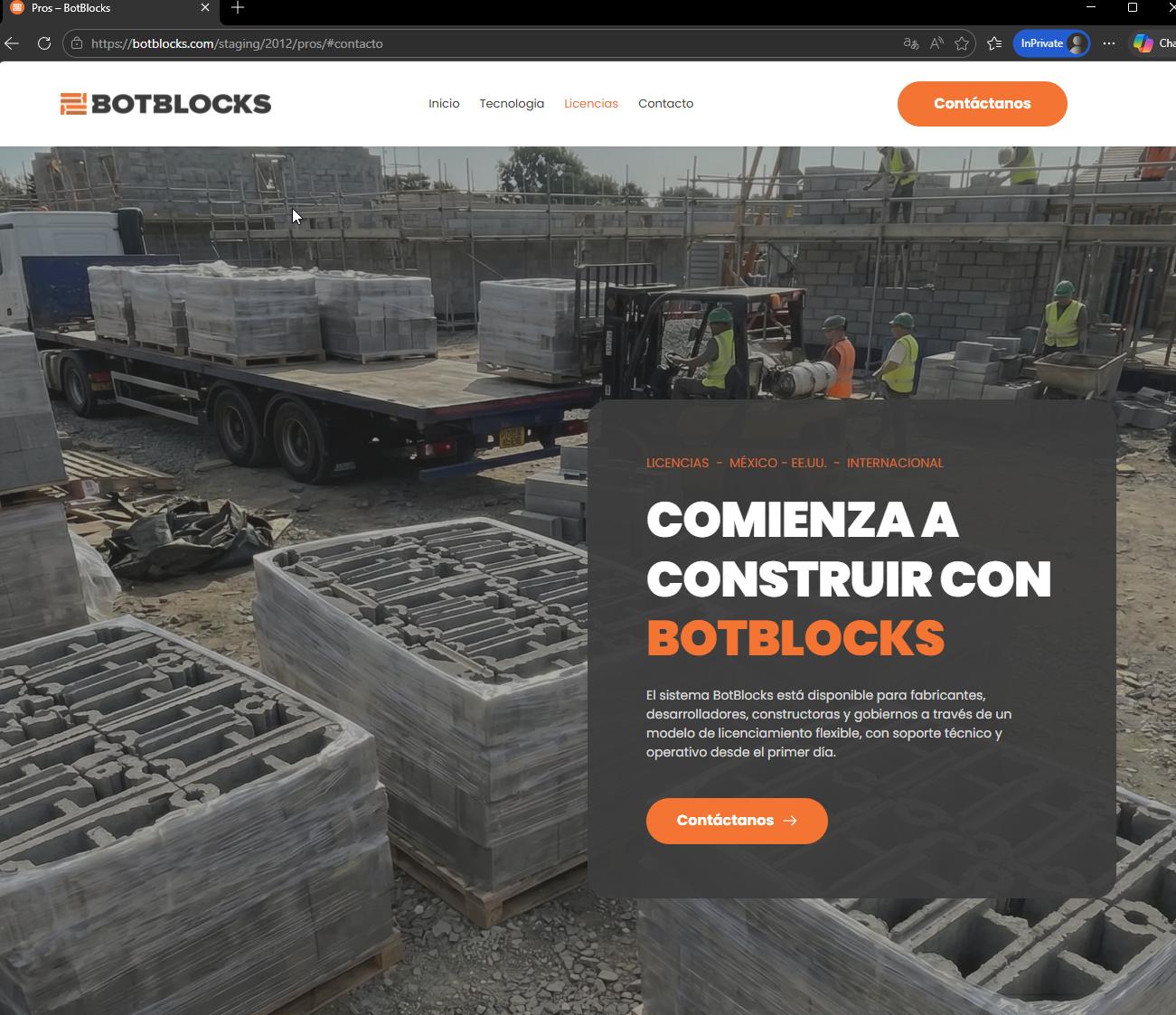
Please check on your end and let us know if everything is working correctly now or if there’s anything else we can help you with.
Best regards,
Ariel H.0
Please sign in to leave a comment.
Comments
3 comments