Mobile Menu and Header Visibility Issue on Brizy

Hello, how are you?
I am experiencing an issue with the mobile menu on the website https://ibraworksp.com.br/.
When I access the website without being logged into WordPress, the hamburger menu is not visible. I have already tried deleting and recreating the menu multiple times, changing colors, checking the size settings, and updating Brizy, but the issue still persists. The menu only appears correctly inside the Brizy editor.
Another issue is that, from time to time, the entire mobile and tablet header disappears without me deleting it or setting it as invisible.
Could you please help me identify what might be causing these issues?
I have attached images showing the problem.
Brizy Editor
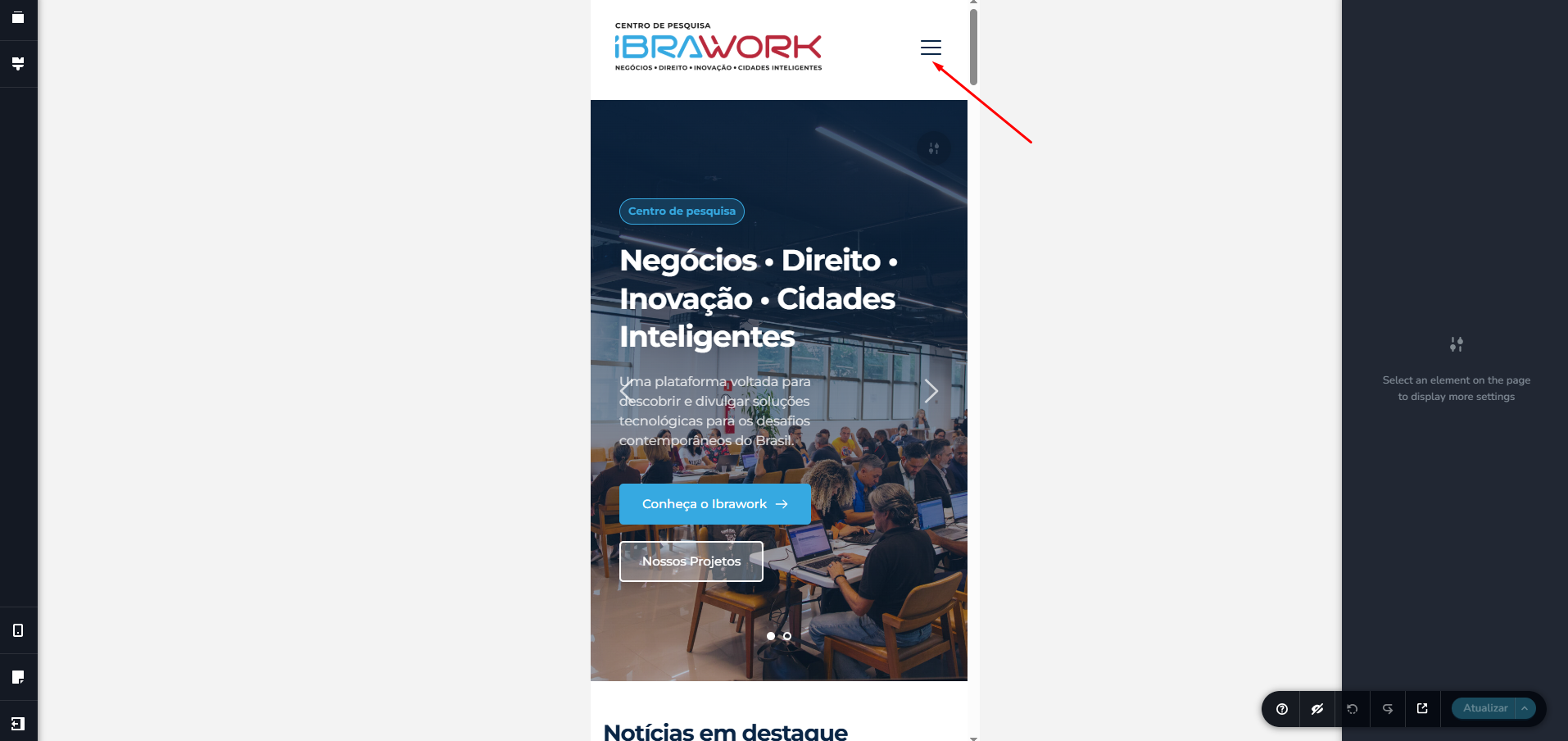
Live site:
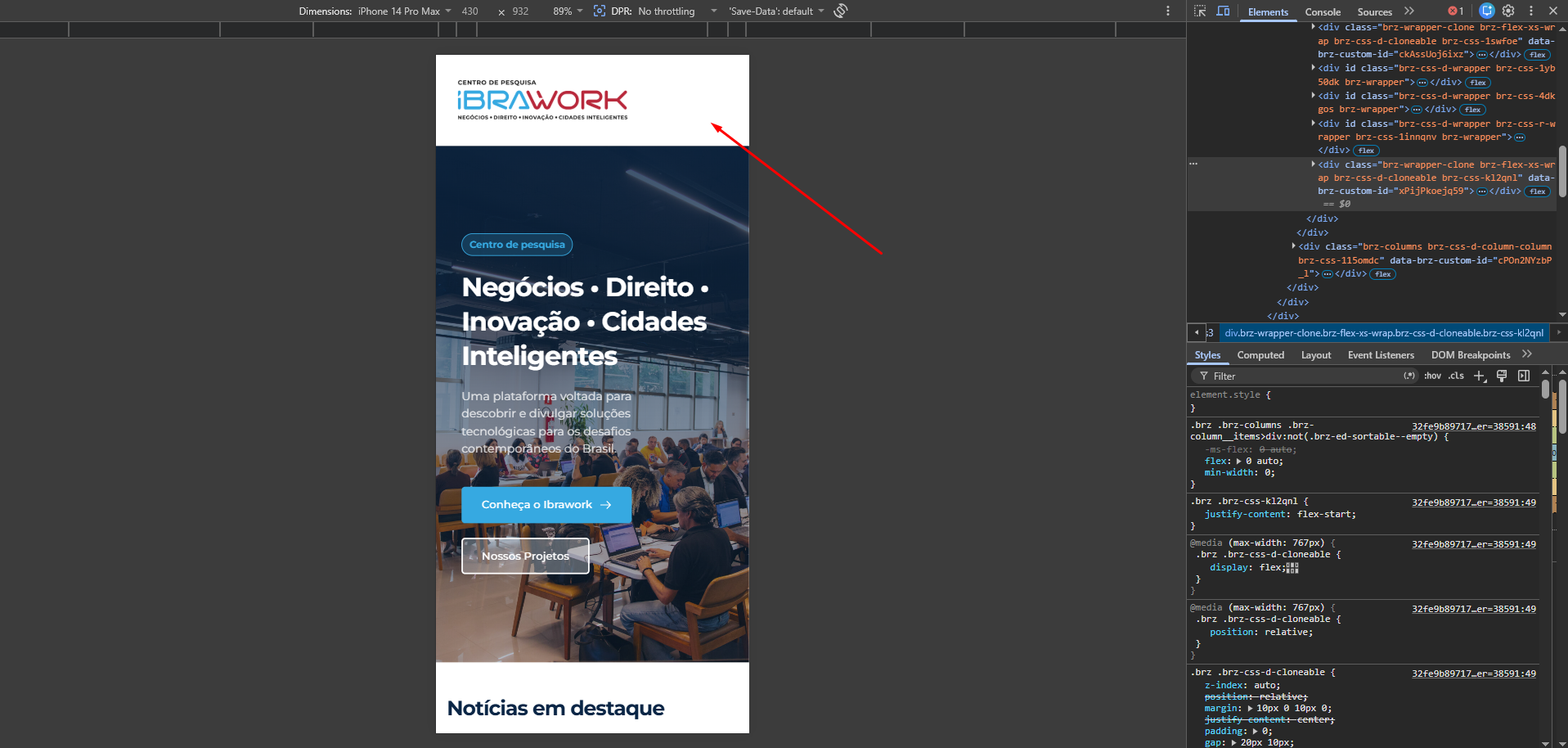
-

Hi,
Thank you for reaching out.
This issue appears to be related to LiteSpeed Cache, particularly the CSS/JS optimization settings affecting the mobile header and hamburger menu visibility.
To confirm this, could you please temporarily disable LiteSpeed Cache and check if the issue persists?
If the menu starts working correctly after disabling LiteSpeed Cache, please try the following settings one by one:
- Temporarily disable CSS/JS Combine
- If the issue still persists, also disable CSS/JS MinificationThese optimization features can sometimes prevent Brizy assets from loading properly on the front end.
Please try this and let us know how it goes.
Kind regards,
Ariel H.0 -
Hello, Ariel!
The issue was indeed related to the LiteSpeed Cache plugin. I disabled the CSS/JS Combine options, and the hamburger menu started appearing normally on mobile again.
Thank you for your help!
0
Please sign in to leave a comment.
Comments
2 comments