can't use emoji's in text boxes

Hi I can't use emoji's at all across my site in text boxes. i have tried to create a banner below my sticky header menu to say welcome to our new site and i feel a waving emoji would make it feel much more friendly but when i copy and paste one it is huge and i cant make it any smaller using the text size editor. is it possible to add one somehow?
Thanks!
-

Hello
I copy pasted emojis from https://unicode.org/emoji/charts/full-emoji-list.html and it took the font size set in the Brizy Text element. Have a look at https://brizy.digital/test/. Please try the emojis from the same source. Kindly copy the emojis given under the browser heading.
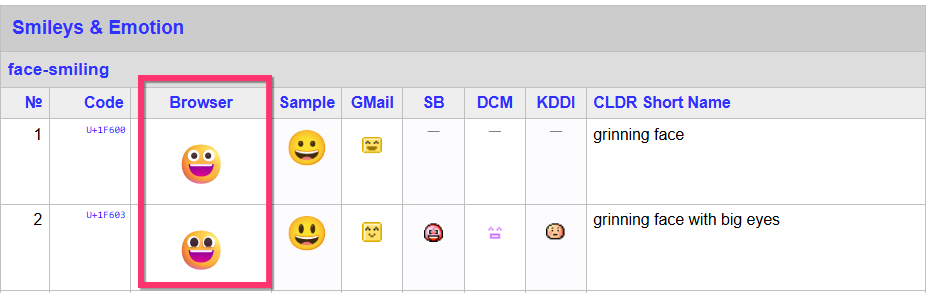
If you are unable to set the correct font size for the emojis, kindly right click the "Text" element and select the "Clear formatting" option and then set the appropriate typography for the text and the emoji.
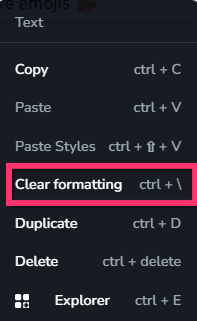
If background color gets pasted along with an emoji, right click the text element and select the "Clear formatting" option to remove it. You could also copy paste emojis from https://www.mastertemplate.co.uk/emoji-entities-hexcode.php
0 -
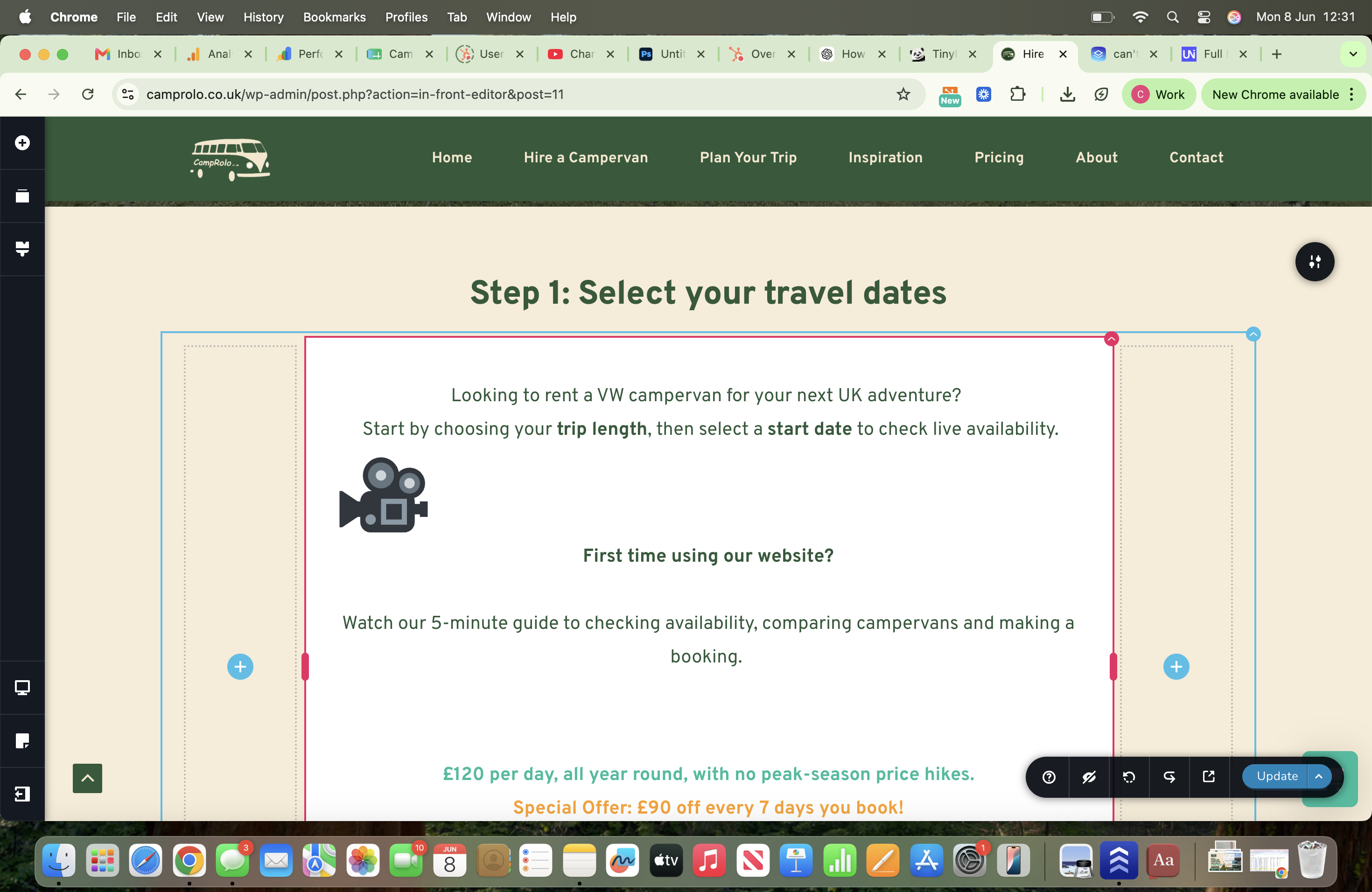
thanks for your response but sadly it didn't work. the clear formatting helped but the smallest i could get it to was like this but i just wanted it to be in line in the senetance. Any further tips or is it just not possible on my site?
thanks
faye
0 -

Hi Faye,
Thank you for your patience.
We still have access to your website. However, it appears that someone currently has the page open in the editor, which is preventing us from inspecting it properly.
Could you please ensure that the page is closed on your end for the time being? Once it is no longer being edited, we'll be able to check it.
Kind regards,
Ariel H.0
Please sign in to leave a comment.
Comments
3 comments