I am copying a site in cPanel with lots of flyers. I want to put it in Brizy AI for WordPress on GoDaddy Servers

1. PeaceSundays.org is one of the already existing older sites I want to move to a new Brizy Church Non Profit by copying it to a new folder, and then applying Brizy, one page at a time, if i have too... and 2. will be creating a new site for UPDWC.org, which will be a new site for United for Peace & Diversity World Council, Inc. which is again a non-profit church assisting people all over the world.
For PeaceSundays.org, I have to get a new theme, as the old one is too old. I am copying the working site to a new folder that I will turn into the Active Site when done editing. Do you have any tips or tricks to speed the process to make it a Brizy AI, sourced edit, using Blocksy as base theme? I am still reading all the new Brizy A.I. for WordPress links you have. And I appreciate your work.
Thanks for any Heads up, on a best way to move the older site, PeaceSundays.org to Brizy, latest and greatest for WP. Do you need to login?
-

Hello Michael,
Yes, you will need to recreate one page at a time in Brizy. You could consider starting your design from one of these church templates
- https://www.template-preview.site/?url=trinityhill
- https://www.template-preview.site/?url=lightfaith
- https://www.template-preview.site/?url=holypath
- https://www.template-preview.site/?url=gracelight
- https://www.template-preview.site/?url=faithhaven
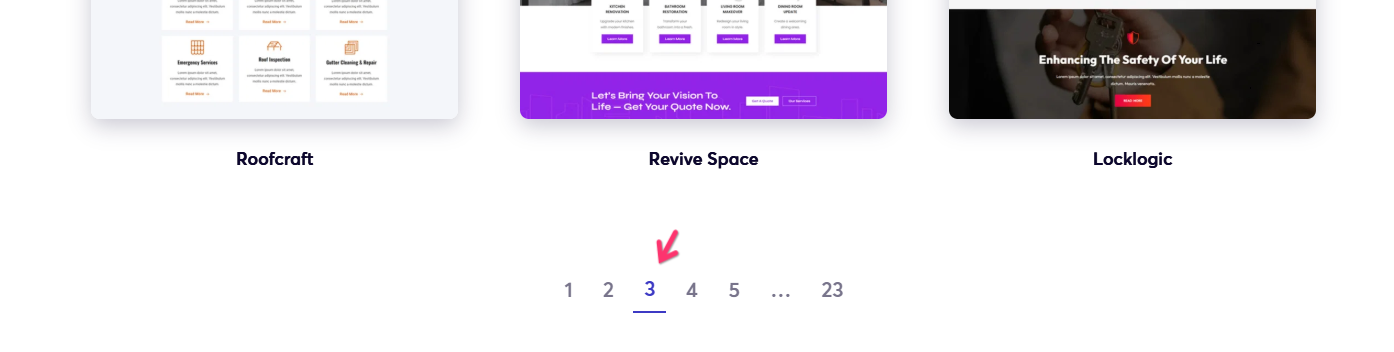
You can see the above templates when you navigate to Page 3 at https://www.brizy.io/templates
Brizy AI is curretly designed to generate a website with content from Facebook, Instagram and Google Business profiles or based on inputs provided to a form. For your project, the AI builder may not be useful. We are working on Brizy AI 2.0 which will allow you to generate websites based on a prompt. When this becomes available, you could make use of AI to generate sections of your website.
0
Please sign in to leave a comment.
Comments
1 comment